Check the acquisition promise
Read the store headline, screenshots and description. What problem is the app promising to solve?
Study the storefront ↗
Mario Herzberg · iOS
Explore the ad evidence, study the storefront, and build your next acquisition hypothesis.
01 / Creative research
Read the store headline, screenshots and description. What problem is the app promising to solve?
Study the storefront ↗Explore apps with direct store-link matches. Compare their hooks and formats without assuming the same approach works here.
Browse observed advertisers ↗Store rankings and revenue estimates describe market context. They do not establish ad spend, conversions or ROAS.
Review the market context ↗02 / Storefront & product
Study the product story and store experience behind the acquisition funnel.





03 / Market context
Keep revenue, downloads and store rankings separate from advertising performance.
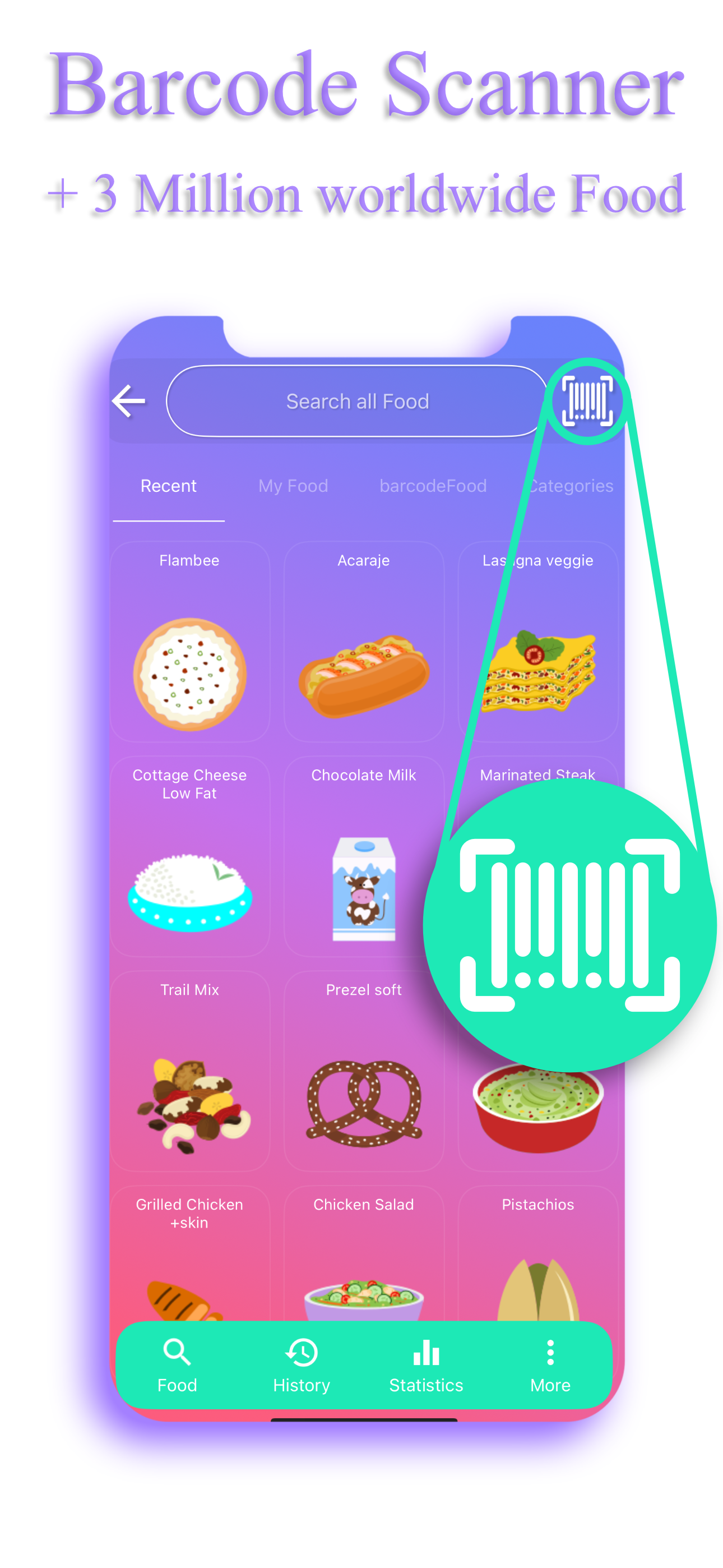
March 2023: I think some of the negative reviews are targeted and purposefully misrepresent the features of this app. Given the privacy invading scope of data-collecting and selling by the biggest name app (do they really need to track me financially and other undefined “sensitive data”?), I decided to ditch it and look for something else. I am delighted to have found this app. It integrates with Apple Health, has convenient reminders, and even a little game with which you can distract yourself, if you’re feeling the urge to snack. After one day of use, I realize that the free version has everything I personally need, but I paid for the Pro version anyway, as a thank you to the developer. You can put in your stats and goals, search for foods, create your own foods, create and save the ingredients of recipes or regular meals (“mix ingredients”), edit them, define your desired macros and track them, select from a wide array of exercises and enter them, and if you pay the small one-time fee for Pro, you can also track water and add additional details to food (beyond fat, carbohydrates and protein). There are five types of statistics in all (calories, exercise, macros, weight, and water). Also, when you search for something you get one result, instead of potentially dozens that you waste your time picking through, and then report for inaccuracies and edit half the time anyway. No, this does not have a convenient barcode scanner, but I’m willing to make that trade off for my privacy.
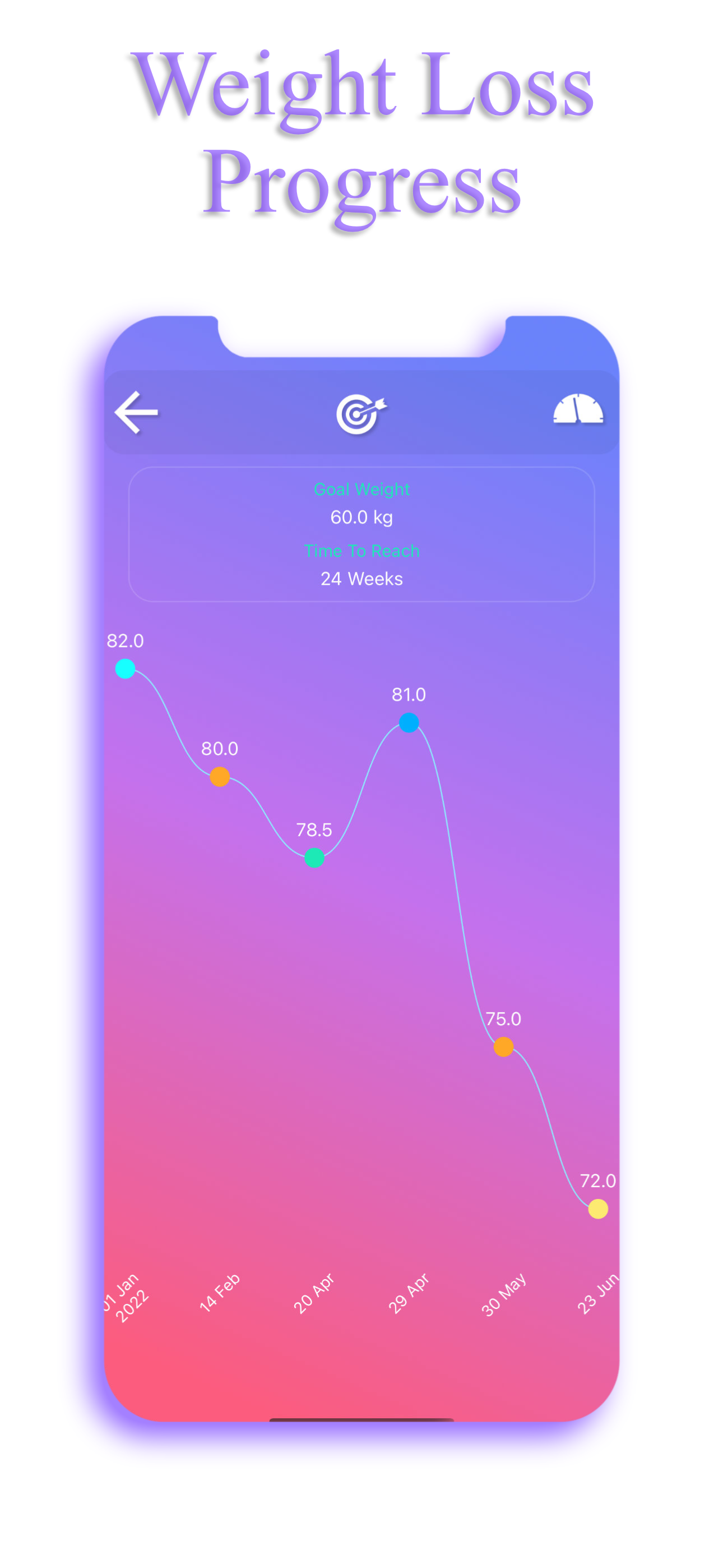
… and I’m totally fine with that. This app is great for tracking calories and/or the foods you eat in a day. It’s fabulous for logging exercise and calories burned and offers timelines of progress for both. If you’re wanting ultra specific food categories/options, an app that does all the work for you by scanning barcodes, etc, then this isn’t the app for you. Are there things that could be improved? Definitely. HOWEVER. It’s a free, simple to use app that can be used as an at-a-glance calories in/calories out diary that doesn’t require an account and a pint of blood to utilize. Personally, it’s almost exactly what I was looking for and thanks to their ‘create your own food’ option, I’ve been able to tailor it to what I need. If you’re already eating healthier and are mainly looking to keep an eye on what’s going in, what’s going out, maybe loose some weight in the process, then I highly recommend.
The interface is kinda weird and it took a while for me to learn to navigate it. But it’s not filled with ads and doesn’t pressure me into a subscription. It’s a great alternative to My Fitness Pal. Regarding users saying there aren’t a lot of food options. I would go ahead and make custom food entries for things you eat often. That way it functions virtually the same as other apps where the food is saved and you can add when you want. Once you get used to doing that it’s a wonderfully simple app.
EasyFit calorie counter tracks your food, exercises, weight loss progress and macros. See animated statistics, make your own food and achieve all your...