Check the acquisition promise
Read the store headline, screenshots and description. What problem is the app promising to solve?
Study the storefront ↗
New Marketing Lab, Inc · iOS
Explore the ad evidence, study the storefront, and build your next acquisition hypothesis.
01 / Creative research
Read the store headline, screenshots and description. What problem is the app promising to solve?
Study the storefront ↗Explore apps with direct store-link matches. Compare their hooks and formats without assuming the same approach works here.
Browse observed advertisers ↗Store rankings and revenue estimates describe market context. They do not establish ad spend, conversions or ROAS.
Review the market context ↗02 / Storefront & product
Study the product story and store experience behind the acquisition funnel.


03 / Market context
Keep revenue, downloads and store rankings separate from advertising performance.
I was specifically looking for an app that could easily compress photos and allow me to overwrite the original files—without dealing with subscriptions. Compress Photos & Pictures delivered exactly what I was looking for. The one-time purchase is a huge plus, and the ability to compress and directly replace the original photo is exactly what I needed for managing storage. The app is easy to use, straightforward, and does its job well. I do wish there were a few more options to fine-tune or customize the compression level, but even as it is, it meets my needs and will be useful for a long time to come. Overall, I’m very satisfied and happy to have found this app.
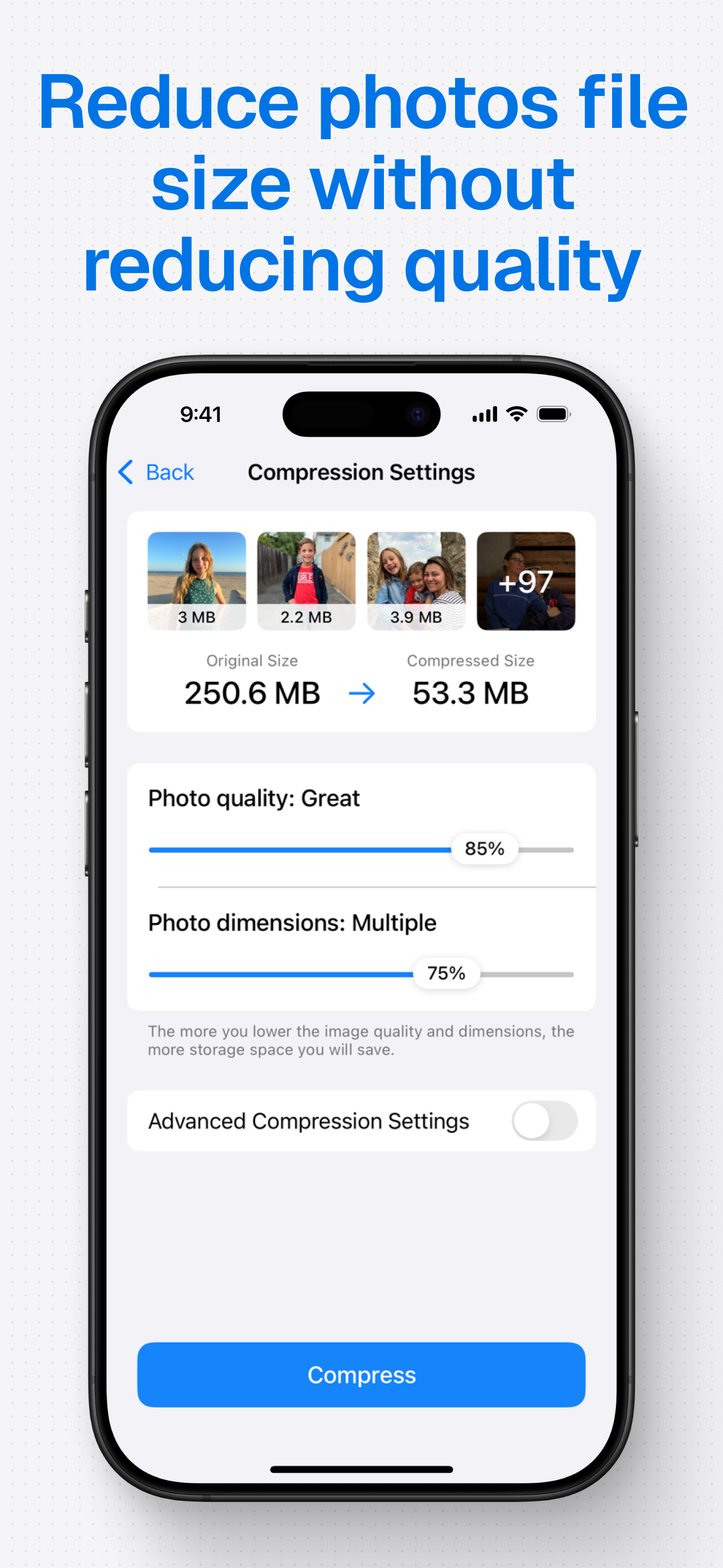
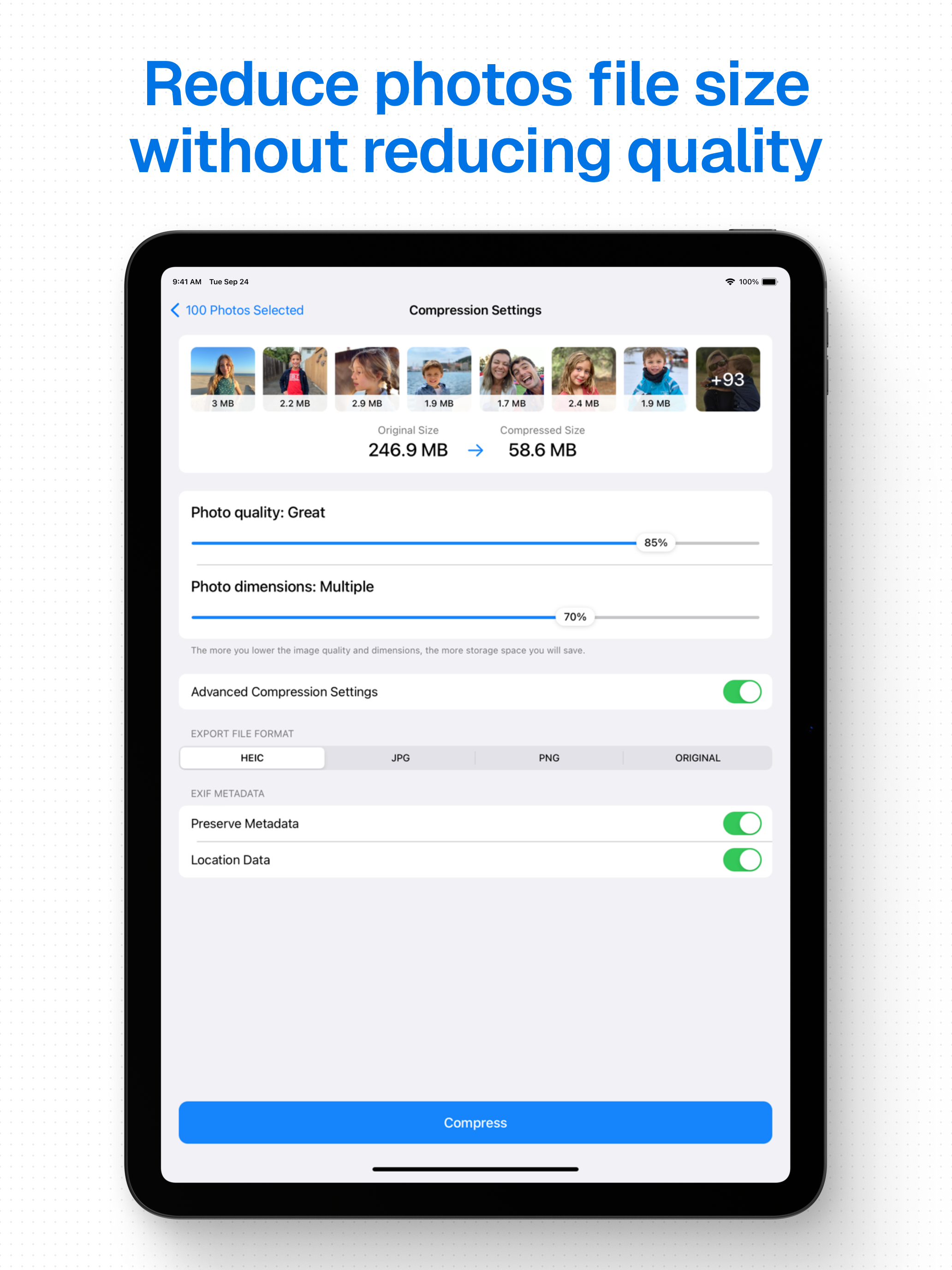
I was looking for quick way to process groups of photos on my iPhone 12 plus. This worked very well with paid subscription, 4 bucks for a year. I just did 14 images (3mb) reduce to about 80kb. Very quick and the compressed images were automatically saved to “compressed photos” folder. Also I noticed that an individual photo can be compressed directly from the my phones photo section. What is also great is when you select photos to be compressed their sizes are clearly marked. Only one small issue is that you have to guesstimate the sliders, size and resolution percentage. My 3mb photos on 100% res at 20% size render about 80kb. Excellent and simple tool.
Why is there difference in size of some images in the iPhone photos app and that on the Compress app before you compress? If say an image I want to compress shows 12mb on my iPhone photos app, it would show 3mb on the Compress app. It, as such, deceives and in effect doesn’t help in selecting the right images you’d want to compress. I feel this is very poor on the part of the Compress app. Other apps I checked shows the exact size as that on the iPhone for the same image. Also, if you happen to select 100 images but one of images got deleted from the iPhone photos app before you hit compress, the whole process doesn’t complete because of that one deleted image. Why wouldn’t you allow the 99 pictures to compress successfully instead of having us go through the trouble of going back to look for that one picture to delete? Update: Now, after compressing the app gives feedback that it cannot compress so adjustments has to be made to the photo quality and dimension. Waste of money and time. I strongly DO NOT recommend
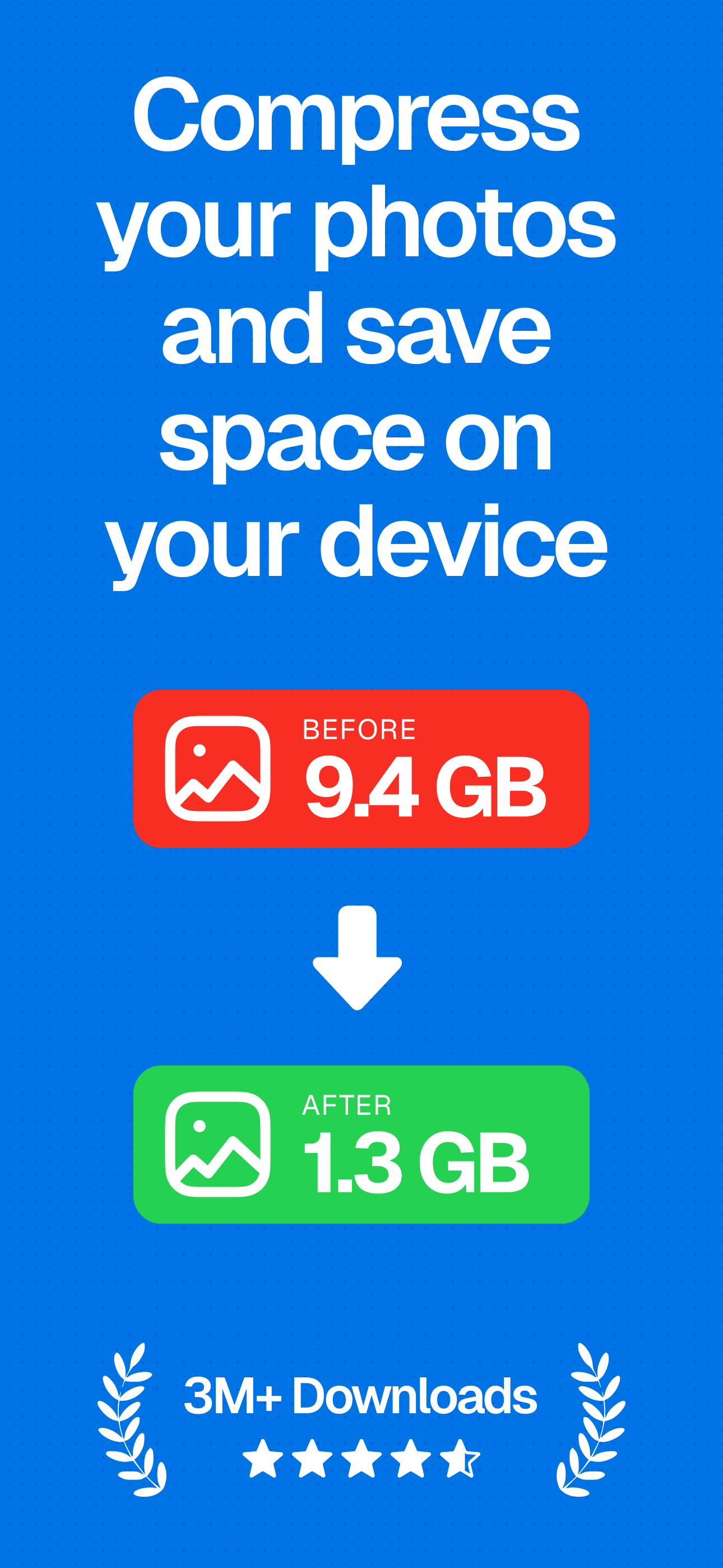
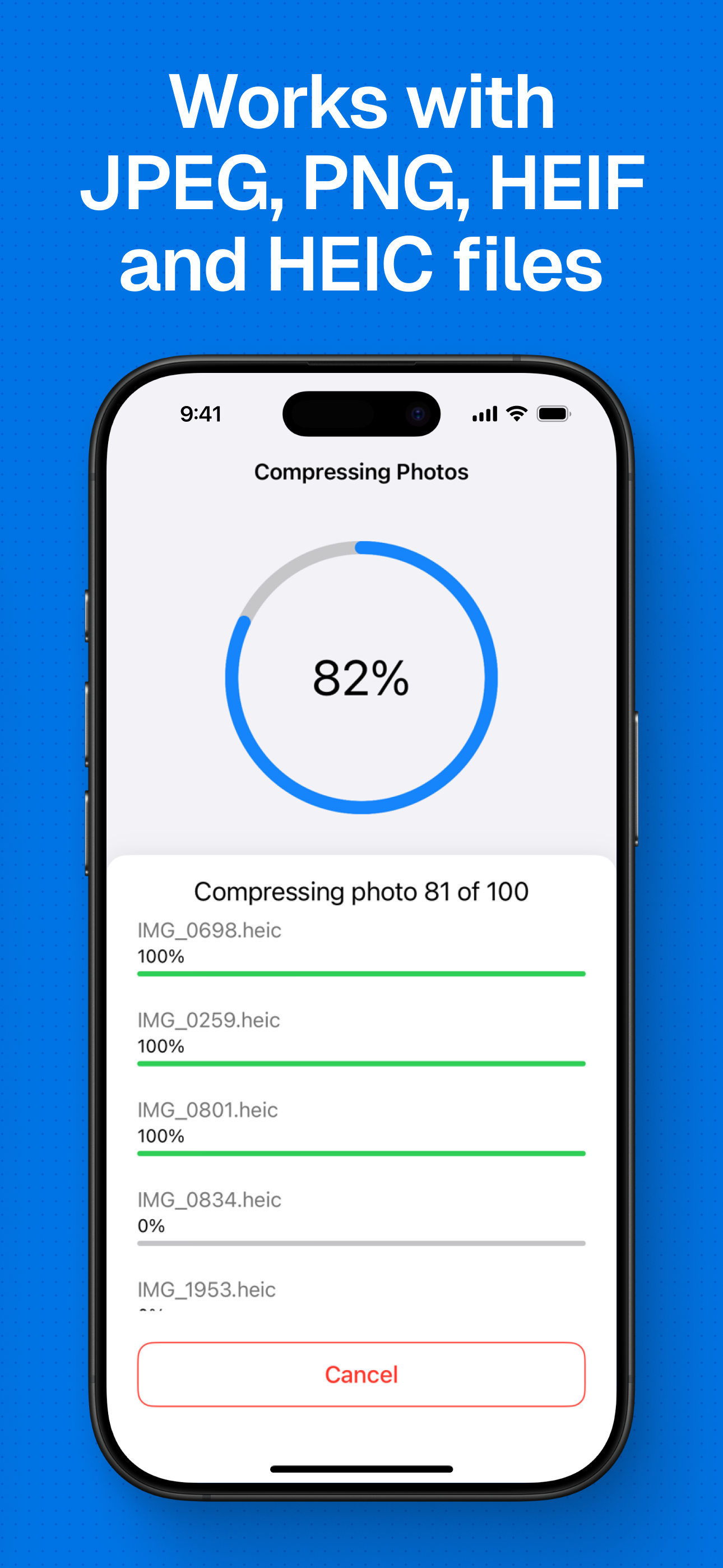
Save storage space on your iPhone or iPad by compressing your photos and reducing their size without reducing their quality. 6 REASONS TO USE COMPRE...
| Name | Price | Type |
|---|---|---|
| Compress Photos Pro (monthly) | $4.99 | Monthly |
| Compress Photos Pro (annual) | $5.99 | Yearly |
| Compress Photos Pro (lifetime) | $12.99 | One-time |