Check the acquisition promise
Read the store headline, screenshots and description. What problem is the app promising to solve?
Study the storefront ↗
Martin Brachmann · iOS
Explore the ad evidence, study the storefront, and build your next acquisition hypothesis.
01 / Creative research
Read the store headline, screenshots and description. What problem is the app promising to solve?
Study the storefront ↗Explore apps with direct store-link matches. Compare their hooks and formats without assuming the same approach works here.
Browse observed advertisers ↗Store rankings and revenue estimates describe market context. They do not establish ad spend, conversions or ROAS.
Review the market context ↗02 / Storefront & product
Study the product story and store experience behind the acquisition funnel.




03 / Market context
Keep revenue, downloads and store rankings separate from advertising performance.
I wanted to reduce the file size of certain images to make them easier to share, but without degrading them excessively. This app made that one act quite easy, which is all I wanted. You have the ability to preview different values for image size and quality so you can achieve mild or major reductions if you want to.
I downloaded the app on iOS 10 and it didn't work. I created a new album but it was named U instead of the name I chose. I selected the 7 most recent screen shots to compress but when the app finished working the folder was still empty. Sure showed me a lot of ads though. Added: The developer sent me a nice note pointing out that buried at the bottom of the description it mentions that this tool is only designed to work on jpeg photos and not PNG, which is the format the iPhone takes screen shots in. He suggested that I try compressing photos. Well, I downloaded this app specifically to compress screen shots; if I want to manipulate photos in more detail I upload them to my Mac. I simply have no use for this app as it was designed, and had already deleted it from my device. Still, I upgraded my rating from one star to two. Still no explanation for the album naming bug, after all.
This application only resizes images that are jpeg formatted. Any option selected within the application one is prompted immediately to purchase the full version at $4.99. This is rude, and abrupt to the user's experience. One is only to use the most recent 50 pictures in one's photo library. The application looks at the dates to verify the recent 50 pictures validity. One can deviate from this inconvenience by taking a screenshot of the picture in question. I was not able to find any settings to edit my picture format on my iPhone 7 Plus. Thus, making the application appear, at the least, not iPhone 7 Plus friendly. I am not aware if changing the photo format is possible on the iPhone 7 Plus. It is horrible, that the application is not equipped with the ability to change the photo format. It's is an inconvenience, and possibly a feature they must only offer in the full version. It's in short a consumerist ploy to take people's money.
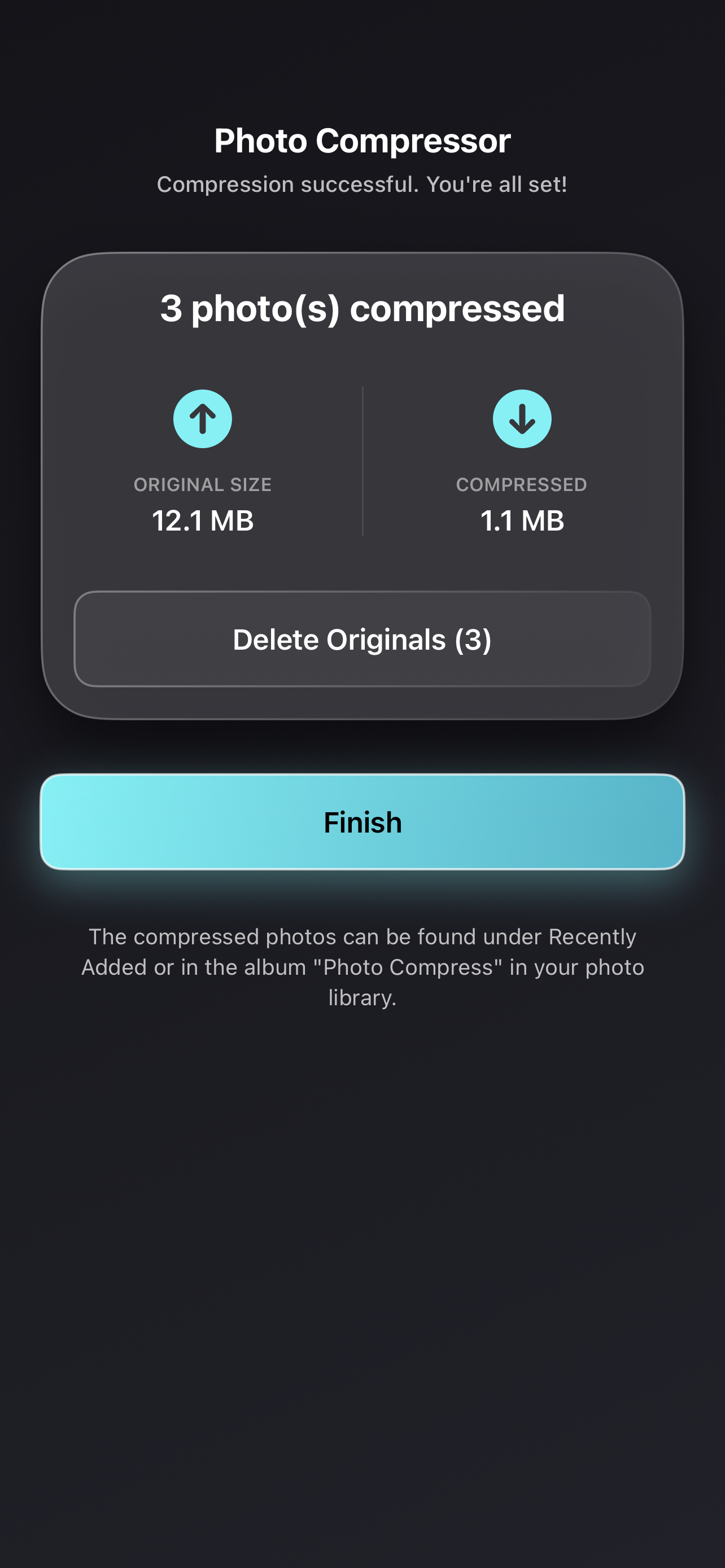
Simply shrink and compress photos to free up storage without noticeable quality loss. Download now for free! A photo compressor and resizer for iOS o...
| Name | Price | Type |
|---|---|---|
| Voluntary Payment 1 | $3.99 | One-time |
| Voluntary Payment 2 | $4.99 | One-time |
| Premium (Monthly) | $5.99 | Monthly |
| Voluntary Payment 3 | $5.99 | One-time |
| Remove Ads | $6.99 | One-time |
| Unlimited Version | $8.99 | One-time |