Check the acquisition promise
Read the store headline, screenshots and description. What problem is the app promising to solve?
Study the storefront ↗
New Marketing Lab, Inc · iOS
Explore the ad evidence, study the storefront, and build your next acquisition hypothesis.
01 / Creative research
Read the store headline, screenshots and description. What problem is the app promising to solve?
Study the storefront ↗Explore apps with direct store-link matches. Compare their hooks and formats without assuming the same approach works here.
Browse observed advertisers ↗Store rankings and revenue estimates describe market context. They do not establish ad spend, conversions or ROAS.
Review the market context ↗02 / Storefront & product
Study the product story and store experience behind the acquisition funnel.
03 / Market context
Keep revenue, downloads and store rankings separate from advertising performance.
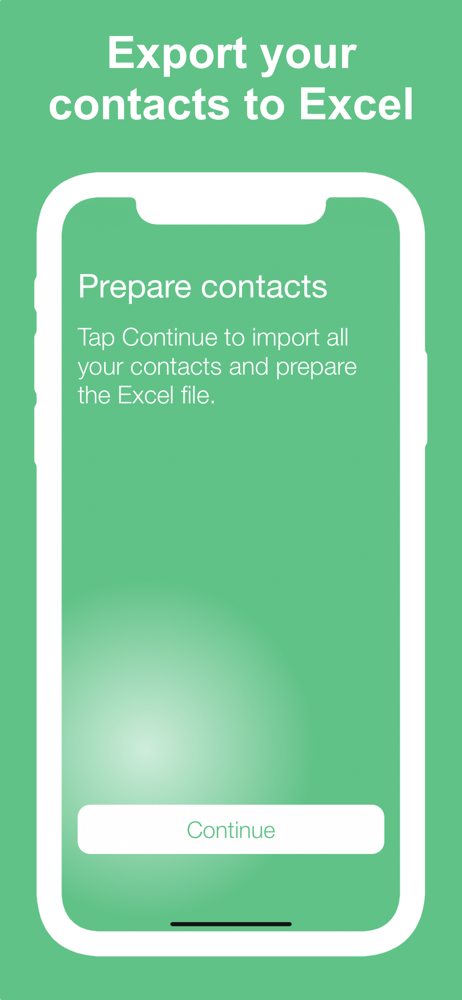
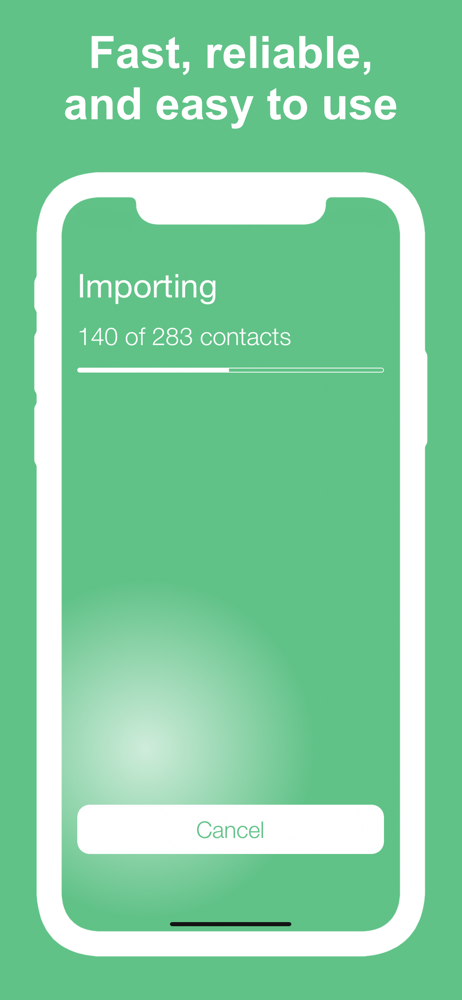
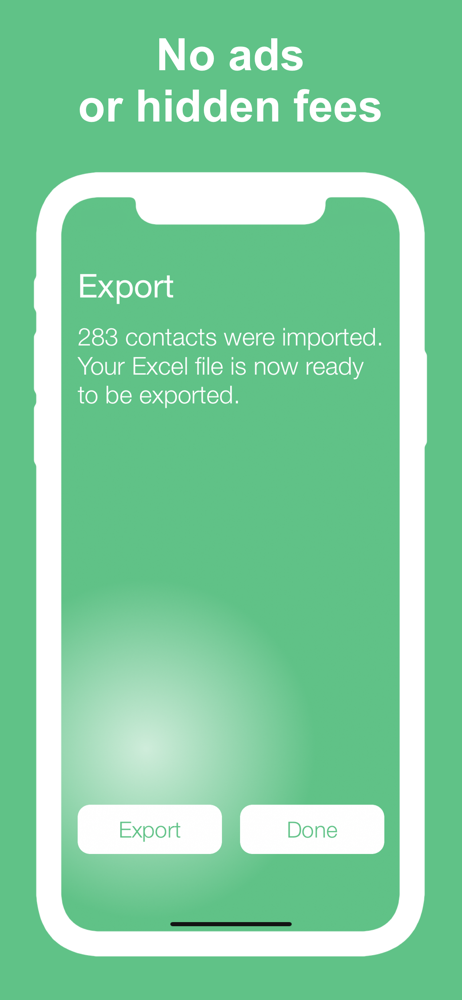
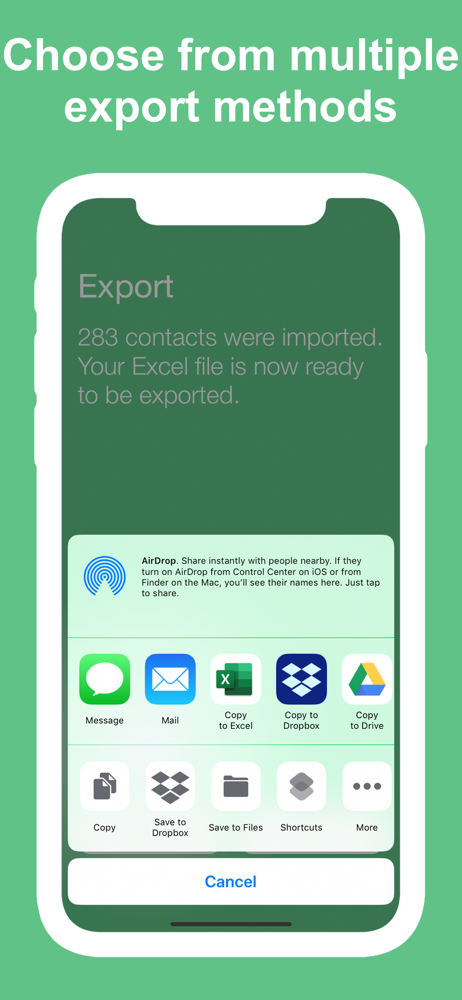
I don’t have a lot of patience! In researching how to accomplish exporting my iPhones contacts in bulk I became very frustrated with a lot of the methods I came across. That I found online where this app was recommended. The majority of the reviews positive enough that I decided to ignore the few bad reviews, as nothing will ever have 100% good reviews. Well, I spent the $.99 to download this app onto my iPhone and launched it. I chose to download all of my contacts instead of selecting individually, which ones I wanted to download. I’m glad the app gave you the choice between individually, selecting contacts and downloading in bulk, which is what I wanted to do. To my amazement, the app downloaded all 1612 contacts in about a minute and a half into an excel file and then proceeded to direct me to export the file, which I did, into a OneDrive folder. I then opened the file from my laptop and again, to my amazement and pleasure it opened up as expected! Now I just have to delete the columns I don’t want(that would make for a great additional feature if the app gave you the ability to select the specific column data you wanted prior to processing and downloading the contacts). I’m extremely happy with the results from using this app for its ease of use and accuracy! Bravo to the designer(s)!
Our son is getting married this fall and I needed to provide names and addresses to the bride for invitations. The download of all my iPhone contacts was lightening quick! You have to download all, no picking and choosing that I could see, BUT the list was very easily edited in my “Sheets” app. So great!
I have 3871 contacts in my Apple phone… I am excited and thoroughly impressed that this app worked the way it was supposed to. It’s really really wonderful. So far so good and I am extremely pleased.
6 REASONS TO USE THIS APP - Easy to use - Choose how to export your contacts - Perfect for transferring contacts to a computer - Designed with your p...