Check the acquisition promise
Read the store headline, screenshots and description. What problem is the app promising to solve?
Study the storefront ↗
Audulus LLC · iOS
Explore the ad evidence, study the storefront, and build your next acquisition hypothesis.
01 / Creative research
Read the store headline, screenshots and description. What problem is the app promising to solve?
Study the storefront ↗Explore apps with direct store-link matches. Compare their hooks and formats without assuming the same approach works here.
Browse observed advertisers ↗Store rankings and revenue estimates describe market context. They do not establish ad spend, conversions or ROAS.
Review the market context ↗02 / Storefront & product
Study the product story and store experience behind the acquisition funnel.

03 / Market context
Keep revenue, downloads and store rankings separate from advertising performance.
Just started my first 3D art with this, and so far I like it a lot. It took a few hours to figure most of the tools out, and I am enjoying the app. There are a few changes though that I would like to point out and suggest - 1st and foremost is the document size. I wasn’t able to get halfway through my project without it say the file was too large; several times I had to resize, and I don’t know what it is doing to my project. 2nd, I feel like there should be a little bit more freedom with your art, such as easy access to color, and finer tools. Overall, I feel like I spent my money pretty well. This app was well-made and enjoyable, and it gave me a new experience for a change.
I have tried other apps and struggled to get control. I always felt like I was fighting them to do what I wanted. I am still learning but within a few minutes I was roughing out my form faster than ever before. This is the app you were looking for too, I believe. Want to sculpt quickly and intuitively with a clean non cluttered interface? I am sure there are features that i will wish it had and ones that i haven’t found yet, however right off the start this is better than any other. The additive/ subtractive sculpting with a quick smoothing feature allows you work very fast. I am very impressed.
Prior to this update, it would take me 5x longer to make a decent looking model in this app using whatever sculpting workarounds I could muster, compared to what I could do in other desktop apps. Now that the Move Tool’s available, I’m able to crank out decent models as quickly as with similar desktop apps, minus the desktop/laptop+pen tablet clunkiness. The lack of any copy/paste and transform features is still a minus, but at least I’m able to make entire figures in a neutral T-pose and then export the figure (either as a whole or in pieces (Duplicate model, use Cut Tool)) to another modeling package for posing, welding, and finishing. The developer says the next feature coming down the pipeline is going to be Layers. If the transform tools are going to be integrated with it, that might provide me what I need to pose the model away from the generic T-poses.
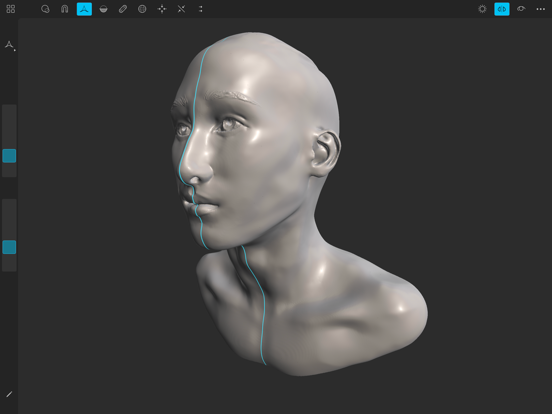
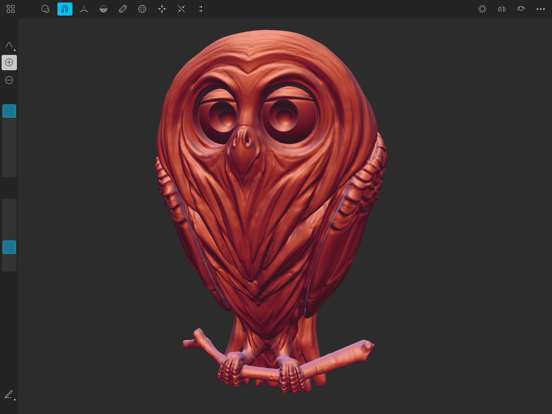
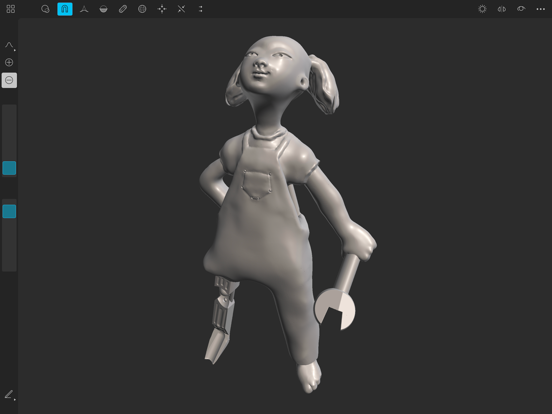
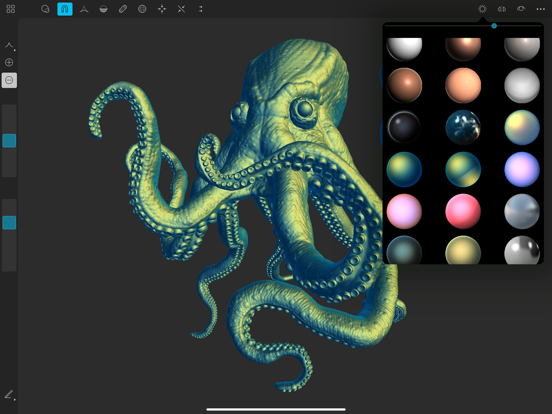
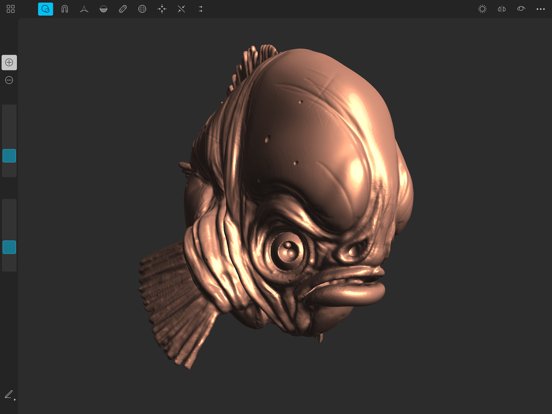
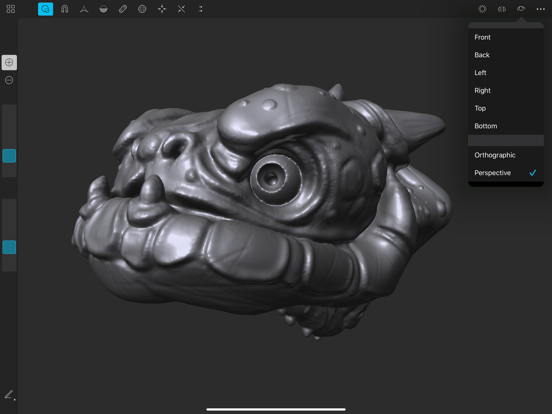
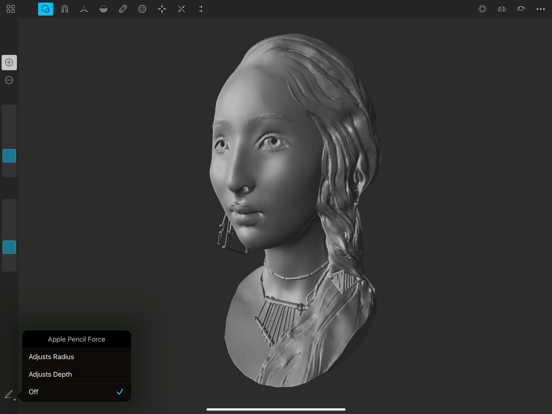
With an advanced clay engine and artist-tested tools, Sculptura is the most intuitive and powerful 3D sculpting app ever designed for your iPad. Sculp...