Check the acquisition promise
Read the store headline, screenshots and description. What problem is the app promising to solve?
Study the storefront ↗
Adrian Andreca · iOS
Explore the ad evidence, study the storefront, and build your next acquisition hypothesis.
01 / Creative research
Read the store headline, screenshots and description. What problem is the app promising to solve?
Study the storefront ↗Explore apps with direct store-link matches. Compare their hooks and formats without assuming the same approach works here.
Browse observed advertisers ↗Store rankings and revenue estimates describe market context. They do not establish ad spend, conversions or ROAS.
Review the market context ↗02 / Storefront & product
Study the product story and store experience behind the acquisition funnel.


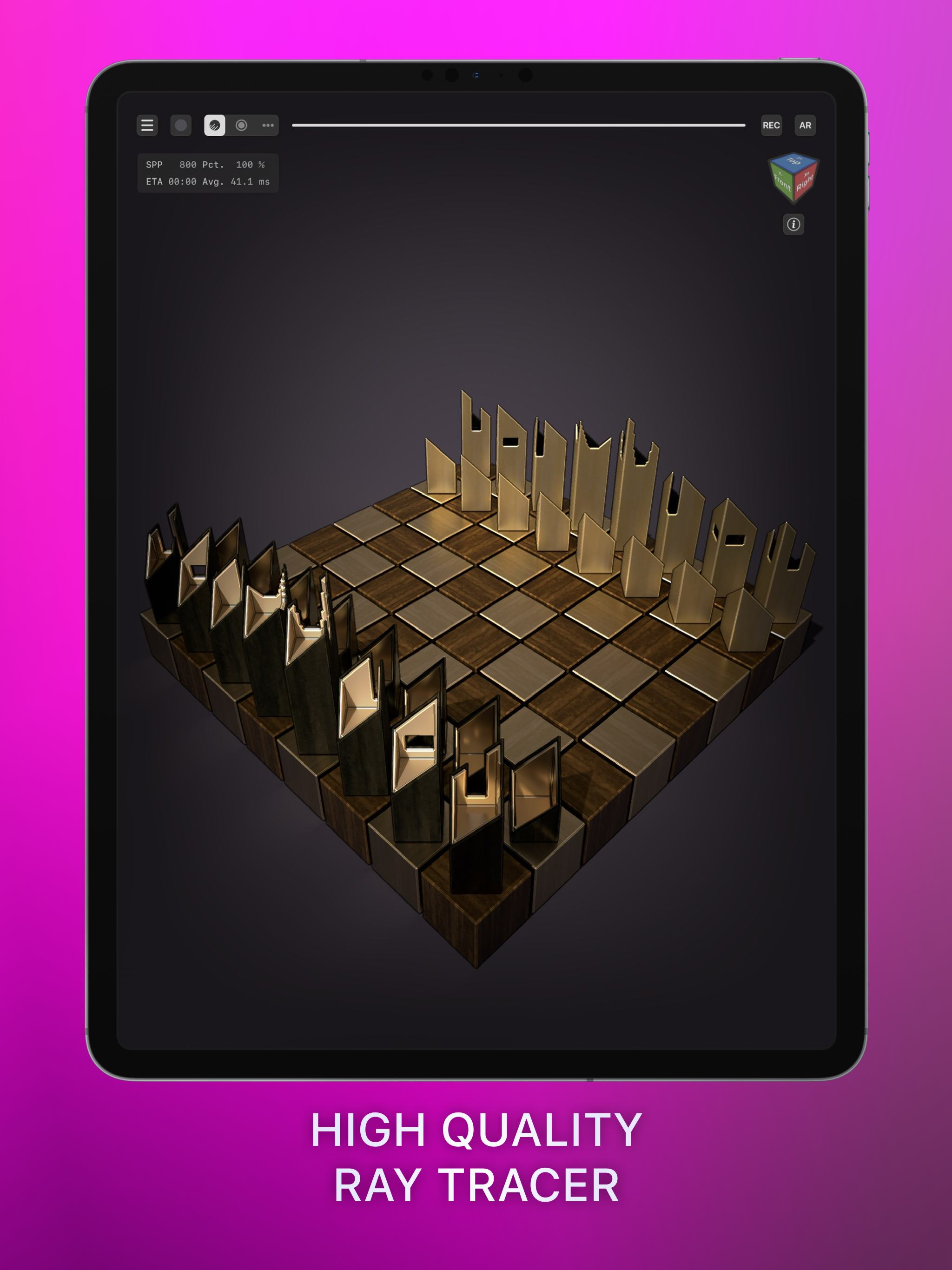

03 / Market context
Keep revenue, downloads and store rankings separate from advertising performance.
I got this app because I was going off a free program for awhile and I didn't like the settings. When I first got this app all the settings were really good, and the rendering was fantastic. But the only thing which might sound stupid but once you start using it, this makes all the difference. Is when you try to tap and place the voxel slightly fast it doesn’t work (on mobile anyway) because it thinks your trying to double tap. So even if you disable the double tap settings it still doesn’t work. But with that aside it is easily the best voxel app I’ve played and I would highly recommend it!
I use this app for every pixel 3D art I’m trying to build in sandbox games. This app makes it easier to create anything; instead of using a custom procreate brush. Also, Its convenient for me when I’m not near my PC or iMac. I can either use my phone or iPad while offline, and helping my daughter build realistic towns on block building games. I’ve also noticed when I have a hard time trying to draw something to build, this app makes things easier to draw something above my skill level. Also, it’s great for people who want to create games or apps for the apple store! This app is worth more than what it’s selling for. If you’re a game developer, love doing pixel art or interested in creating things for games like Roblox, Minecraft ect. I suggest that you buy this app because it has more useful tools that most free ones don’t have; plus it has useful features and tutorials that help you with anything that you find confusing. Happy holidays, and take care!
This 3D art app not only matches the tools of desktop voxel software like MagicaVoxel and Qubicle, it expands past them with amazing features. Pressure sensitive stylus control and palm rejection, randomized color application, adjustable stroke vectors, prefab item library, full info history, cross compatible file export/import, AR viewer, mouse/keyboard support, iCloud powered hand-off from iPad to iPhone... the number of pro features is huge! On an iPad Pro, this program is amazingly powerful, and it still works well even on older iPhones for voxel creation on the go. Full disclosure: I was paid to help with a lot of the early alpha testing, suggested many some features, designed many of the prefab items, and produced many tutorials for using the app. As a professional voxel artist, I can have used many different programs, and I am staff with The Sandbox using VoxEdit daily. However, this program is becoming part of my regular workflow because it’s VOX export is fully compatible with VoxEdit. I am no longer bound to my desk using mainly MagicaVoxel for modeling. All three tools (MV, VE, VM) have professional use for me and I recommend them all for various reasons. This program is worth the premium price tag! It has more features than the free options, works well in combo with them, and is just a lot of fun to use. You won’t regret it.
Make your own awesome 3D creations with the most advanced voxel editor available on mobile. Voxel Max makes creating professional level voxel art eas...