Check the acquisition promise
Read the store headline, screenshots and description. What problem is the app promising to solve?
Study the storefront ↗
Plume Design, Inc. · iOS
Explore the ad evidence, study the storefront, and build your next acquisition hypothesis.
01 / Creative research
Read the store headline, screenshots and description. What problem is the app promising to solve?
Study the storefront ↗Explore apps with direct store-link matches. Compare their hooks and formats without assuming the same approach works here.
Browse observed advertisers ↗Store rankings and revenue estimates describe market context. They do not establish ad spend, conversions or ROAS.
Review the market context ↗02 / Storefront & product
Study the product story and store experience behind the acquisition funnel.


03 / Market context
Keep revenue, downloads and store rankings separate from advertising performance.
Honestly I’m just very confused. It’s been months since the design of this new app and it’s still extremely unintuitive to the extent that I’ve stopped recommending Plume to friends as I cannot support the family that use this app without getting completely lost in it myself. If all I want to do is find the password I have to click on an unlabeled icon, then a mysteriously labeled other icon and then know to tap on the “show all” to show my passwords (which is very tiny text even on our current large phones). Working with passwords is pretty much the most important thing to do on a wifi network and it’s so incredibly hidden that only a lost monkey or a basement hacker can find it on first try. Yes, I’m disappointed in this user interface and would like to see massive changes made. Please work with a U/I designer that favors humans over pretty icons and silly names. Old review: I like that a lot of features of an added in the new app, but it honestly is not a better app. There are a lot of confusing items, especially in the motion sensing sections. The worst is that the interface will spontaneously reset itself in lists and go to the top even when no changes have happened. The app is slowly getting better but generally doesn’t do the needed basics of a wifi app without tapping around this confusing interface.
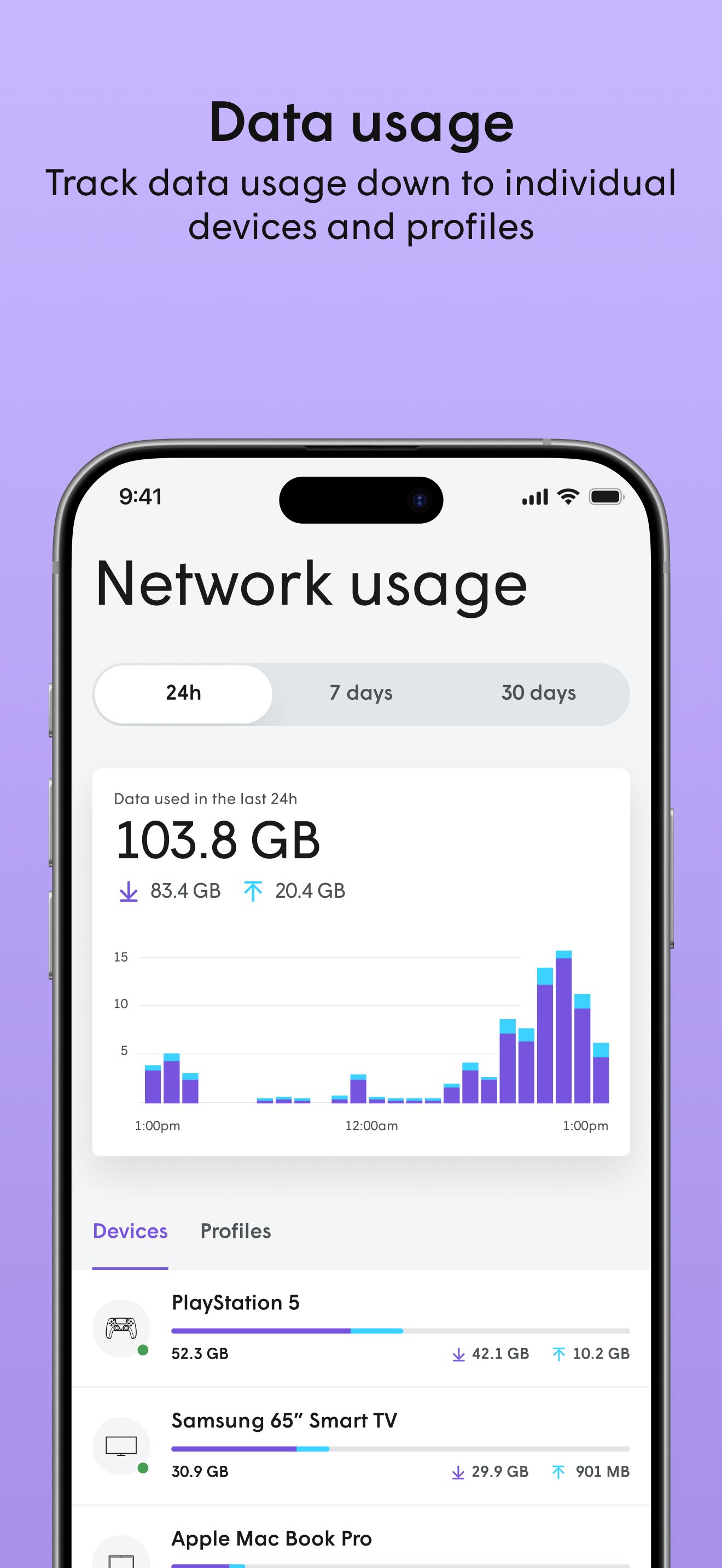
I have been using 2 of these devices for about 3 weeks and love them. Prior to me having Plume, I had a good dual band WiFi router. Sometimes had issues streaming from 2 tv’s and getting signal into one of the back rooms at the extreme of the house, not any more. Even with the first pod, the 5g range was much greater when I connected the second, I have WiFi throughout my whole house and into back and front yard. The Plume app makes it the simplest setup I’ve come across. The first time I plugged mine in it did take a long while for the app to find it, about 6-8 mins. so be patient. Plugged in the second, found it straight away, they updated then I just followed the onscreen instructions for naming my network and I was good to go. No more streaming issues. The app is very intuitive as far as looking at what devices are connected and checking bandwidth etc. love the fact you can name each pod individually also. I would recommend Plume to anyone, especially if you’re unsure of technology/WiFi etc.
Works great; I have six units scattered throughout the house; mobile devices (laptop, chrome books, iPad, and phones) all of them seamlessly transfer from one pod to another. Also, I have fixed devices such as a wifi enabled thermostat and wifi enabled audio visual equipment. I just did not realize that my set up required turning off the wifi on my router-that was easy but had to explore the settings on the router. I just set up plume with the same SSID and password as the router and devices started communicating via the plume with out any issues. I have two pods connected to the router via cat6 cables , the other four pods are just plugged in wall sockets around the house; the cloud at plume monitors all the connections ( ?on a weekly basis??) and using this app I can see how plume has reconfigured the pods to talk to each other as the kids come and go. I live in suburbs and can see multiple SSIDs belonging to my neighbors. I am pleased with my purchase. Just started seeing what the updated app can do. I have no connection with the website arstechnica--they have two good articles on how plume works. UPDATED on October 3, 2018: I really like the new version of the app on my iPhone-I feel the app is more intuitive.
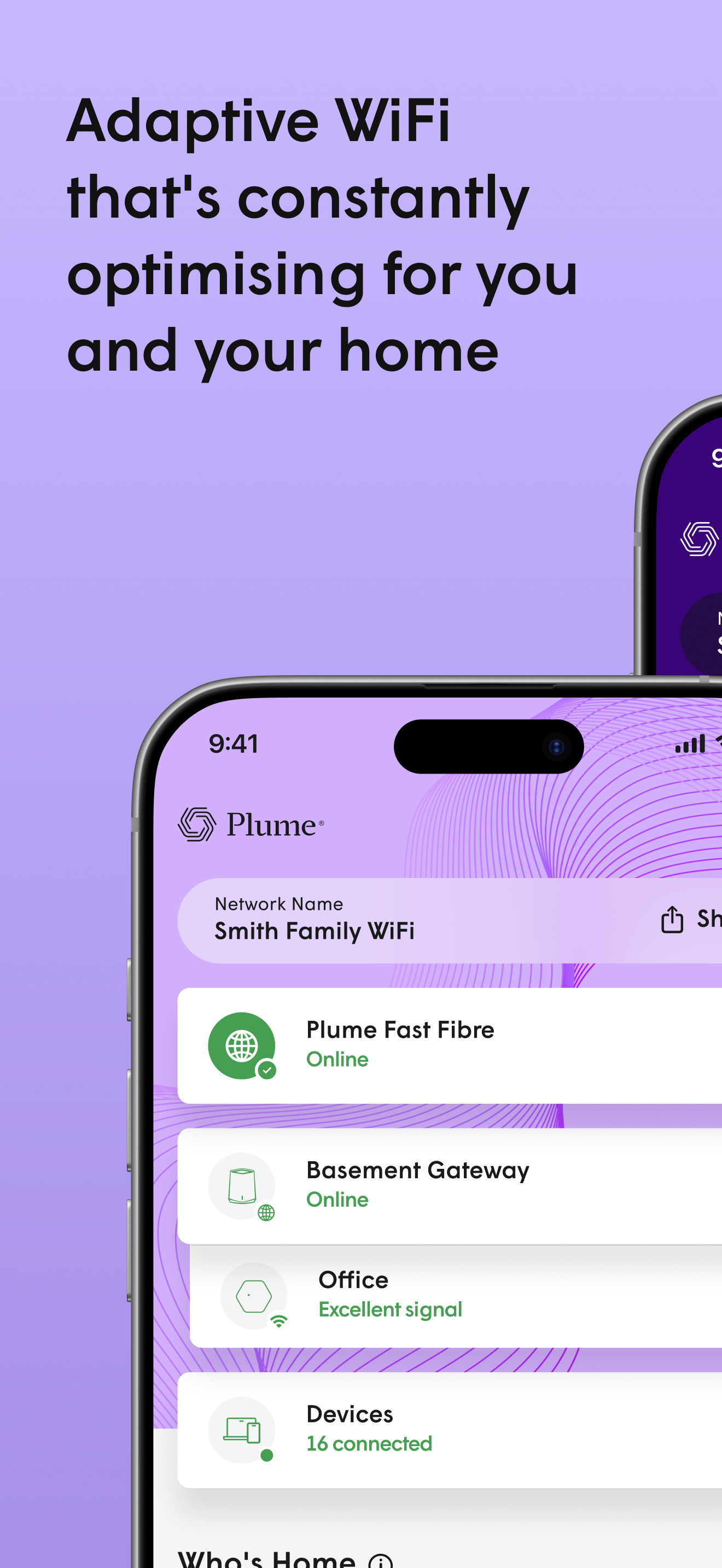
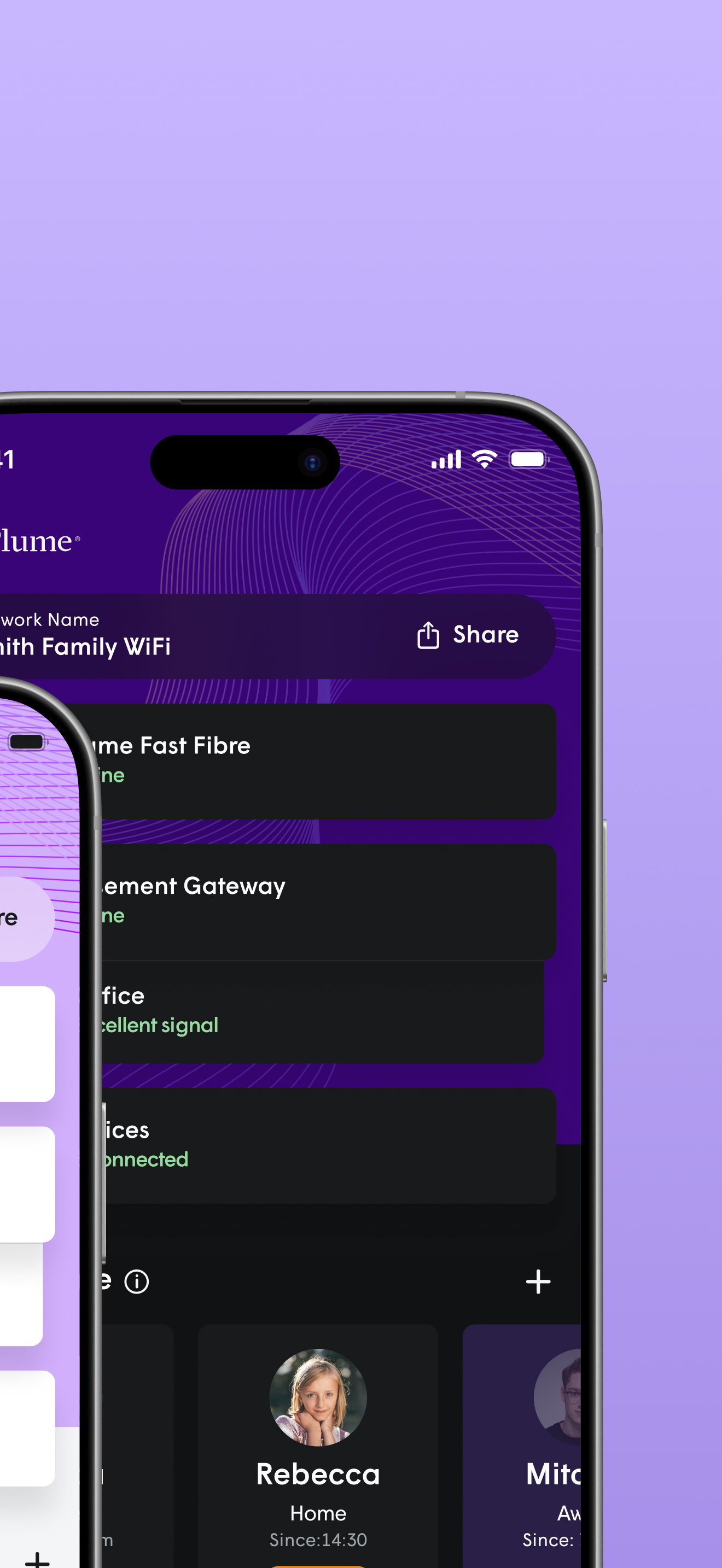
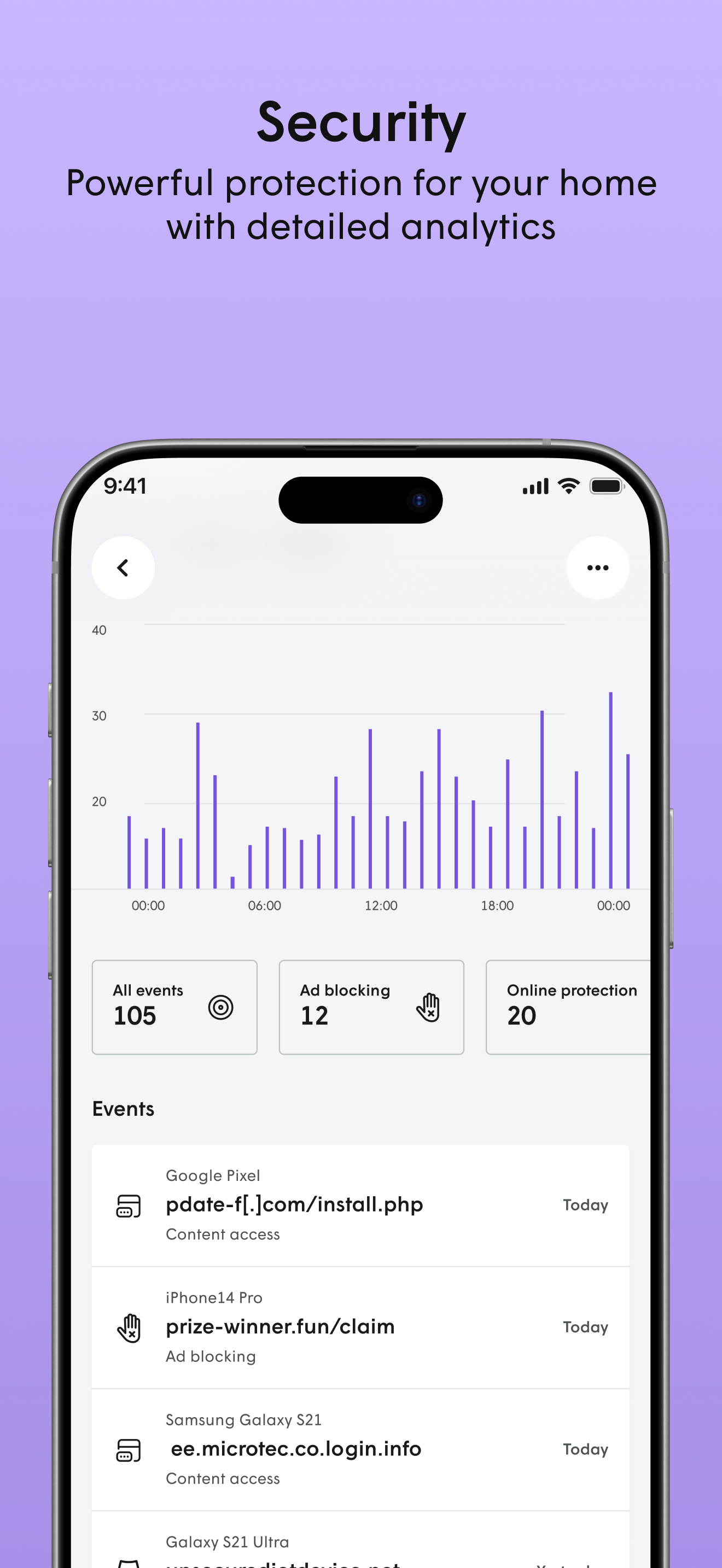
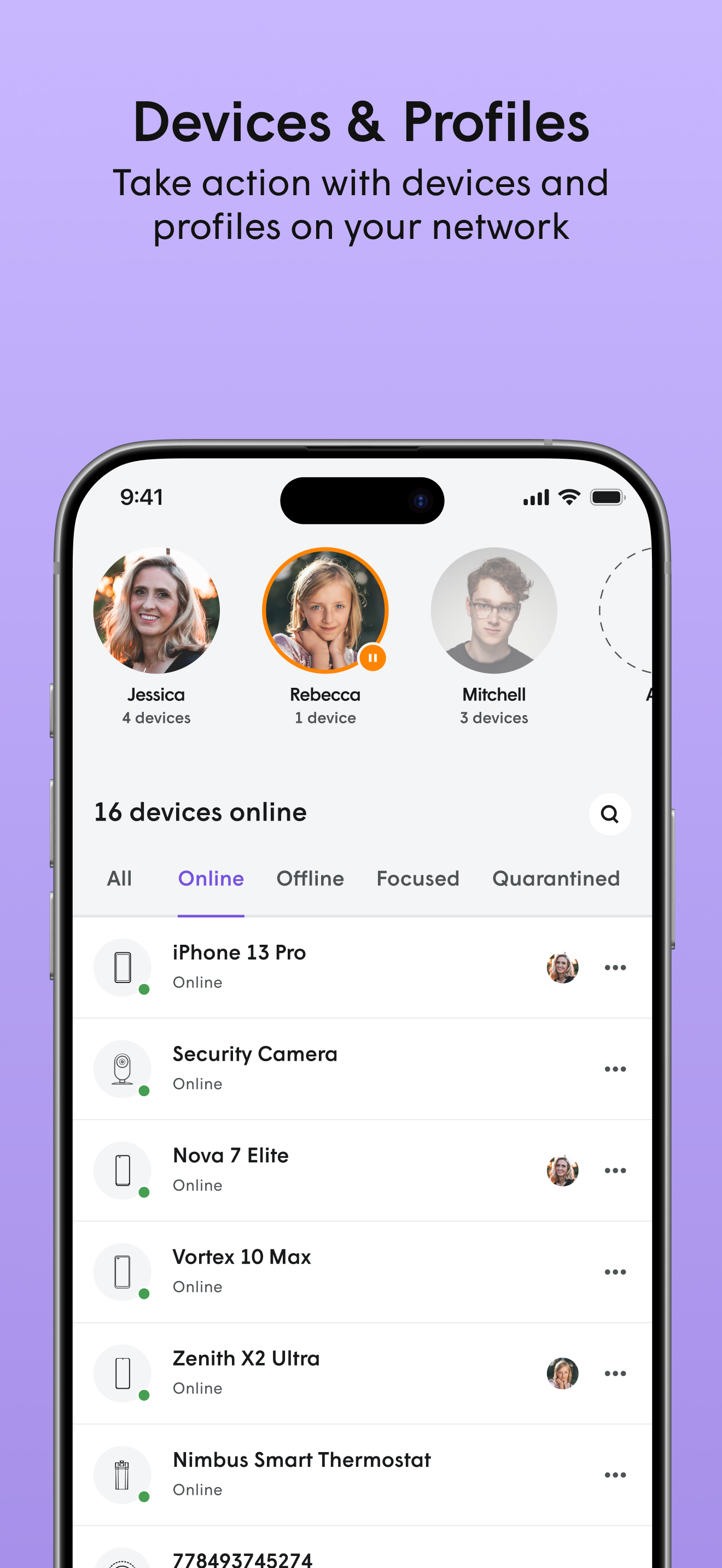
The Plume Home app brings together WiFi intelligence, security and easy management of your network and household to enhance your connectivity experien...