Check the acquisition promise
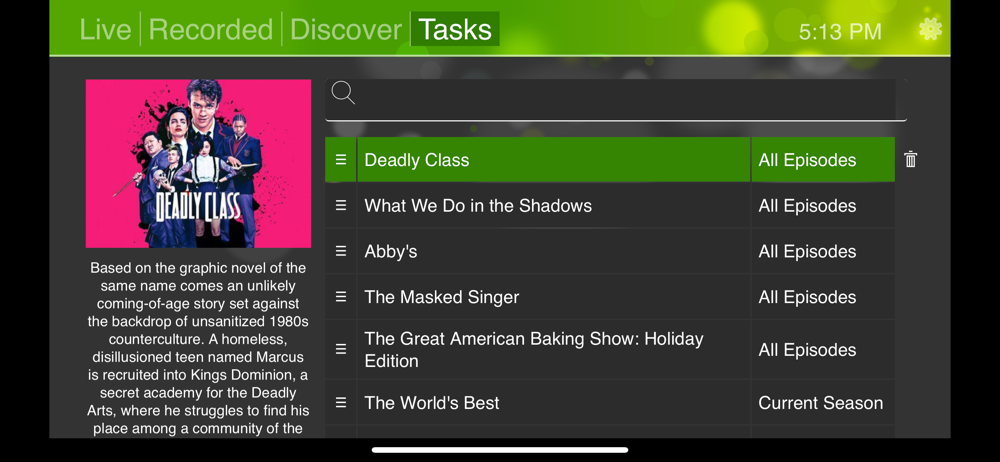
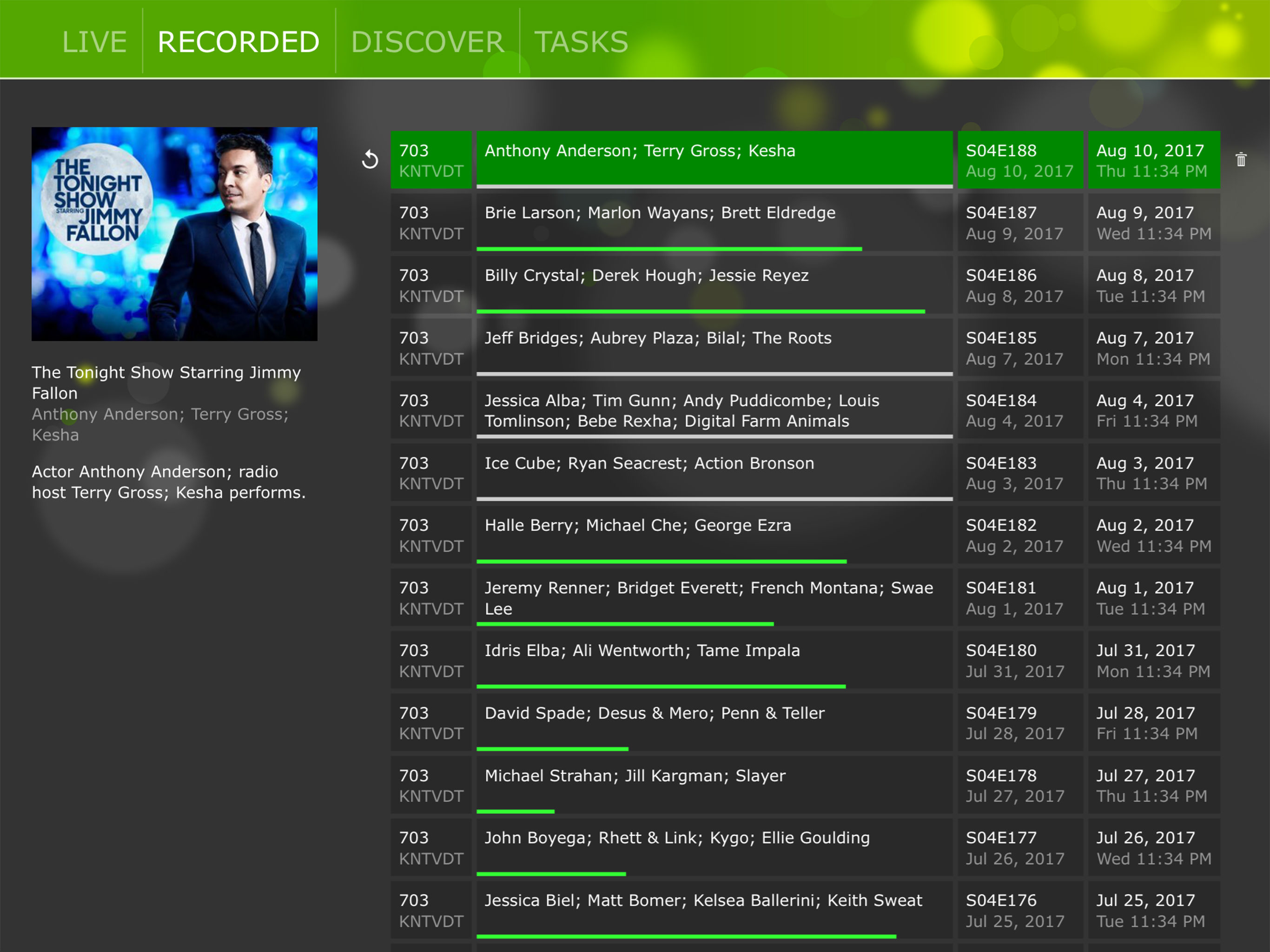
Read the store headline, screenshots and description. What problem is the app promising to solve?
Study the storefront ↗
SiliconDust USA, Inc. · iOS
Explore the ad evidence, study the storefront, and build your next acquisition hypothesis.
01 / Creative research
Read the store headline, screenshots and description. What problem is the app promising to solve?
Study the storefront ↗Explore apps with direct store-link matches. Compare their hooks and formats without assuming the same approach works here.
Browse observed advertisers ↗Store rankings and revenue estimates describe market context. They do not establish ad spend, conversions or ROAS.
Review the market context ↗02 / Storefront & product
Study the product story and store experience behind the acquisition funnel.



03 / Market context
Keep revenue, downloads and store rankings separate from advertising performance.
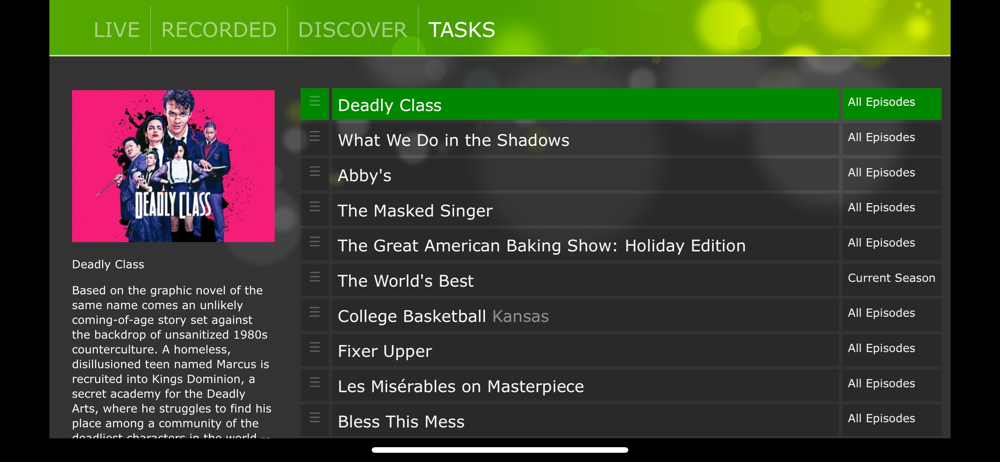
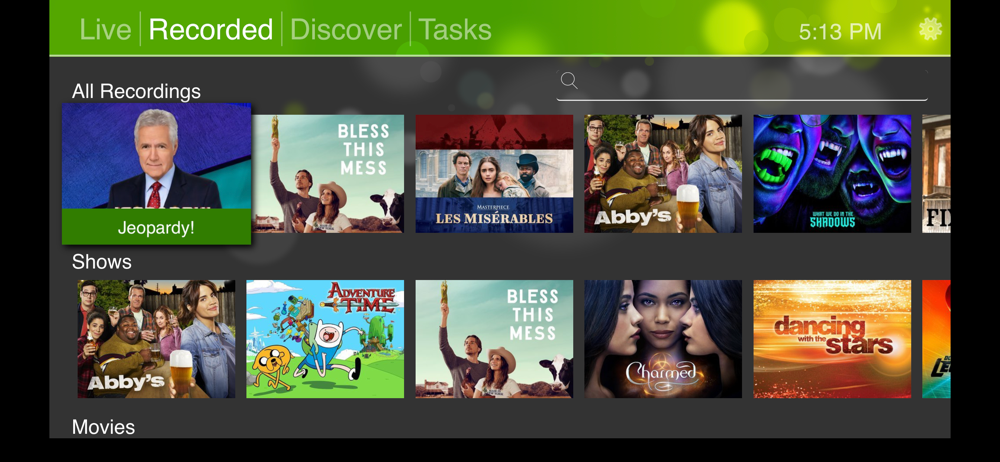
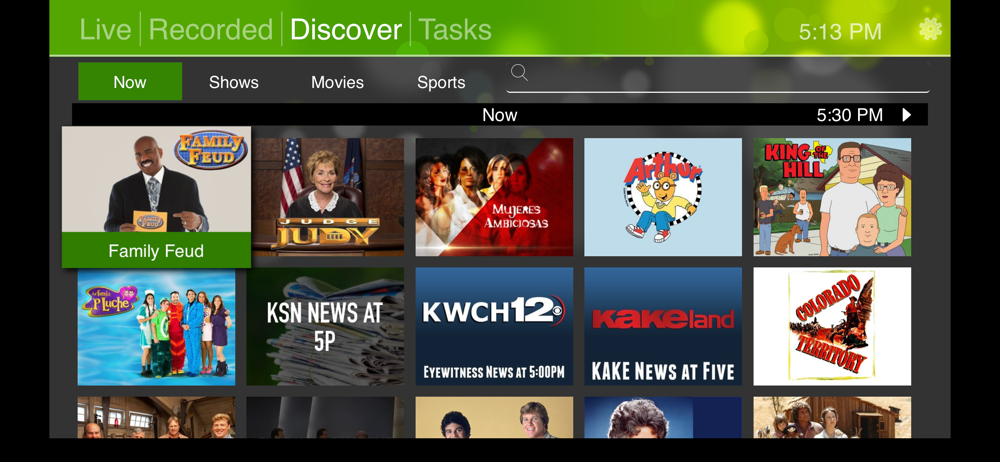
It’s a very frustrating app to use on an AppleTV! Whenever you return to the app you must force close it before it will start streaming a channel again. You can also crash the app using the newer Apple TV remote by scrolling to the right to see what’s next on a channel and scrolling left “too far.” Many times a signal blip will freeze the channel, and you’ll need to close the app or change channels to get it unstuck. The interface is very unintuitive with the remote, when scrolling down a very long channel list it may auto close the menu before you’ve picked a channel. You also won’t get firmware update notifications like you do on the MacOS version. It also seems like a missed opportunity to not have a way to simultaneously stream multiple channels, or even have a TV guide like interface while the current channel still streams.
The hardware setup is truly outstanding. You do need to go to their site and download their downloadable app from their site to either max or windows. This app… the desktop player, they didn’t mention, is what does the firmware upgrade. I hooked it up and it simply worked. Incredibly well. You don’t have to program it for channels or get it to scan anything. It literally just worked. Outstanding job on the hardware side. Everything is able to instantly see the home run device on my network. (Multiple AppleTVs, mac, pc, iPhones). Easiest 5/5 rating I could have. Then there’s the App UI That’s a different story. It does work, but it isn’t quite obvious on how it expects you to work with it. That took some patience to figure out some type of ideology that was used to dream up how to navigate the thing. Great hardware, clearly made by great hardware people… who are trying to do an app. Give ‘em some time, I’m guessing it’ll get better. App: 2/5. Fantastic buy for me. Brought as their hardware works with multiple apps as a standardized network service. So even if I couldn’t deal with the app (not the case though) I would be able to use another app. For me though, this works just fine.
The most glaring shortcoming is the interface. I find it to be confusing and unintuitive especially compared to Channels or Plex (which aren't free). The app is pretty zippy with the delay between switching channels taking maybe 2 seconds. Interface shortcomings aside, I also like that I can browse channels while watching a program, which is something lacking in other apps. It would be nice if users could disable channels that don't work, or create a favorites list. It would also be nice to see a grid schedule similar to what's found on pretty much every TV interface device since TV Guide. I guess the most compelling reason to download HDHomeRun over something like Channels, is that it's free. It's not a bad app at all, and if I had not already bought Channels, I'd be content with this.
Enjoy free over-the-air TV throughout your home on Apple TV, iPad, iPhone, and Mac with HDHomeRun and a TV antenna. Simply connect your HDHomeRun to...