
Check the acquisition promise
Read the store headline, screenshots and description. What problem is the app promising to solve?
Study the storefront ↗
ELO Gaming Limited · iOS
Explore the ad evidence, study the storefront, and build your next acquisition hypothesis.
01 / Creative research
Read the store headline, screenshots and description. What problem is the app promising to solve?
Study the storefront ↗Explore apps with direct store-link matches. Compare their hooks and formats without assuming the same approach works here.
Browse observed advertisers ↗Store rankings and revenue estimates describe market context. They do not establish ad spend, conversions or ROAS.
Review the market context ↗02 / Storefront & product
Study the product story and store experience behind the acquisition funnel.



03 / Market context
Keep revenue, downloads and store rankings separate from advertising performance.
Upon initial installation of the controller, I encountered connectivity issues with Call of Duty Mobile. After extensive efforts involving the deletion and reinstallation of both the controller app and the game app, I was able to establish a connection. However, following a week of gaming cessation, the controller has reverted to its initial disconnect state. Despite my attempts to update the firmware, the issue persists. Edit: I found the Bluetooth needing to stay on was solution to the issue.
Previously gave the app one star because attempting to use it bricked my controller. I’m updating my review to 5 stars because the ELO team went above and beyond to help me solve the issue, and I genuinely felt cared about as a customer. It was obvious how much pride this team has in their product and their commitment to excellence. The app is easy to use, and I love how it gives me the ability to remap, recalibrate, and update the controller’s firmware. After trying all the various big name controllers and being severely disappointed with the combination of their product and app integration, I can say without hesitation that ELO surpasses them all with the Vagabond and Unleashed. Thanks again to the team for being top notch!
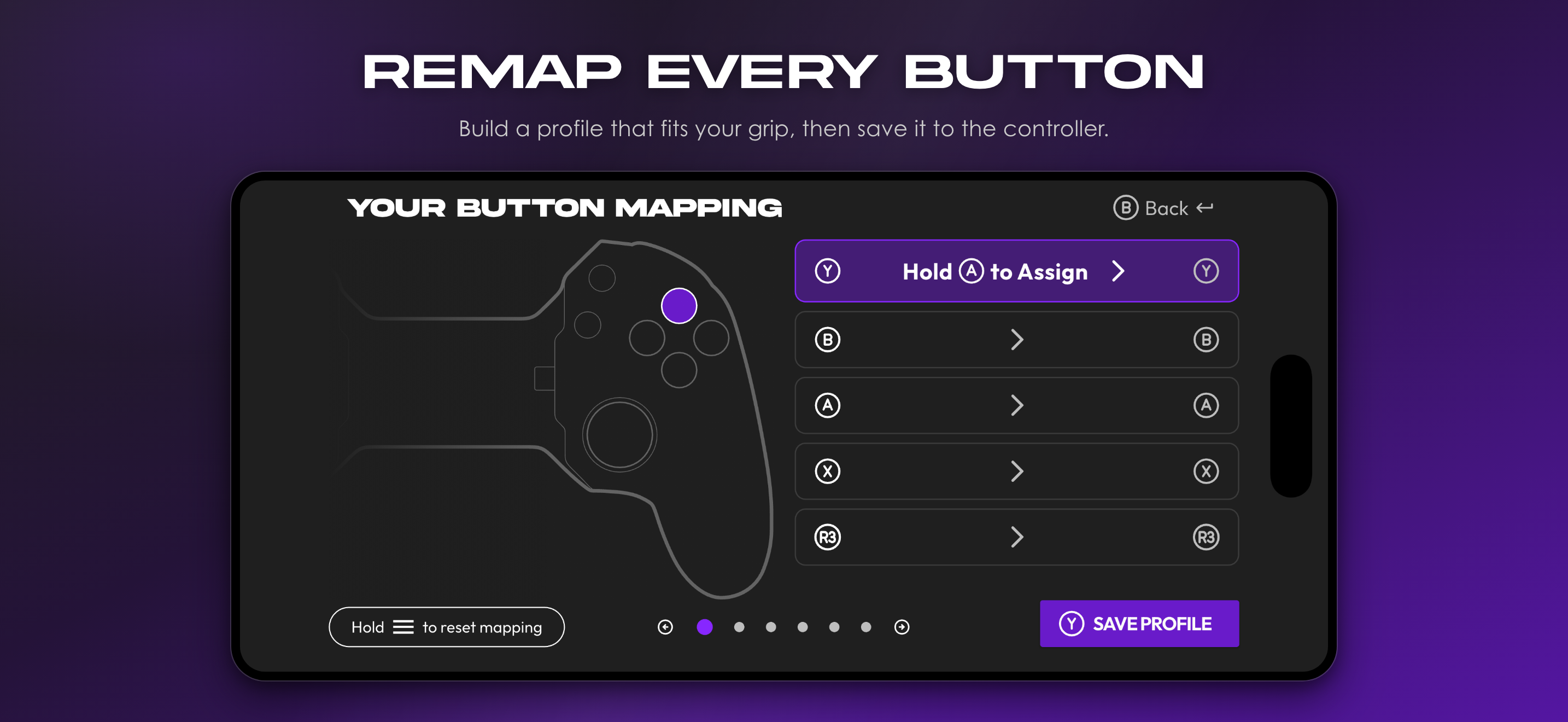
I think this is an amazing controller. Feels like an Xbox controller made specifically for my phone or tablet. Buttons and joysticks are well-made and very responsive. I think the app that corresponds with the controller is simple to use and very user-friendly. The only thing I think the app is missing are gaming profiles for button mapping. Currently, you are only able to re-map buttons on a singular profile and that does not change from game to game. You are just stuck with whatever you have mapped, until you re-map buttons again. I think it would be much better if you were able to set up different button mapping profiles for different games and allowing the app to easily switch between multiple profiles at the user’s discretion. This would make the back buttons feel more usable and there would be less time wasted constantly changing your settings to fit the game you are playing!
Play your favorite games with pro-level control. Unleashed is the official companion app for the MFi-certified Vagabond mobile gaming controller, bui...


