Check the acquisition promise
Read the store headline, screenshots and description. What problem is the app promising to solve?
Study the storefront ↗
Heng Jia Liang · iOS
Explore the ad evidence, study the storefront, and build your next acquisition hypothesis.
01 / Creative research
Read the store headline, screenshots and description. What problem is the app promising to solve?
Study the storefront ↗Explore apps with direct store-link matches. Compare their hooks and formats without assuming the same approach works here.
Browse observed advertisers ↗Store rankings and revenue estimates describe market context. They do not establish ad spend, conversions or ROAS.
Review the market context ↗02 / Storefront & product
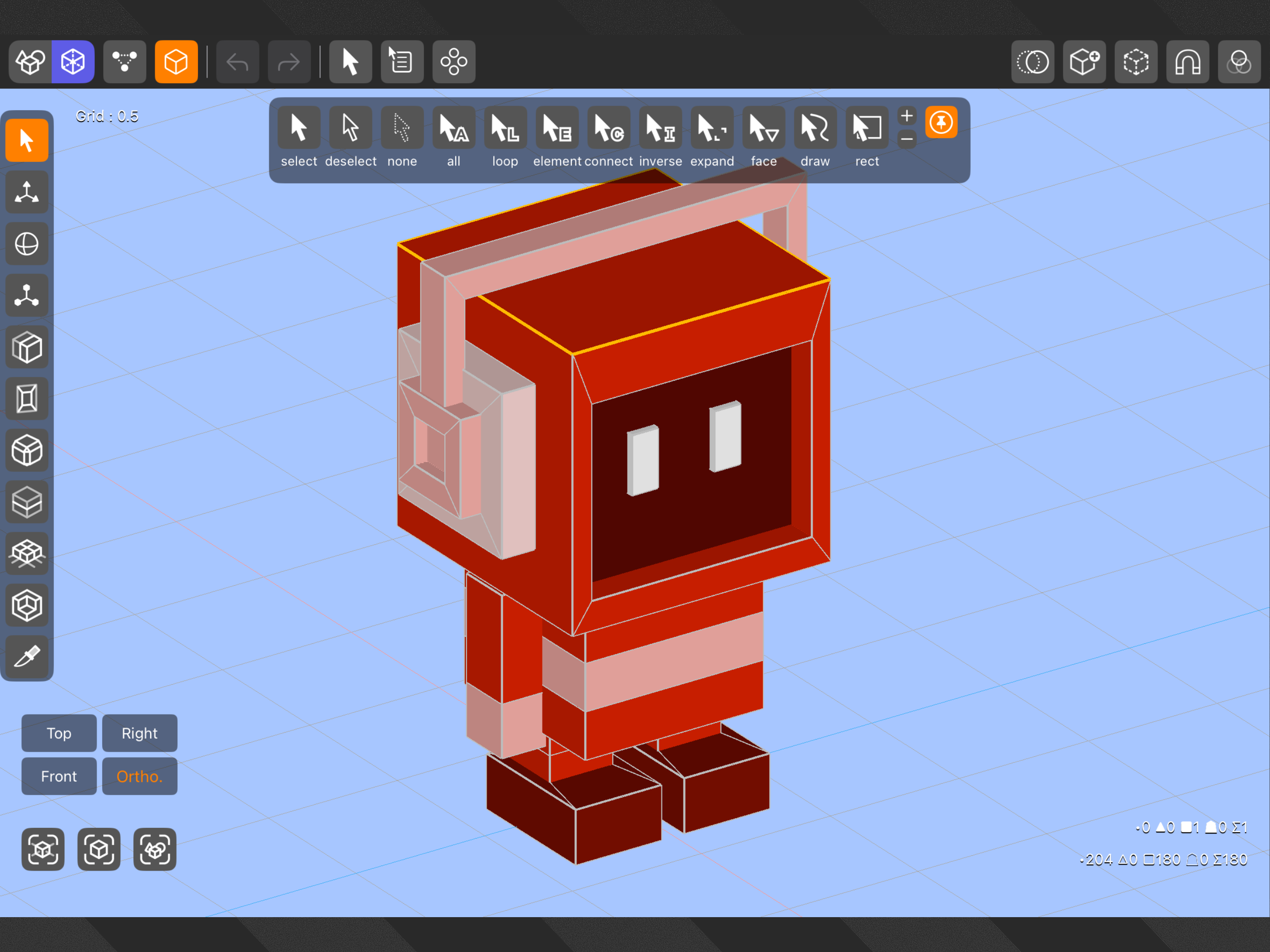
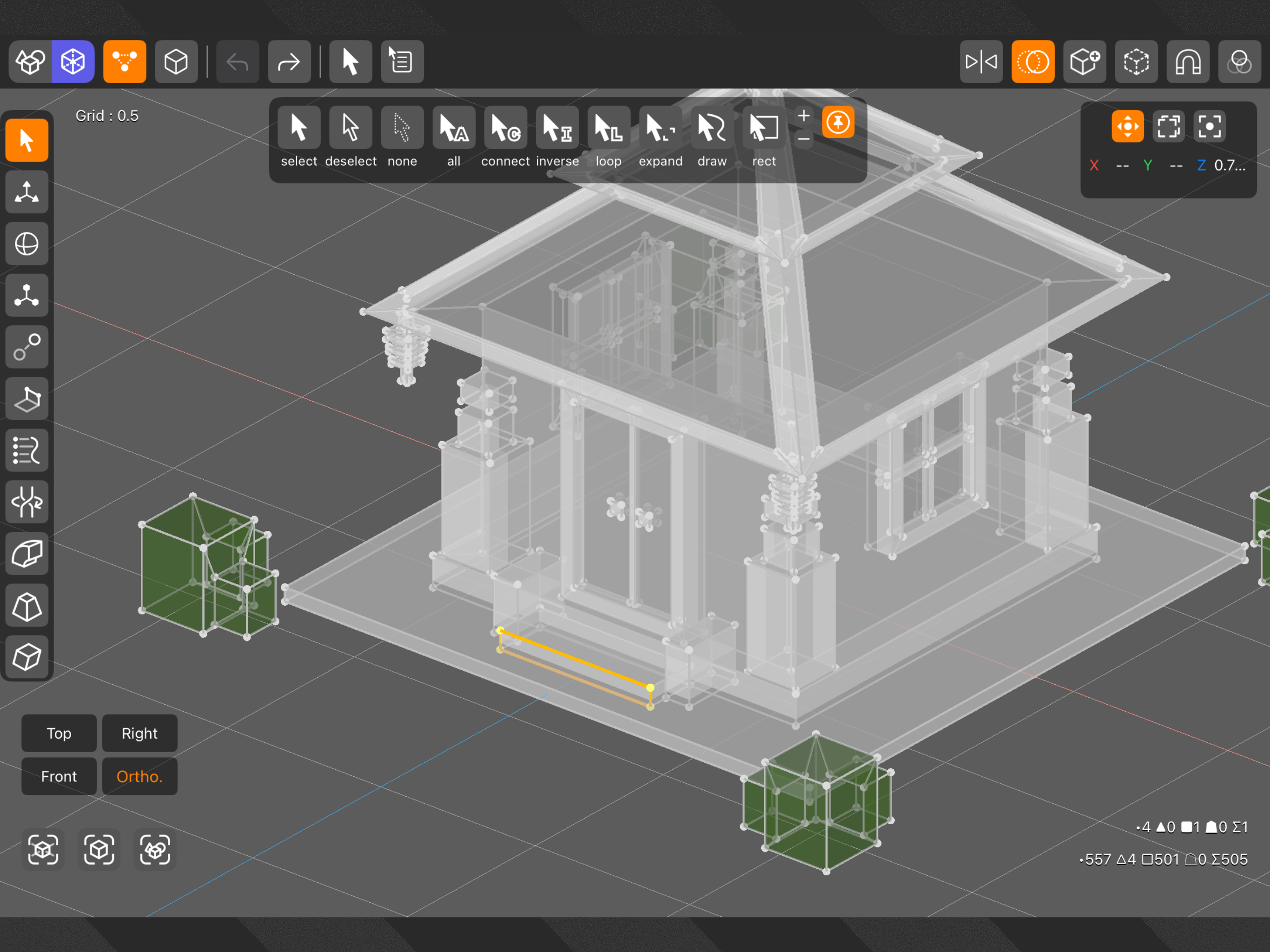
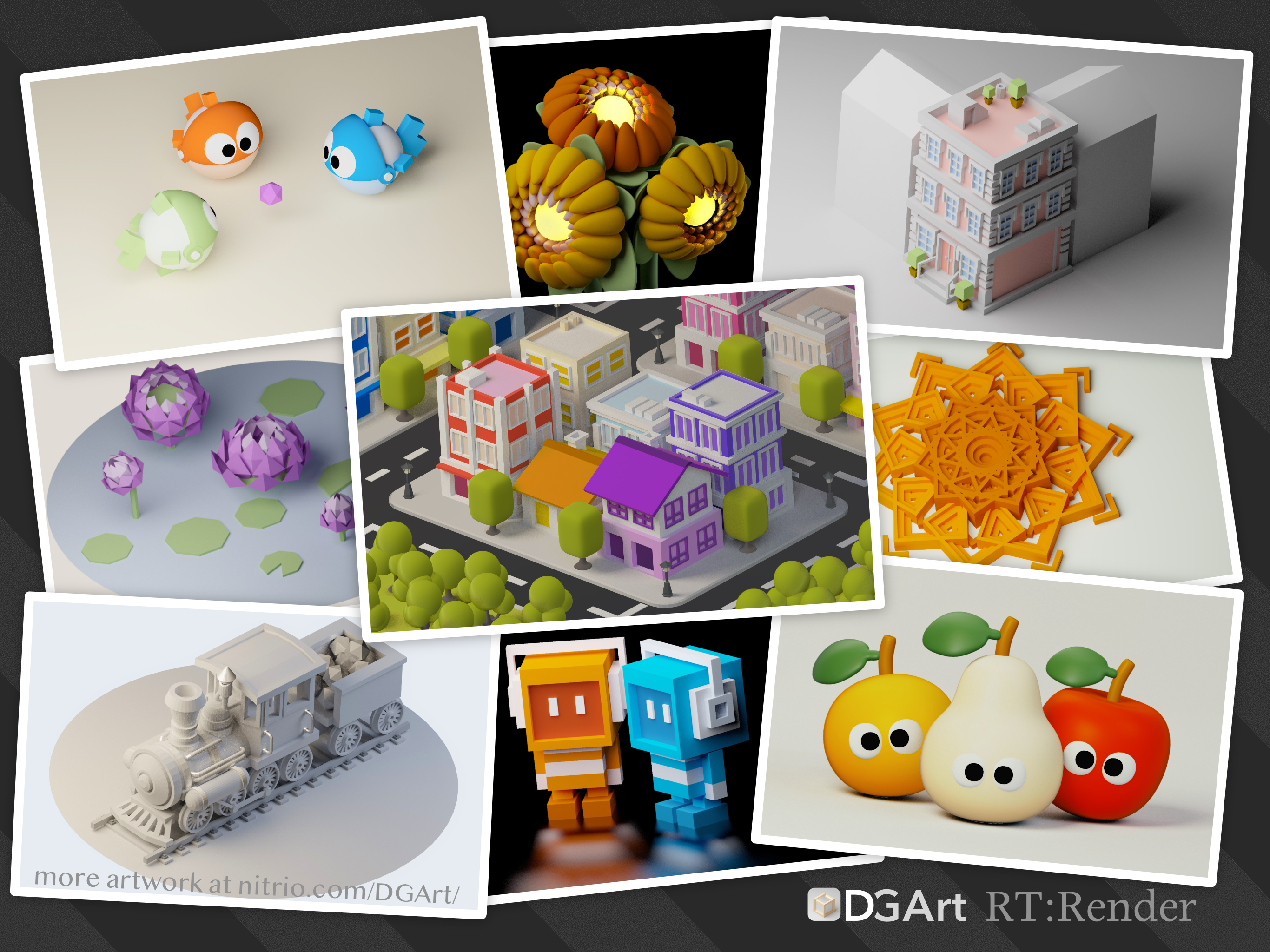
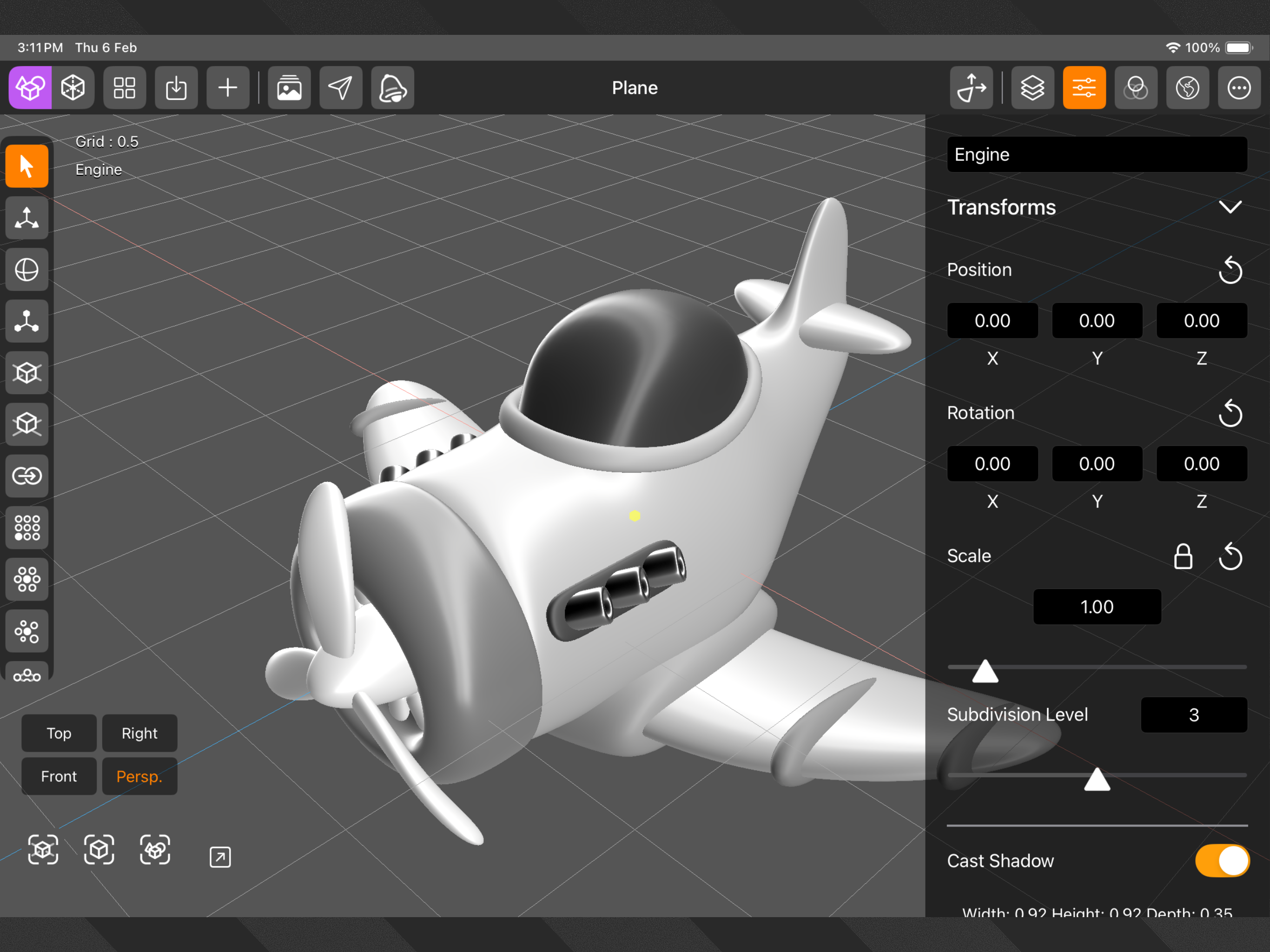
Study the product story and store experience behind the acquisition funnel.




03 / Market context
Keep revenue, downloads and store rankings separate from advertising performance.
I tried it for 5 minutes before deleting and requesting a refund. It crashed twice in that time while I discovered the following issues. - Poorly organized interface. - No tooltips or links for “help” or “manual” (exacerbating the above issue) - No edge selection?? You have to select multiple points. - Clunky selection modes/tools are under a submenu, (greatly exacerbating the above issue) - Snap has no options - I have no idea what I’m snapping to and couldn’t change it if I did. - Moving multiple points had a strange scaling issue (maybe a bug). - Control of the view (orbit,zoom, etc) seemed to be locked while some menus were open, or some selection modes were active. Again, I found all of this and probably a few more issues in 5 minutes. This needs a lot of rethinking, not just bug and crash fixes, or new deformation features. The tools there there should be able to be found in a logical way and work like they are expected to. This just feels like a work in progress that should still be in testing with input from modelers (not customers) Try Valence.
So… I don’t want to give this app a bad review or rating but I can’t seem to import. There’s an import button that takes you to a blank screen with a little plus sign at the bottom corner that you can’t press. I can’t see any other way to import my OBJ files into this app. Let me know if it’s possible. I’d like to change my review because this seems like a good app. Update: so in order to import you have to save your object in the files folder “import” then open the app and import, which doesn’t work to well but then there’s a polygon limit! A simple belt I created in Nomad, which I can open in ZBrush, forger and valence3d, exceeds the poly count limit here? I don’t understand that. This is frustrating because this is a paid app and it has amazing features. Devs please fix these issues. This app has so much potential.
As a basic modeling software with “Sub-D” modeling All the tools and features for that is there The app just keeps on crashing for me so I can really use it to its fullest atm. Until the crashing is either fixed or lessened I can give it a higher score.
DGArt is a 3D modeling, animation, and rendering tool for artists, game designers, and developers to create 3D assets and content from start to finish...