
Check the acquisition promise
Read the store headline, screenshots and description. What problem is the app promising to solve?
Study the storefront ↗
Sparseal SL · iOS
Explore the ad evidence, study the storefront, and build your next acquisition hypothesis.
01 / Creative research
Read the store headline, screenshots and description. What problem is the app promising to solve?
Study the storefront ↗Explore apps with direct store-link matches. Compare their hooks and formats without assuming the same approach works here.
Browse observed advertisers ↗Store rankings and revenue estimates describe market context. They do not establish ad spend, conversions or ROAS.
Review the market context ↗02 / Storefront & product
Study the product story and store experience behind the acquisition funnel.
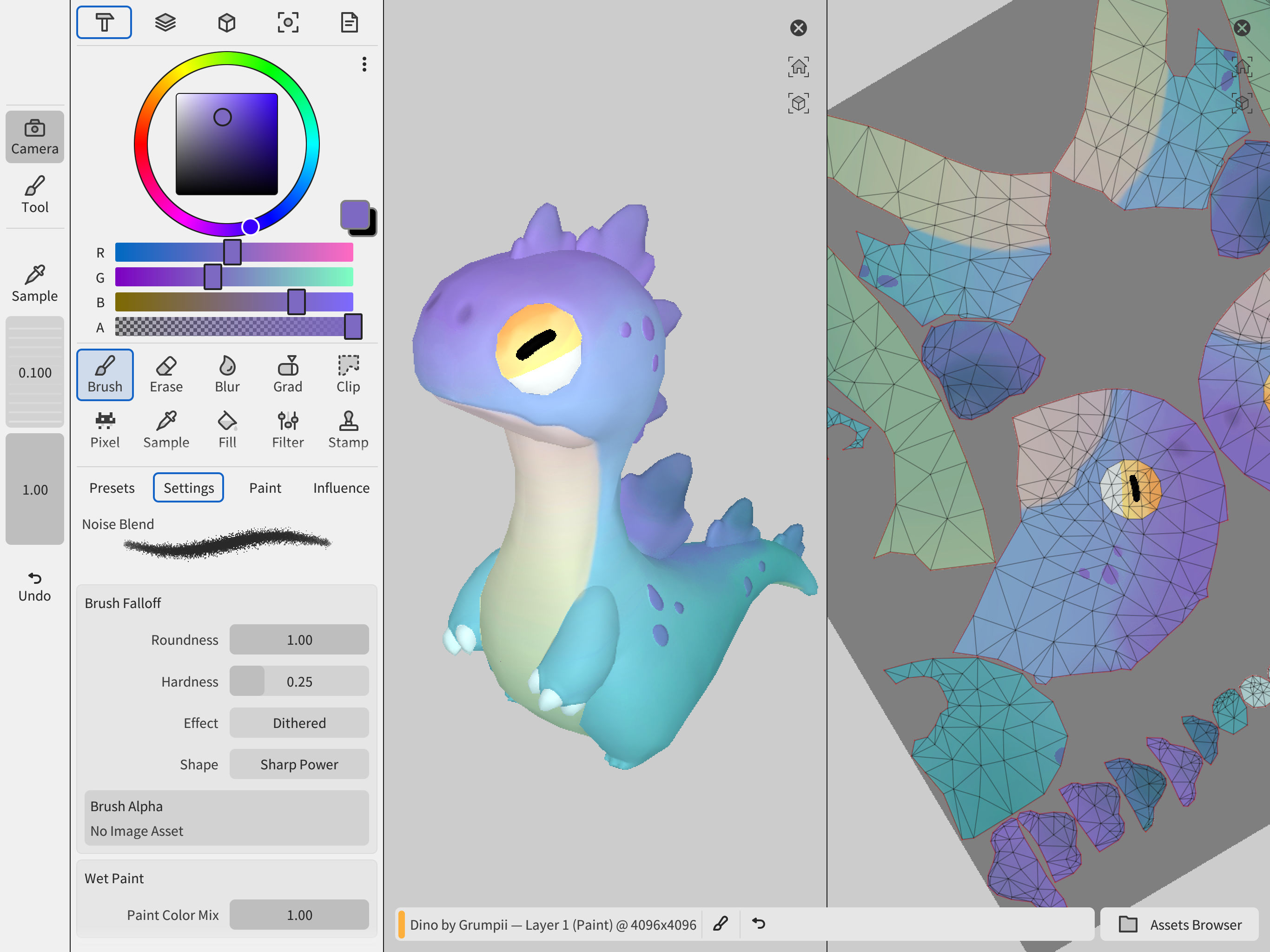
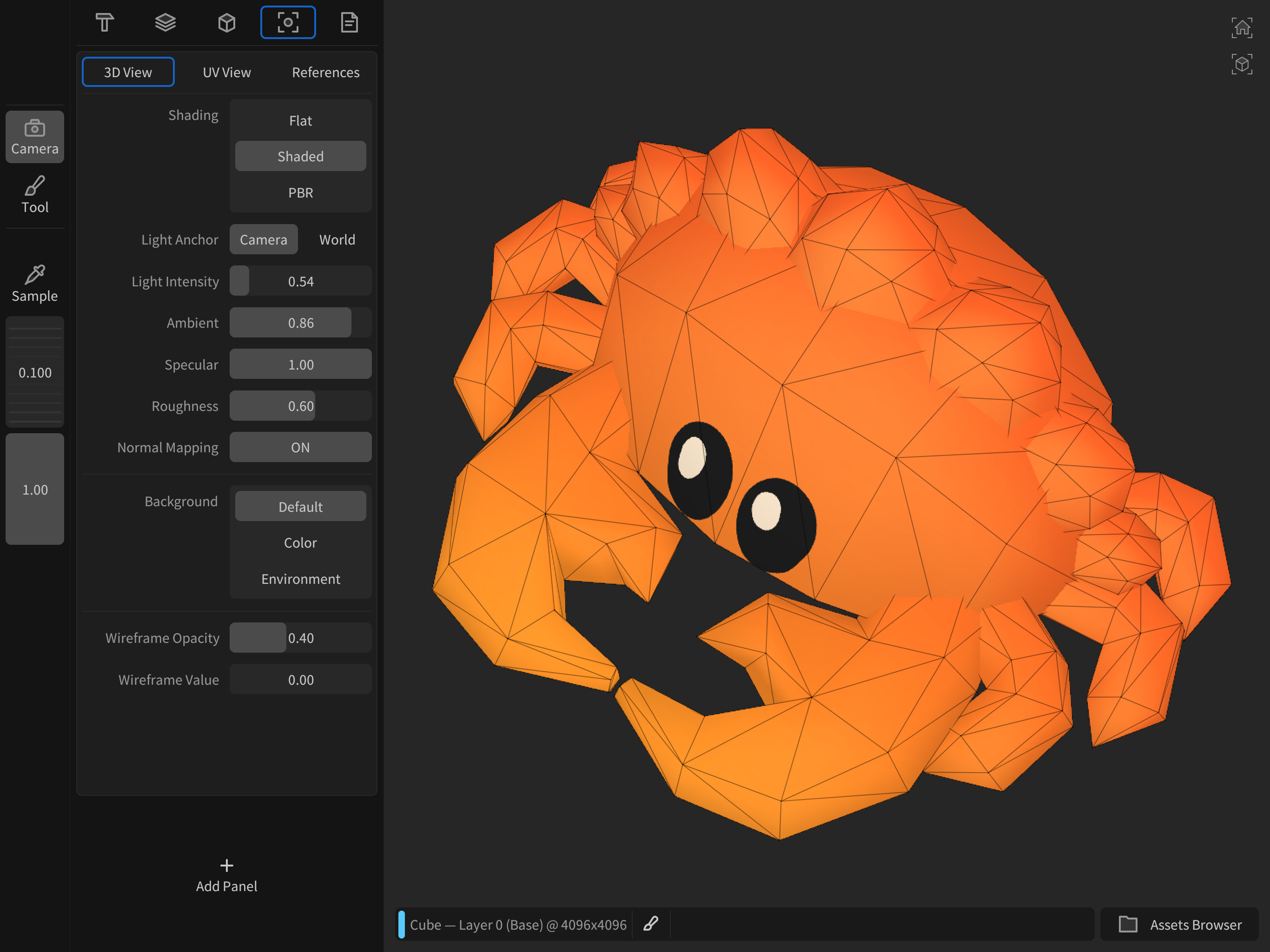
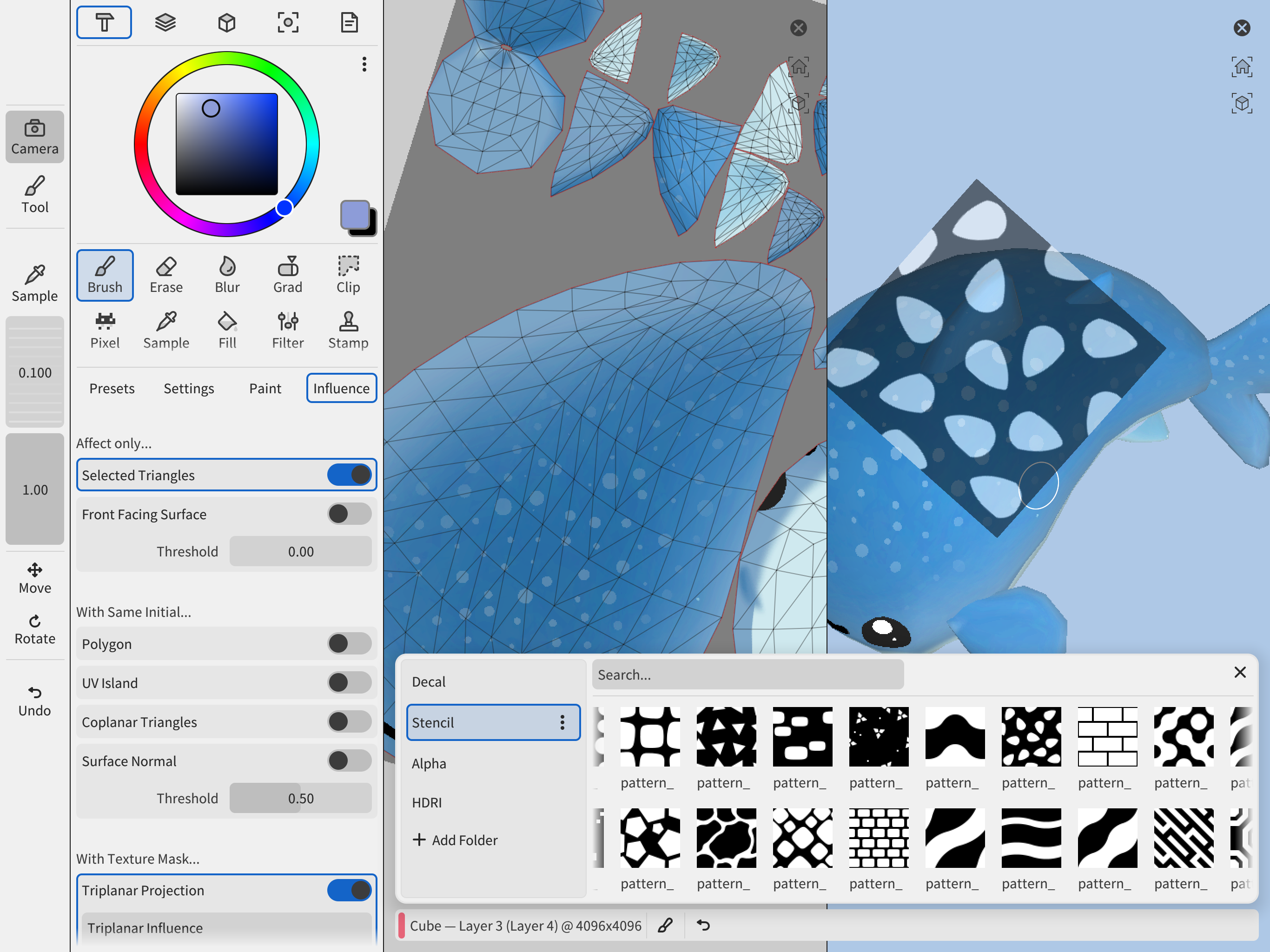

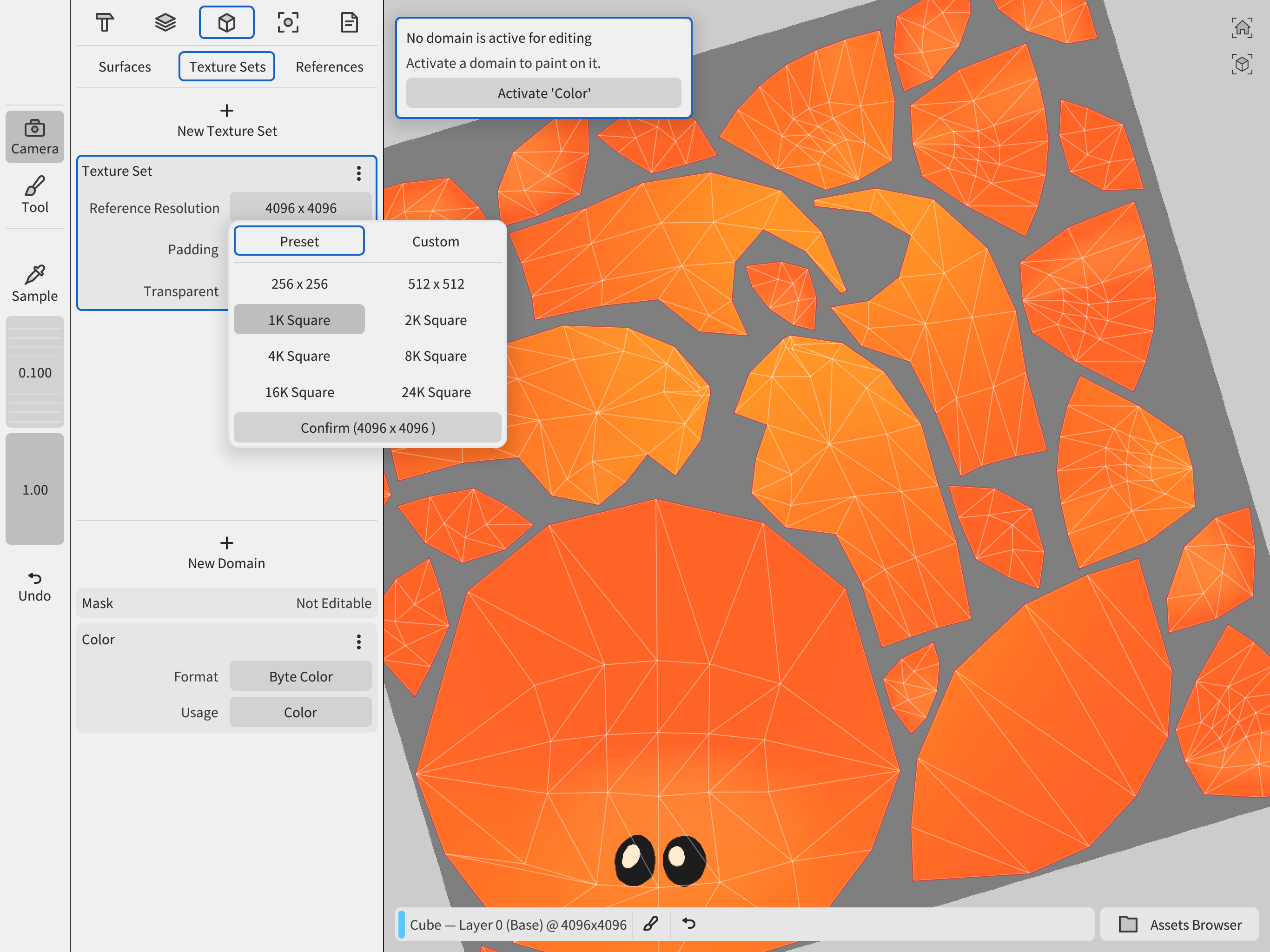

03 / Market context
Keep revenue, downloads and store rankings separate from advertising performance.
Recent update fixed the import crashing issues on 9th gen ipad. Some things that would make it perfect: - Color: Using reference images for color isn’t a convenient workflow, and that method uses up the window which should be used for something else. GPL format import/export support. A floatable palette dock with a collapsible/resizable window and color icons would be ideal. An addable palette panel under the Tool and Layer Inspector so colors can be quickly accessed when Layer is a fixed window. Ability to add currently selected colors quickly to active palette. Maybe even extract colors from model/object/uv map and add them to a palette. - Custom Brush and Erase Tools: Clone/save all attributes of a modified brush/eraser (Settings, Paint, Alpha, Stencil, Influence) in a Wafer format, give them names, custom icons (or draw a stroke to define a icon), and save them directly into the asset browser/or a dedicated sub folder. Maybe the ability to add Presets to the Toolbar so they can be accessed quickly when the Tool Inspector is collapsed? Tap the icon in the vertical toolbar and a collapsible submenu could pop up featuring selected presets of that tool type? Easy way to keep workspace minimal on smaller screens and have access to different brushstrokes between projects, without having to manually edit brushes each session. - Tool Library: Panel to the left of the Preset brush panel in Tool Overview. Links/references the brushes saved or manually imported into the asset browser. Each individual brush/eraser preset can be referenced by multiple libraries, letting users build custom preset groups for their own workflows. Selecting a library changes the available brushes/presets in the Presets panel. Let us set a default library (or it can default to the current preset brush settings) - Toolbar Edits: The ability to rearrange and resize the toolbar items to fit more on small screens. I use the select tool a lot and being able to move it towards the top of the vertical toolbar would be ideal. * Window Resizing/Cropping: Currently can’t resize windows which makes things like reference images awkward and take too much screen space on smaller devices. Using references as a background image layer.
Intuitive texture painting on iPad. Works very well for cartoon styles that don’t need a lot of precision. Definitely the most promising app in the App Store for this purpose, so I am excited to see how it develops. For my workflow, it is missing a few key features and has one or two bugs that prevent me from using it effectively. - The fill tool does not have an option for bleed. The color comes right up to the edge of the UV islands and no further, so you get visible seams especially if you scale the texture down or use mipmaps. - by default, the navigation is set to track ball, which is disorienting. Fortunately it has a setting for turntable style navigation like you would see in blender, but it is broken right now. It locks at 0° and -180° on the X axis instead of +90 and -90. I also really need to draw straight lines or circles, but I understand if this is not a feature that everybody needs. That said, it’s a very well-made app and is the most promising for texture painting on iOS so far.
Considering most apps tend to go the subscription route, I’m glad to see more developers creating standalone 3d solutions for ipad that have an up-front purchase instead. I think this will make for a great way to texture paint in future, but at present, it’s a little difficult to navigate with no way to separate apple pencil and touch gestures. For other 3d apps like Nomad Sculpt, one of the built-in options is being able to isolate touch gestures for navigation only (zoom, rotate, etc.) and only use apple pencil for actual sculpting. In this app currently, it is startlingly difficult to avoid making random paint marks on your 3d object while trying to zoom out or rotate it, because the use of touchscreen and apple pencil completely overlap. I’m not sure how this issue could be solved or minimized for purely touchscreen users, but to be honest, I think most professionals working with 3d on ipad will be using some sort of stylus—official or no—if/when working this app into their 3d pipeline. Regardless, I think it’s a great app and will be well worth the money with a little more polish.
Drawing Tools: - Brushes with full pressure and tilt support - Lasso clips, gradients, wet painting and blur - Stencils, decals and stamps - Custom br...
| Name | Price | Type |
|---|---|---|
| Exporting and Saving Documents | $19.99 | One-time |


