
Check the acquisition promise
Read the store headline, screenshots and description. What problem is the app promising to solve?
Study the storefront ↗
WEBGEHEUER OU · iOS
Explore the ad evidence, study the storefront, and build your next acquisition hypothesis.
01 / Creative research
Read the store headline, screenshots and description. What problem is the app promising to solve?
Study the storefront ↗Explore apps with direct store-link matches. Compare their hooks and formats without assuming the same approach works here.
Browse observed advertisers ↗Store rankings and revenue estimates describe market context. They do not establish ad spend, conversions or ROAS.
Review the market context ↗02 / Storefront & product
Study the product story and store experience behind the acquisition funnel.




03 / Market context
Keep revenue, downloads and store rankings separate from advertising performance.
I love the idea of of this as steam doesn’t offer a clean experience when looking at info on your games quickly. You have to go back and forth between library, scroll round up and down etc. this makes it easy and fun to use. The only thing I would ask for is more filter options for games in my library. Having an option to see which games support Linux, windows or apple would be great. As someone who wants to get into Linux I was hoping to use this app to see if I would be happy switching to Linux as a gamer. Other than that great work!
So far, I love the app, but currently, a nasty bug distracts from it being perfect. During setup, when clicking on sync on any of the buttons, the screen doesn't update until I force close the app and reopen it. I noticed the same thing when I loaded up the app today: It said I had new games I had just purchased, but when I searched for them after the sync was completed, they weren't there. I force-closed the app, reopened it, did the search, and my game showed up. If this bug gets fixed, I will change my rating to a five. UPDATE: still waiting on a fix for the updates not reflecting until app restart. I would like if there was an option to sort by recently added. I have a lot of games and after purchasing a game I want to use this app to easily see what I just bought but instead I have to search for it. Recently I bought a bunch of games and couldn't remember the titles names but if I could order them by recently added I could see all of them quickly and easily. UPDATE 2: The syncing issue and initial setup has been overhauled and is much improved, bumping my rating to a 4 from 3. I hear more and better sorting options are coming. When we get those I'm bumping my review to a 5
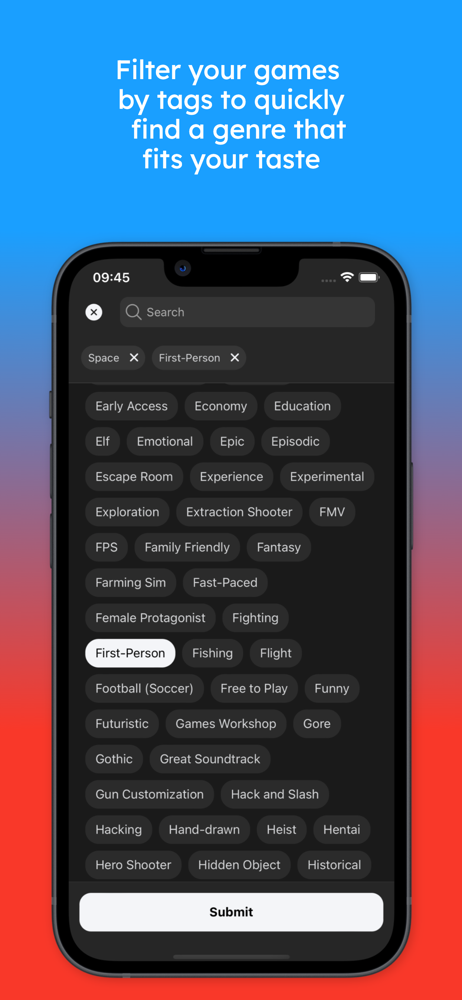
If I could add anything, it would be sort by steam user reviews. For me they’re a better indicator especially for games that get updates patches and expansions (and incompatibility, new issues, shut down servers, etc.) that drastically change the quality of the game from its initial review at launch. Having that easily crossed with hltb and deck/proton would be ace. Oh, and iPad full screen would be great but that’s not a deal breaker for how useful this thing is. —— Getting everything synced was a breeze. Having a new way to sort through my massive collection of games I imagine I had the time to play and then bring in info from deck/proton compatibility and hltb makes it so much more intuitive to build out some things I’d like to play next, whether it’s something I might sink hours in or feel like I can chip away at having more games I’ve played through their end.
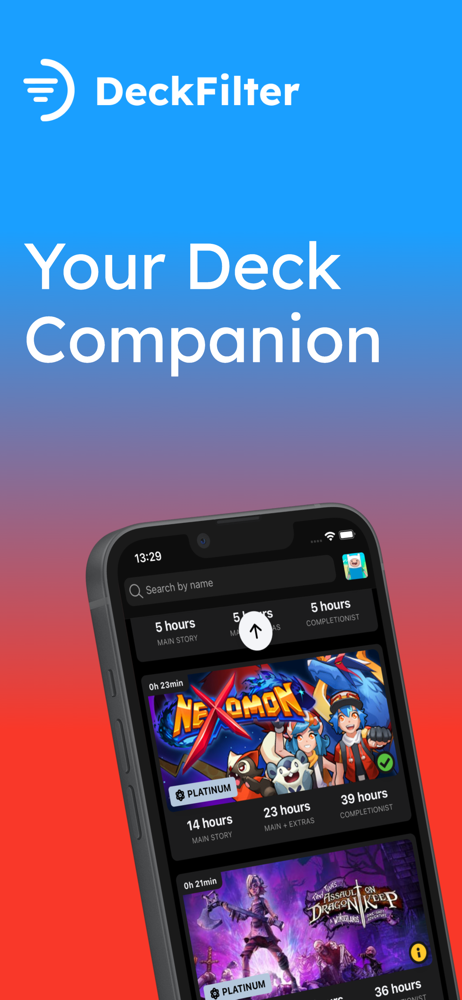
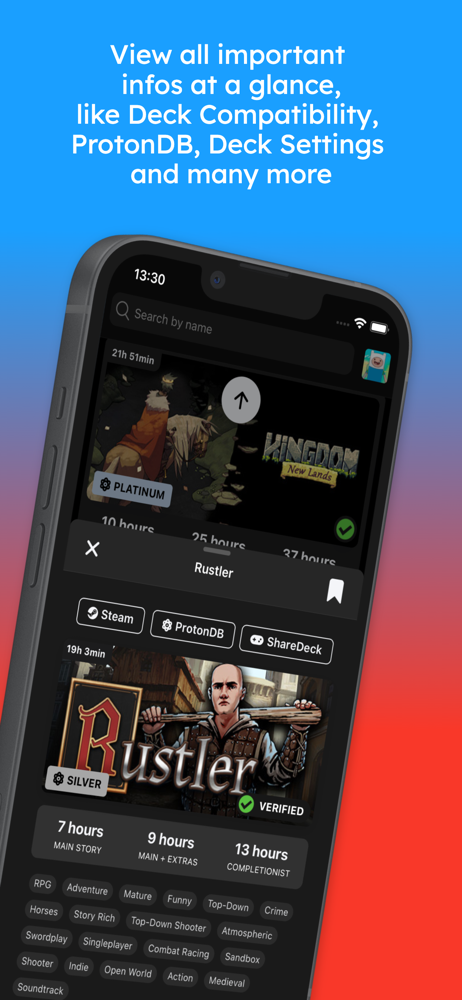
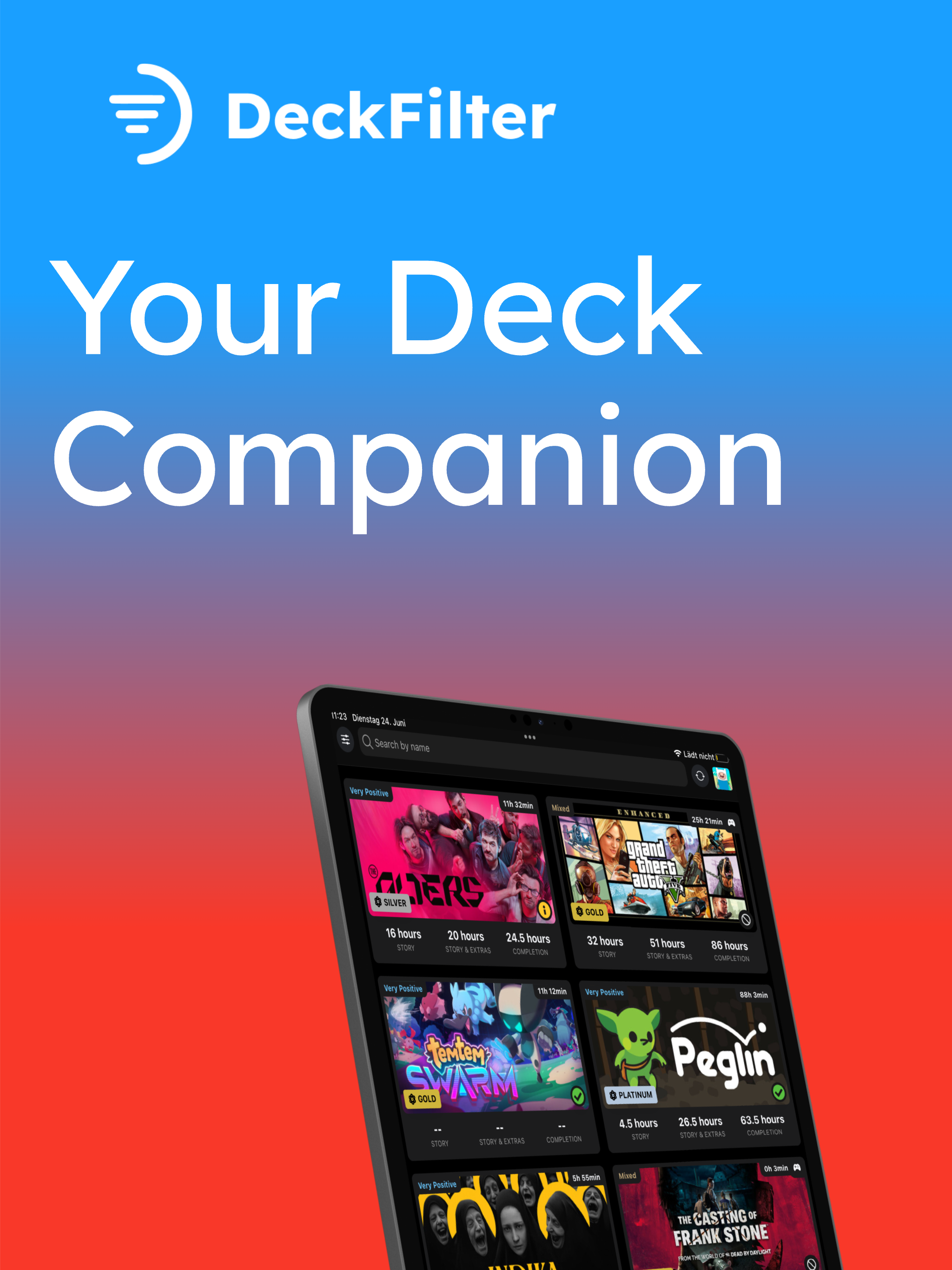
DeckFilter helps Steam Deck players choose what to play next from the Steam games they already own. Sync your Steam library and wishlist, then turn a...


