Check the acquisition promise
Read the store headline, screenshots and description. What problem is the app promising to solve?
Study the storefront ↗
Simone Montalto · iOS
Explore the ad evidence, study the storefront, and build your next acquisition hypothesis.
01 / Creative research
Read the store headline, screenshots and description. What problem is the app promising to solve?
Study the storefront ↗Explore apps with direct store-link matches. Compare their hooks and formats without assuming the same approach works here.
Browse observed advertisers ↗Store rankings and revenue estimates describe market context. They do not establish ad spend, conversions or ROAS.
Review the market context ↗02 / Storefront & product
Study the product story and store experience behind the acquisition funnel.



03 / Market context
Keep revenue, downloads and store rankings separate from advertising performance.
I switched to Game Tracker after having used GameTrack for around a year. Not only does this app look better by far and is generally more functional, but it also has much better features allowing me to track which games I own by storefront, not just by platform. I also like to track time played, and Game Tracker is so much better than GameTrack or Gamery, the latter of which lacks time tracking entirely. There’s still some features and functions I hope are added in the future, but new features are only possible through supporting the developer, so I really encourage you to try adding a couple games to make sure the app is what you need, and if it is, upgrade to Pro to support the developer.
Recently switched to this from GameTrack because of several issues I had with that service. This app is much better in a number of ways including the Spaces feature, the time logging and timer functions, and other category and organization options. Other than a few minor bugs (as well as the lack of a simple bug reporting tool), the search function has been the biggest issue. The ability to filter by platform is nice and actually works unlike in GameTrack, but it has several key flaws. First, the search only returns the first 20 results. Second, the app claims you can search by title or publisher, but you absolutely cannot search by publisher at this time. Lastly, you cannot sort results at all nor apply any filter besides platform. The best example of this is trying to add The Finals (2023, Embark Studios); the results show only twenty Final Fantasy games. Hopefully the search function is expanded and refined because everything else about this app is almost perfect. Game library integrations would be nice like Gamery, but Gamery doesn’t have time tracking, especially per playthrough (something GameTrack lacks as well). Overall, I hope this app’s development continues for a long time.
Easily one of the best Game Backlog/Collection trackers out there. They include many many features that other apps in a similar vein are desperately missing such as note taking during game sessions and having thoughtful organization for your game library. You can also keep track of how much you’ve purchased games for and there’s analytics to go with that. Overall this is an astounding app and MacOS support is the cherry on top. I can’t wait to see what else this team comes up with to improve the app as it’s pretty close to perfect as is.
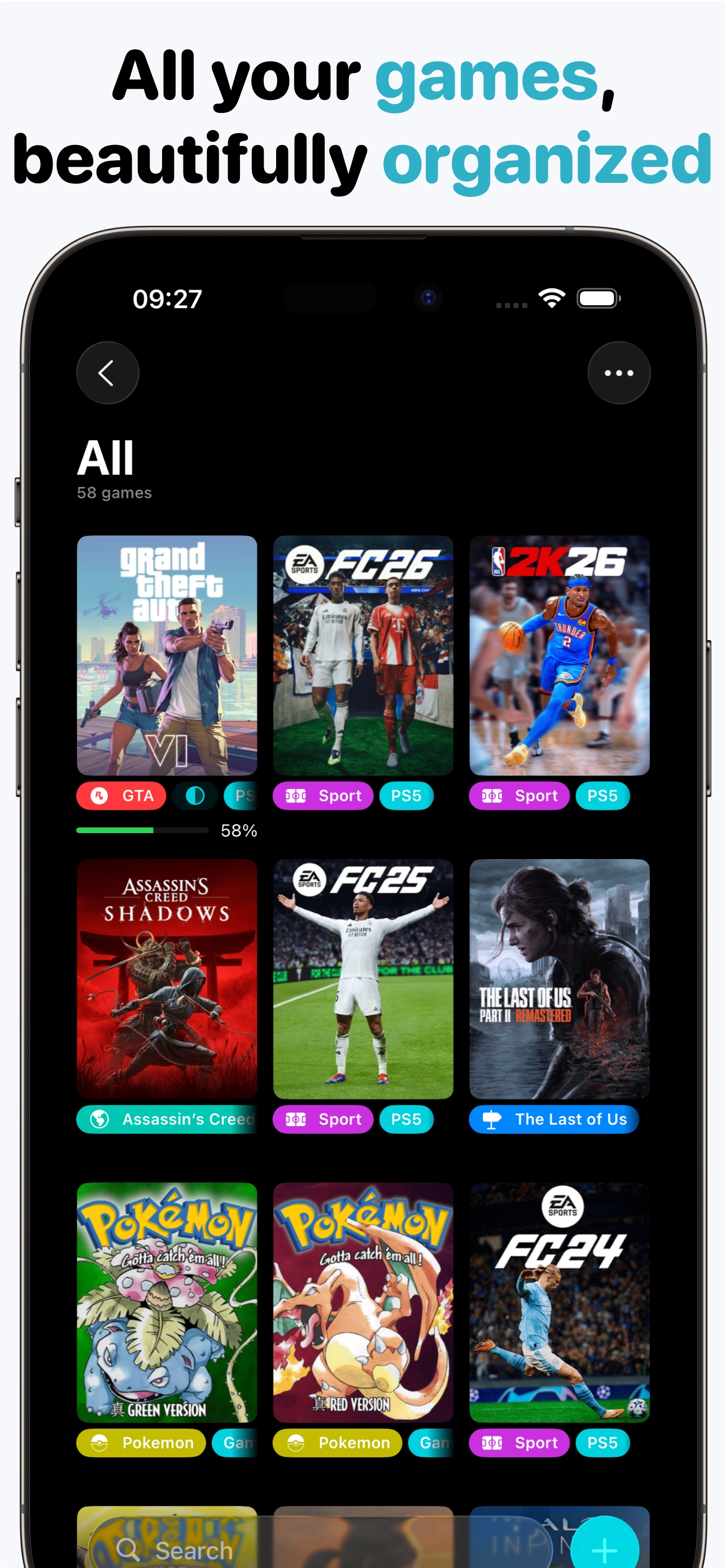
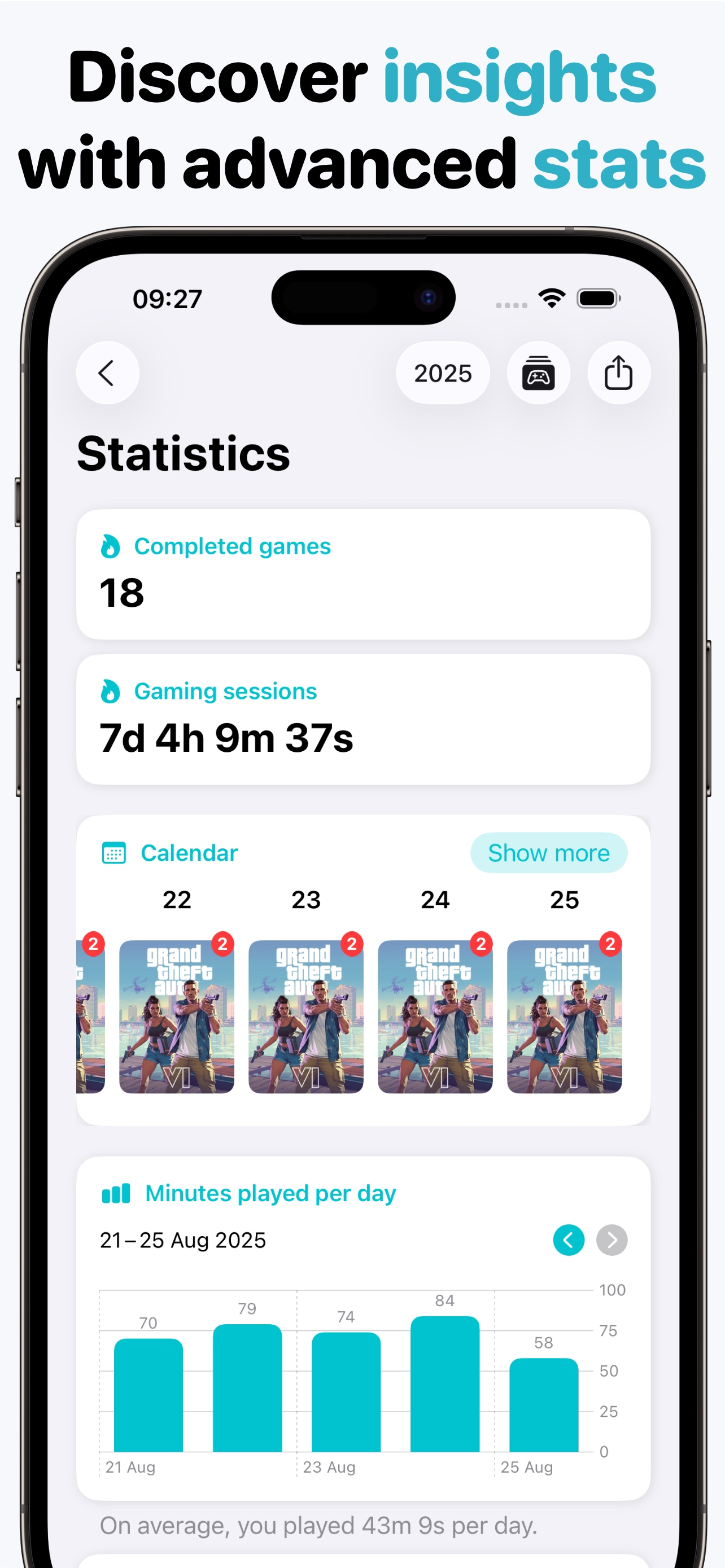
Game Tracker is the ultimate app for every gamer. Available on iPhone, iPad, and Mac, it helps you organize your video game collection, track your pla...
| Name | Price | Type |
|---|---|---|
| Game Tracker Pro (Monthly) | $1.49 | Monthly |
| Game Tracker Pro (Annual) | $10.99 | Yearly |
| Game Tracker Pro (Lifetime) | $34.99 | One-time |