Check the acquisition promise
Read the store headline, screenshots and description. What problem is the app promising to solve?
Study the storefront ↗
Overdesigned, LLC · iOS
Explore the ad evidence, study the storefront, and build your next acquisition hypothesis.
01 / Creative research
Read the store headline, screenshots and description. What problem is the app promising to solve?
Study the storefront ↗Explore apps with direct store-link matches. Compare their hooks and formats without assuming the same approach works here.
Browse observed advertisers ↗Store rankings and revenue estimates describe market context. They do not establish ad spend, conversions or ROAS.
Review the market context ↗02 / Storefront & product
Study the product story and store experience behind the acquisition funnel.

03 / Market context
Keep revenue, downloads and store rankings separate from advertising performance.
Very useful app, however it comes with a significant risk compared to using OneNote or Simplenote. While those aforementioned tools have been reliable through many difficult-connection scenarios, Cheatsheet fails during even the most optimal conditions if changes are made on 2 different devices before it gets around to syncing. This seems to lie in the sync solution it relies on, leaning on iCloud vs a native solution. This means that unless you remember to go and manually get the Sync button within settings, your app isn't syncing until around midnight when your device automatically backups the rest of iCloud's stuff. This is almost dealbreakingly detrimental if you want to use this as an app to keep everything in sync, as it leads to frequently *LOSING notes, at random. I shouldn't need to keep backups for a note app, the notes should BE the backup for proper documentation.
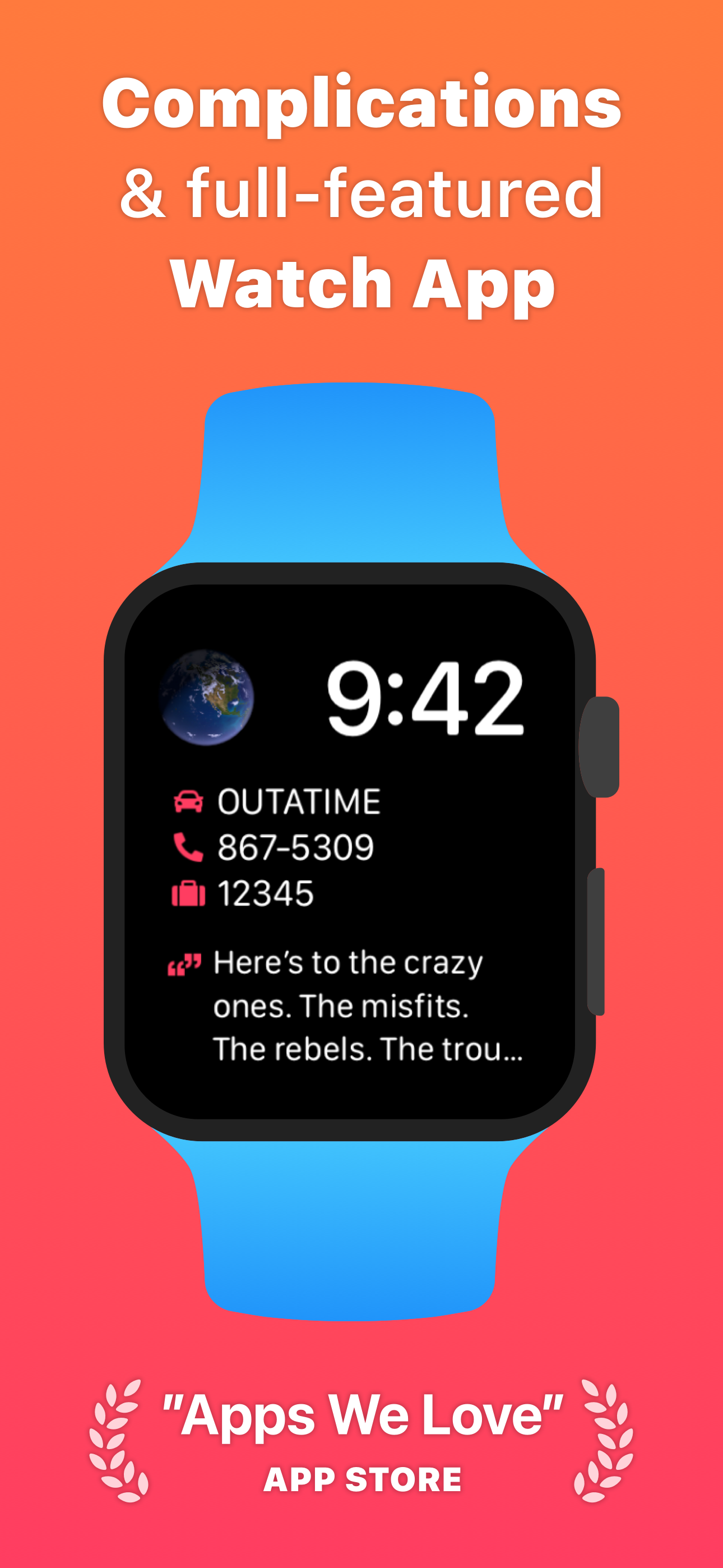
I love this app. I can write a quick note to myself in a tap or two. The true joy of Cheatsheet are the complications on the watch. I can put a todo without a date or time, in Cheatsheet on the phone, and it instantly shows in the phone widget, AND the watch face. I like this because it keeps the first cheat sheet item in front of me all the time on the watch without nagging me, irritating me, or getting lost in a slew of calendar events and reminders. And when I tap on the complication it pulls up the watch version on the watch and shows me all my cheats. The only issue I have ever had with it is the Red icons. I dunno why, but the red has bugged me for a long time. Selection of color would be more interesting. Ok that’s been changed, and now there’s color choices; yay! thank you!!
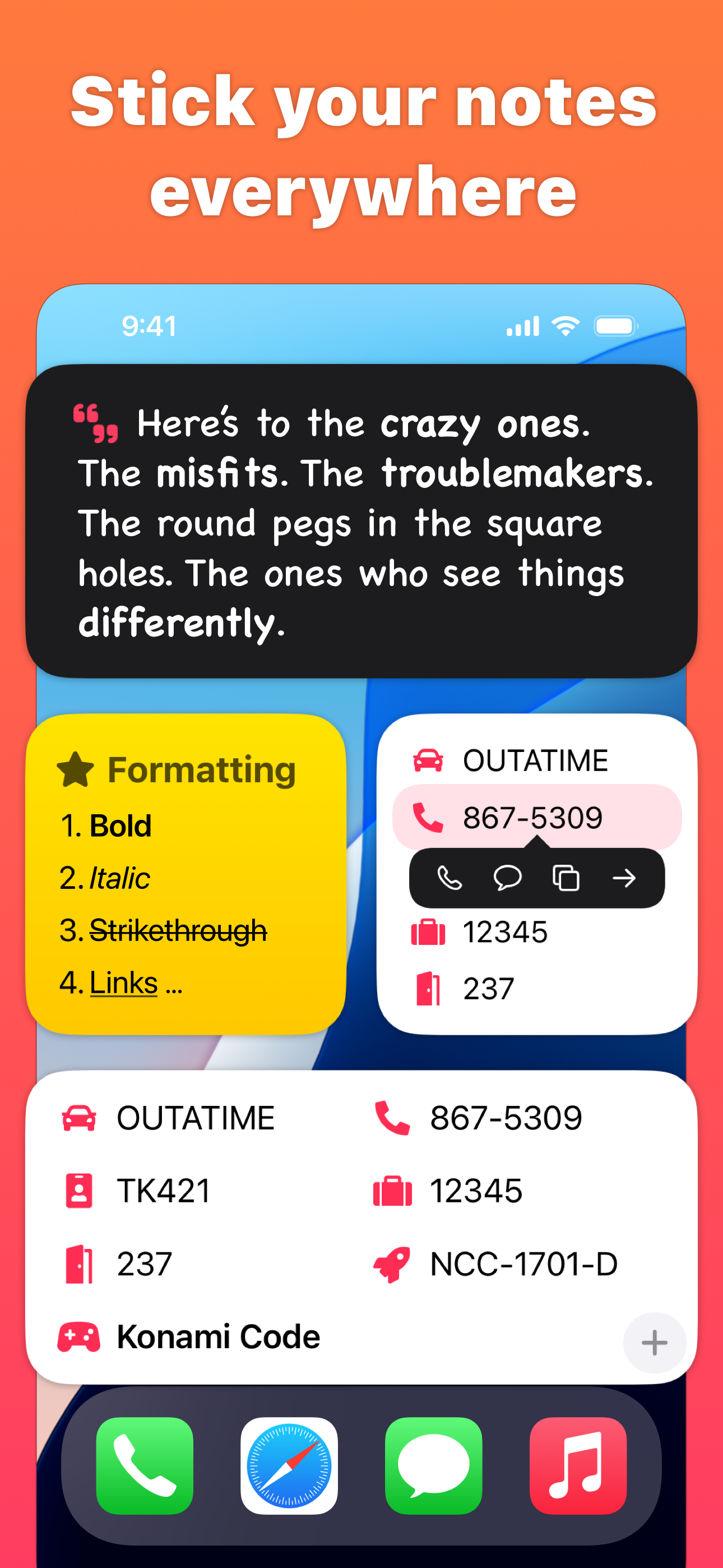
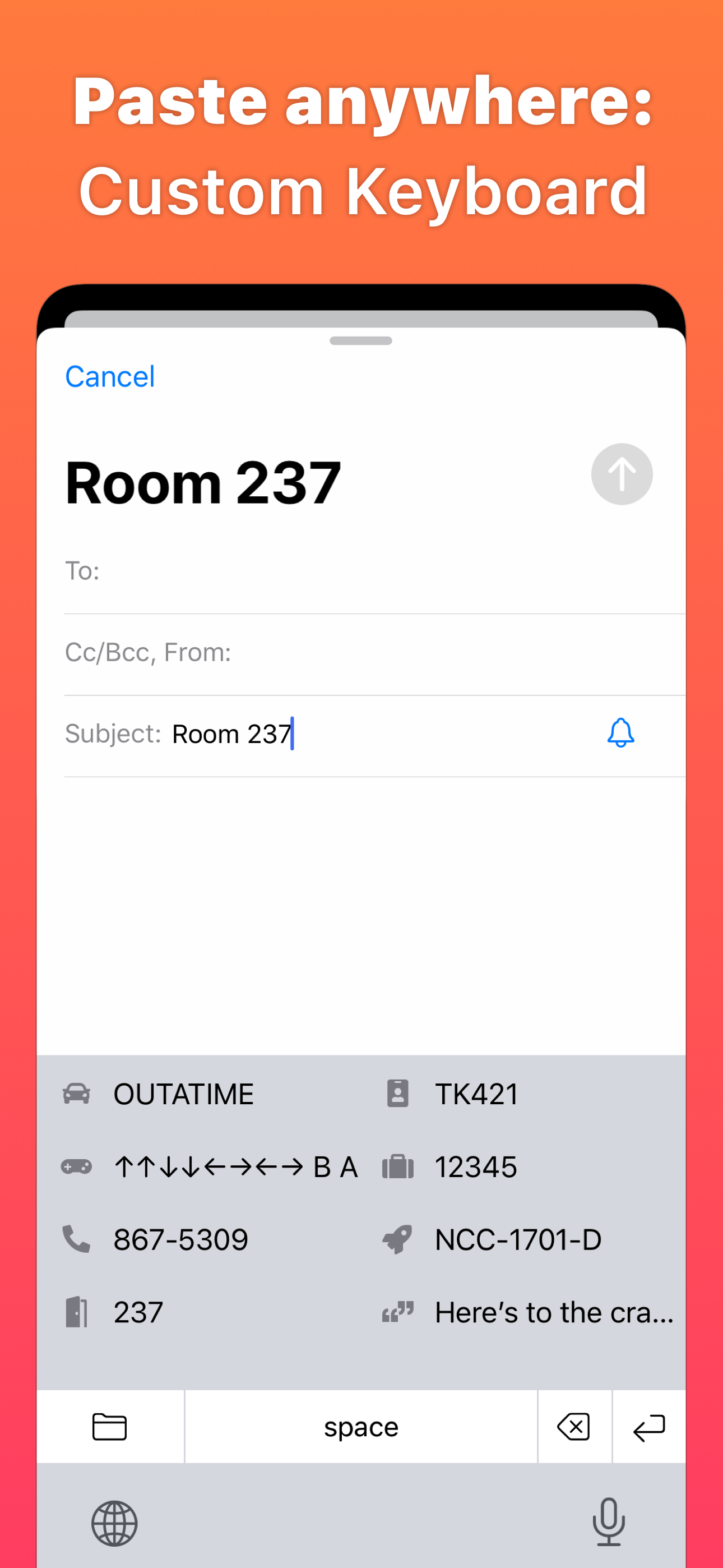
I am a real fan of Cheatsheet, both for my iPhone and my iPad. I can quickly tap and provide and personal contact info, including any of my several email addresses, but have also found it a convenient way to provide info for all of my vehicles, insurance info, and some other text that I have to provide repeatedly. It is far easier than Apple’s text replacement capability where you have to associate each replacement with a shortcut, which is always problematic if you happen to type this shortcut letters for anything else and the substitute text just appears, plus in Apple’s text replacement you cannot have line breaks (carriage returns). With Cheatsheet, I can access all of my stored text strings strings as a separate keyboard. It’s super easy and extremely convenient. Support for the product is also EXCELLENT! The developer is very responsive. Great job!!!
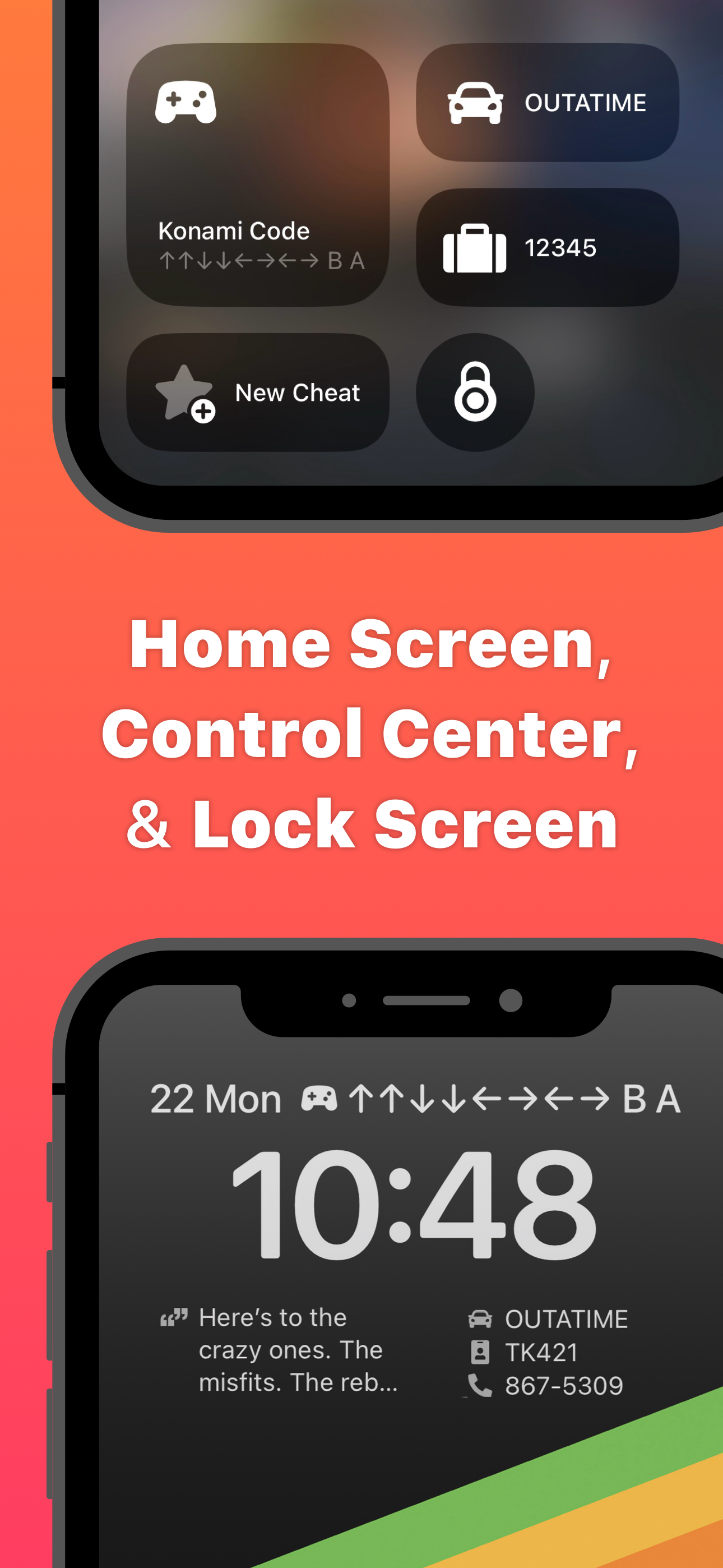
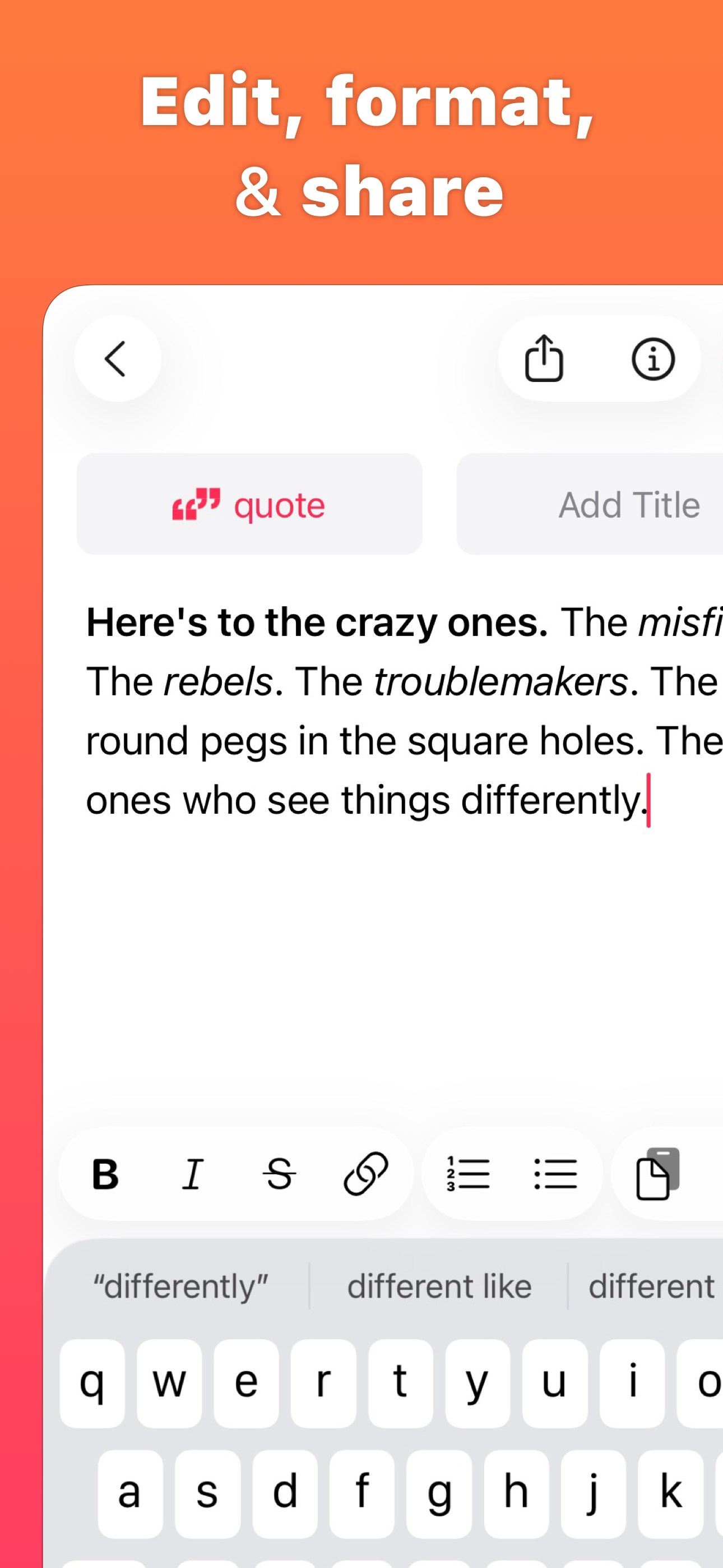
Cheatsheet is for the little things you never remember: hotel rooms, license plates, luggage combination, ID numbers. Write them down in Cheatsheet an...
| Name | Price | Type |
|---|---|---|
| Cheatsheet Pro (Monthly) | $1.99 | Monthly |
| Small Tip | $2.99 | One-time |
| Medium Tip | $5.99 | One-time |
| Big Tip | $9.99 | One-time |
| Cheatsheet Pro (Annual) | $9.99 | Yearly |
| Cheatsheet Pro | $9.99 | One-time |
| Cheatsheet Pro (Lifetime) | $79.99 | One-time |