Check the acquisition promise
Read the store headline, screenshots and description. What problem is the app promising to solve?
Study the storefront ↗
Overdesigned, LLC · iOS
Explore the ad evidence, study the storefront, and build your next acquisition hypothesis.
01 / Creative research
Read the store headline, screenshots and description. What problem is the app promising to solve?
Study the storefront ↗Explore apps with direct store-link matches. Compare their hooks and formats without assuming the same approach works here.
Browse observed advertisers ↗Store rankings and revenue estimates describe market context. They do not establish ad spend, conversions or ROAS.
Review the market context ↗02 / Storefront & product
Study the product story and store experience behind the acquisition funnel.


03 / Market context
Keep revenue, downloads and store rankings separate from advertising performance.
I think these visual “time timer” systems are usually marketed towards children, but as an adult, I find that time blindness can get the better of me pretty often, and this simple visual tool is a great way for me to keep track of time throughout my day. It was definitely worth the one-time purchase. I like how the visual clock stays on my screen even when I navigate to another window, so I can always quickly glance at it. I like that I can change the timer’s alarm sound to ring only once so it’s not super annoying. I like that I can customize the look and size of the clock face. All around, I can tell that the developer really took serious consideration into the UX of this tool and kept it simple and functional. I love this thing; big thank you to the developer 🙏🏽.
A few weeks ago, I wrote a review for this app explaining that, although I like many aspects of this app and use it as an aid for my ADHD focus, I was frustrated by my inability to move the clock around the screen to the most convenient location. One of the developers responded with directions for how to change the settings so that I can now move around the timer clock at will! Thanks, much appreciated! One more thing I'd like to tweak if possible: The clock can make a tik-tock sound if desired. But as a deaf person, the volume is too quiet to work well for me. Yes, I've already tried maximizing the volume on my computer and also maximizing the volume on my hearing aid as well. But when I do this, the ticking sound just barely tickles the edge of my hearing threshold, ONLY if I am really focused on trying to hear it! I realize it needs to be "quiet" to not become itself a distraction, and I imagine it's the perfect volume for many hearing people. But as a deaf person, I'd like to experiment with this as my main background sound (instead of music) particularly when trying to stay focused on incredibly tedious tasks when pretty much anything that isn't a bland ticking sound is likely to distract me. For me, the maximum volume needs to go higher. Is there a good fix for this? Or is this something that could be changed in a future update for the app? Thanks for any response!
I bought this to use in a classroom and like the many options that it offers. Here are my observations: 1. I love the fact that you can change the timer ending sound effect. The waves and twinkle are perfect to use with young kids. 2. I initally was put off by the fact that you have either a two minute or one hour option as a starting point. Of course you can drag the circle to choose different timer lengths but the visual representation of the time is not a complete circle at start. What I then discovered was that you can use the reveal picture option to suit my needs. I simply uploaded a blank white background. I did not want a distracting image but I know other might find it desirable. When you use a picture the visual timer starts as a complete circle based on whatever time you select initially. 3. Color options, audio options for announcing remaining time, voice options all put this app above others that I have used. It really is worth the money and the developer obviously has put in some time and effort to refine it. 4. My only wish is that you could set more than one timer at once. Other timer programs have that option but they come nowhere close to this app in terms of other features.
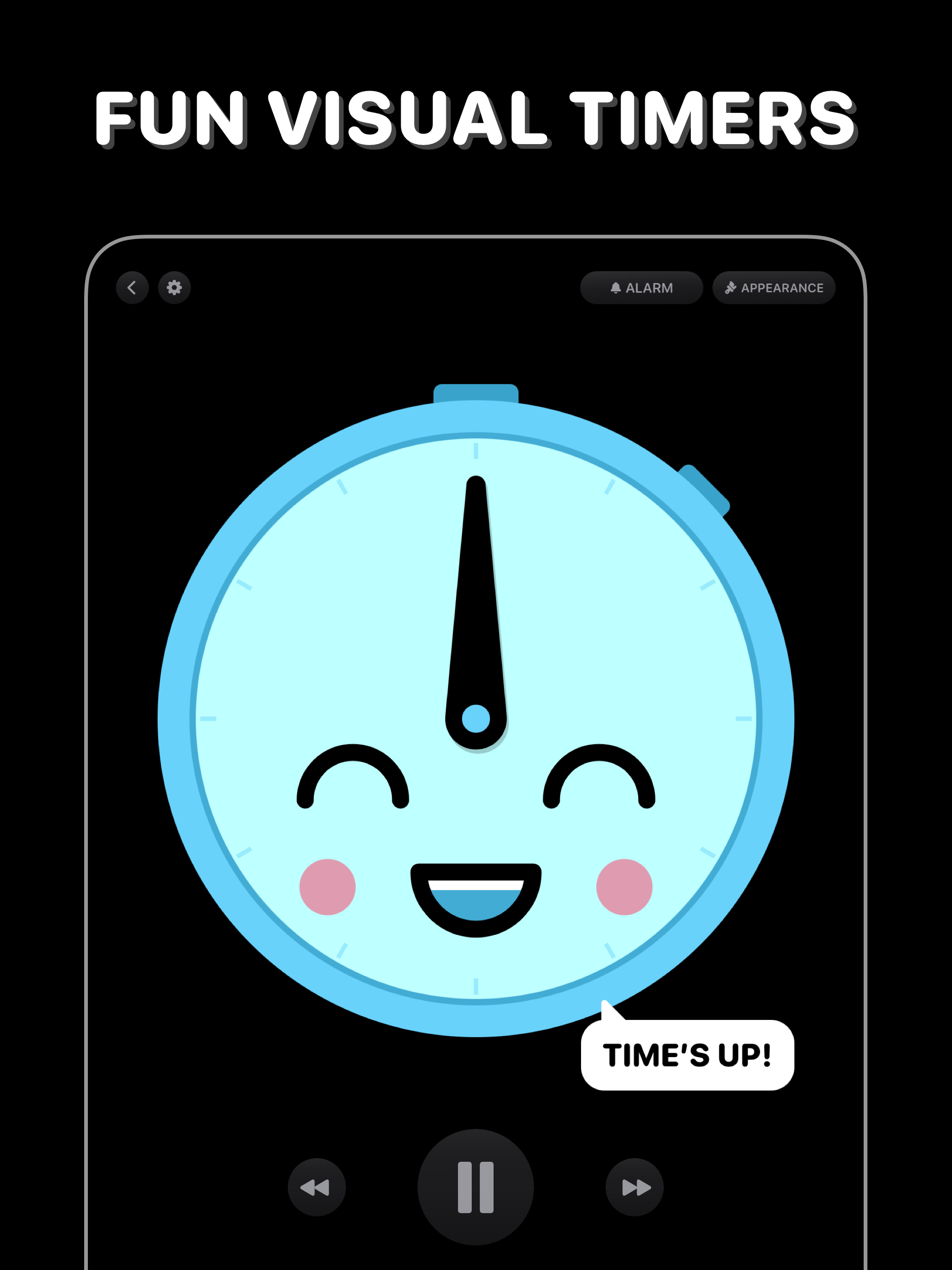
Time’s Up! is a fun, visual timer that you’ll actually want to use. Whether it’s for you, your kids, or someone else, Time’s Up! will make counting do...
| Name | Price | Type |
|---|---|---|
| Time’s Up! Unlimited | $5.99 | One-time |