
Check the acquisition promise
Read the store headline, screenshots and description. What problem is the app promising to solve?
Study the storefront ↗
Reincubate · iOS
Explore the ad evidence, study the storefront, and build your next acquisition hypothesis.
01 / Creative research
Read the store headline, screenshots and description. What problem is the app promising to solve?
Study the storefront ↗Explore apps with direct store-link matches. Compare their hooks and formats without assuming the same approach works here.
Browse observed advertisers ↗Store rankings and revenue estimates describe market context. They do not establish ad spend, conversions or ROAS.
Review the market context ↗02 / Storefront & product
Study the product story and store experience behind the acquisition funnel.
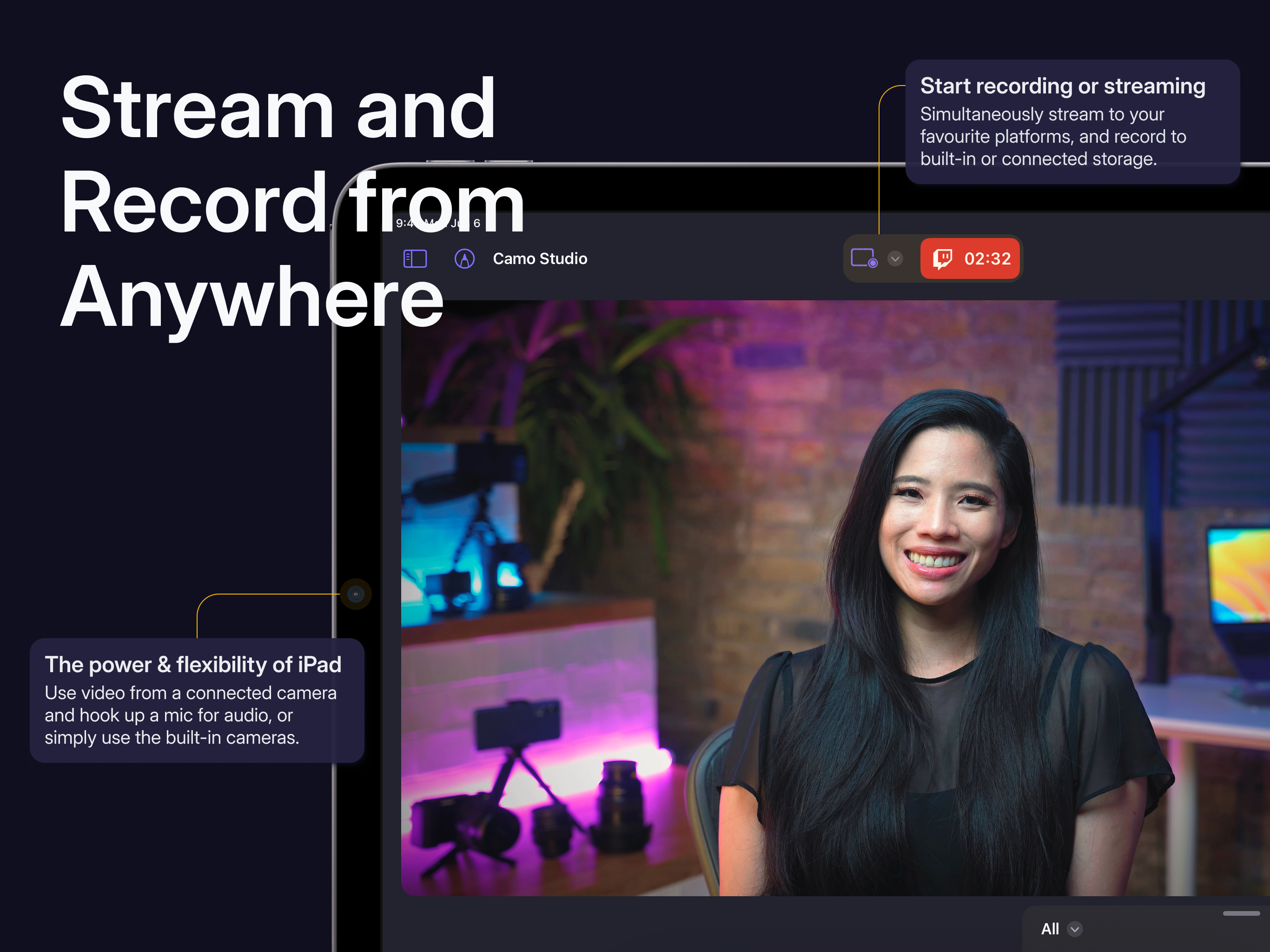
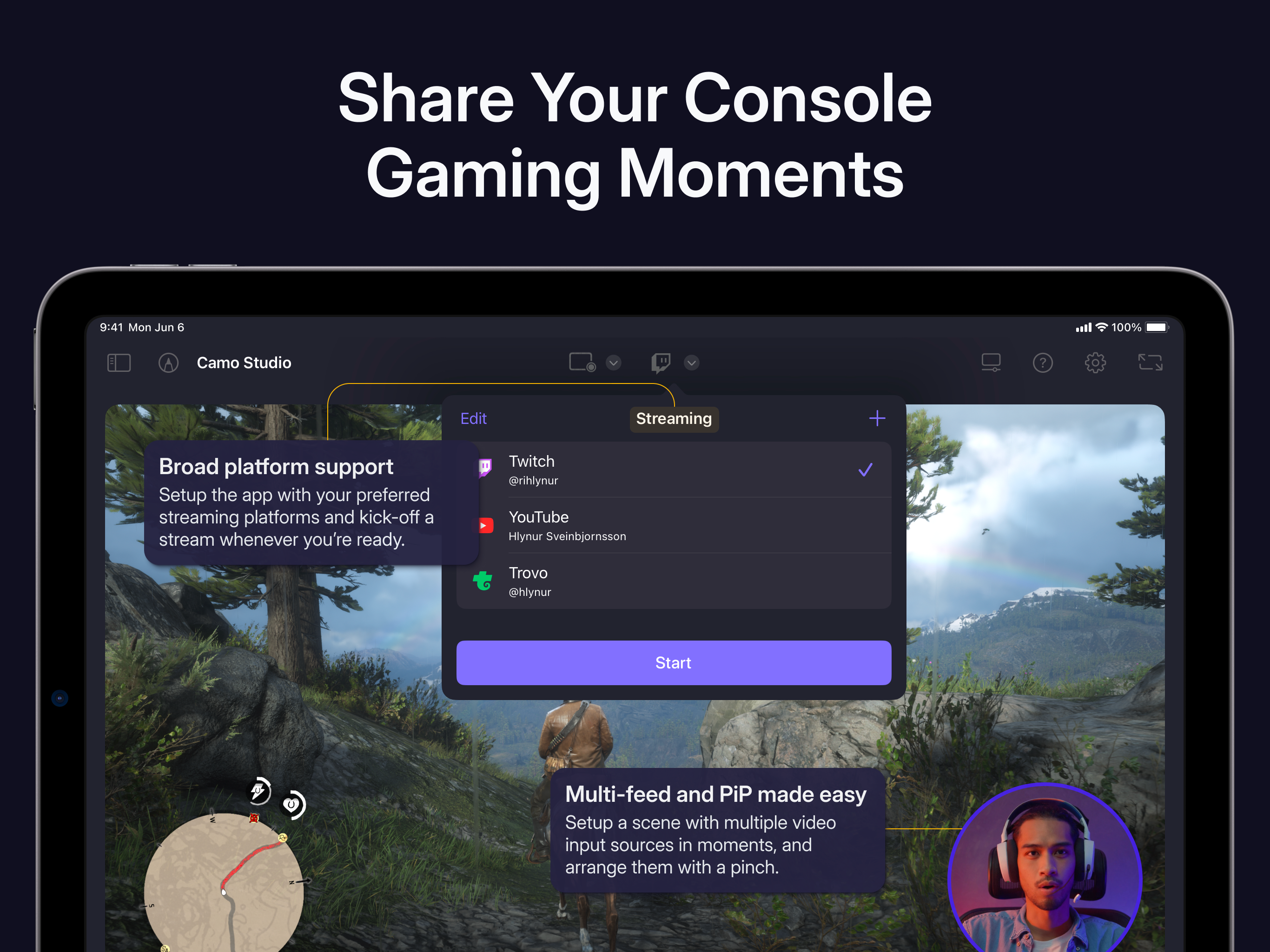
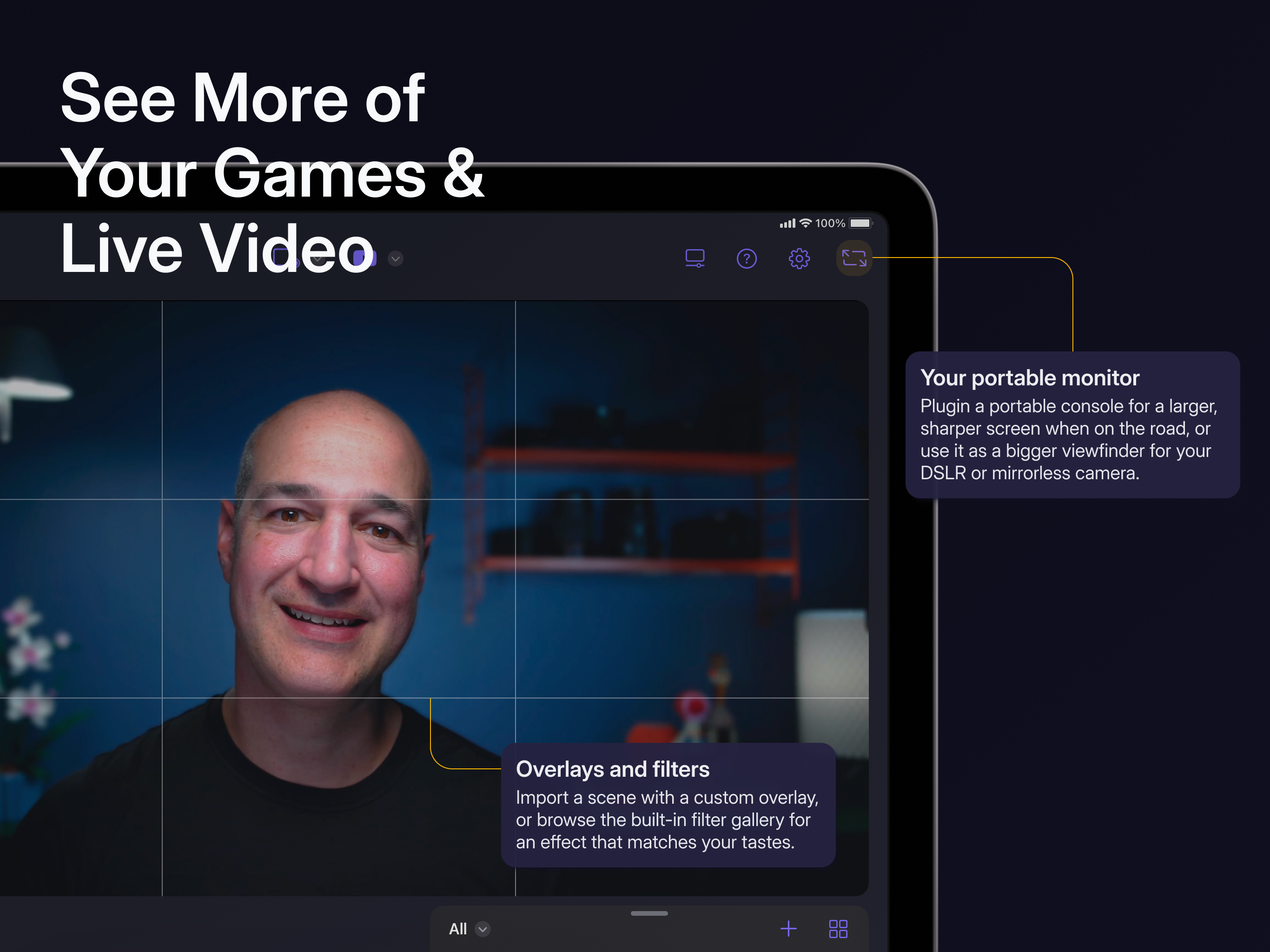
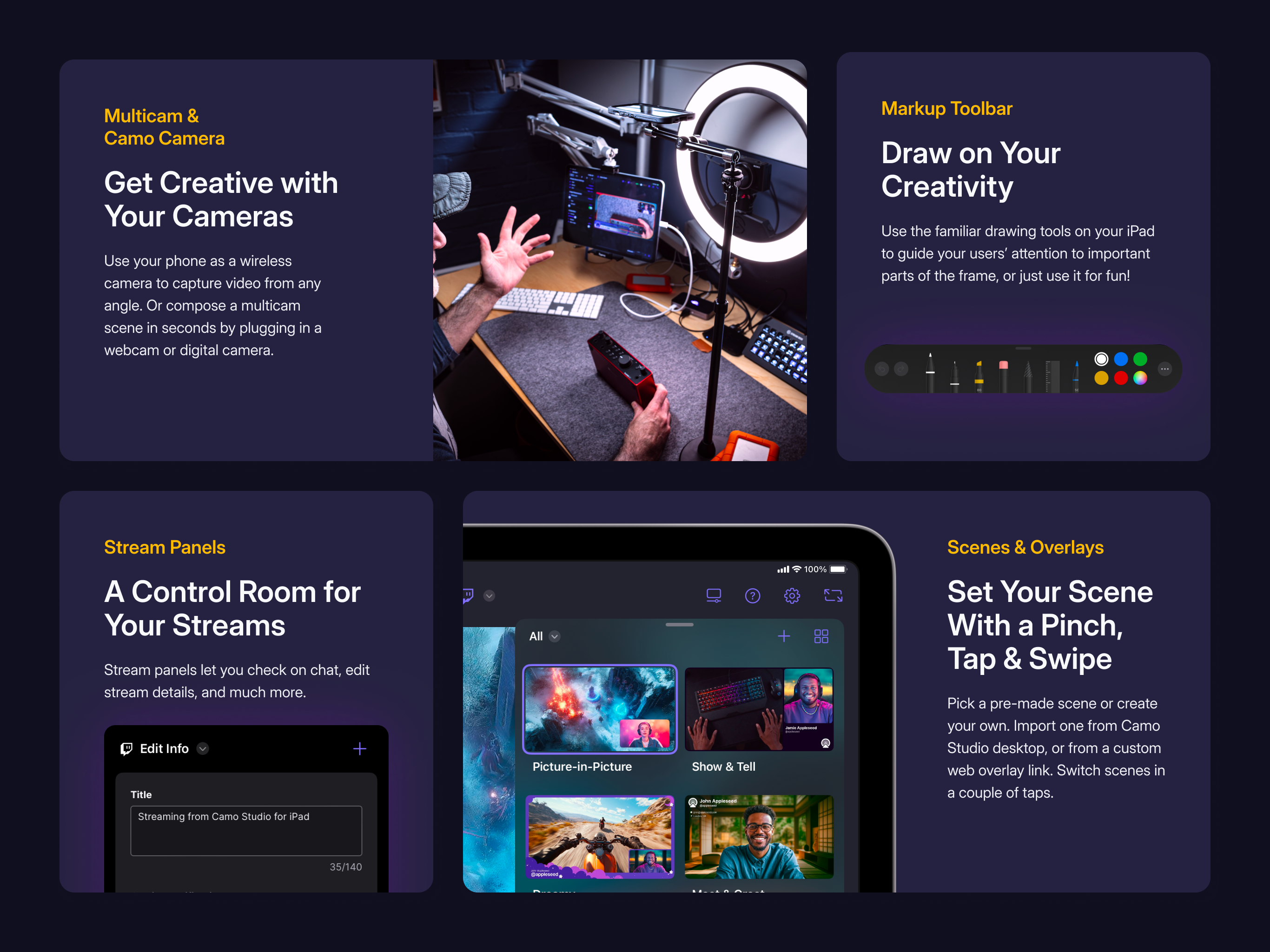
03 / Market context
Keep revenue, downloads and store rankings separate from advertising performance.
Well, I used this last year to record and live stream and awards banquet And last year it worked good and streamed the 4 1/2 hour stream and went to do the same thing at this year‘s banquet and nothing but issues with the audio. Connected a Sony mirror list camera and brought three different Elgato cam Link capture cards and none of them would allow the audio to be heard. After three hours of trying to figure it out I get back to the hotel room and all three capture cards worked with audio when I got back. So I did eight live stream tests and everything worked fine. So I get to the banquet and get ready to set everything up. What do you know the audio don’t work again. All three capture cards stopped working with audio and absolutely not touching anything. It finally decided to work after two hours of messing around. The whole time it showed that the audio was working via the capture card, and there was just no sound during the live stream during my attempts. And then all of a sudden it started working again. After stressing out for the second time, trying to figure it out I will definitely be looking elsewhere for something more reliable.
I use this app to play games via consoles while on the go, as well as use as a monitor for PC/Mac. It does exactly that however I have two issues that can be overlooked or worked around but ultimately would make the experience better if these can be worked out. The first is input lag; which isn’t terrible, but it’s there. You can very easily play something like Red Dead, Animal Crossing, Sims, Civilization etc with little to no issue, but don’t expect to be playing your best games in Street Fighter or Smash Bros. The other issue is very minor and I would assume very easy to fix; and that’s the visibility of the status bar and info bar on iPad. While using this app the time and battery percentage are always visible and don’t hide like when you are watching Netflix or other viewing apps. In addition to that, there no way to truly go “full screen”. I understand that doing so would technically be cropping in and removing some data but in most games you simply adjust safe zones and HUDs are fine. I would love if I could truly fill my display with the input content and remove the status/info bars. I would rate 5 stars if that could be fixed. Input delay would be awesome, but I understand that is a much more difficult task to remedy.
My current set up: -iPad Air 5th Gen with M1 Chip -Elgato HD60S+ Capture Card -PS5 -Audiobox Go Interface -A Samson XLR Mic -A Logitech Brio -An aux cable connecting from my tv to the interface -Generic USB C Dock I love this app! It’s something I’ve been waiting for since Apple announced their new line of iPads running their M series silicon chips. Camo Studio and the team behind it do not disappoint! Some things I’d like to see addressed: -Multiple audio inputs (or forcing mono input). I understand that there are constraints to the iPad and iPadOS. Given my setup, my interface can combine two different sources, that being my microphone, and my TV’s aux output, however it can only capture in stereo. So when I record or stream, my audio comes out with my voice in one speaker, and the gameplay from the other. I wonder if there’s a way to force the application to record audio in mono? -My face cam shape. I don’t know if it’s just me, but I don’t seem to have the option to change the shape of my camera feed when trying to create a scene from scratch? It’s just the circle. I can see the option in the tutorial videos, but can’t seem to find them myself. This also might just be a me issue, but I find creating a new scene entirely to be a bit confusing to start? This is given I’ve used OBS Studio for years now on traditional computers. Overall, great experience. I look forward to seeing where the team takes this app moving forward.
Dive into streaming, or record your next video, in just a few taps – hone your scene, connect your camera, and start creating with ease – all directly...


