Check the acquisition promise
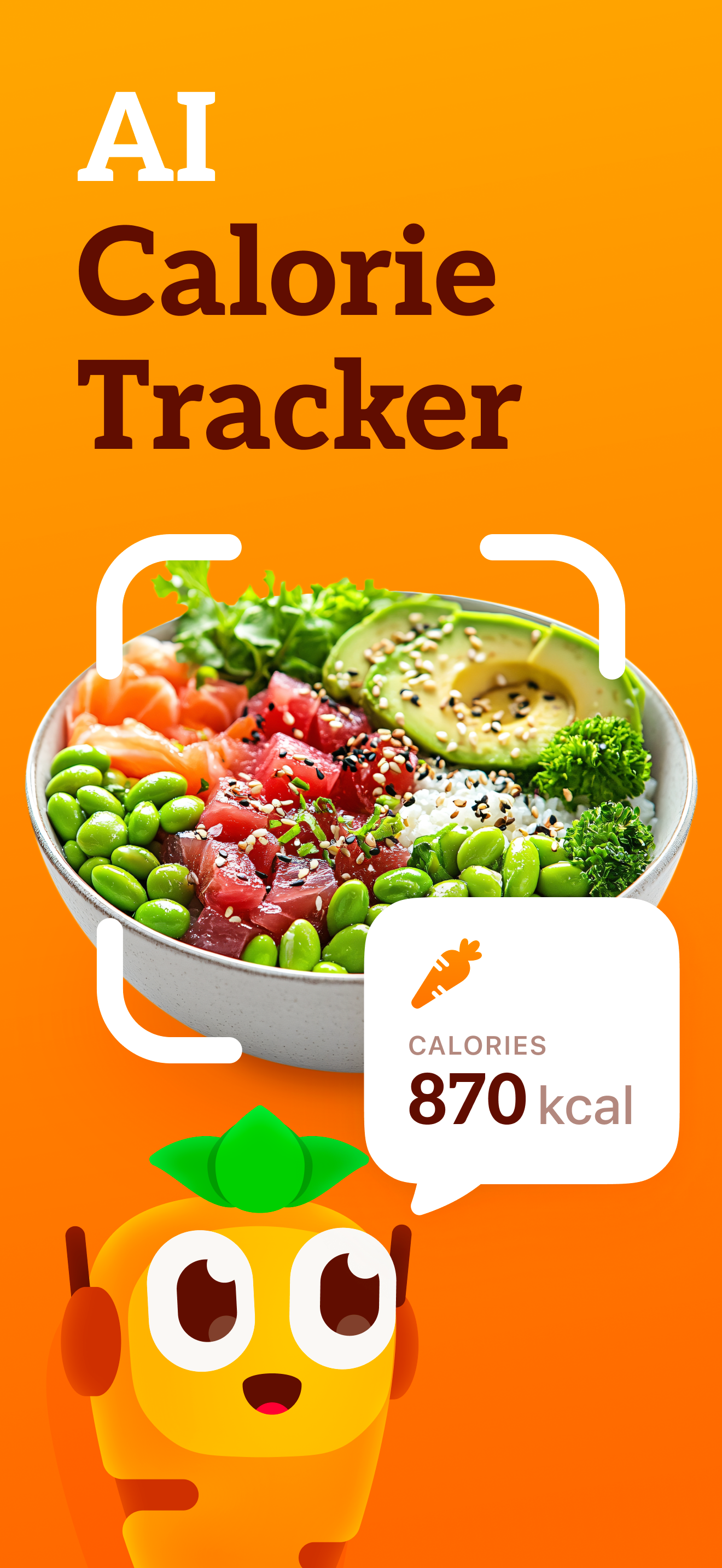
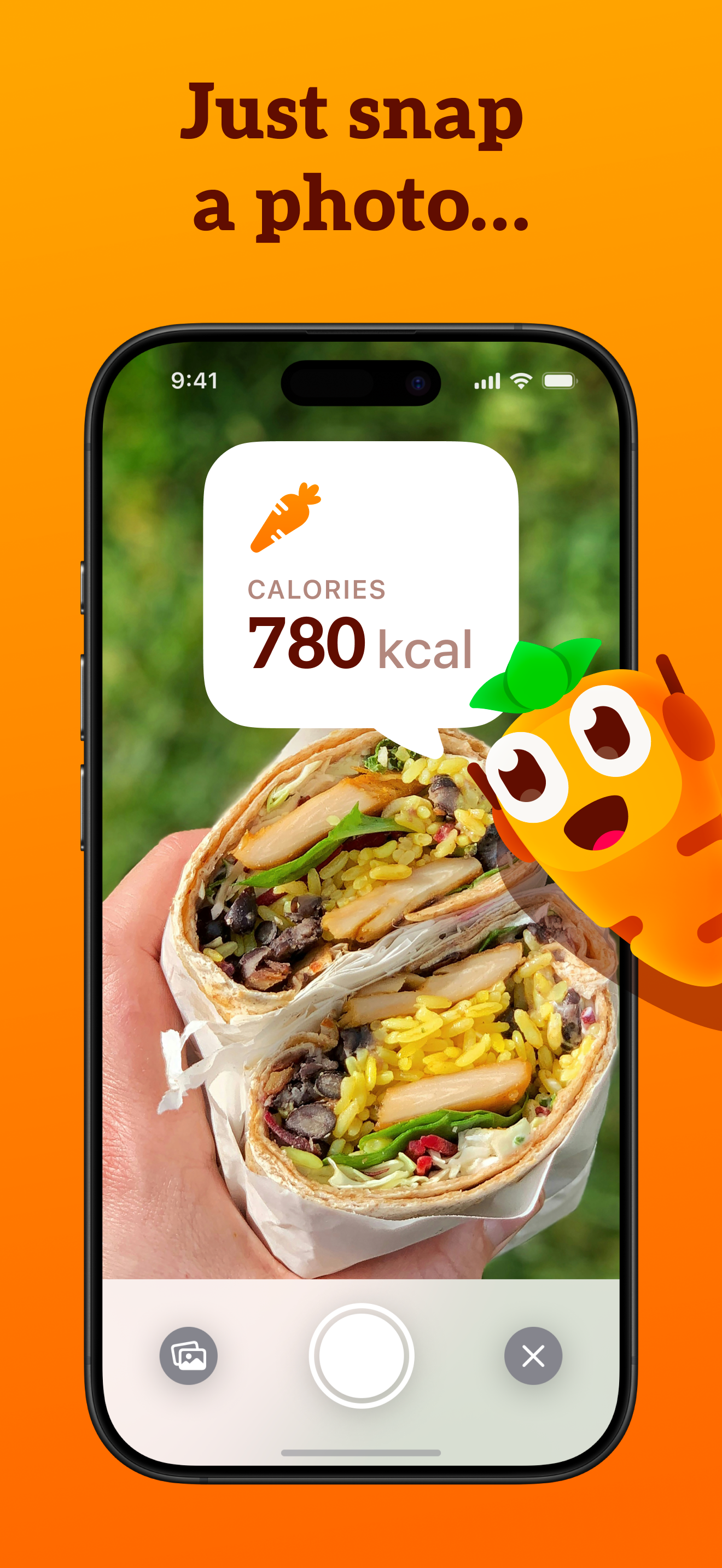
Read the store headline, screenshots and description. What problem is the app promising to solve?
Study the storefront ↗
StepsApp GmbH · iOS
Explore the ad evidence, study the storefront, and build your next acquisition hypothesis.
01 / Creative research
Read the store headline, screenshots and description. What problem is the app promising to solve?
Study the storefront ↗Explore apps with direct store-link matches. Compare their hooks and formats without assuming the same approach works here.
Browse observed advertisers ↗Store rankings and revenue estimates describe market context. They do not establish ad spend, conversions or ROAS.
Review the market context ↗02 / Storefront & product
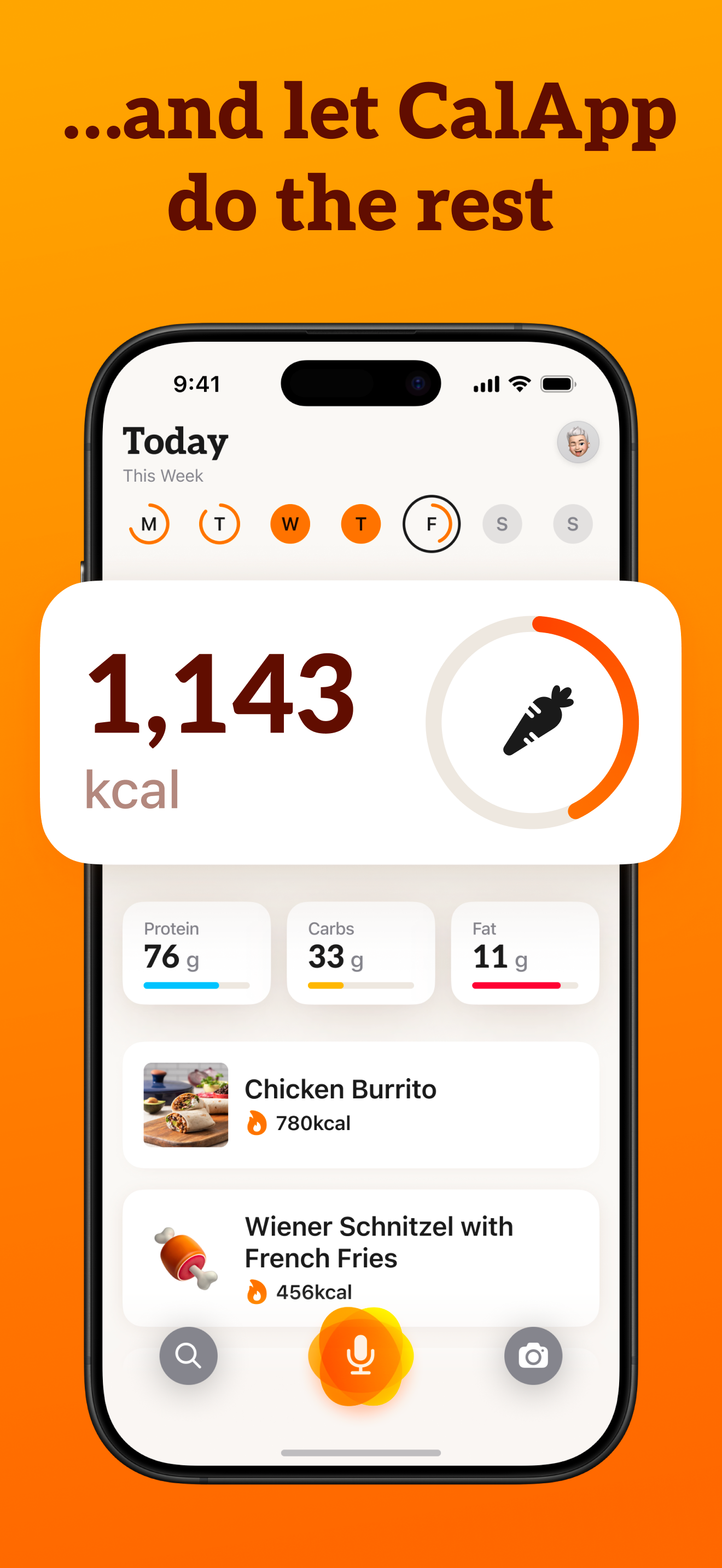
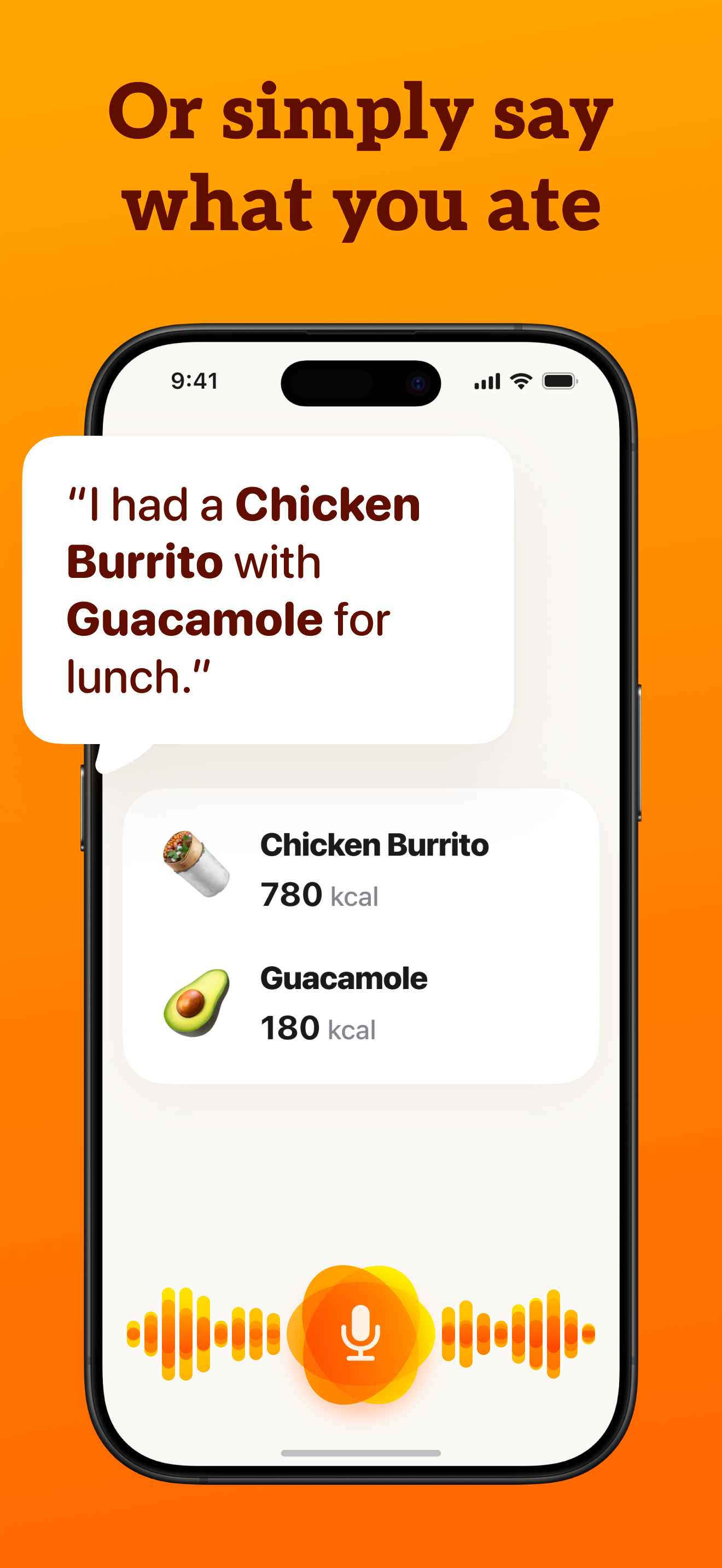
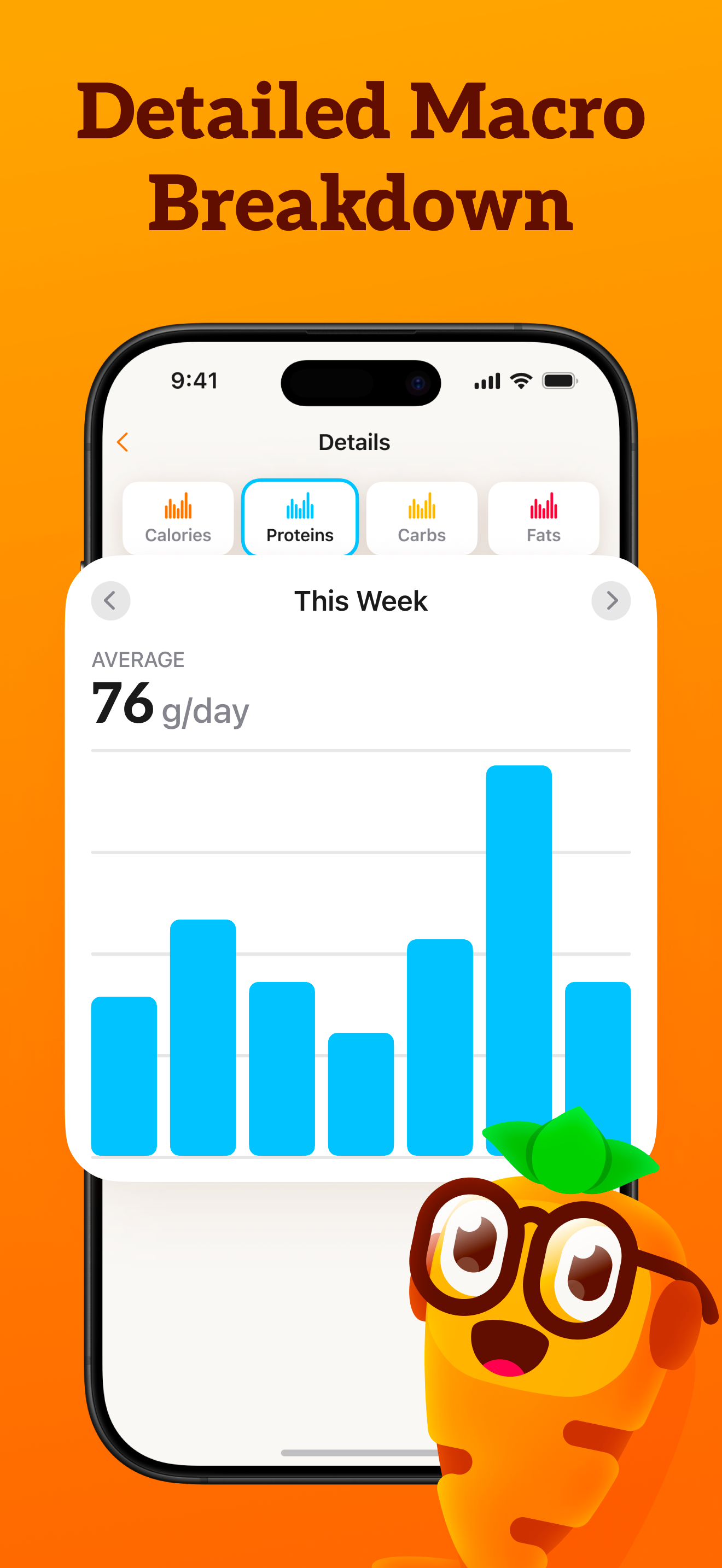
Study the product story and store experience behind the acquisition funnel.

03 / Market context
Keep revenue, downloads and store rankings separate from advertising performance.
I have used tons of apps and this one is the best because it’s easy to load the inputs, easy to re log them the next day, tracks my macros, tracks my weight loss or gain progression and based on the macro information (how many calories come from protein vs carbs vs fats) I can see which meals are causing me to over consume calories or which foods are costing me too many calories and therefore I should look for recipes (also included in the app) with better macro balance so that I don’t feel hungry at the end of day. And by the way, I eat everything I want to eat, the app just gives me a better understanding of how much I should be eating and how often I can / should be able to enjoy my favorite things (chocolate) and still be able to achieve my goals.
I started at 115kg and my goal is 72kg. I also am currently living in China where it’s hard to even know what’s in the food if you can’t fully speak Chinese. CalApp has bypassed all the obstacles. It gave me a great goal of 2000 calories and I’ve been losing 1KG a week! It also takes Chinese characters in the input and gives back the calories. I’m loving this app. I struggled for 10 years to lose weight and now it’s helping me do it in a month in. I also am tracking my steps using the step app from the same company and my water intake from an app for another company to lose weight. 4500 steps a day and 3.5L of water a day.
The most useful feature is being able to dictate what you’ve eaten in plain language or scan an item’s barcode. However, the biggest downside is the lack of real-time calorie tracking with Apple Health integration. For example, if my daily limit is 1,800 calories but I log 2,400, I want the app to show I’m 600 over. But if I’ve also burned 1,000 calories exercising, I’d like it to reflect that I’m actually 400 under my allowance. I’d also love the option to create and save specific meals and reuse them without having to re-enter every ingredient or search through previous days for that meal. For instance, if I often make a two-egg, three-mushroom, tablespoon of olive oil, and one-cup spinach omelette, it would be great to select that saved “meal” instead of typing it in each time or looking back to see when I last made it. The same goes for other recurring meals, like a fruit and protein shake with half a banana, a cup of blueberries, three slices of mango, and a quarter cup of protein powder.
CalBot: Make Calorie Tracking Easy Take control of your health and achieve your fitness goals with CalBot, the smart and intuitive calorie tracking...
| Name | Price | Type |
|---|---|---|
| CalApp Calorie Tracker Pro (Monthly) | $4.99 | Monthly |
| CalBot: AI Calorie Tracker PRO (Monthly) | $4.99 | Monthly |
| PRO Monthly | $5.99 | Monthly |
| PRO Monthly | $9.99 | Monthly |
| PRO Yearly | $23.90 | Yearly |
| PRO Yearly | $23.90 | Yearly |
| CalApp Calorie Tracker Pro (Annual) | $29.99 | Yearly |
| PRO Yearly | $32.99 | Yearly |
| PRO Yearly | $47.90 | Yearly |
| PRO Yearly | $47.90 | Yearly |