
Check the acquisition promise
Read the store headline, screenshots and description. What problem is the app promising to solve?
Study the storefront ↗
Overdesigned, LLC · iOS
Explore the ad evidence, study the storefront, and build your next acquisition hypothesis.
01 / Creative research
Read the store headline, screenshots and description. What problem is the app promising to solve?
Study the storefront ↗Explore apps with direct store-link matches. Compare their hooks and formats without assuming the same approach works here.
Browse observed advertisers ↗Store rankings and revenue estimates describe market context. They do not establish ad spend, conversions or ROAS.
Review the market context ↗02 / Storefront & product
Study the product story and store experience behind the acquisition funnel.



03 / Market context
Keep revenue, downloads and store rankings separate from advertising performance.
Updated review: After the kind response from the developer I did some looking around and it is a common problem with 🍏 widgets to get buggy at no fault to the developers. Just another example of 🍏 pushing their own apps as superior. 5 ⭐️ because I love how I can customize the widget without paying. I’m using it while my husband is deployed to see his locations time without having to do math and it’s nice to be able to put his name instead of seeing the country name. The only thing that could make it better would be the ability to add a custom background to the widget. Old review: The widget only worked for about about a week and then got stuck on one time. I deleted and reinstalled and the problem kept happening.
I went looking for a new World Clock app because my current app is no longer supported and the last version update was in 2020. One of the selling points for World Clock Widgets was seeing the developer respond to reviews with an interest in fixing bugs and listening to feedback. I like the widgets that can be used on the Lock Screen and Home Screen. The ability to use iCloud sync to my multiple devices. I also like to customize my experience like choosing digital over analog, daylight hours shown, time zone labels etc…. I also like the no subscription part, just the one-time purchase. I also liked seeing recent version updates. I am really excited to have this app.
This app covers all the bases if what you’re looking for are clean looking widgets with various size options and customizations. Awesome that you can rename cities to pad typical ‘major city’ time zone lists with whatever floats your boat. Easily worth the cost to remove ads, and I do appreciate the ability to try the fully functional app and widgets beforehand. Speaks to the app’s confidence in its standing above others that try to fill a similar niche. The only thing I’d like to see is maybe some visualization of current time within a 24hr period (timeline) for the locations added to the list. For example one of the locations can be set as “home” or “main”; each location’s horizontal space can be treated as a 24hr period with a vertical line showing the current position of the “main” location. So the hours of other locations would be shifted such that the vertical line traverses each list item at the proper time, if that makes sense. This would help e.g. for choosing a meeting time that suits multiple time zones reasonably well. There are other app(s) that do this to varying levels of elegance, but I have a feeling this one would do it well as the developer seems to have a good sense of design/usability—and those other apps are sorely lacking in widget/customization/other departments. My main priority was a compact widget anyway, for now!
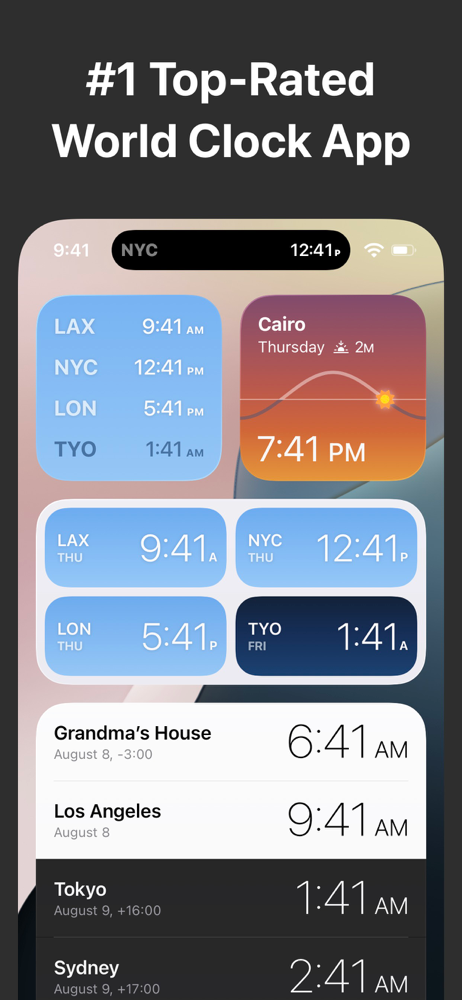
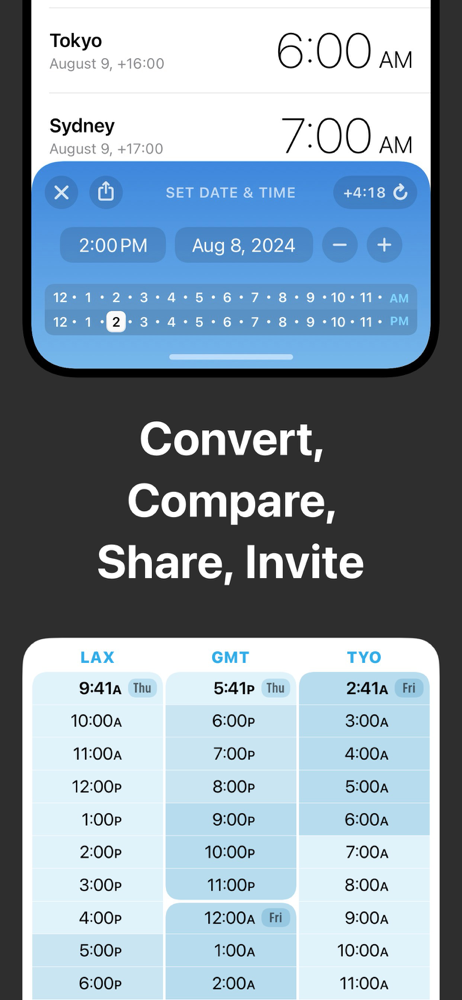
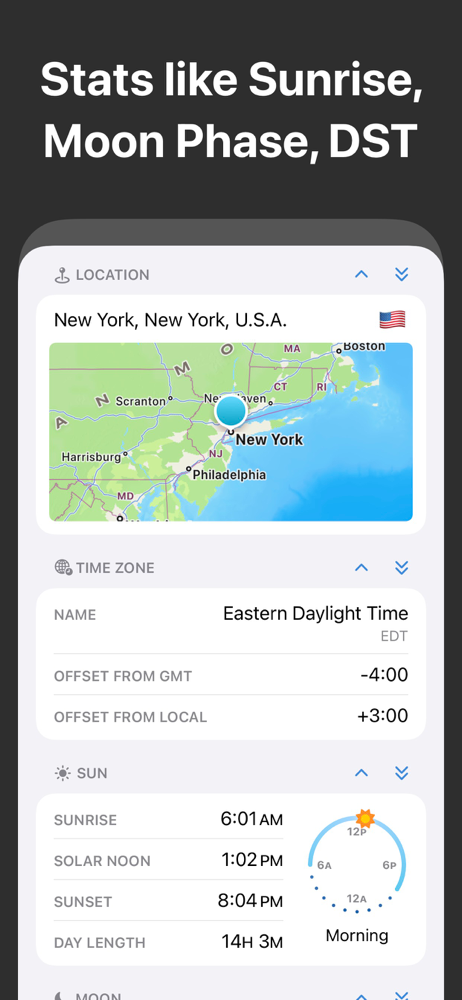
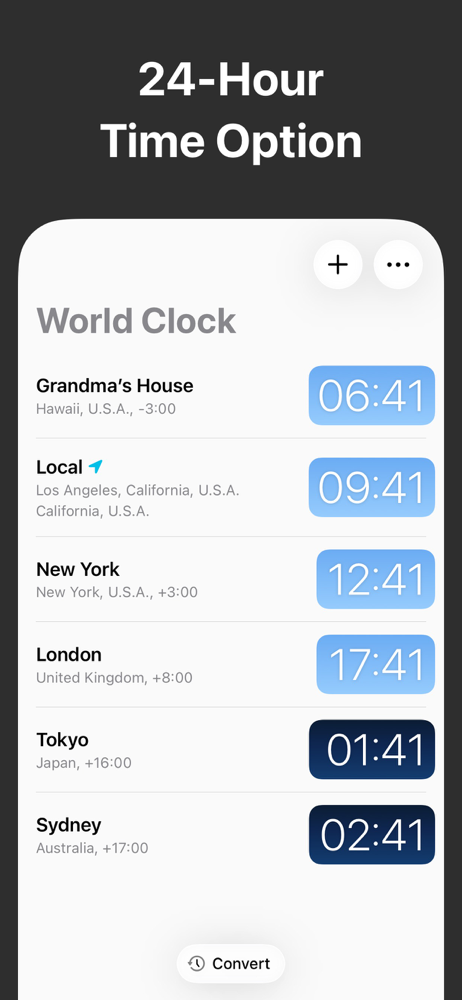
Check the time, anytime! Track the local time in cities across the world, right from your Home Screen, Lock Screen, or Dynamic Island. Add cities to W...
| Name | Price | Type |
|---|---|---|
| World Clock Pro | $4.99 | One-time |


