Check the acquisition promise
Read the store headline, screenshots and description. What problem is the app promising to solve?
Study the storefront ↗
DIGISET LLC · iOS
Explore the ad evidence, study the storefront, and build your next acquisition hypothesis.
01 / Creative research
Read the store headline, screenshots and description. What problem is the app promising to solve?
Study the storefront ↗Explore apps with direct store-link matches. Compare their hooks and formats without assuming the same approach works here.
Browse observed advertisers ↗Store rankings and revenue estimates describe market context. They do not establish ad spend, conversions or ROAS.
Review the market context ↗02 / Storefront & product
Study the product story and store experience behind the acquisition funnel.



03 / Market context
Keep revenue, downloads and store rankings separate from advertising performance.
I haven’t done anything with links, but as far as saving a website as a PDF easily it is perfect and the price is VERY fair. (Others trying to charge a subscription fee are absurd- this could be done as a shortcut, but would be very time consuming and not worth it at all as long as this app exists and is kept up to date.) My one suggestion having only used it briefly thus far, is that you let people create at least one level of sub-folders. Still, even without that, it’s a very good app and fully deserving of 5 stars 👍🏻 (Sub-folders would just help declutter more as I’ll be mostly using it for video game stuff, and it would be nice to have a “Video Games” folder with individual game folders below that, rather than ~12 or so top level individual game folders, as putting everything under just “video games” would make finding stuff tricky. Though if anyone else has this issue I do think naming things with the game name/abbreviation at the start and choosing “sort by name” instead of by date would be efficient enough, really, albeit not ideal.)
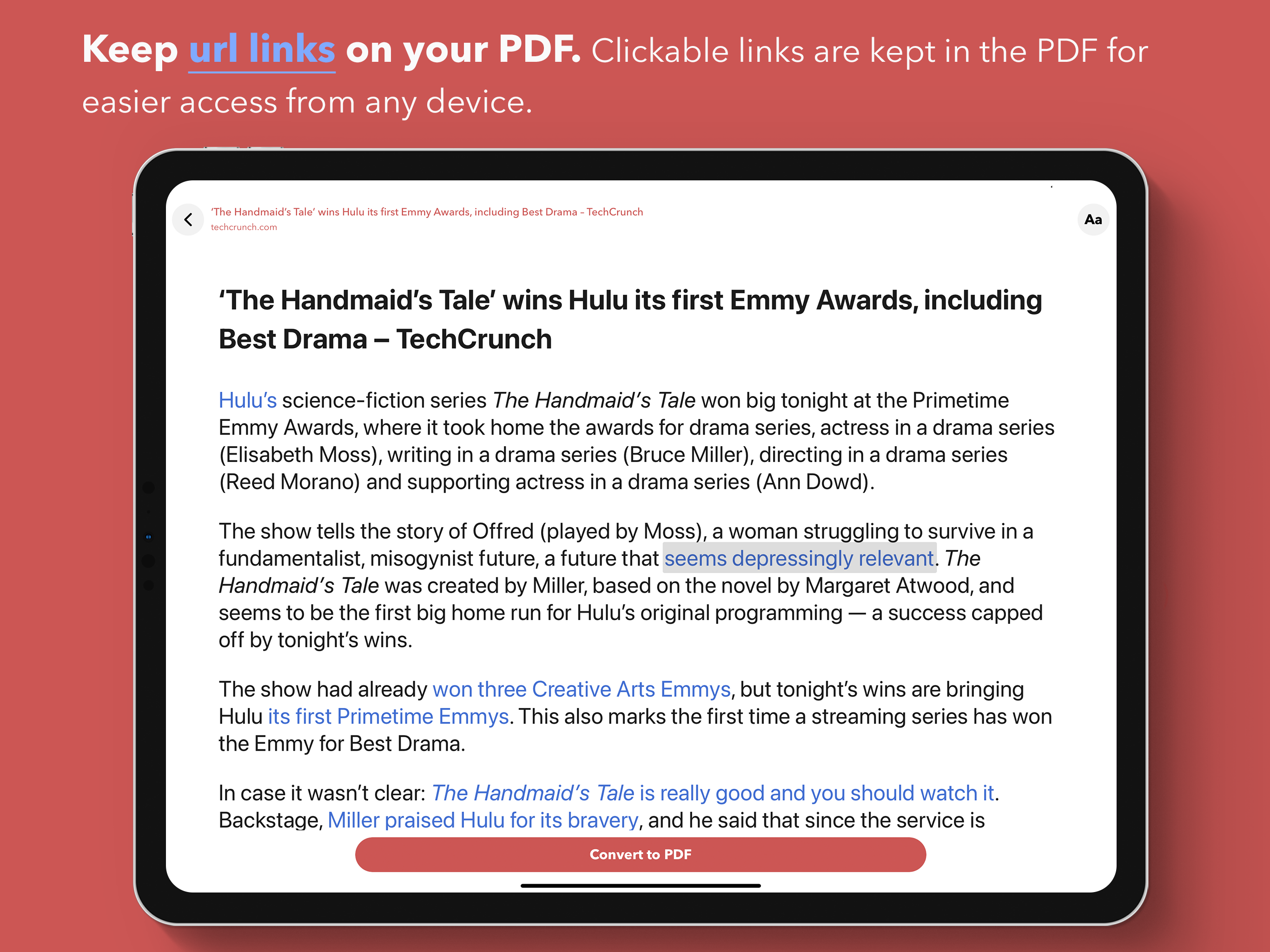
I’ve given earlier reviews of “InstaWeb” which were not that flattering; however, now I must say that “InstaWeb” is by far my most ‘go-to‘ App for converting a WEB page to a PDF. It has definitely improved over the time I first tried it several years ago. Ever since I started over eight (8) years ago trying out all the Apps that ‘guaranteed’ to give me a true PDF from a WEB page, this one is, by far, at the head of the pack. The one major thing which I wanted / needed was the ability to capture WEB Links that may have been in the article I was reading. This App along with one or two others currently available can maintain the imbedded WEB links in the PDF it produces at a ‘reasonable price point’. Yes, other products ( Apps ) can do this, but I don’t want to spend $10 or $ 20 for them, I can’t afford them, and those that provide their products on an annual, fee, basis . . . P L E A S E. If you have a product that’s ‘good’ put it out there, don’t put a leash on it! A few years back — Converts Web Page, BUT does NOT maintain embedded 'Web Links' appears to be the case of the 'LOT' of these so called 'Converters' . . . Oh Well . . .
I had a long web page I wanted to save, but didn’t want to print. So looked in the App Store for pdf printers. Tried another one first, but it did NOT print what I was seeing on the screen! Tried this one next. Am not happy that I have to reopen the page with this app, then do everything from there. I suspect this is so they can track my viewing habits and sell that info to others. Don’t know why this would be free otherwise. (If I’m not paying for it, I’m not the customer, I’m the product!). Also, it did not have the ‘reader view’ available in my browser. But it worked. The clean up function worked beautifully, partially negating the need for a reader view. And it saved the cleaned up version in a PDF file perfectly. So am happy I now have that web page stored. Had to pay for the other app and will requesting a refund. I’ll be keeping this one. Not sure what they want me to purchase, as it seems to do everything I want it to do. I may do that even if I don’t use whatever function it enables, as I believe in rewarding effort. It would receive 5 stars if it wasn’t so dang convoluted to use! I don’t know what’s so hard about just “printing” to a PDF file. I have a printer driver on my computer that does that, why can’t someone develop one for iOS? (I guess Adobe offers that, but I refuse to pay a $9.99/month subscription for something I may use a few times a year).
#1 Web to PDF Converter (with clutter remover) in the App Store! Web to PDF Converter is a powerful utility app for iPhone and iPad to convert any we...
| Name | Price | Type |
|---|---|---|
| InstaWeb Embedded Links | $2.99 | One-time |