Check the acquisition promise
Read the store headline, screenshots and description. What problem is the app promising to solve?
Study the storefront ↗
DIGISET LLC · iOS
Explore the ad evidence, study the storefront, and build your next acquisition hypothesis.
01 / Creative research
Read the store headline, screenshots and description. What problem is the app promising to solve?
Study the storefront ↗Explore apps with direct store-link matches. Compare their hooks and formats without assuming the same approach works here.
Browse observed advertisers ↗Store rankings and revenue estimates describe market context. They do not establish ad spend, conversions or ROAS.
Review the market context ↗02 / Storefront & product
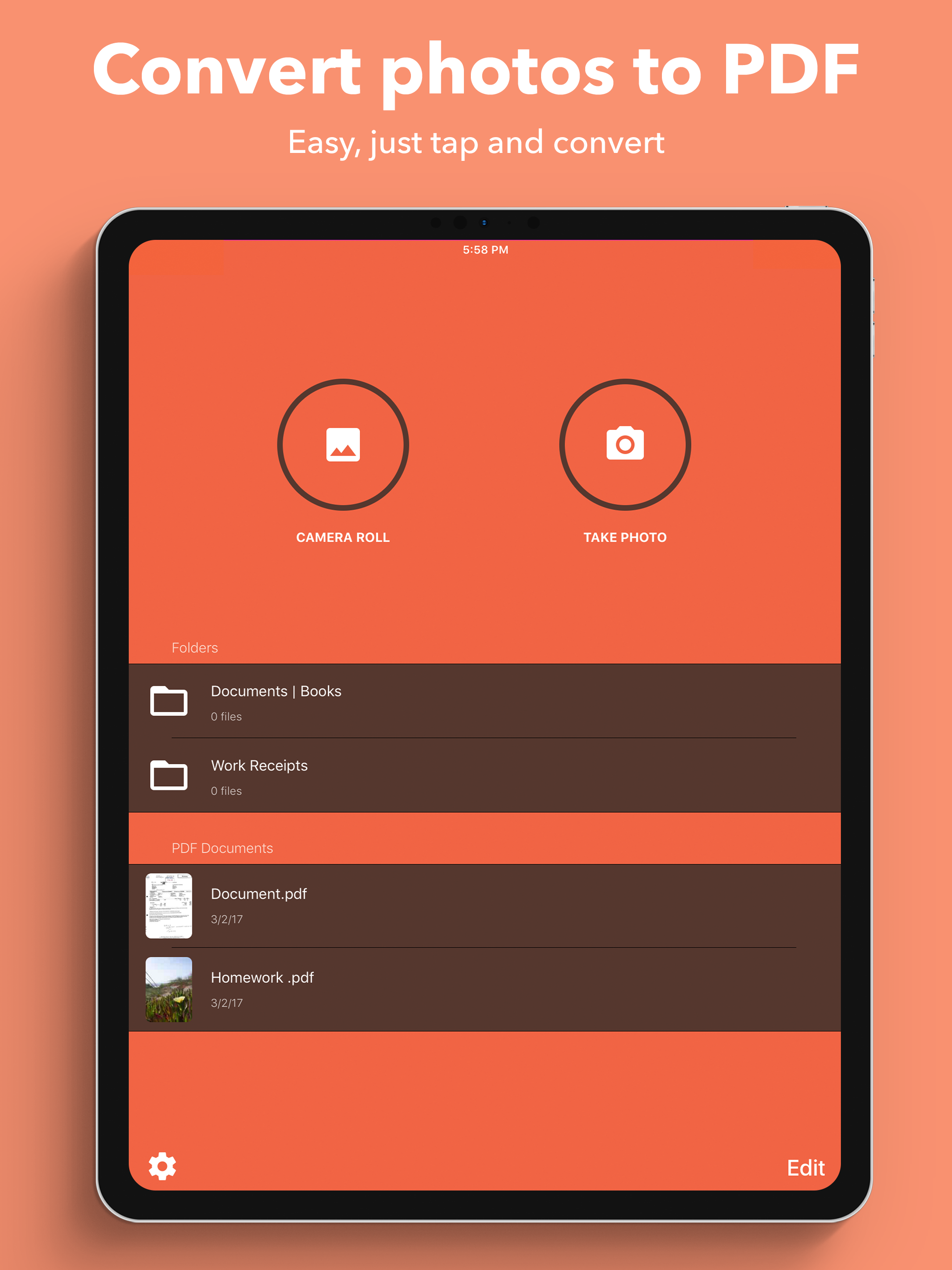
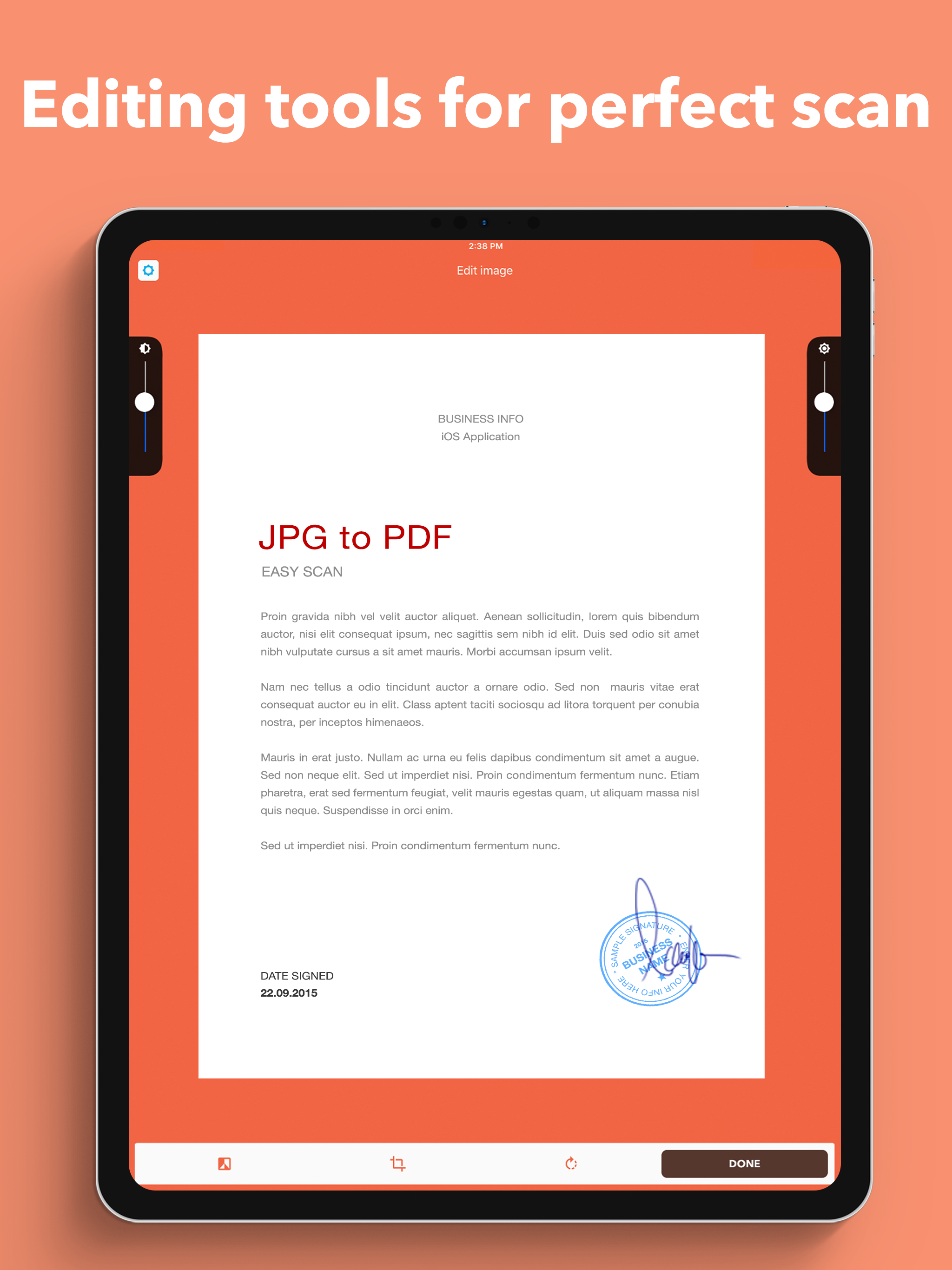
Study the product story and store experience behind the acquisition funnel.


03 / Market context
Keep revenue, downloads and store rankings separate from advertising performance.
First of all, this is a great app. I needed to convert pictures into a PDF so I could print it somewhere. I used the free trial up and I didn’t realize you had to pay for it. I didn’t want to, but I really needed a PDF made again so I went ahead and bought it. My question is how much did it cost? I thought it was like five dollars. I got a strange charge on my credit card from Apple for $6.42. I have a feeling it was this, but I thought it was cheaper? I don’t normally buy anything from Apple so I don’t know what that was. If someone could answer my question, that would make me feel better so I don’t think this is a fraudulent charge.
So for reference: I’m a college student who is taking linear algebra and differential equations over the summer (6 week course). Linear algebra with my current teacher has us handwriting a lot of notes and homework and wants us to submit them online via PDF. On average over the last 5 weeks, I’ve written 129 pages per week. Scanning all this work into a pdf can be a pain as you can imagine. So, at the beginning of the course I picked up a couple other apps but they couldn’t scan enough pages to cover what I needed. This app covered the page count I needed to scan in the free version. Then after I decided to purchase the paid version it has not let me down once and has been super critical to getting my work submitted in time. So to summarize: If you want a simple but great photo to pdf scanner than can even handle many photos at once, this is the app for you. (The most pages I’ve scanned at once is 93; unsure of the max page count it can handle). Have a great day!
It is unbelievable how many PDF conversion apps I had to drudge through before finding one that just takes a picture and converts it to PDF and is just DONE with it. No being forced to sign up for a free trial or subscription to get a bunch of extra editing tools that simply aren’t needed for your average person who just needs to occasionally fill out and sign a document and email it to someone. With phone camera technology these days, you can take and edit a photo to be as crystal clear as a scanned document. You just need it to be a PDF instead of a JPG. That’s it. Thank you to the makers of this app for not trying to squeeze every penny you can out of whoever you can.
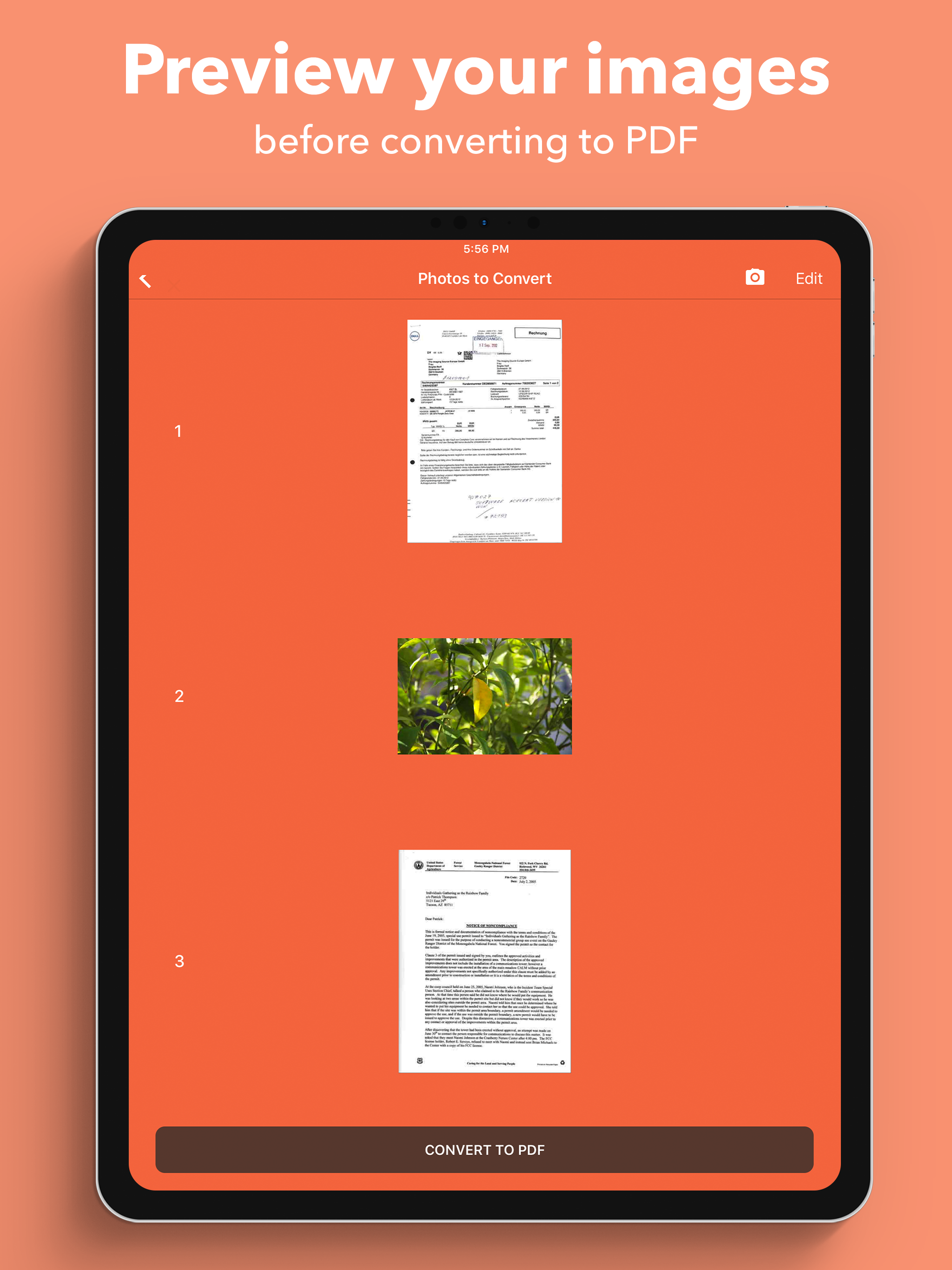
+ Images to PDF in 3 easy steps + 1. Open App 2. Select images or capture new ones 3. Tap 'Convert to PDF' Experience unparalleled ease! Transforming...
| Name | Price | Type |
|---|---|---|
| JPG to PDF Full Version | $9.99 | One-time |