Compress It! PDF Compressor

DIGISET LLC · iOS

Compress It! PDF Compressor

Explore the ad evidence, study the storefront, and build your next acquisition hypothesis.

Paid-ad activity not yet verified
Compare appsMy watchlist

01 / Creative research

Turn the unknowns into a research plan.

01

Check the acquisition promise

Read the store headline, screenshots and description. What problem is the app promising to solve?

Study the storefront ↗
02

Look for ad evidence

Explore apps with direct store-link matches. Compare their hooks and formats without assuming the same approach works here.

Browse observed advertisers ↗
03

Separate demand from paid growth

Store rankings and revenue estimates describe market context. They do not establish ad spend, conversions or ROAS.

Review the market context ↗

02 / Storefront & product

Where the click lands.

Study the product story and store experience behind the acquisition funnel.

Screenshots

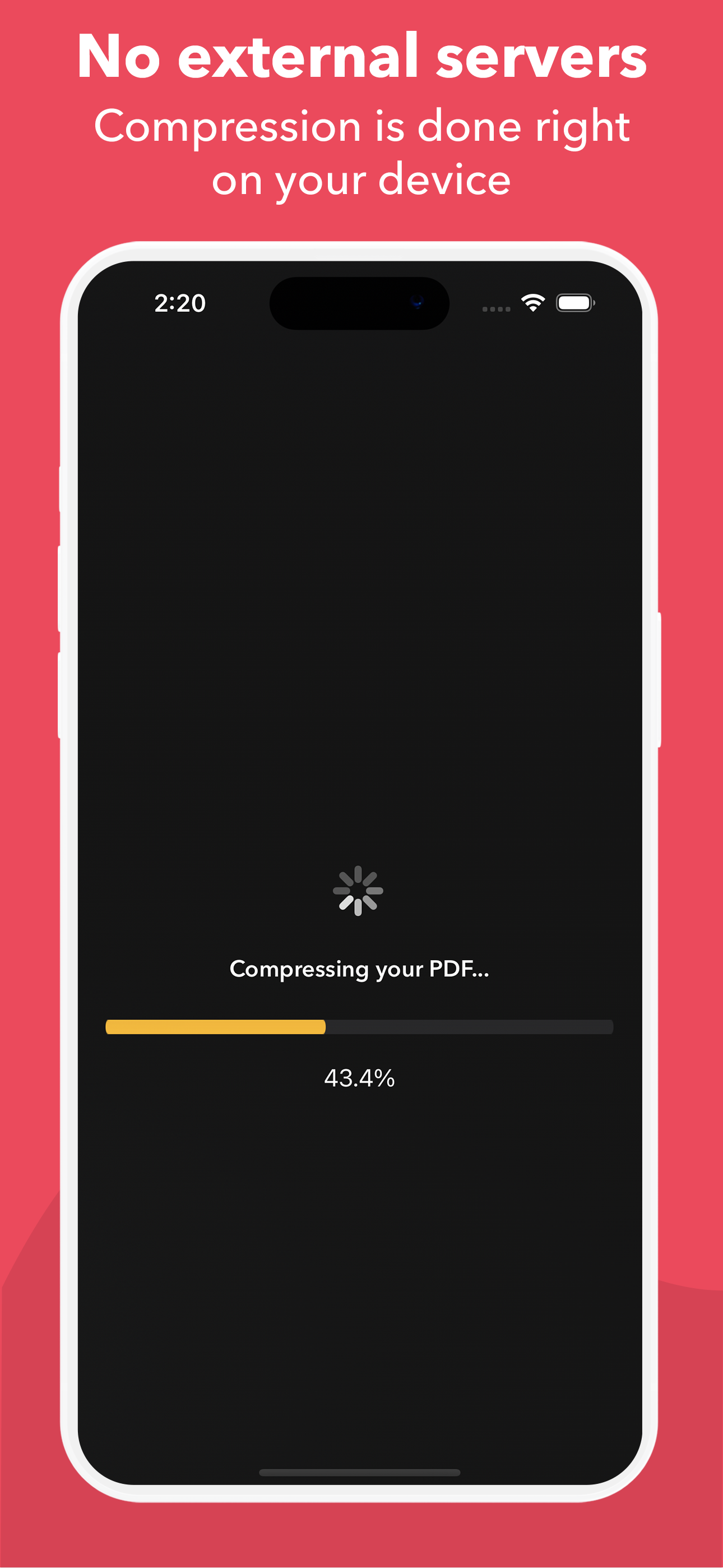
Compress It! PDF Compressor screenshot 1Compress It! PDF Compressor screenshot 2Compress It! PDF Compressor screenshot 3Compress It! PDF Compressor screenshot 4Compress It! PDF Compressor screenshot 5Compress It! PDF Compressor screenshot 6

03 / Market context

The business behind the app.

Keep revenue, downloads and store rankings separate from advertising performance.

How Much Does Compress It! PDF Compressor Make?

Monthly Revenue
$1.0K
Annualized estimate
$12.0K
Per Download
$1.00

Platform Performance

🍎iOS
Revenue
$1.0K
Downloads
1.0K
Rating
4.9 ★(395)

Rating Distribution

4.9
★★★★★
395 reviews
5
1%
4
1%
3
1%
2
5%
1
92%

Top Countries

🇮🇳 IN🇫🇷 FR🇨🇲 CM
Reviews (3)▼
★★★★★pourke10/1/2025
Does the job

It worked and exceeded my expectations. It reduced my pdf size from 2.8 to 238 KB.

★★★★★Tylers2Cents5/30/2025
Amazing Tool!

I save a lot of files and end up burning through my memory storage. Plus, I could not send files because they were too ginormous. This app is a godsend that saves, time, and money. Thanks!

★★★★★jfhfbtufmdid7/31/2023
Love it

For those that think you are stuck at the first step, i thought I was as well. Here is the path I used on iPad, Files>folder>select pdf>select share icon>scroll apps to PDF compress it icon, after compression select the green share icon in the PDF app and select save to files, choose where you want to save it. Note this path is close enough to get you there.

Version History (16)▼
1.6.24/16/2026
1.6.14/14/2026
1.64/9/2026
1.5.34/2/2026
1.53/31/2026
1.43/25/2026
1.3.312/21/2025
1.3.212/21/2025
1.3.112/10/2025
1.311/24/2025
Available In (115 Countries)▼
🇺🇸 United States🇦🇺 Australia🇨🇦 Canada🇨🇳 China🇫🇷 France🇩🇪 Germany🇬🇧 United Kingdom🇮🇹 Italy🇯🇵 Japan🇰🇷 South Korea🇷🇺 Russia🇩🇿 DZ🇦🇴 AO🇦🇷 Argentina🇦🇹 Austria🇦🇿 AZ🇧🇭 BH🇧🇧 BB🇧🇾 BY🇧🇪 Belgium🇧🇲 BM🇧🇷 Brazil🇧🇬 Bulgaria🇨🇱 Chile🇨🇴 Colombia🇨🇷 CR🇭🇷 Croatia🇨🇾 CY🇨🇿 Czech Republic🇩🇰 Denmark🇩🇴 DO🇪🇨 EC🇪🇬 Egypt🇸🇻 SV🇫🇮 Finland🇬🇭 GH🇬🇷 Greece🇬🇹 GT🇭🇰 Hong Kong🇭🇺 Hungary🇮🇳 India🇮🇩 Indonesia🇮🇪 Ireland🇮🇱 Israel🇰🇿 KZ🇰🇪 Kenya🇰🇼 KW🇱🇧 LB🇱🇹 Lithuania🇱🇺 LU🇲🇴 MO🇲🇬 MG🇲🇾 Malaysia🇲🇹 MT🇲🇽 Mexico🇳🇱 Netherlands🇳🇿 New Zealand🇳🇬 Nigeria🇳🇴 Norway🇴🇲 OM🇵🇰 Pakistan🇵🇦 PA🇵🇪 Peru🇵🇭 Philippines🇵🇱 Poland🇵🇹 Portugal🇶🇦 QA🇷🇴 Romania🇸🇦 Saudi Arabia🇷🇸 RS🇸🇬 Singapore🇸🇰 Slovakia🇸🇮 Slovenia🇿🇦 South Africa🇪🇸 Spain🇱🇰 LK🇸🇪 Sweden🇨🇭 Switzerland🇹🇼 Taiwan🇹🇭 Thailand🇹🇳 TN🇹🇷 Turkey🇺🇦 Ukraine🇦🇪 UAE🇺🇾 UY🇺🇿 UZ🇻🇪 VE🇻🇳 Vietnam🇧🇴 BO🇰🇭 KH🇪🇪 Estonia🇱🇻 Latvia🇳🇮 NI🇵🇾 PY🇦🇫 AF🇬🇪 GE🇮🇶 IQ🇱🇾 LY🇲🇦 MA🇲🇿 MZ🇲🇲 MM🇾🇪 YE🇧🇯 BJ🇧🇫 BF🇨🇲 CM🇨🇬 CG🇨🇮 CI🇯🇴 JO🇱🇦 LA🇲🇱 ML🇸🇳 SN🇹🇿 TZ🇺🇬 UG🇿🇲 ZM🇿🇼 ZW
Supported Languages (9)▼
EnglishFrenchGermanItalianJapaneseKoreanPortugueseChineseSpanish
App Details▼

+ PDF Compression in 3 easy steps + 1. Open App 2. Select compression level 3. Select PDF by importing from your files or from other apps It does...

iOS App ID
1661806464
Content Rating
4+
Min OS
17.0
Size
26.6 MB
In-App Purchases
Yes
Publisher
DIGISET LLC
US

In-App Purchases (3)

NamePriceType
Compress It! Pro Monthly$0.99Monthly
Compress It! Yearly Subscription$4.99Yearly
Compress It! Pro Lifetime$9.99One-time