Check the acquisition promise
Read the store headline, screenshots and description. What problem is the app promising to solve?
Study the storefront ↗
SmoothMobile, LLC · iOS
Explore the ad evidence, study the storefront, and build your next acquisition hypothesis.
01 / Creative research
Read the store headline, screenshots and description. What problem is the app promising to solve?
Study the storefront ↗Explore apps with direct store-link matches. Compare their hooks and formats without assuming the same approach works here.
Browse observed advertisers ↗Store rankings and revenue estimates describe market context. They do not establish ad spend, conversions or ROAS.
Review the market context ↗02 / Storefront & product
Study the product story and store experience behind the acquisition funnel.




03 / Market context
Keep revenue, downloads and store rankings separate from advertising performance.
This is absolutely the easiest and best document converter on the iPad I have ever used. I have very OLD Word Perfect documents (remember the blue screen and the blinking block?) that it flawlessly converts to .docx. Same with XML files, etc. I have had good success with image file conversions. Apple should buy this app, make this developer rich, and incorporate this converter app into their Files App. Until then, get the app, pay the premium, and be thankful as I am that it exists.
Uploaded and converted files are randomly sorted in the history. They aren’t sorted by name, date or otherwise. To find a file that’s already been uploaded or converted, you have to scroll through the history looking for the file you want one by one. Also, there is no way to delete multiple files at a time. You eventually accumulate many files and to clear them, you must select them one at a time and choose delete.
I have been struggling all morning to open a .wpd file sent to me late last night. I need to review the document before a legal proceeding later today. I had almost given up and was just about to call the sender and request he scan and send as a pdf when I found this app. It took seconds to install and worked on the first try. Very intuitive interface.
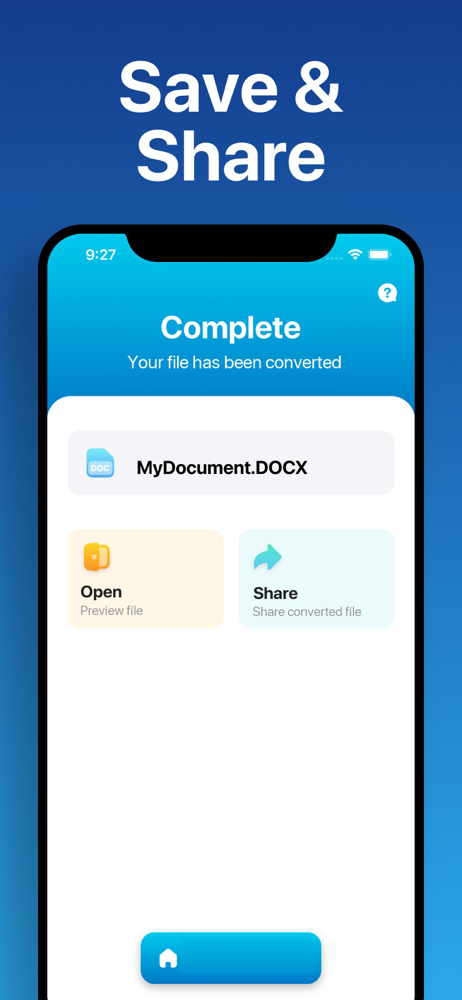
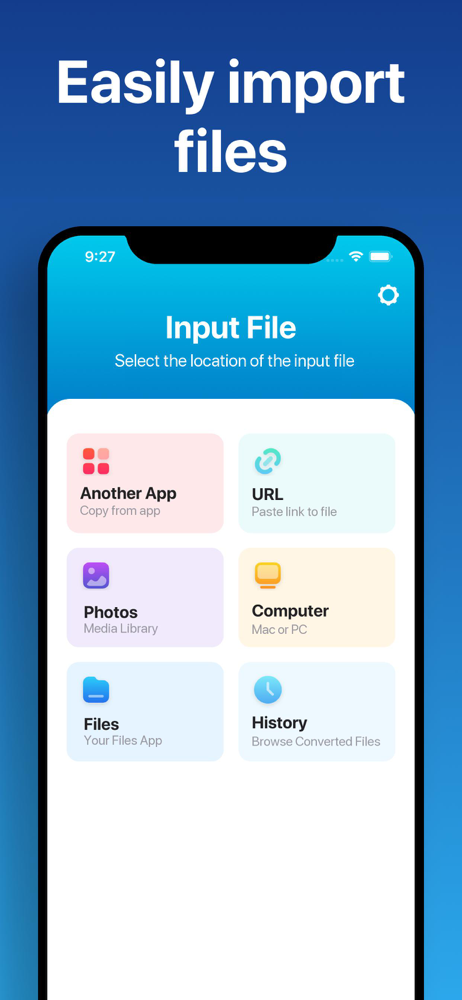
Easily convert your files to nearly any document format! 1. Select your input file 2. Choose your output format ( DOCX, PDF, JPG, TXT etc. ) 3. Con...
| Name | Price | Type |
|---|---|---|
| Premium Pass (Monthly) | $2.99 | Monthly |
| Premium Pass (Monthly) | $3.49 | Monthly |
| Lifetime Pass | $8.99 | One-time |
| Lifetime Pass | $19.99 | One-time |