
Check the acquisition promise
Read the store headline, screenshots and description. What problem is the app promising to solve?
Study the storefront ↗
Caterpillar Inc. · iOS
Explore the ad evidence, study the storefront, and build your next acquisition hypothesis.
01 / Creative research
Read the store headline, screenshots and description. What problem is the app promising to solve?
Study the storefront ↗Explore apps with direct store-link matches. Compare their hooks and formats without assuming the same approach works here.
Browse observed advertisers ↗Store rankings and revenue estimates describe market context. They do not establish ad spend, conversions or ROAS.
Review the market context ↗02 / Storefront & product
Study the product story and store experience behind the acquisition funnel.



03 / Market context
Keep revenue, downloads and store rankings separate from advertising performance.
I am on the go a lot and I have a lot of machines to manage. I love that I can view all the oil samples and alarms on my phone. The review tab always says I have 9 notifications, which is a little annoying. Also, I would love to be able to assign machines to a location group and filter my machines by that grouping. Other than that, it is a very helpful and intuitive app. Very well thought out.
All machine data is one place - very useful!
I used to be able to track upcoming services with my phone and now that option is no longer available. This was a great tool. The only way to do it now is with your laptop or desktop computer. I was able to see upcoming services, make notes during services, mark them as complete, and adjust due date/hours all on my mobile phone. Please bring this back.
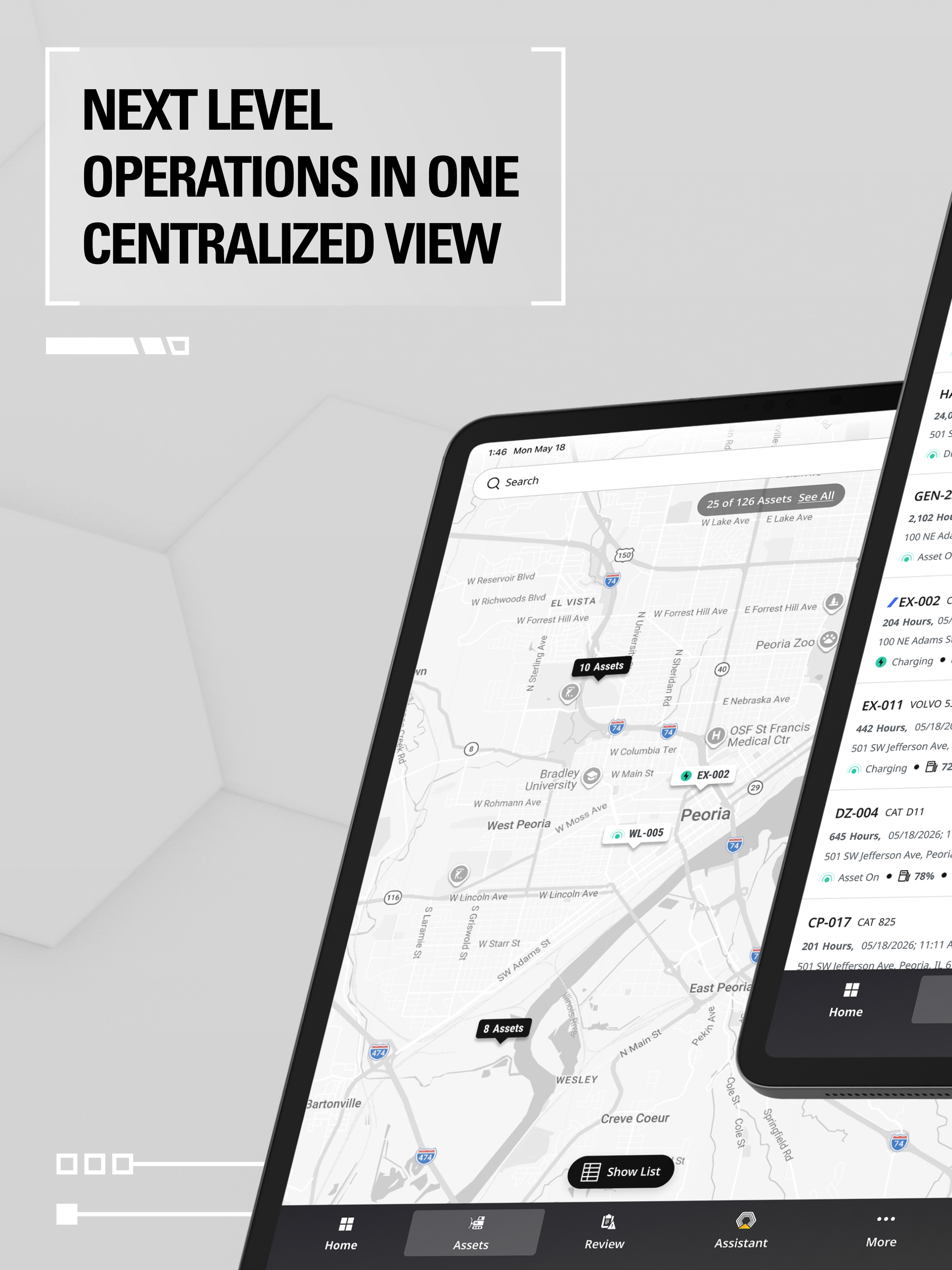
Manage your entire fleet – both Cat® and non Cat assets – with easy access to your equipment's data. VisionLink™ provides you with tools that can help...


