Check the acquisition promise
Read the store headline, screenshots and description. What problem is the app promising to solve?
Study the storefront ↗
Tran Thi Hong Thanh · iOS
Explore the ad evidence, study the storefront, and build your next acquisition hypothesis.
01 / Creative research
Read the store headline, screenshots and description. What problem is the app promising to solve?
Study the storefront ↗Explore apps with direct store-link matches. Compare their hooks and formats without assuming the same approach works here.
Browse observed advertisers ↗Store rankings and revenue estimates describe market context. They do not establish ad spend, conversions or ROAS.
Review the market context ↗02 / Storefront & product
Study the product story and store experience behind the acquisition funnel.





03 / Market context
Keep revenue, downloads and store rankings separate from advertising performance.
Spammy, a lot of ads and it's inconvenient to repeatedly give partial permission to access photos in cellphone library. Since there is no direct link to its settings within the app. Meaning you have to go to iPhone setting find this app and edit permissions if you take a new video and haven't given them permission to access your entire library. After those limitations it does the job and shrinks videos so they can be emailed without issue.
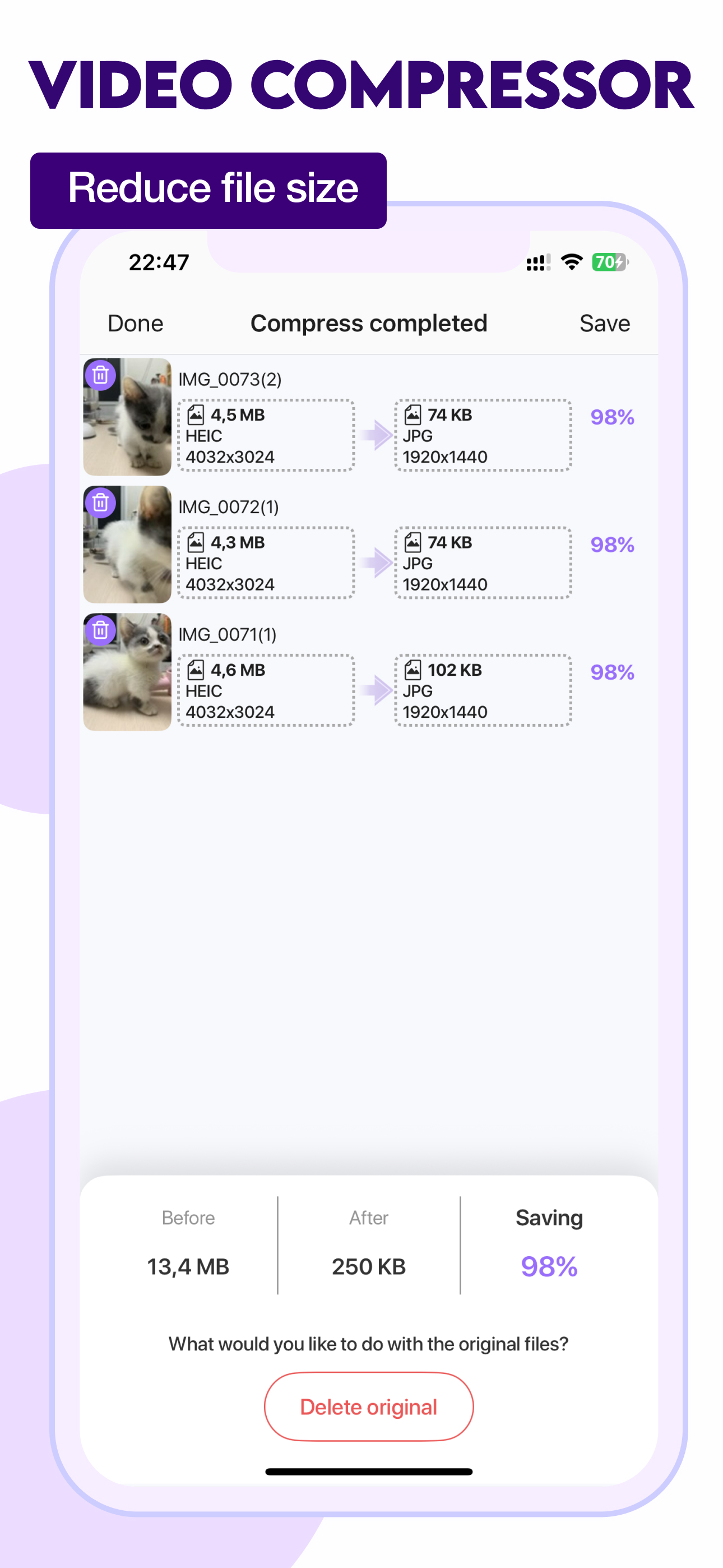
Yes. This app does exactly what they say it will do. It is straightforward and uncomplicated. However there are some things the app developer needs to remove. Right away. I was badgered for a review, every time I wanted to convert a photo or a video. Understandable for users of the free version, yes. However I paid for the pro version. And I don't have time for this. But since I'm being made to make time... This is why I'm giving at 3 stars. 1. The app interface needs to be updated. It looks like something I would've installed on my BlackBerry Pearl 10 years ago. The functionality of the app is simple but that doesn't mean it Hass to look cheap. 2. There doesn't seem to be support for batch processing. Once I select a file it immediately asks me what size I want to convert it to. 3. Please remove the demanding review prompt. Customers should not be made to write a review after they have paid for this app. 4. Before and after file details are not available.
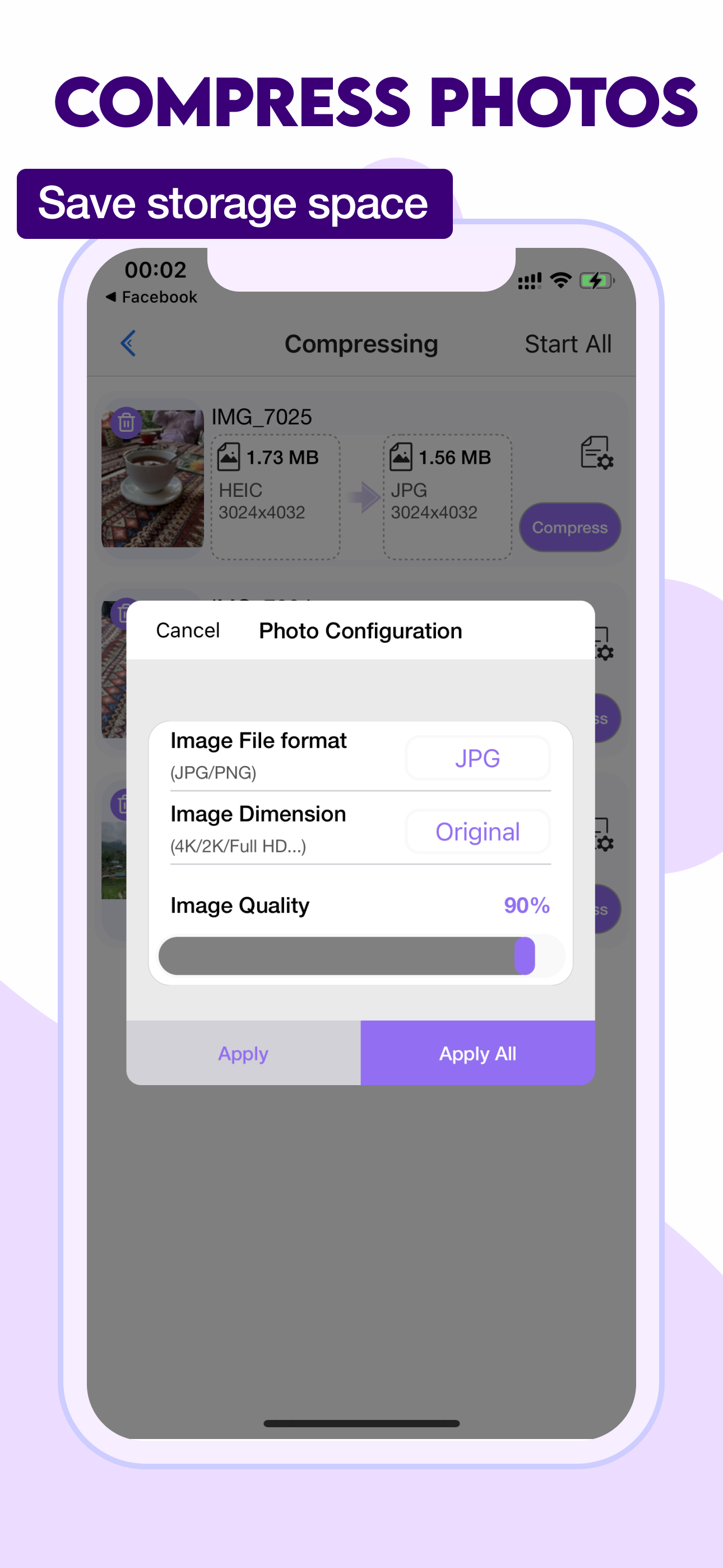
I really appreciate how quick it is to compress the files. It even gives me a good option to decide if I want low medium or high resolution. It’s simple to use and that’s all end-users really need and it doesn’t have a whole lot of entertainment advertising. I do recommend for beginner users
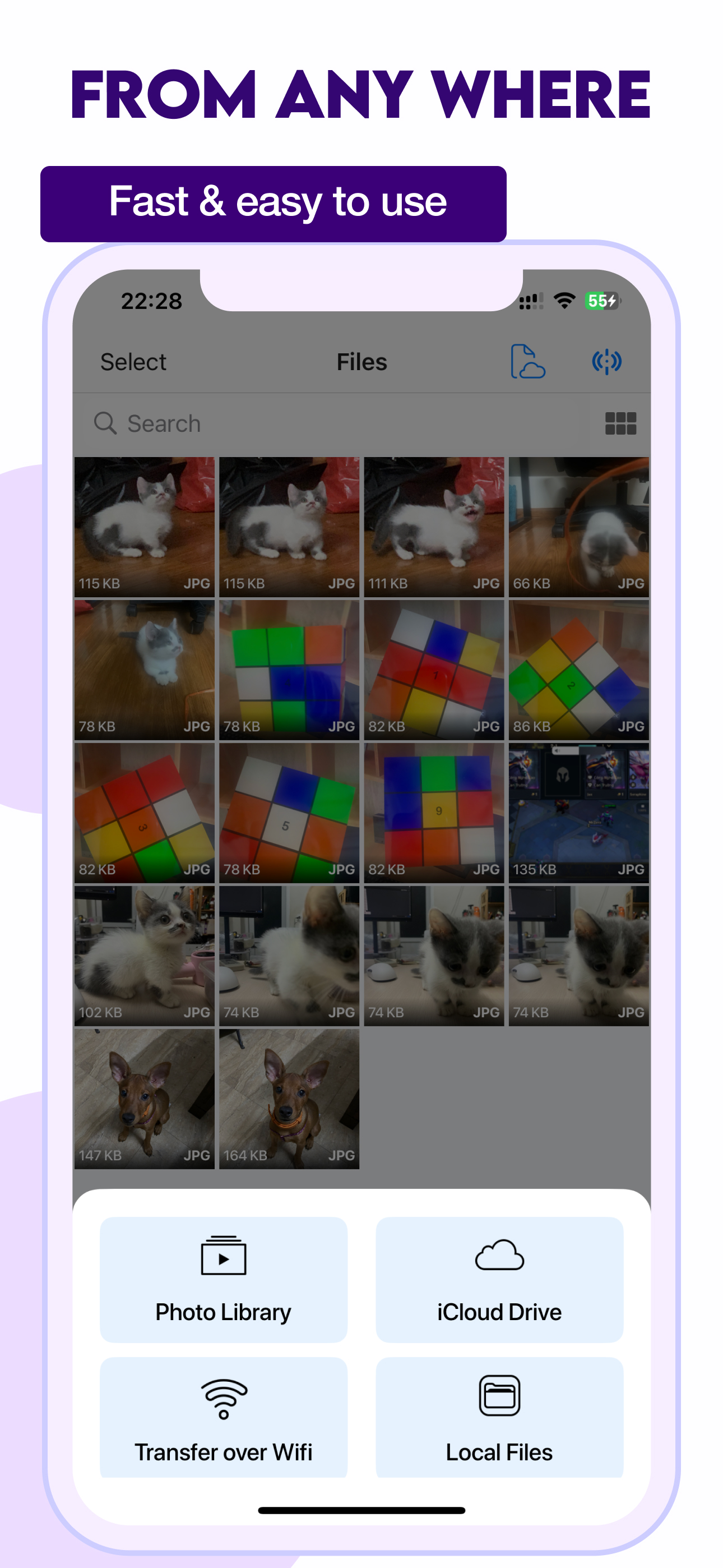
Video Compressor is the ultimate all-in-one tool to quickly compress video, image, and audio files on iPhone and iPad without losing quality. Whether...
| Name | Price | Type |
|---|---|---|
| Compress Videos Shrink Size HD | $5.99 | One-time |