
Check the acquisition promise
Read the store headline, screenshots and description. What problem is the app promising to solve?
Study the storefront ↗
USA TODAY · iOS
Explore the ad evidence, study the storefront, and build your next acquisition hypothesis.
01 / Creative research
Read the store headline, screenshots and description. What problem is the app promising to solve?
Study the storefront ↗Explore apps with direct store-link matches. Compare their hooks and formats without assuming the same approach works here.
Browse observed advertisers ↗Store rankings and revenue estimates describe market context. They do not establish ad spend, conversions or ROAS.
Review the market context ↗02 / Storefront & product
Study the product story and store experience behind the acquisition funnel.
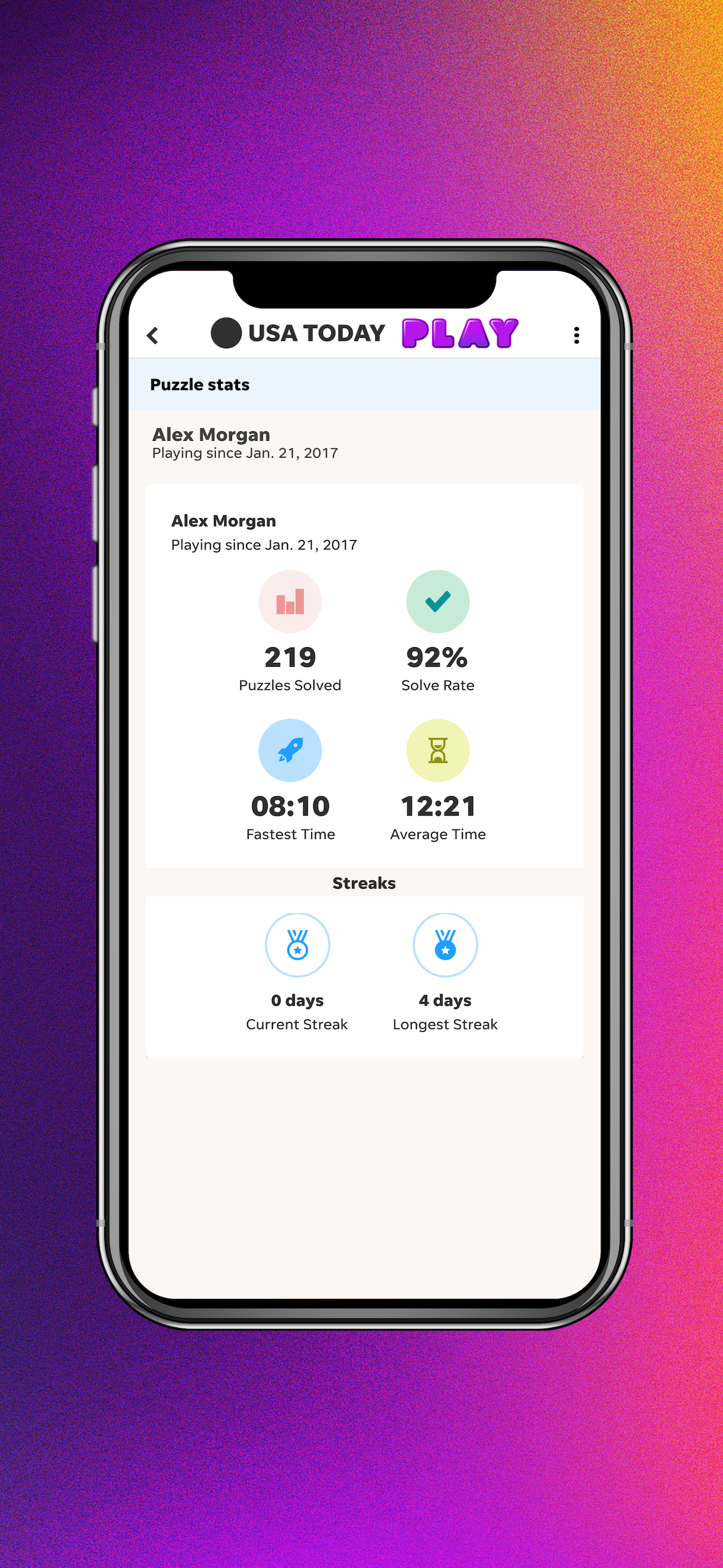


03 / Market context
Keep revenue, downloads and store rankings separate from advertising performance.
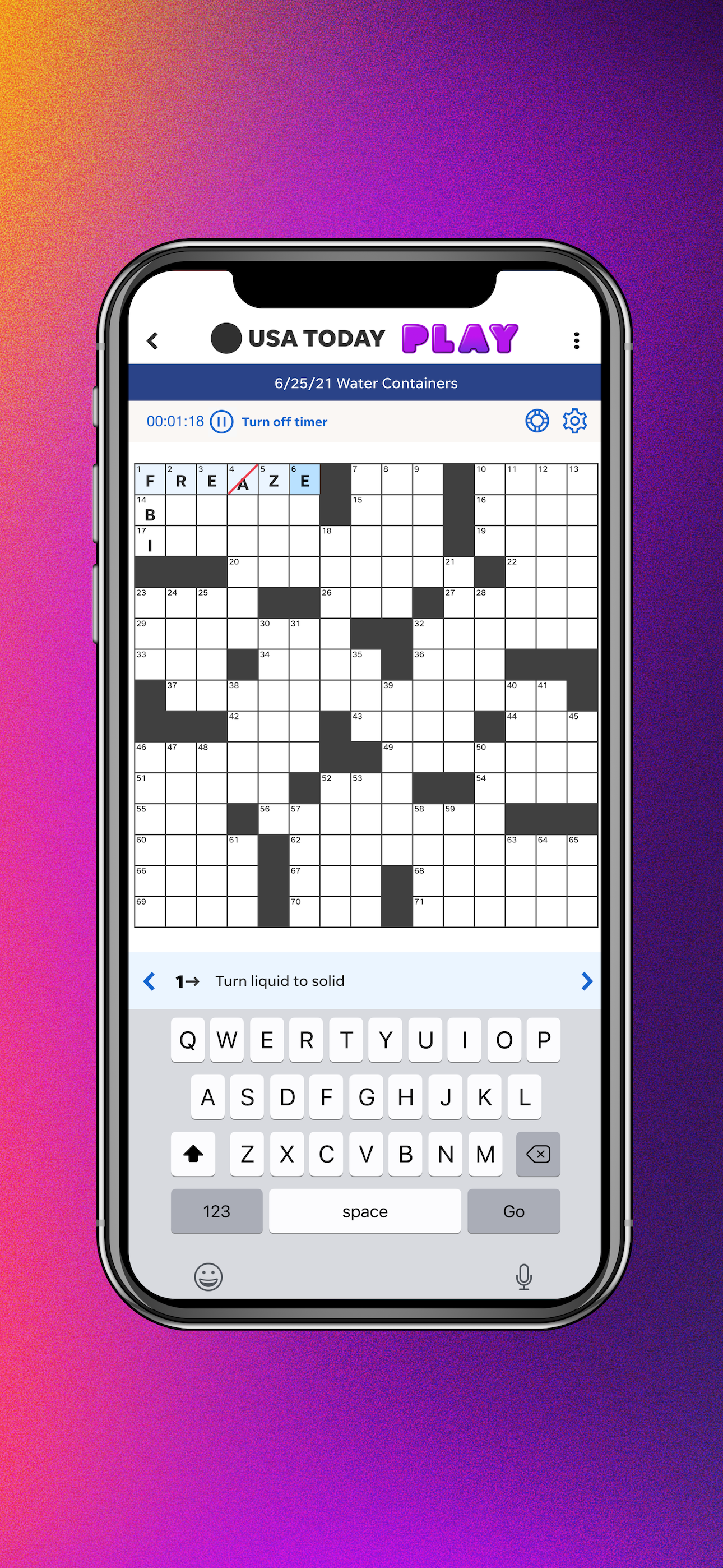
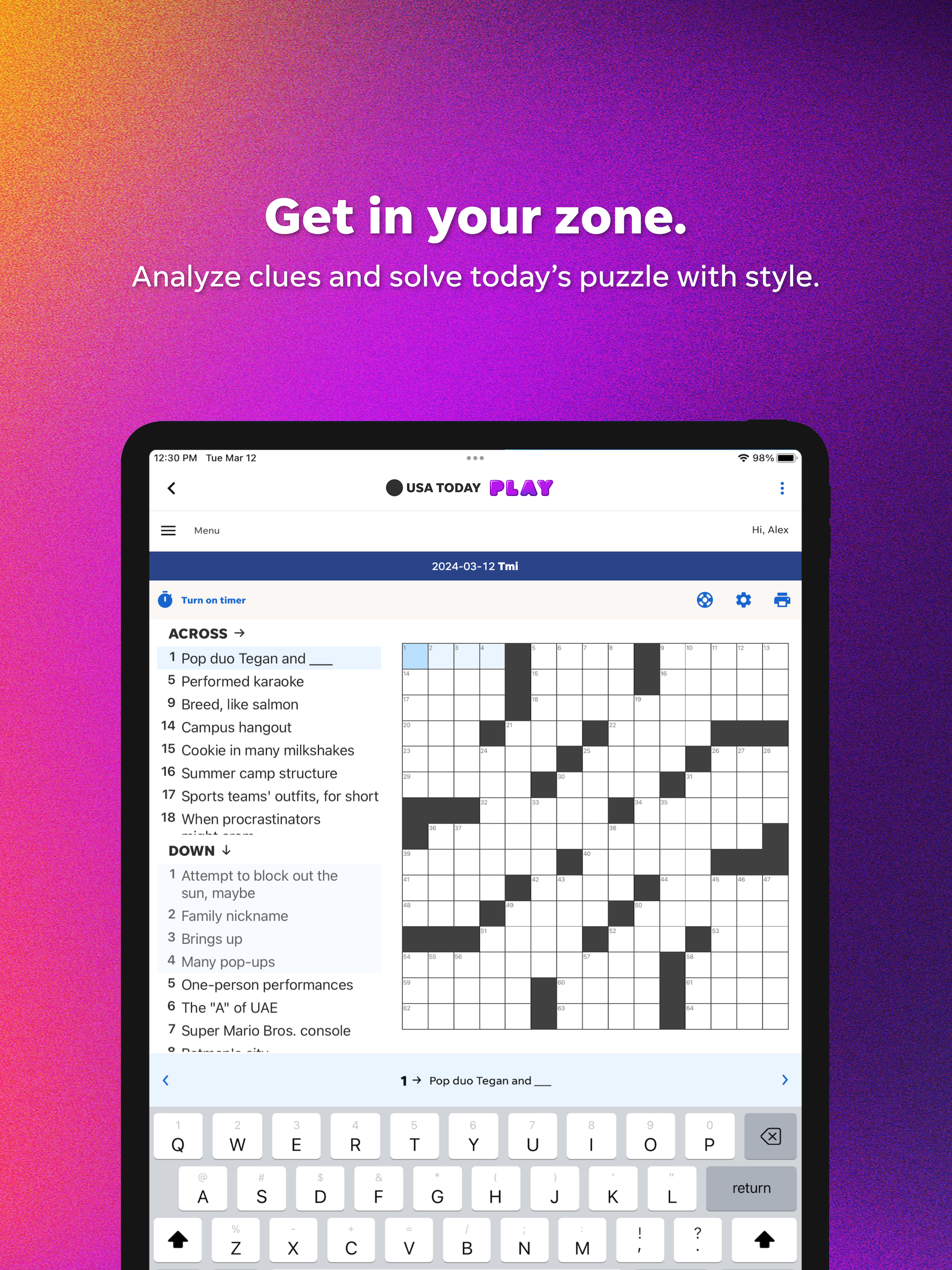
This app is so clunky. Get rid of the massive bar at the top and make it so I don’t have to scroll. I want to see the whole crossword. Sometimes the keyboard just disappears. I figured out a loophole to get it back by tapping on settings, and now this loophole is gone since the latest update. I have to exit the crossword and reopen it to get the keyboard to reappear. If that wasn’t frustrating enough, the app also doesn’t recognize when I finish a puzzle. I will again try opening and closing the puzzle which used to work but now I have to click the help button and “check puzzle” to know if It’s completed. Is this by design? It seemed to automatically show the “puzzle completed” screen once or twice when I first downloaded. Not saying you need to copy NYT format but please take some inspiration from them, because this is almost unusable.
I used to just get the 2 free puzzles a week. They offered a special deal for a year so I subscribed. I love crosswords and sudoku. Last week it wasn’t showing my subscription. I tried to sign in again and it wouldn’t sign in with google, but I could sign in online. It was just the app. I emailed support and they responded quickly and said they found the issue and fixed it. The problem continued and I emailed again. He said that if I using the games app to try the USA Today app and go to puzzles to see if it would work. And also try using a laptop and try the website. Or maybe it just needed a day to reset itself. I did all those things and it now works. The rep was very responsive and helpful and I really appreciated it. Thank you!
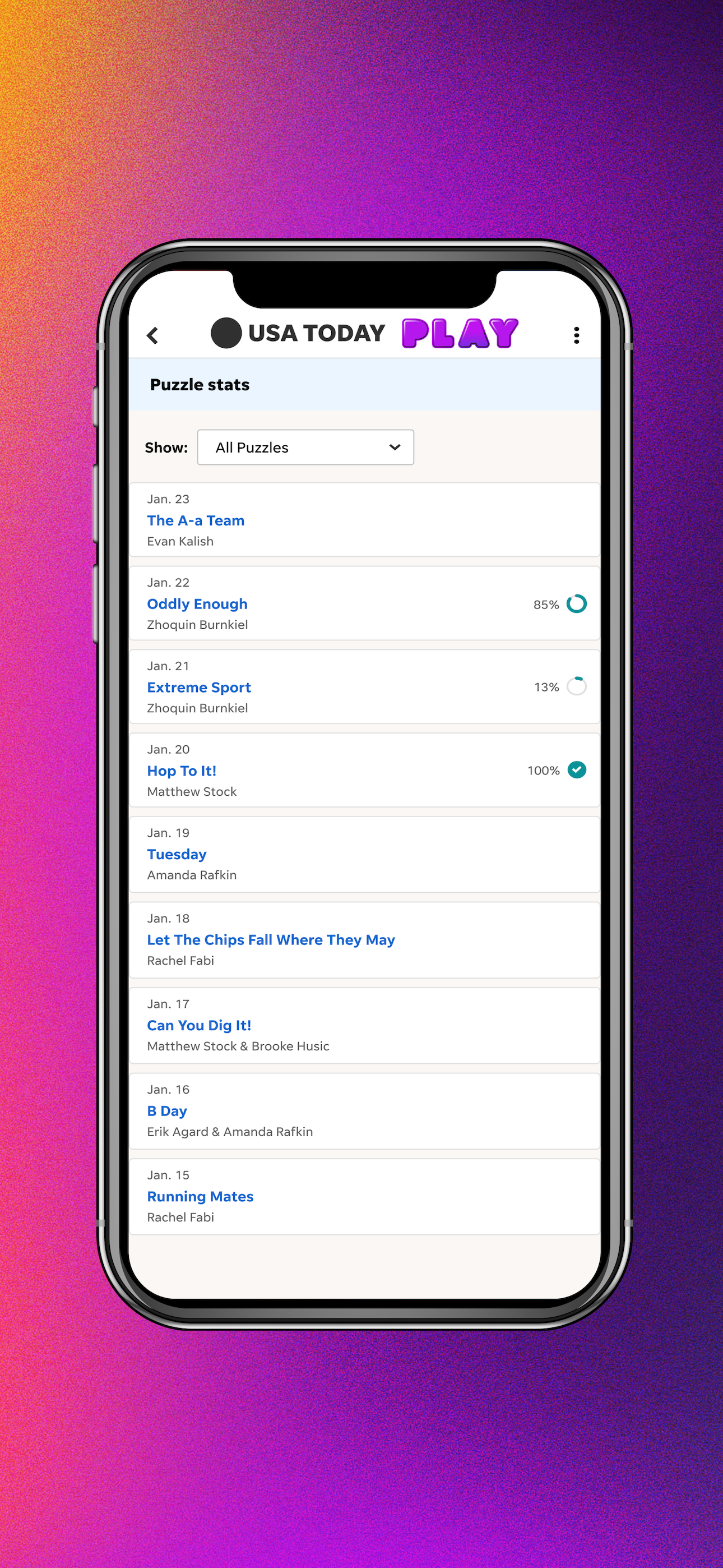
The most recent update removes the previous and next arrows to jump between clues. This makes navigating the puzzle very frustrating, especially when there doesn’t seem to be any logic behind what clue you end up on after completing one. Loading the puzzle archive takes forever, and it defaults to showing all puzzles instead of unplayed ones, so you have to select the option for only unplayed puzzles and then wait forever a second time. After I’ve completed a puzzle, if a start a second, more often than not I can’t type in the boxes. The keyboard acts like it’s working but no letters appear. I have to force close the app and restart it, then go though the slow multi-step process to get to a puzzle from the archive again. The puzzles themselves are pretty good but there can be a lot of word repetition from day to day. In difficulty, they’re roughly equal to a bit easier than an NYT Monday puzzle. It’s about right for me now, being a crossword newbie, but I feel like I might outgrow them in less than the timeframe of the one year subscription I purchased.
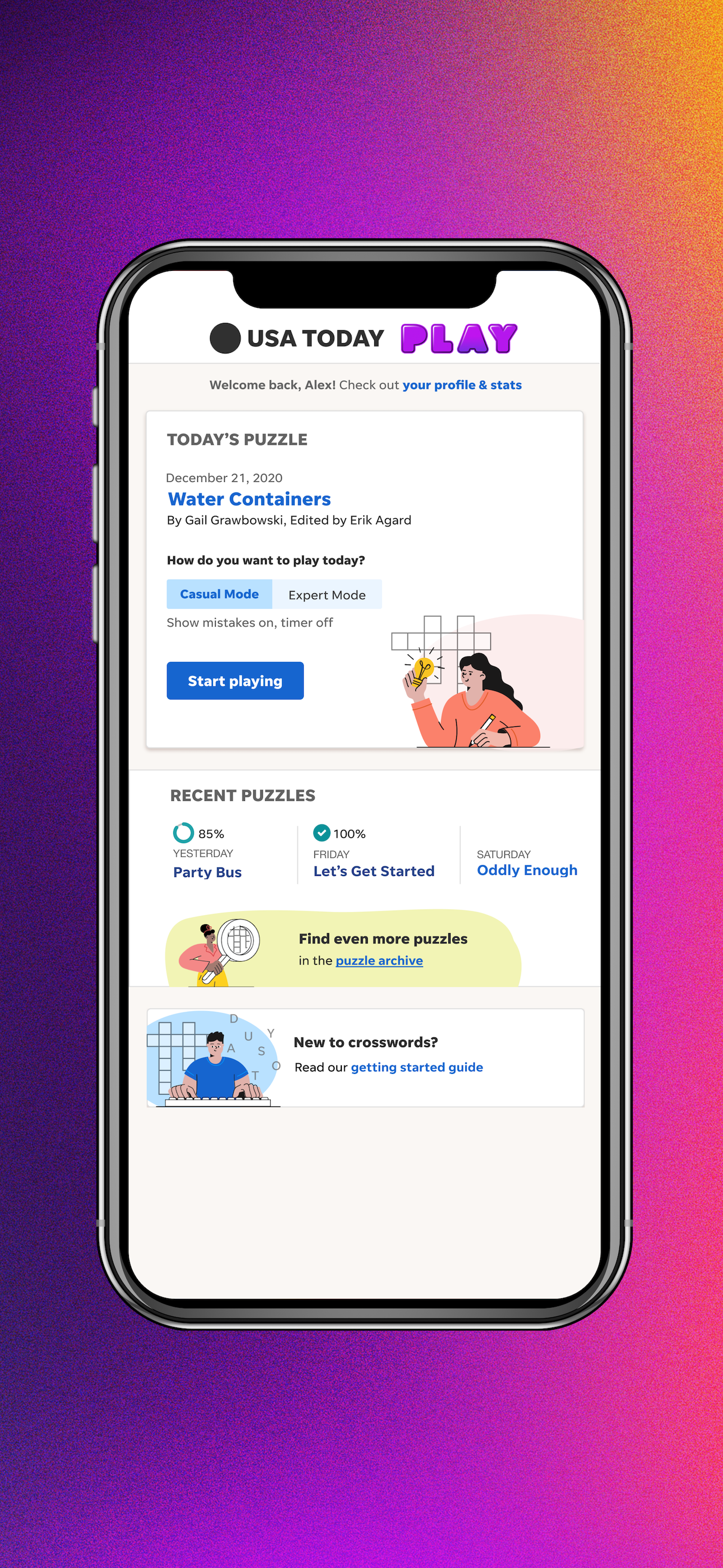
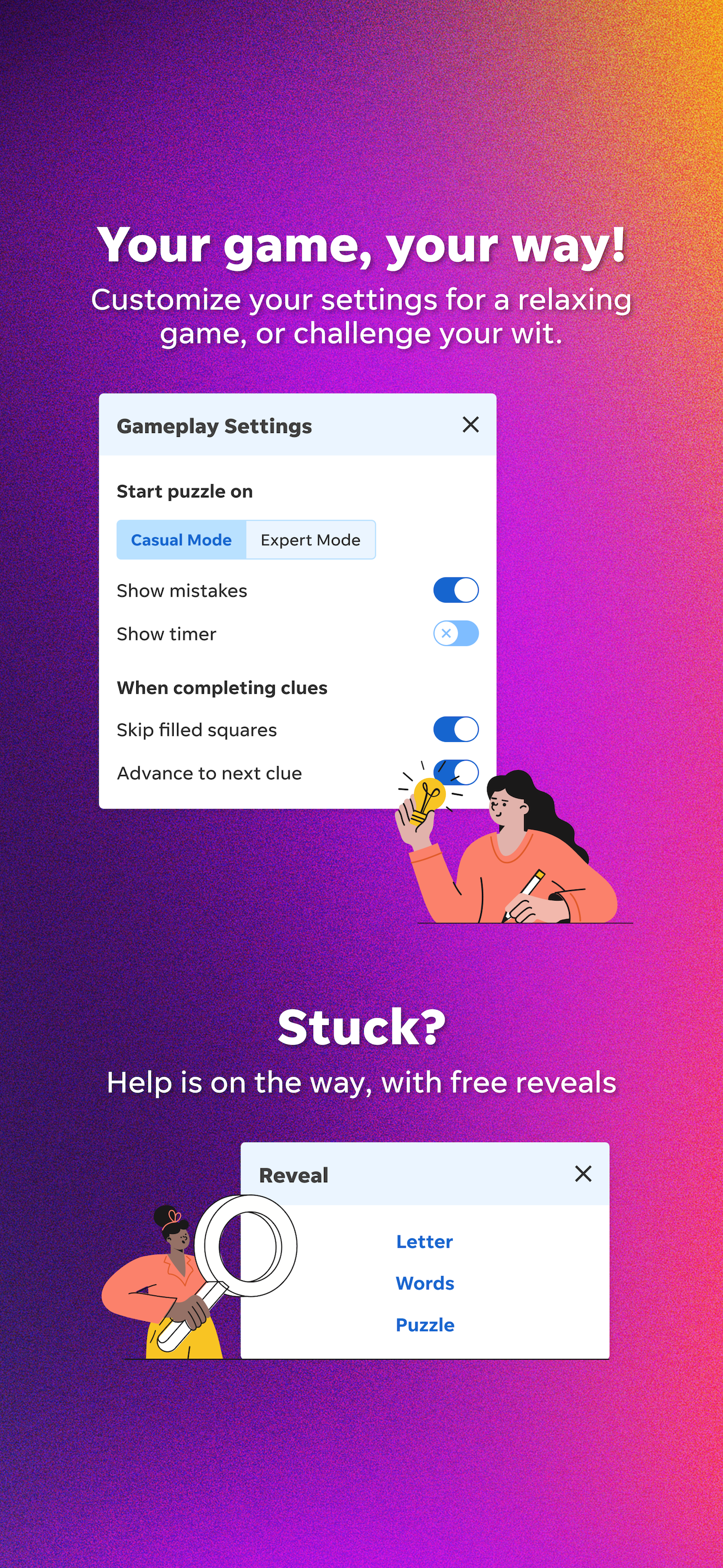
Play the USA TODAY daily crossword, plus Quick Cross, a full puzzle archive, horoscopes, and more - all in one app. Start your day with a fresh cros...
| Name | Price | Type |
|---|---|---|
| USA TODAY Crossword | $2.99 | Monthly |
| Monthly Subscription | $4.99 | Monthly |
| USA TODAY Crossword | $19.99 | Yearly |
| USA TODAY Crossword | $39.99 | Yearly |


