Check the acquisition promise
Read the store headline, screenshots and description. What problem is the app promising to solve?
Study the storefront ↗
Unreal Engine · iOS
Explore the ad evidence, study the storefront, and build your next acquisition hypothesis.
01 / Creative research
Read the store headline, screenshots and description. What problem is the app promising to solve?
Study the storefront ↗Explore apps with direct store-link matches. Compare their hooks and formats without assuming the same approach works here.
Browse observed advertisers ↗Store rankings and revenue estimates describe market context. They do not establish ad spend, conversions or ROAS.
Review the market context ↗02 / Storefront & product
Study the product story and store experience behind the acquisition funnel.



03 / Market context
Keep revenue, downloads and store rankings separate from advertising performance.
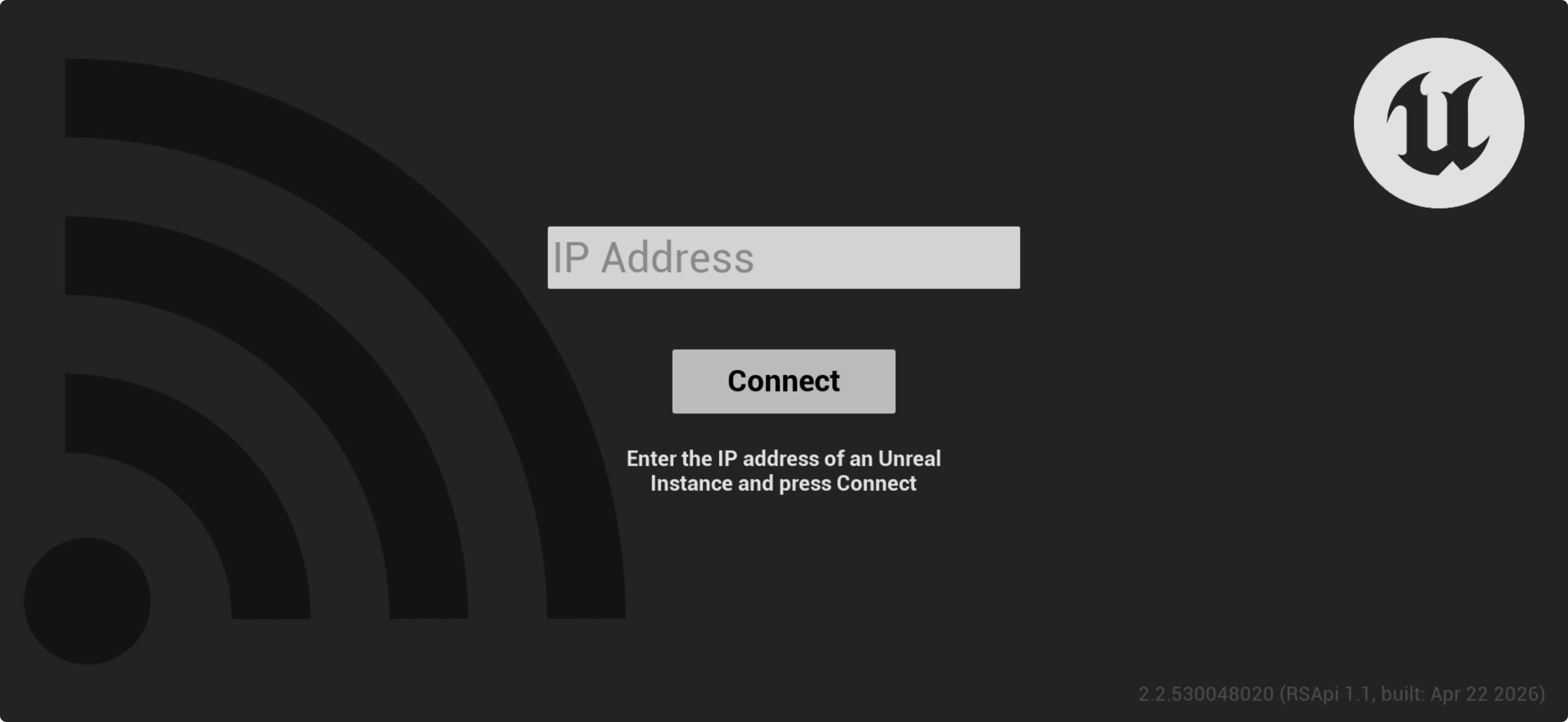
Even with the new update the app never connects. I enabled the Remote Session plugin. I entered the correct IP. I’m using the same WiFi. I launched PIE. It can’t ever connect. Using UE 5.7
I want to connect but it seems it not compatible with unreal engine 5 also I waited 5 minutes kept saying connecting nothing happen
I suspect the app needs to be updated on the iOS. It’s still a 2020 release. After one of the recent iOS 14 updates, the app no longer works properly with virtual camera in unreal 4.26. Screen on iOS device doesn’t progress past the connect screen and while there is some control with the virtual camera, you cannot change any settings and the location and rotation axis settings appear to be constantly changing. Cannot change lens, film back, etc etc Happens with iPad app version as well.
Unreal Engine Remote lets you quickly and easily test your Unreal Engine 5 and Unreal Editor for Fortnite projects directly on your development comput...