Check the acquisition promise
Read the store headline, screenshots and description. What problem is the app promising to solve?
Study the storefront ↗
Daniel Anderson · iOS
Explore the ad evidence, study the storefront, and build your next acquisition hypothesis.
01 / Creative research
Read the store headline, screenshots and description. What problem is the app promising to solve?
Study the storefront ↗Explore apps with direct store-link matches. Compare their hooks and formats without assuming the same approach works here.
Browse observed advertisers ↗Store rankings and revenue estimates describe market context. They do not establish ad spend, conversions or ROAS.
Review the market context ↗02 / Storefront & product
Study the product story and store experience behind the acquisition funnel.




03 / Market context
Keep revenue, downloads and store rankings separate from advertising performance.
It’s a great, easy to use tool to check the metadata on photos and to remove it. I use it to make sure photos I’ve taken at private locations don’t have location data that could be a safety concern if the photo is shared or posted online. (Ex: where one’s kids go to school, your home address follows by a social media post that you’re out of town, etc). It actually helped me figure out that my partner was sending me pics of him supposedly at work, but the app helped me that the photo was taken on a different day. Even when the metadata is wiped, the absence of data can tell you that the sender scrubbed the pic before sending it. Very helpful. It may also show you the file name of the photo as the sender as it saved on their device. Ex: “fake profile pic”, “found online-not me,” etc.
I wanted info on a photo that someone else sent me. So I started searching for an app to give me metadata. Have it the app for about a week. So far I like it. Discovered one thing that I hope be corrected. Found a pic in FB memories that I knew had been taken in 2018. When I saved the picture so that it was readily available, I checked the metadata & the info said the pic had been taken in 2020 instead of 2018. Looked it up in 2018 & metadata was correct. Would like to see if this could some how be resolved. Otherwise I like it.
I never do this, but there’s no way through Daniel’s website to submit feedback or ask questions. So: Are there any planned updates for Investigator? I love this app and it has been REALLY helpful in my many projects to convert VHS Home movies and have them placed in my library correctly, ditto for scanned pictures. However, its becoming obvious that the last update was a year ago. Small, obvious, and most annoying example: I can’t split screen investigator on the 12.9” iPad Pro. I have a small list of other things here that aren’t broken, they just aren’t there because of the age of the app. I will happily update my review upon receiving your response. (For reference: I have purchased the in-app “pro” upgrade)
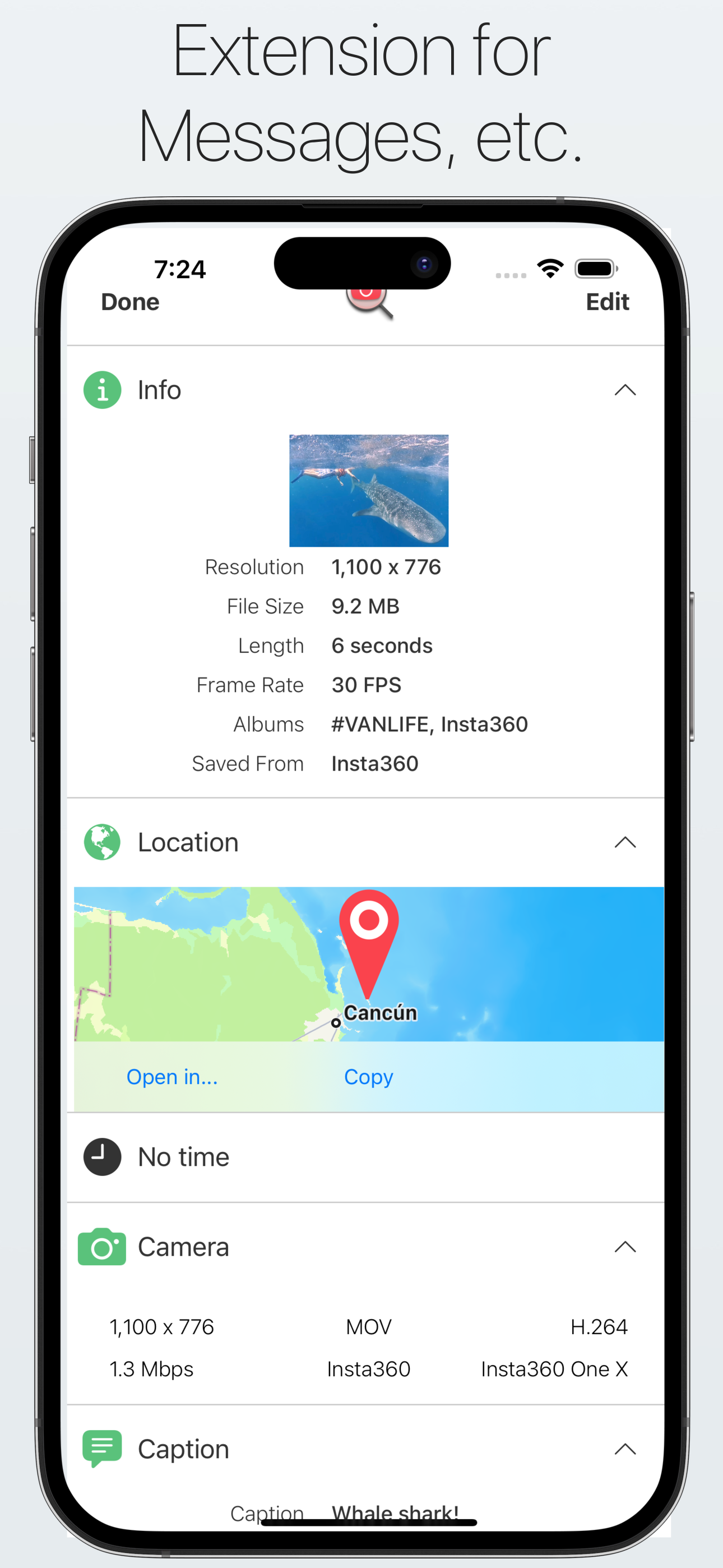
• See all available photo and video metadata: location, filesize, xattr, albums, date, camera and much more. • Edit / Remove location (incl. direction...
| Name | Price | Type |
|---|---|---|
| Complete Unlock | $2.99 | One-time |
| 7.0 Loyalty Unlock | $2.99 | One-time |
| Photo Investigator 7.0 Unlock | $4.99 | One-time |