
Check the acquisition promise
Read the store headline, screenshots and description. What problem is the app promising to solve?
Study the storefront ↗
Andres Piza Buckmann · iOS
Explore the ad evidence, study the storefront, and build your next acquisition hypothesis.
01 / Creative research
Read the store headline, screenshots and description. What problem is the app promising to solve?
Study the storefront ↗Explore apps with direct store-link matches. Compare their hooks and formats without assuming the same approach works here.
Browse observed advertisers ↗Store rankings and revenue estimates describe market context. They do not establish ad spend, conversions or ROAS.
Review the market context ↗02 / Storefront & product
Study the product story and store experience behind the acquisition funnel.
03 / Market context
Keep revenue, downloads and store rankings separate from advertising performance.
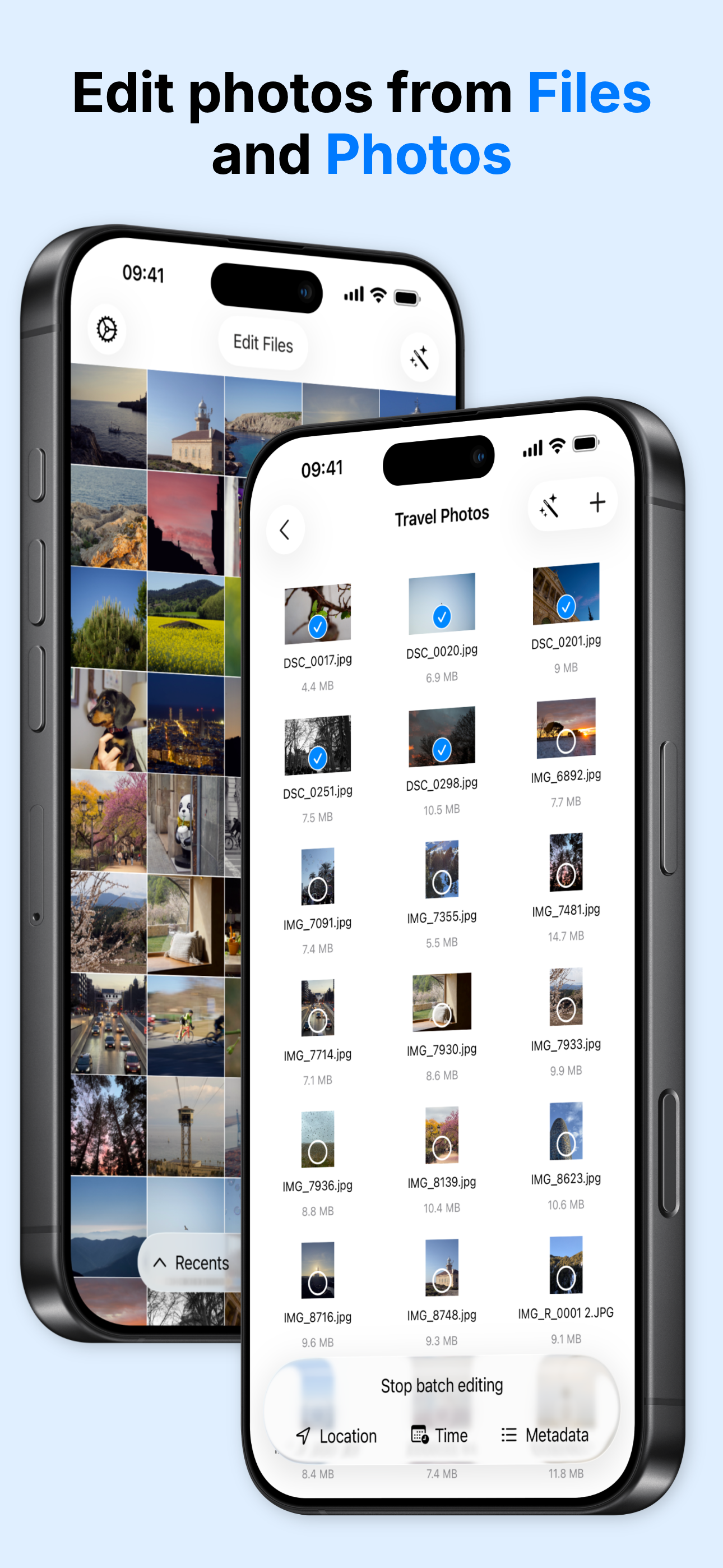
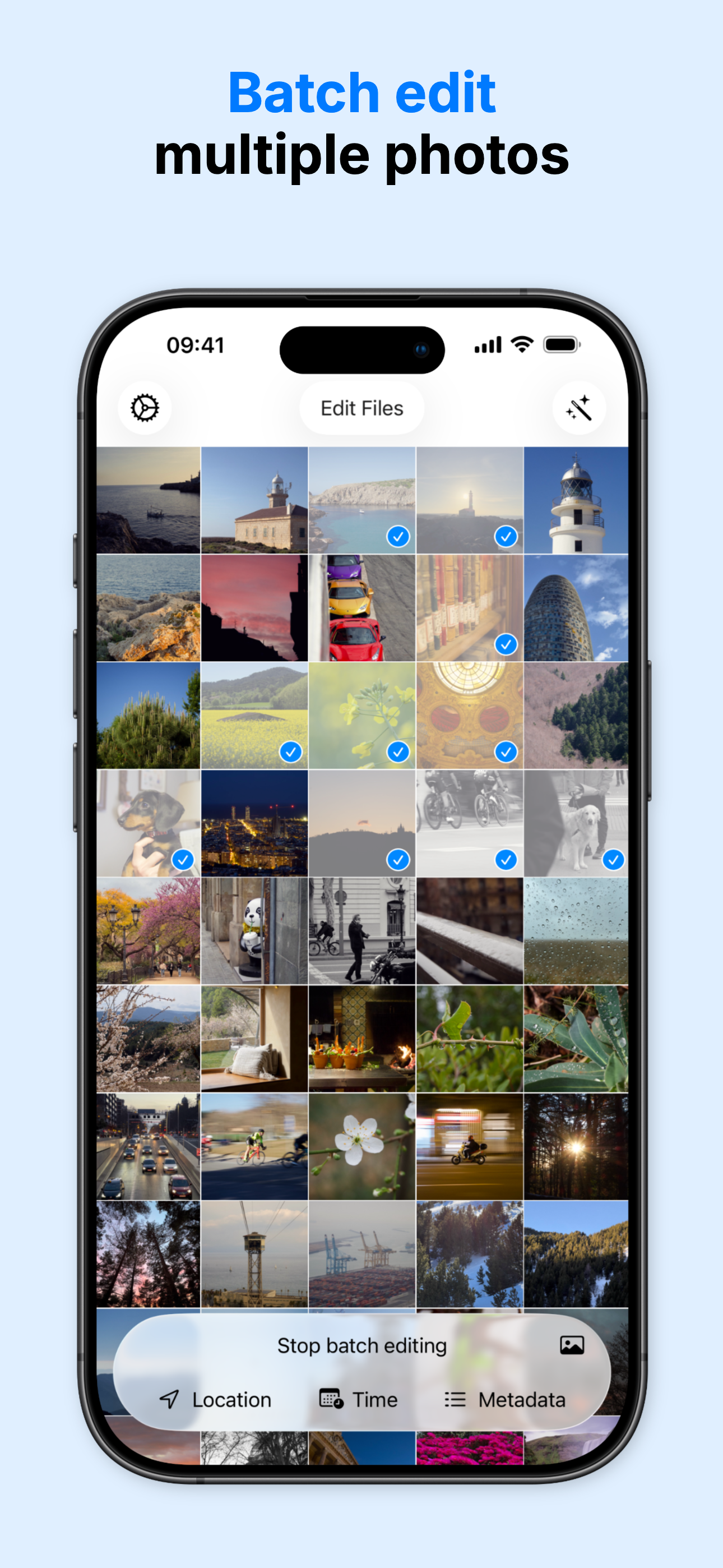
I love how simple to use the app is for editing meta data on photos! Not to mention the extra options like ‘Delete Original after Copy’ to prevent the Original Meta Data from being visible to the iOS photos app still and being able to edit photos metadata in batches is a GOD SEND of a feature! What’s preventing me from rating this app 10/10 is…what’s stopping you from adding the ability to save copies in HEIF/HEVC format? Does iOS force copies produced to get saved in JPEG regardless of the two format options chosen; [HEIF/HEVC] High Efficiency OR [JPEG/H.264] Most Compatible in the camera settings on the settings app? Thank you again for this amazingly simple and easy to use editing app! ^^
First off I got lucky and got this product that normally cost $50 fo free on a special sale for another app it is featured on! (Thank you so much 🥳) This app is very well put together and easy to use and read. Super easy to catch on and navigate your next move! Does everything it says PLUS some helpful suprises along the way!
For my specific purpose, it does exactly what it needed to do. My camera has two extra bytes of data on the end of the camera string that make its raw files incompatible with everything (Canon R5 C), but removing those two extra bytes reestablishes compatibility (Canon R5) because other than those two extra bytes, the raw files are exactly the same between those two cameras. Now, I'm not sure this specific use case is worth the price of admission, but I admit I have a skewed perspective. I have a fairly extensive background with computers and access to a machine that I can do this on for free in a hex editor; obviously not all photogs have this same background I have and they just want to get the dang raws off this specific camera to work on the iPad since it's more portable than, for example, a MacBook or a Windows ultrabook laptop and you can edit raws surprisingly completely in either the built in photos app or even the mobile version of Lightroom (provided they're compatible, see above).
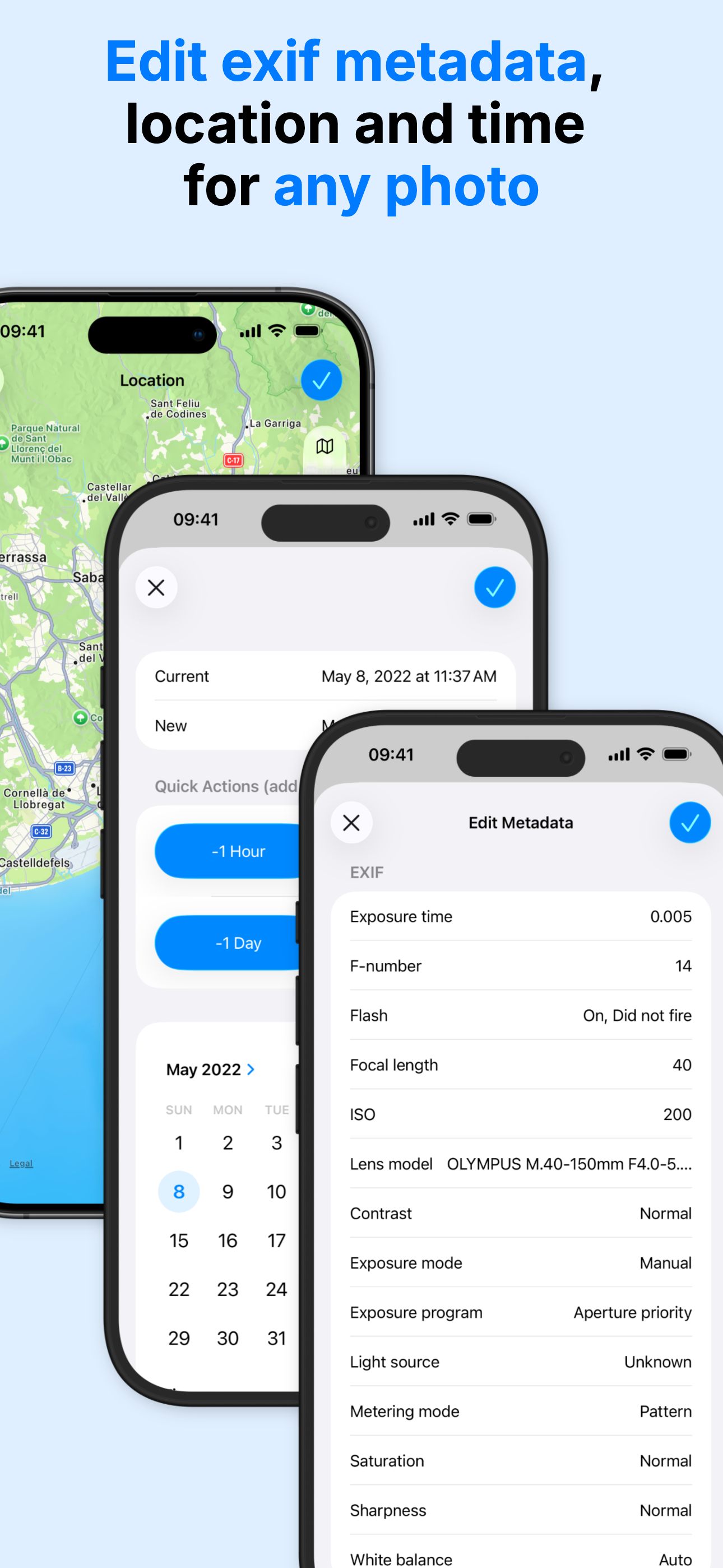
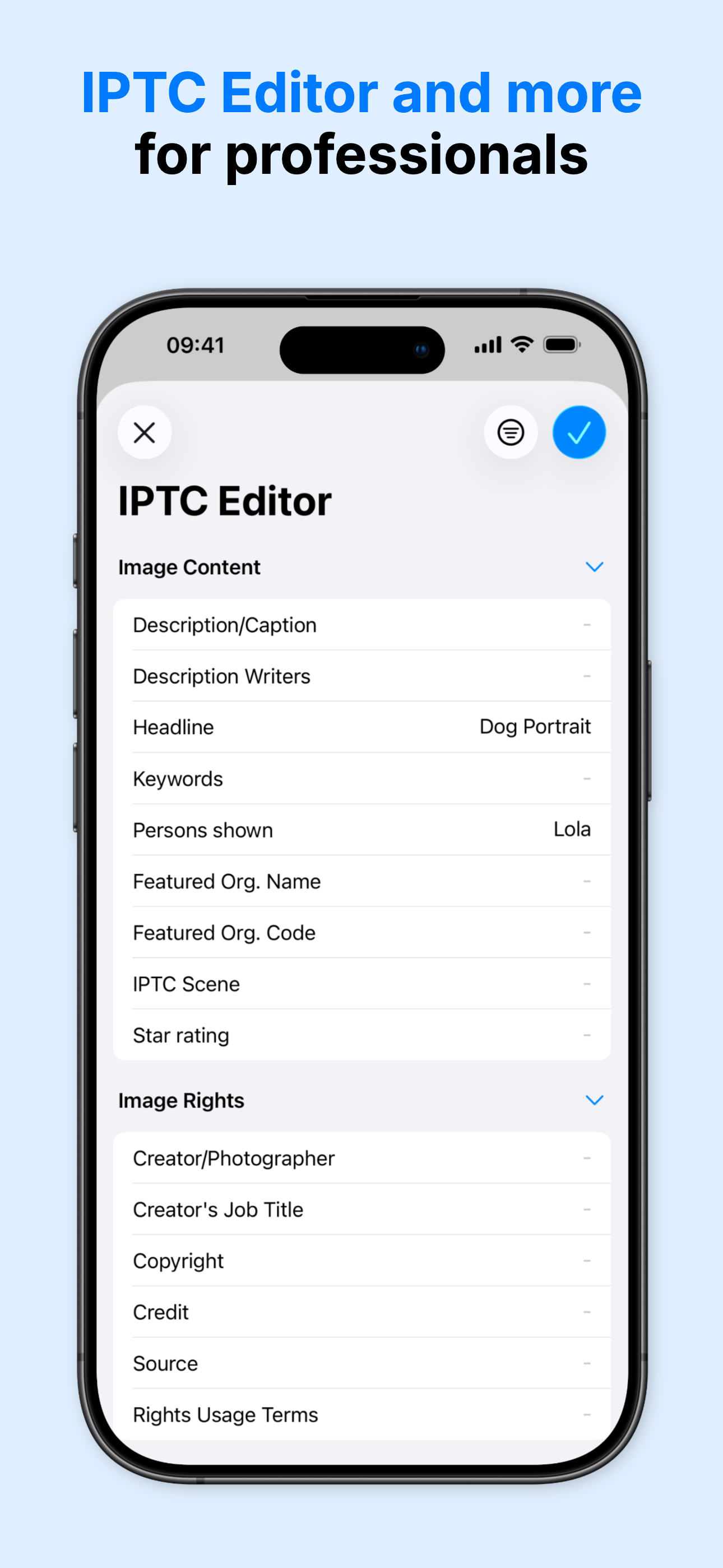
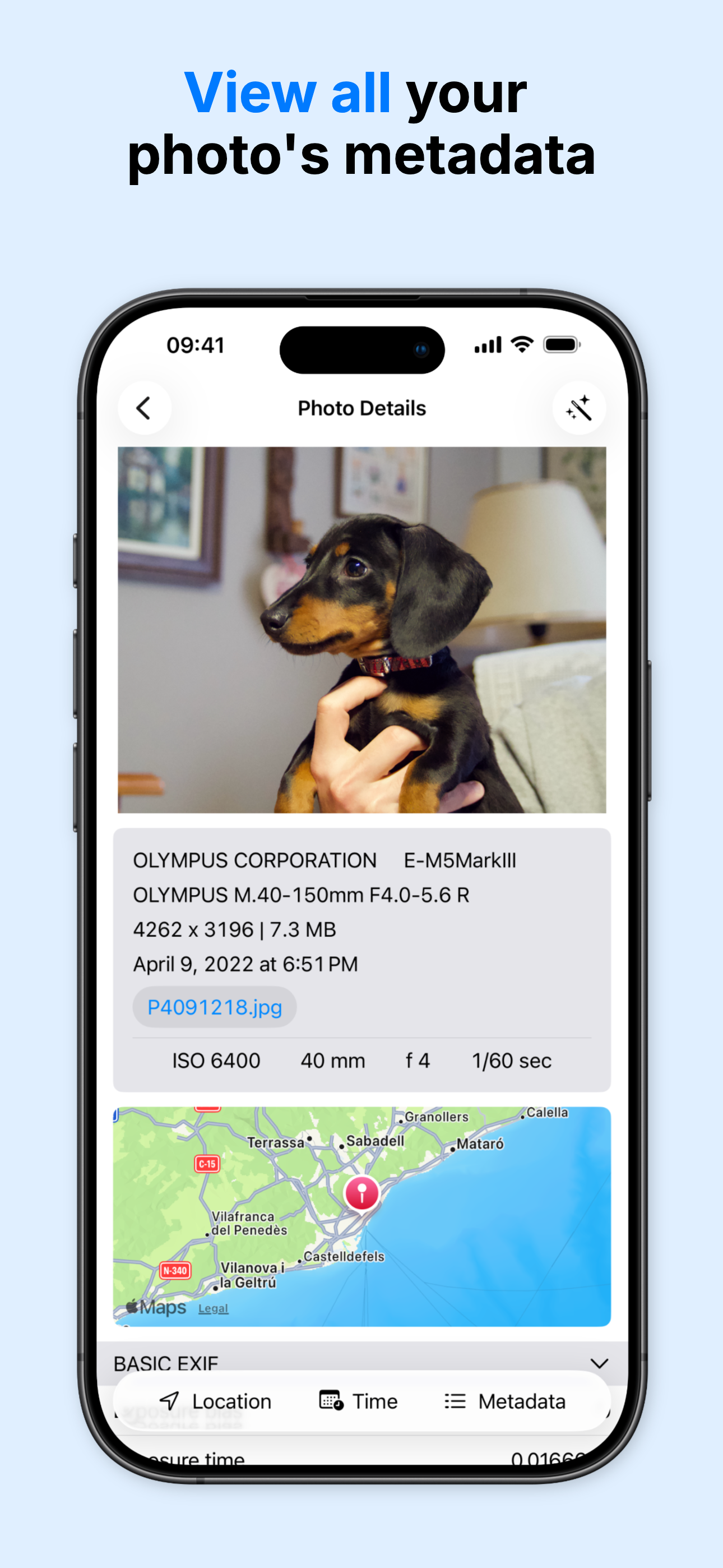
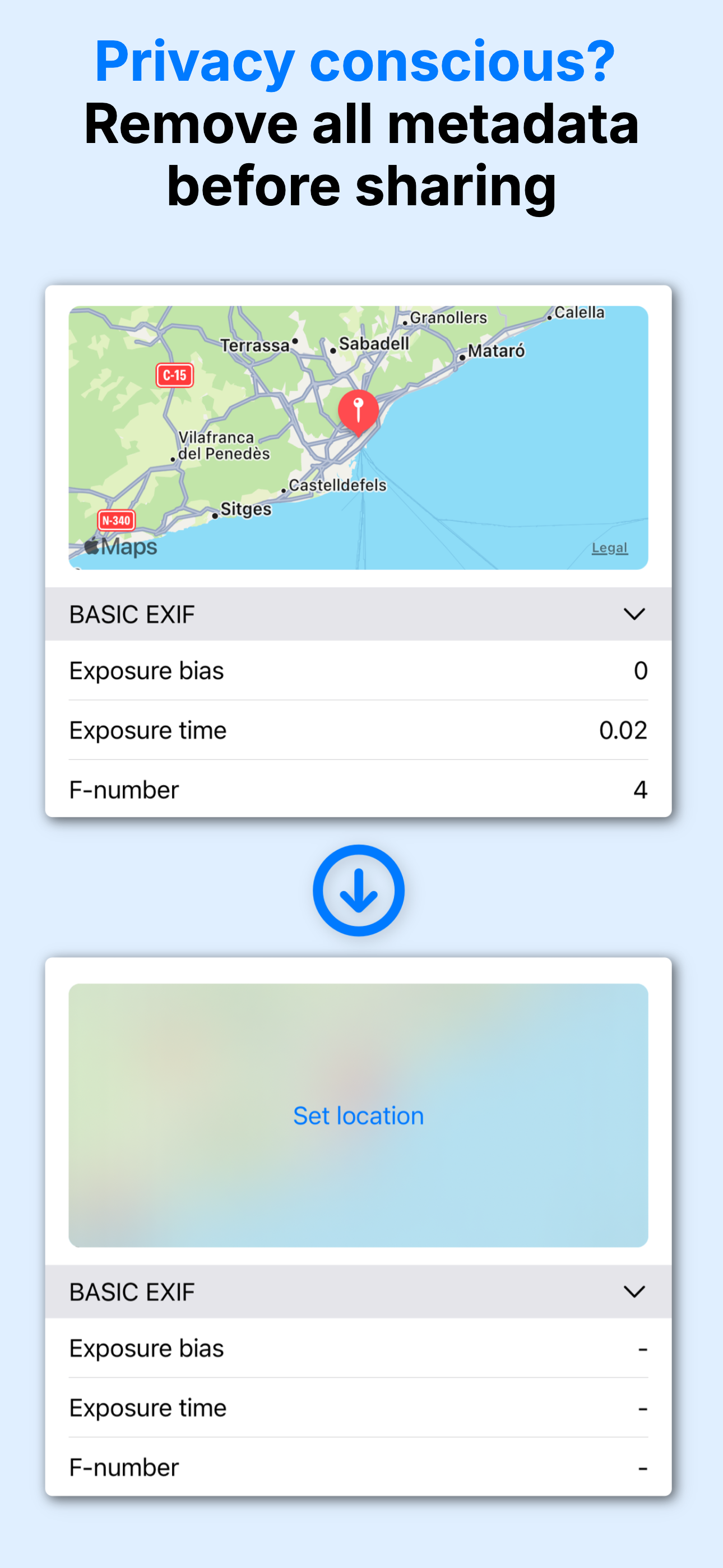
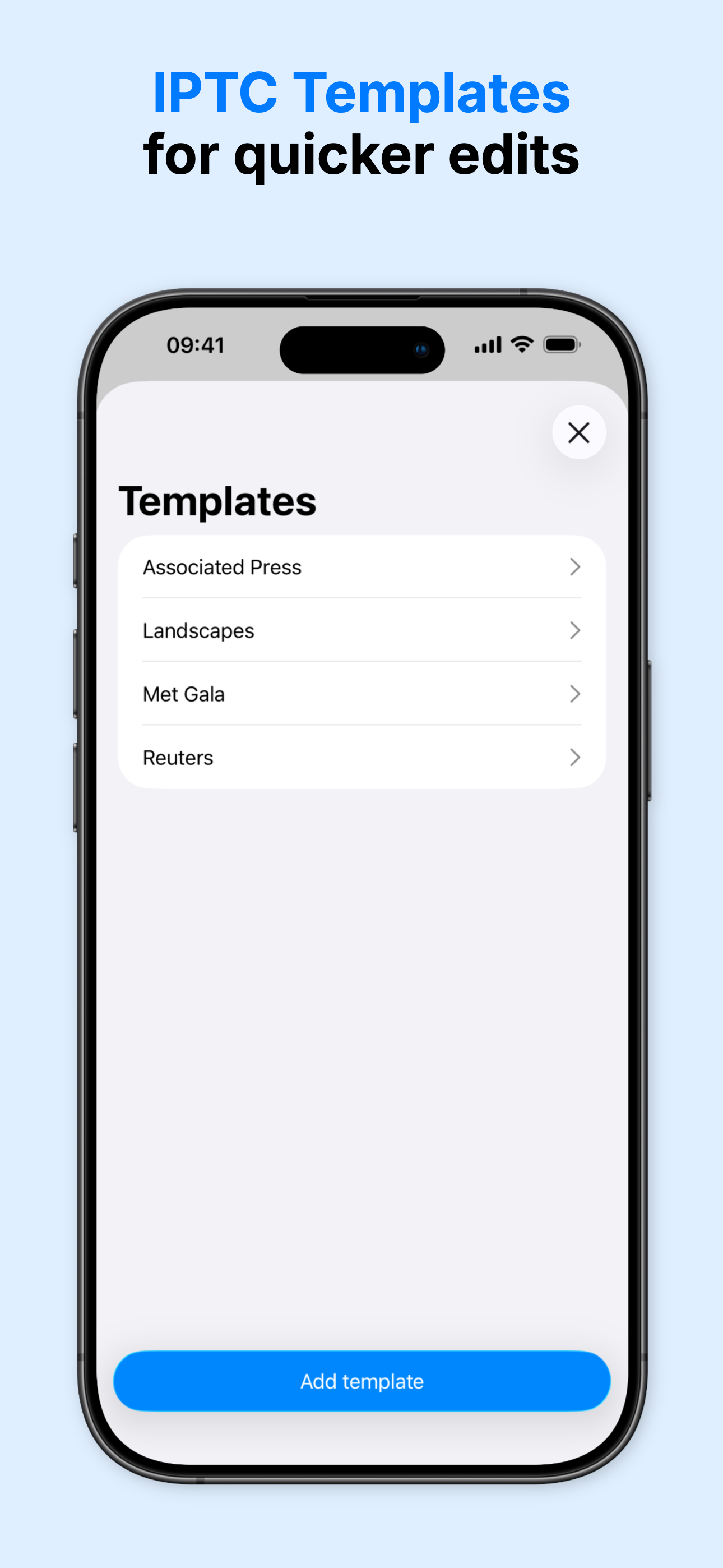
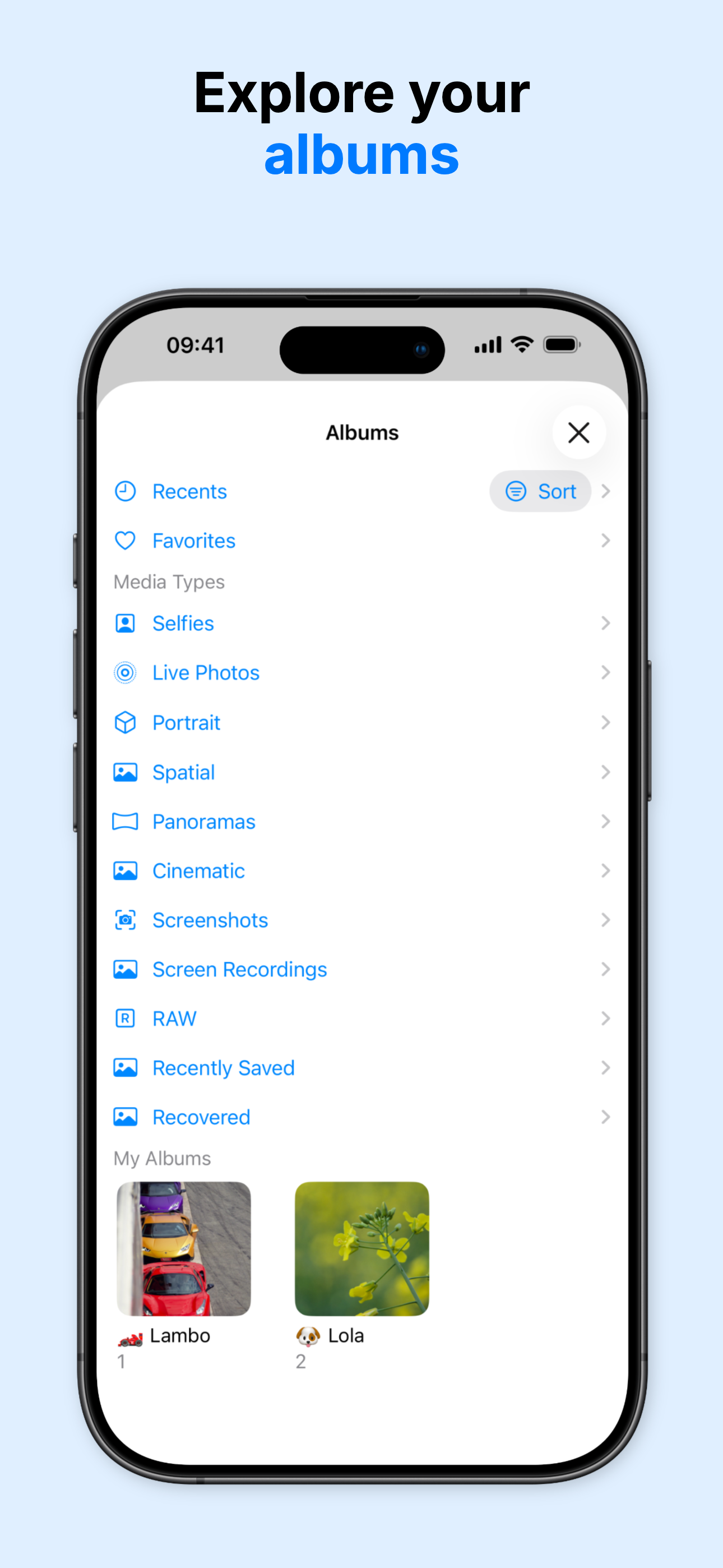
Looking to set the GPS location to a photo? Quickly editing the date? Remove all the metadata before sharing it to protect your privacy? Metadata Edit...
| Name | Price | Type |
|---|---|---|
| Metadata Editor Essential (Monthly) | $2.99 | Monthly |
| Unlimited access (Monthly) | $3.49 | Monthly |
| Metadata Editor Pro (Monthly) | $6.99 | Monthly |
| Unlimited access (Annual) | $9.99 | Yearly |
| Unlimited access (Annual) | $14.99 | Yearly |
| Unlimited access (Annual) | $14.99 | Yearly |
| Unlimited access (Annual) | $17.49 | Yearly |
| Metadata Editor Essential (Annual) | $19.99 | Yearly |
| Metadata Editor Pro (Annual) | $39.99 | Yearly |
| Unlimited access | $59.99 | One-time |


