Check the acquisition promise
Read the store headline, screenshots and description. What problem is the app promising to solve?
Study the storefront ↗
Yohan Cassaigne · iOS
Explore the ad evidence, study the storefront, and build your next acquisition hypothesis.
01 / Creative research
Read the store headline, screenshots and description. What problem is the app promising to solve?
Study the storefront ↗Explore apps with direct store-link matches. Compare their hooks and formats without assuming the same approach works here.
Browse observed advertisers ↗Store rankings and revenue estimates describe market context. They do not establish ad spend, conversions or ROAS.
Review the market context ↗02 / Storefront & product
Study the product story and store experience behind the acquisition funnel.



03 / Market context
Keep revenue, downloads and store rankings separate from advertising performance.
Every single time i have a scrambled rubik’s cube i can’t solve, instantly go to this app. Every time it works!! It’s easy to apply color too. It gives you a simple tutorial on how to fix it, and it’s amazing. There’s no limit, and it’s SUPER helpful incase i mess up my rubik’s cube!! I also love how if you have a twisted corner it helps you out by saying you have one. Super great app for scrambled rubik’s cubes, i would rate it 10 if i could. You WANT to get this app if you have a scrambled cube !! 😄
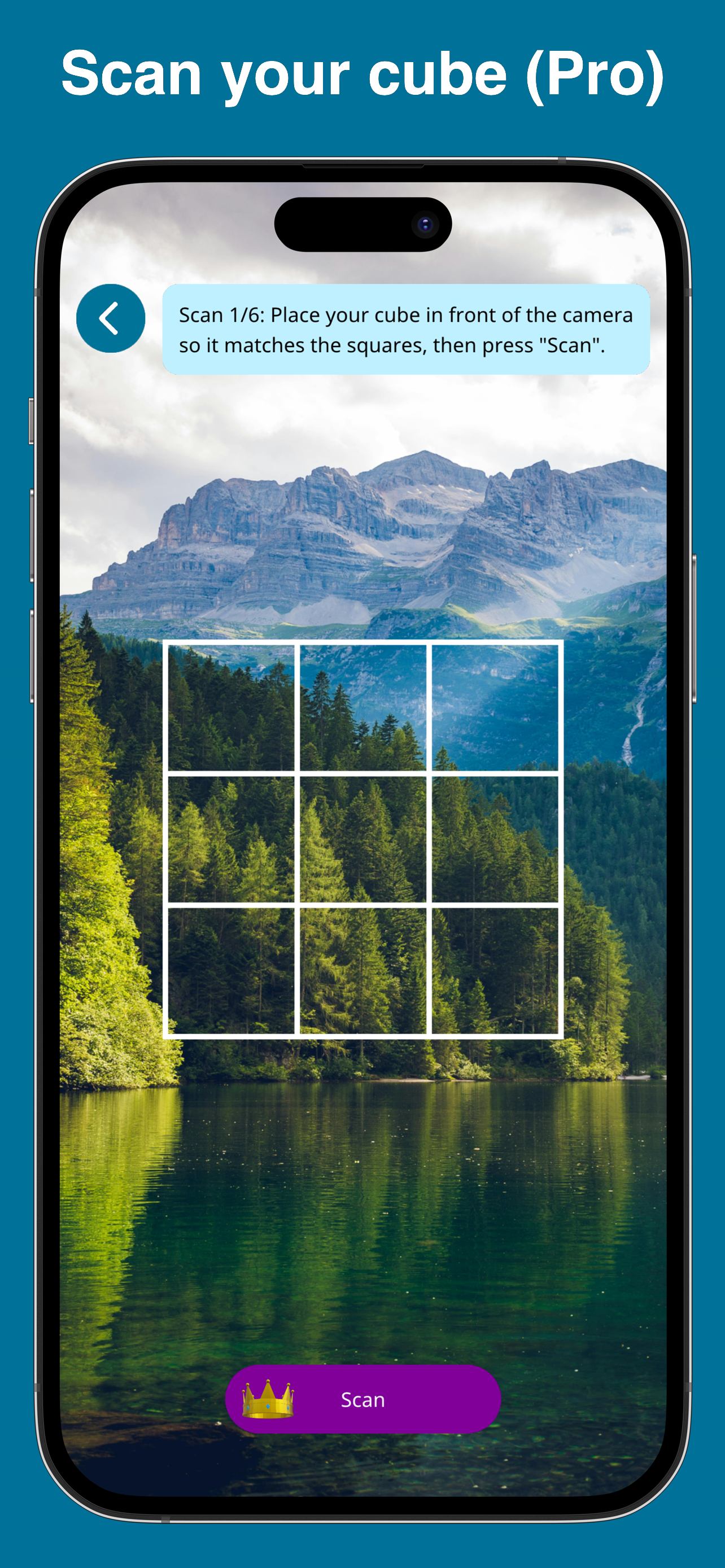
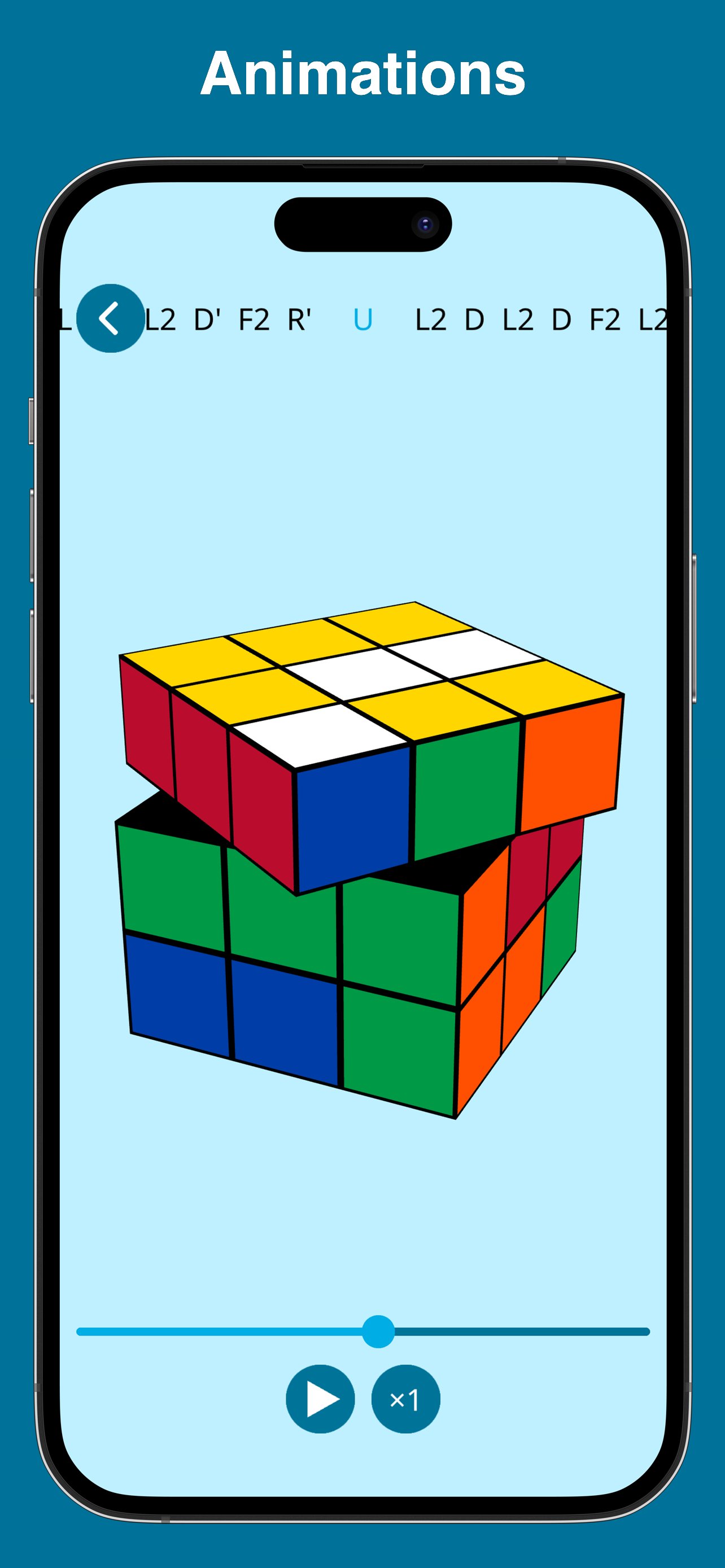
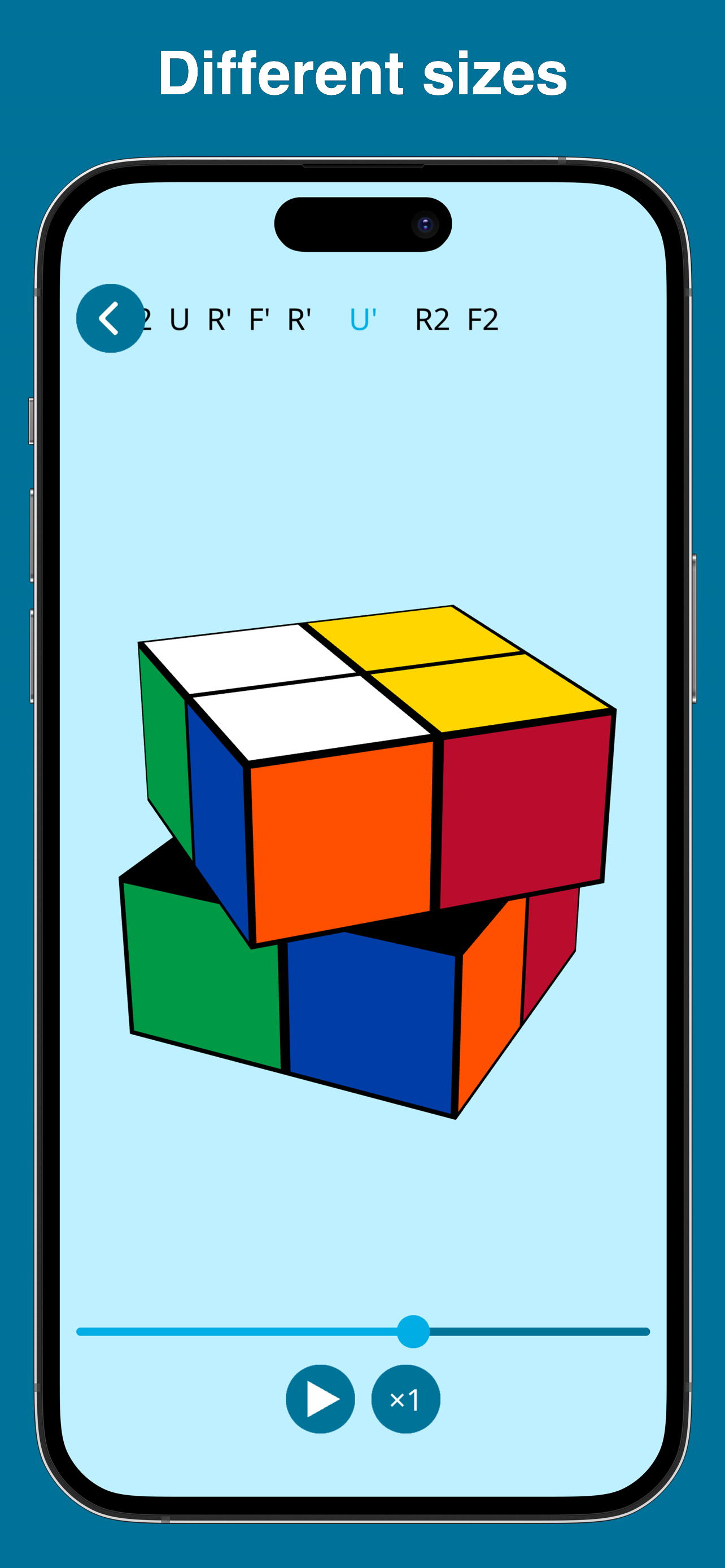
I use this app a lot since I’m learning how to solve the Rubik’s cube. When I get lost, this app helps me solve the cube so I can do another scramble to practice with. My only problem is, and correct me if I’m mistaken, there is no way to use a custom speed. You see, my GAN 356 3x3 Magnetic (standard) turns is really loose, so I have gotten used to turning fast. If I turn to slow, the pieces start to spread out a little more. But when I’m using Solviks, I can’t get to my preferred speed. There are different levels of speed such as 0.5, 1.0, 2.0, ect. But there is no way to get a custom speed, for example, 3.75 or 2.86. This is the main thing that is knocking this app from a 5 star, to a 4 star. Thanks for reading. Please creators give us custom speeds. Another thing is that it takes forever to put in every color for all of the 54 squares. It takes so long and it get really annoying over time if you know what I mean. I for one, don’t need anything to be perfect or super easy, but being able to scan the cube’s sides with your phone’s camera would make life so much easier. Please add this guys!!! The last thing I have here for you guys is something that I think everyone who has used this app has noticed. You can solve any cube from a 2x2, to a 4x4, which does include the 3x3. But not only is that not a lot (there is also the 5x5, 6x6, 7x7… 21x21…) but the 4x4 you can’t solve without paying money! Yes, I know that it is hard to make money with a Rubik’s cube game, but you could at least add more cube to solve before that!
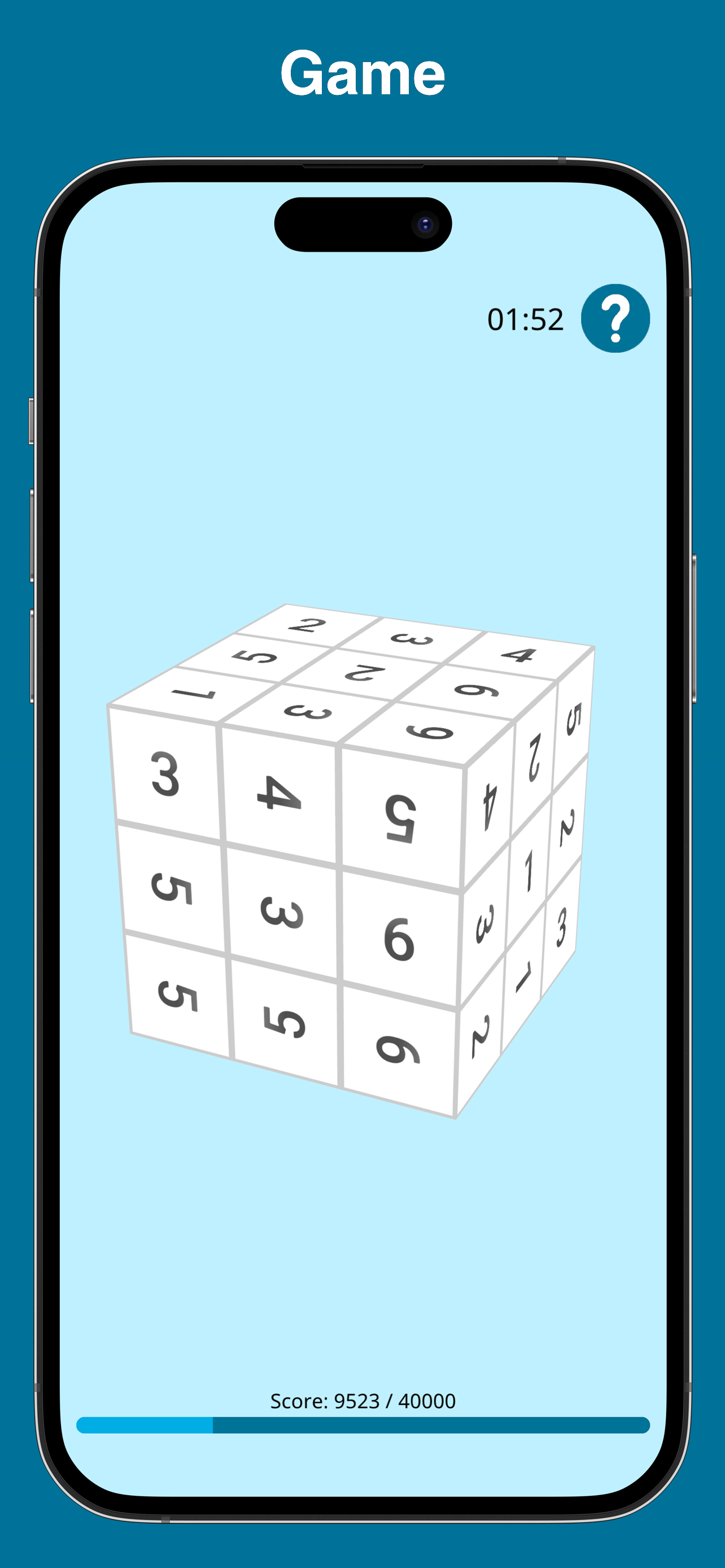
It has awesome ways to solve Rubiks cubes including the: 4 x 4, 3 x 3, and 2 x 2 you paint or scan the cube, and then you click solve and the game comes to life. It shows you a video of how to solve that specific colored cube (and shaped) this game is so good that your child could sit on the couch, playing it for almost two hours. it’s so good I spent the entire morning a couple days ago playing it. I beat my high score when I was playing it. There are separate choices between game and solver. The solver helps you solve the cube and the game is just a digital cube that automatically mixes itself up and you have to solve it.
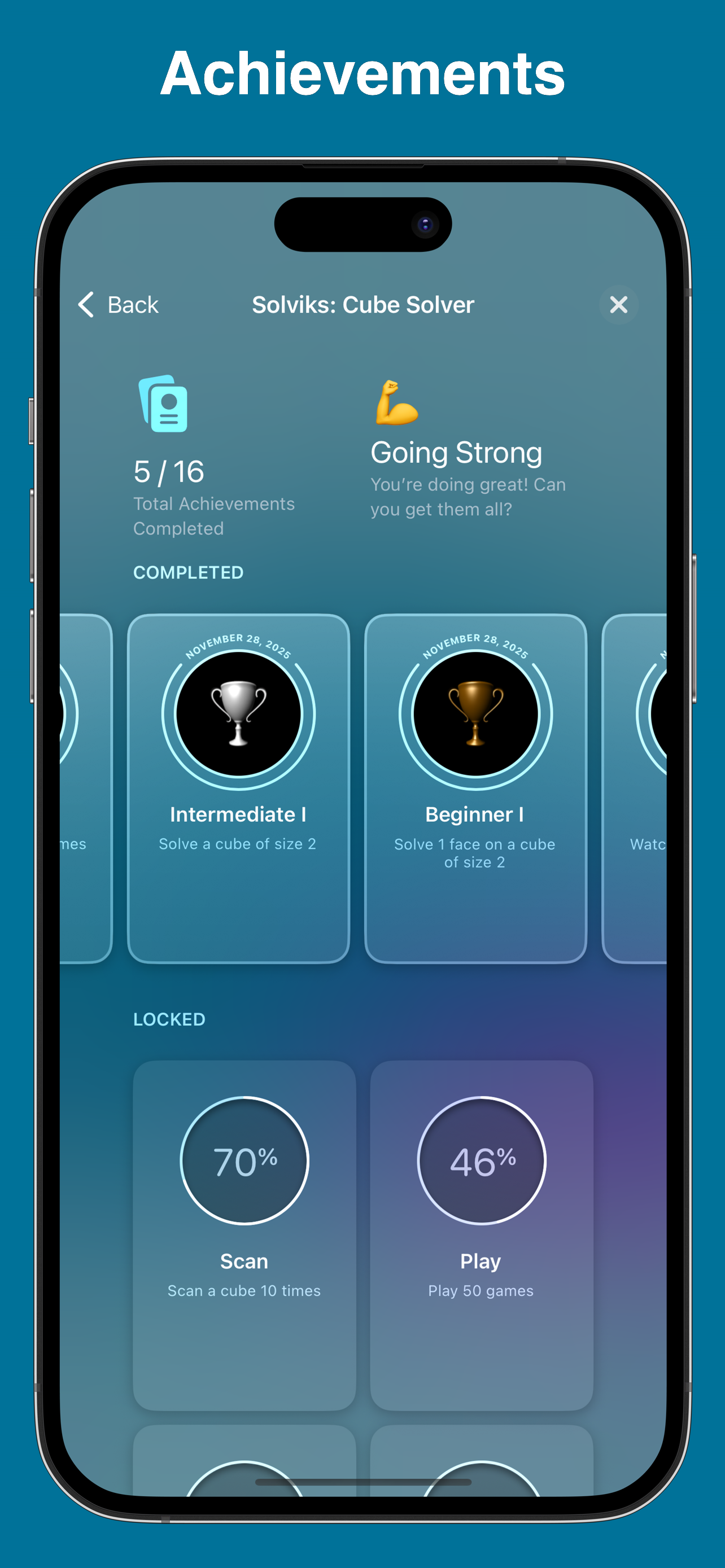
This app consists of a cube solver, tutorials and a game. The solver allows you to solve cubes of sizes 2 and 3. You put your colors on a 3D virtual...
| Name | Price | Type |
|---|---|---|
| Weekly Subscription | $4.99 | Weekly |
| Pro | $4.99 | One-time |
| Yearly Subscription | $24.99 | Yearly |