
Check the acquisition promise
Read the store headline, screenshots and description. What problem is the app promising to solve?
Study the storefront ↗
SAFE Credit Union · iOS
Explore the ad evidence, study the storefront, and build your next acquisition hypothesis.
01 / Creative research
Read the store headline, screenshots and description. What problem is the app promising to solve?
Study the storefront ↗Explore apps with direct store-link matches. Compare their hooks and formats without assuming the same approach works here.
Browse observed advertisers ↗Store rankings and revenue estimates describe market context. They do not establish ad spend, conversions or ROAS.
Review the market context ↗02 / Storefront & product
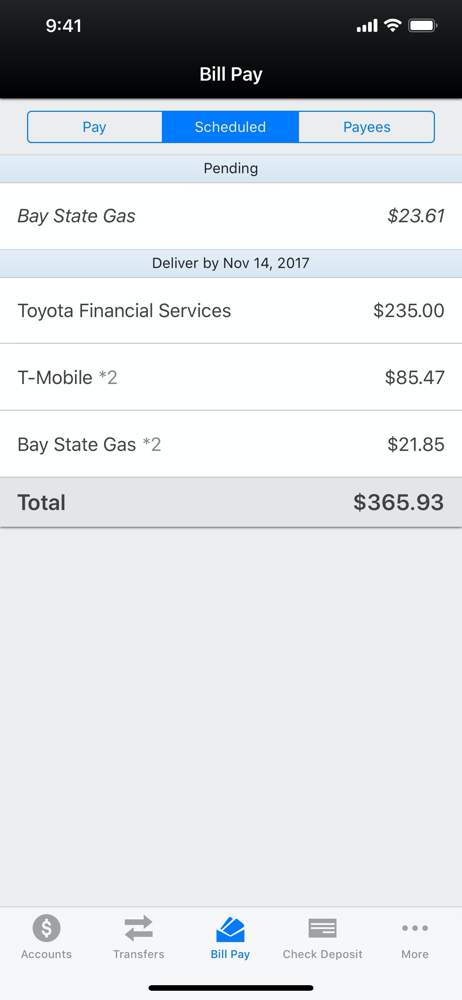
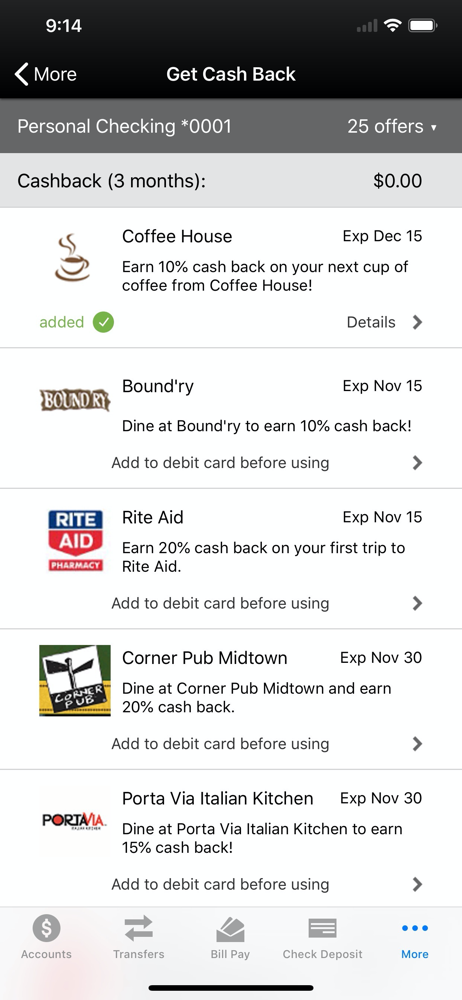
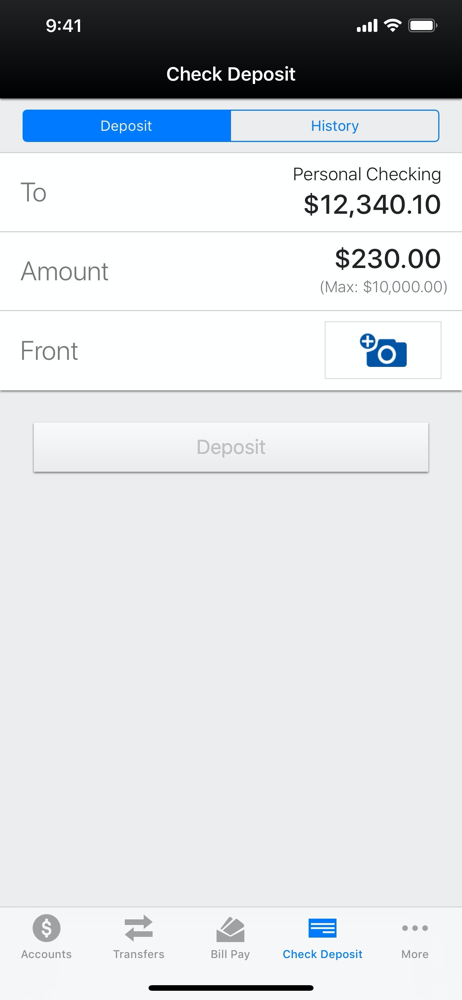
Study the product story and store experience behind the acquisition funnel.


03 / Market context
Keep revenue, downloads and store rankings separate from advertising performance.
Great app for mobile banking. But with the recent banking system upgrade this app has problems. My wife and I own our own businesses. Have multiple accounts that we’re both on, business and personal, amongst kids accounts, they are all now listed by number and bank names when you open up account summary. Very confusing. Also frustrating. Although I am listed on my wife’s personal account I have never used it. Yet now it’s listed in my account summary. The bank account number and differs by one number. So if I’m not paying attention when I wanna deposit money into my personal account I can accidentally deposit into hers if I’m not paying close attention to the account numbers. There should be an edit button to be able to rename your accounts for easy visual access and or a hide button to hide accounts that you don’t need to get into on a daily basis and can be brought up when you need to. Hopefully they will recognize these technical problems to alleviate the current headache of having 15 different accounts that you have to look at specific numbers to know if you’re depositing money or withdrawing money from the actual account that you want to. After depositing checks the app freezes due to a hidden pop-up about reading the app at the App Store. System locks you can’t even see the pop-up. Unless you close the app and reopen it then allows you to close the stupid rating pop up after each and every deposit. SAFE PLEASE ADDRESS THESE ISSUES
Online banking has always been a solid feature since it came onboard, but recently found it problematic to use with an account that needs to be sent to same name and address just different departments. It doesn't allow the ability to put the account in twice with a flag or memo to differentiate the two. Having them separate would be helpful to know when each were paid and how much.
App is good and generally works well, but it doesn’t work when I’m connected to Wi-Fi. I have to disconnect from Wi-Fi in order for it to open or even function. Up until now, mobile deposit has been great. However, I am not able to deposit a brand new check as of last night. I’m getting an error message that says this check has been deposited before. It hasn’t. I called Safe and they suggested deleting and reinstalling the app, which I did. Still getting the same error message. This is extremely frustrating because I now have to go to the bank and try to deposit this check in which I already wrote “for mobile deposit.” Please fix this!!!
With the SAFE Mobile Banking App, log in to your account securely from your iPhone®, iPod touch®, or iPad®. 24/7 BANKING Check your account balances...


