Check the acquisition promise
Read the store headline, screenshots and description. What problem is the app promising to solve?
Study the storefront ↗
Portal Games · iOS
Explore the ad evidence, study the storefront, and build your next acquisition hypothesis.
01 / Creative research
Read the store headline, screenshots and description. What problem is the app promising to solve?
Study the storefront ↗Explore apps with direct store-link matches. Compare their hooks and formats without assuming the same approach works here.
Browse observed advertisers ↗Store rankings and revenue estimates describe market context. They do not establish ad spend, conversions or ROAS.
Review the market context ↗02 / Storefront & product
Study the product story and store experience behind the acquisition funnel.


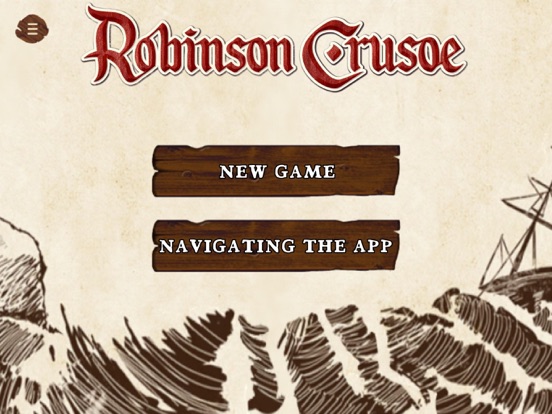

03 / Market context
Keep revenue, downloads and store rankings separate from advertising performance.
Overall pleased with the app. Fewer things to deal with during setup and I’m not making the newbie mistake of skipping steps anymore. Two things I’ve gotten confused by though: 1) When a card say keep this and use it later, how do you do this? I ended up opening up the box to find the matching card but that kind of killed the flow. Perhaps the app should exclude those cards - or at least make this an option? 2) When a card says “do ___ and discard this OR shuffle this into the deck”, there are two buttons on the screen - an X and a checkmark. It’s not obvious to me which button goes to with which choice. Text labels would be helpful.
Tired of the long setup time and tediously shuffling cards? Do you already know the adventures by heart and want to delve into a new world? The Compa...
| Name | Price | Type |
|---|---|---|
| Rotten Wounds Theme | $2.99 | One-time |
| Pirates Map Theme | $2.99 | One-time |