Check the acquisition promise
Read the store headline, screenshots and description. What problem is the app promising to solve?
Study the storefront ↗
RNI · iOS
Explore the ad evidence, study the storefront, and build your next acquisition hypothesis.
01 / Creative research
Read the store headline, screenshots and description. What problem is the app promising to solve?
Study the storefront ↗Explore apps with direct store-link matches. Compare their hooks and formats without assuming the same approach works here.
Browse observed advertisers ↗Store rankings and revenue estimates describe market context. They do not establish ad spend, conversions or ROAS.
Review the market context ↗02 / Storefront & product
Study the product story and store experience behind the acquisition funnel.





03 / Market context
Keep revenue, downloads and store rankings separate from advertising performance.
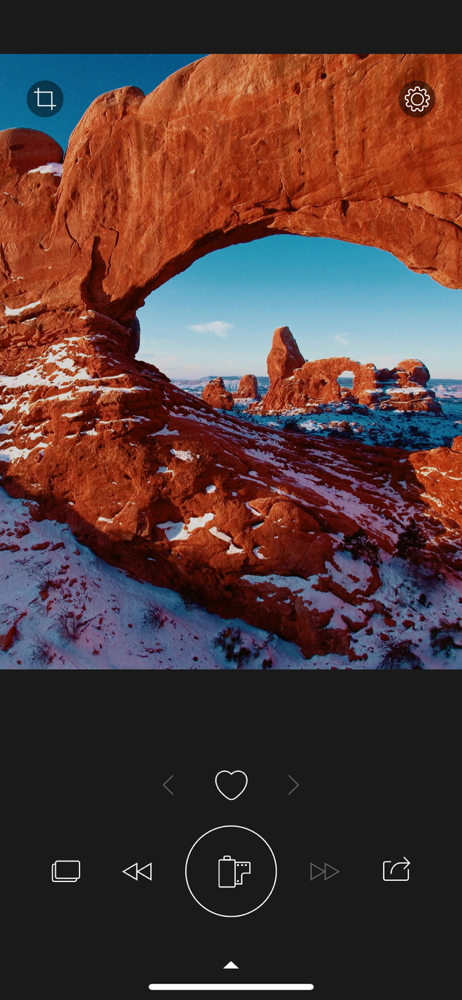
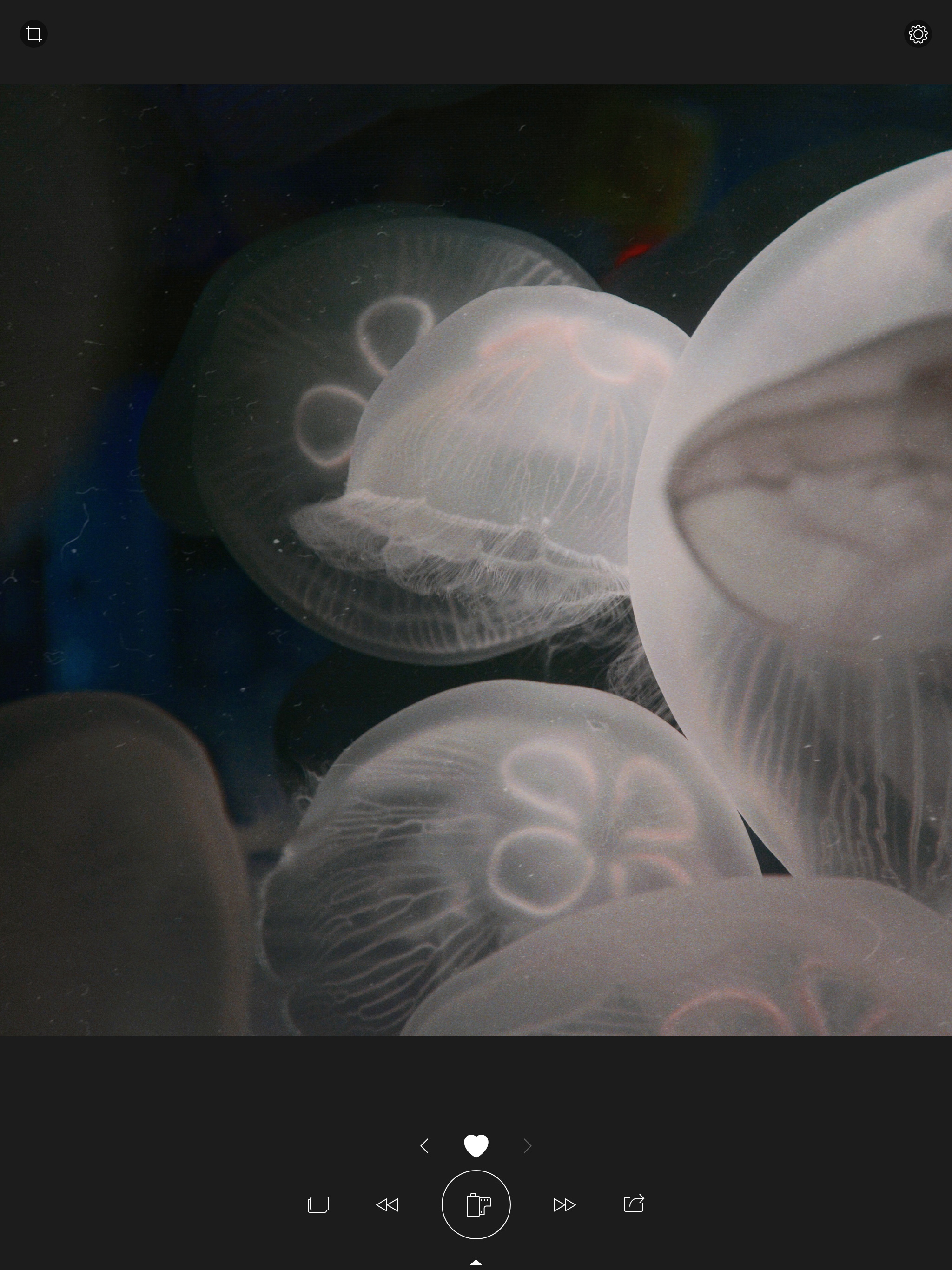
This app will generate good looking film emulations automatically. The results this app produces are pretty impressive given it’s ease of use. It’s great for getting a bunch of different ideas for what you can do with an image came. But, there are some pretty big flaws that prevent it from being the app I actually edit photos with. I have one major issue with this app. And one smaller issue. Pictures edited with this app are exported as PNGs and stripped of all metadata. There is no option to export to a different format and no option to keep metadata. Big issue for me. Once an edit is generated, the options to adjust the edit are sparse and clunky. Maybe the clunky part comes from using the app on an iPad but the editing controls are not placed well. The iPad has lots of room and it is not utilized. More importantly, you don’t get curves, vector scope, and other very important editing tools. You only get a few basic sliders. What’s upsetting is that the issues I have with this app are easily fixed. If they do get fixed (mainly the metadata issue) I would use and recommend this app much more than now.
After spending hours and hours and hours screwing around with edits in Lightroom, it’s very nice to just bang away on this one-button app for awhile. It’s quite cathartic and a little addictive, actually.
Presets never quite did it for me. I wanted a better development process - one that was more immersive and reactive to the way I take photos. Colibri did that for me. It ticks all the right boxes in what I love about film. That said, it’s important to teach yourself how to shoot for this app and for the film. That starts with good lighting, tuning white balance, tint, and exposure beforehand and/or using the in-app tools to adjust. That will yield much higher quality results when applying these film styles to your photos. Colibri app feels uniquely reactive to each photo whereas the ‘RNI films’ app is focused on ‘choose the exact film type’. The Flashback app is a unique take on the film, where it gives randomized selections, you choose your favorite look. All great apps, but I’d recommend starting with Colibri and see how it beautifully develops your photos. Then I recommend RNI Films app if you’re more knowledgeable about film types and how they behave in various lighting to emulate and achieve specific styles. RNI Films app supports RAW and I hope they’ll add that support to Colibri and Flashback. I highly recommended this to any and all nostalgic film enthusiasts.
SHORT: This little app has been designed by film photography aficionados to make your digital photos look nicer with minimal editing effort. Find ou...