Check the acquisition promise
Read the store headline, screenshots and description. What problem is the app promising to solve?
Study the storefront ↗
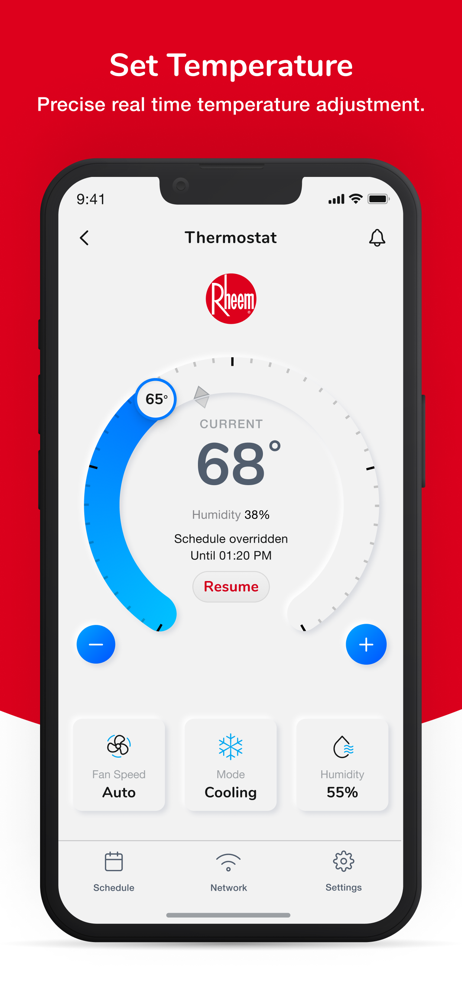
Rheem Manufacturing Company · iOS
Explore the ad evidence, study the storefront, and build your next acquisition hypothesis.
01 / Creative research
Read the store headline, screenshots and description. What problem is the app promising to solve?
Study the storefront ↗Explore apps with direct store-link matches. Compare their hooks and formats without assuming the same approach works here.
Browse observed advertisers ↗Store rankings and revenue estimates describe market context. They do not establish ad spend, conversions or ROAS.
Review the market context ↗02 / Storefront & product
Study the product story and store experience behind the acquisition funnel.



03 / Market context
Keep revenue, downloads and store rankings separate from advertising performance.
This is our second gladiator hot water heater. Already having an issue with warning of leak detection. No water anywhere. Looking for help. Last one was only 3 years old with a 10 year warranty. New one has a 12 year warranty and purchased a 5 year warranty on top of that from Home Depot. Cost us a lot for install. Had to have three service visits in the first two days. Had to come out and cut lines and drain old heater. Replaced lines with CPVC piping. Which leaked after 4 hours of waiting for it to dry. So had to replace that. Second plumber said the pipe works was bad and put in shark bite fittings They worked great and no waiting for them Now the leak detector keeps going off but no water anywhere we can see. Even had the plumber come back out. He could not find any leaks. But we did have some water where the pipe went into the take. Water got in there after removing fittings blew out the water and cleaned it up and dried it out. No water anywhere we can see. Used toilet paper to see if there was water anywhere. Nothing but a beeping alarm and when we turn it off. It shuts off the water to the house. So we have to press the reset to get the water flowing again into the house. Then like 5 minutes later the alarm goes off again. So we just turned the alarm off so we can have hot water Any help appreciated
Update Oct 2025: after speaking with a tech representative, Rheem spent a couple weeks before they resolved my ticket and they said it was resolved and so far it does seem like the scheduling is working as it should so I’m going to improve my rating. This app worked fine for a month other than once or twice it did not follow the schedule I set and I didn’t have hot water (still unacceptable). It was not due to my Wi-Fi or my power being out (my house is very automated, and I have record of whether those things happen). Then after a month or two it stopped following my schedule totally. Every morning I would notice it never turned on and I would have to turn it on manually. I have to close and reopen the app to get it to communicate with the water heater again. It loses communication very often now and I’ve given up on trying to use the app. I’ve resorted to installing a $150 high amperage Z-Wave switch, and I’m shutting the water heater on and off myself to follow my time of use energy plan, which is what the water heater schedule was supposed to do in the first place. I shouldn’t have to do this for a “smart” water heater. It would be nice if Rheem reimbursed me for that switch. Their tech support said they know about this issue and they added me to a list of people to contact whenever they do resolve it but I’m not keeping my hopes up.
I really like the upgraded app. I agree the bouncy splash screen is not essential. My suggestion is this: I find that the server sometimes loses communication briefly with the app and my water heater. The only way I learn that there has been an “error” is to open the app and see the little warning icon in the corner. Despite having the app on my Home Screen, I have no visual way of knowing that something needs attention. My suggestion would be that maybe you could add a little red “pip” on the app icon when something needs to be reviewed (similar to when you gets text message alert). If the app icon would alert me, I could refresh the communication link or whatever needs attention. Otherwise, it is just luck if I see the issue or if I happen to walk by the water heater and see the communication module flashing. Please consider some type of visual or notification alert when the app has something to tell us. Thanks for listening.
EcoNet®: Smart Control for Your Home’s Comfort Take complete control of your home’s comfort and energy efficiency. EcoNet provides seamless smart con...