
Check the acquisition promise
Read the store headline, screenshots and description. What problem is the app promising to solve?
Study the storefront ↗
RaceChrono Oy · iOS
Explore the ad evidence, study the storefront, and build your next acquisition hypothesis.
01 / Creative research
Read the store headline, screenshots and description. What problem is the app promising to solve?
Study the storefront ↗Explore apps with direct store-link matches. Compare their hooks and formats without assuming the same approach works here.
Browse observed advertisers ↗Store rankings and revenue estimates describe market context. They do not establish ad spend, conversions or ROAS.
Review the market context ↗02 / Storefront & product
Study the product story and store experience behind the acquisition funnel.
The store evidence
GB store price
£19.99
GB rating
4.2 / 5
GB rating count
27
Current version
10.3.1
2026-10-29 · Developer notes
- Added iPhone Duo support - Added bar gauge for video overlay and live screen - Added support for Dexian D1 and DigSpice IV GPS receivers - Many fixes
Store metadata collected 2026-10-31 UTC · GB storefront · Source record. Free may include in-app purchases. Public data does not update revenue estimates.


03 / Market context
Keep revenue, downloads and store rankings separate from advertising performance.
I’ve used this app for 2 separate track days now. While I’ve found the overall quality of data, export options and GPS tracking to be solid, the UX is a complete nightmare, especially given that this is a paid $20 app. I had multiple sessions not record the video feed because the UX is not very clear about when the camera is active vs when it’s not. Not to mention, the whole landscape vs portrait orientation lock just adds more confusion because it can end up with the camera orientation locked but the overlay changed. Also why are both the “STOP” and “START” buttons shown as red? I literally missed my best session because there is no easy visual cue for whether the video feed is being recorded or not. This could be as simple as giving an option in the settings to always turns on and record camera feed when recording a session. I was originally going to give it 4 stars instead of 3 because when it works, it is genuinely good. But someone else also brought up the UX issue and the dev response was “it’s a tool not eye candy”. As a dev myself, this is not a good sign. I understand that when your work is up for public comments, it is not easy to see it get criticized, oftentimes unfairly. But the bad UX is a serious issue for an app that’s used as a tool for track days, where we don’t have time to fiddle about as our session is about to start. There are far more important things like safety measures to worry about rather than try to figure out if the app is recording the video feed or not
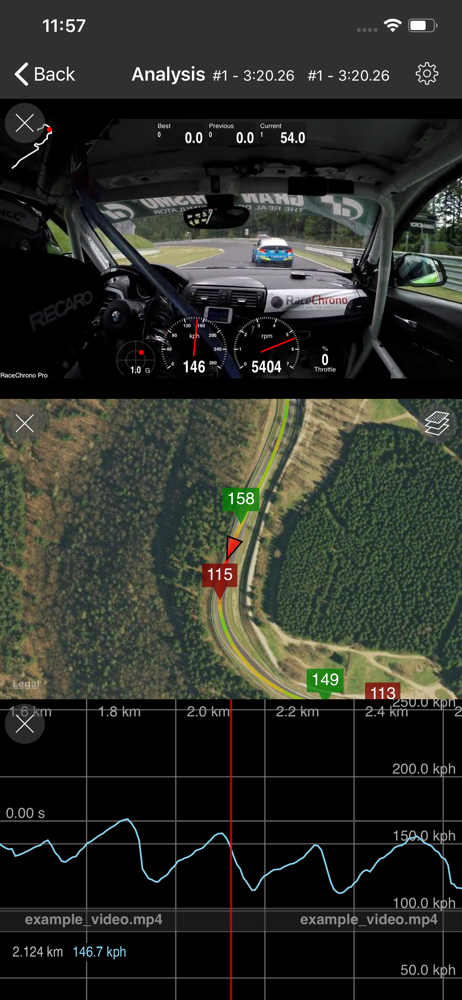
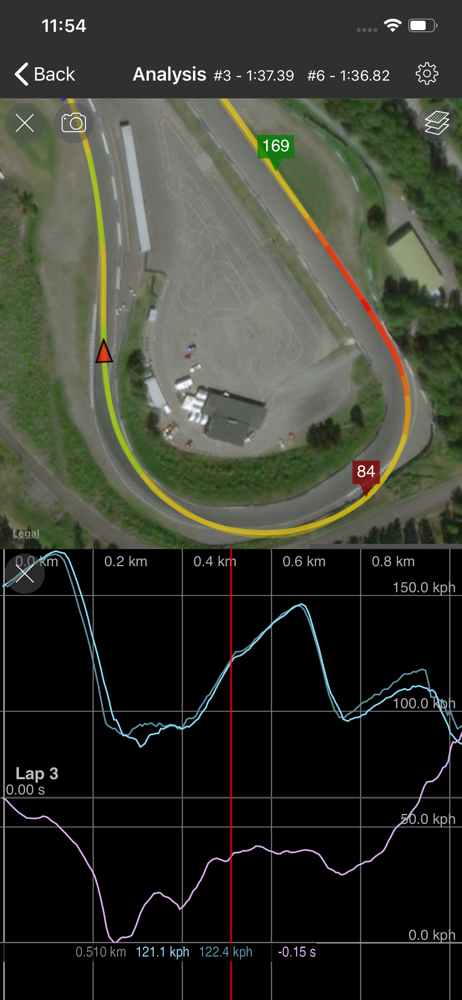
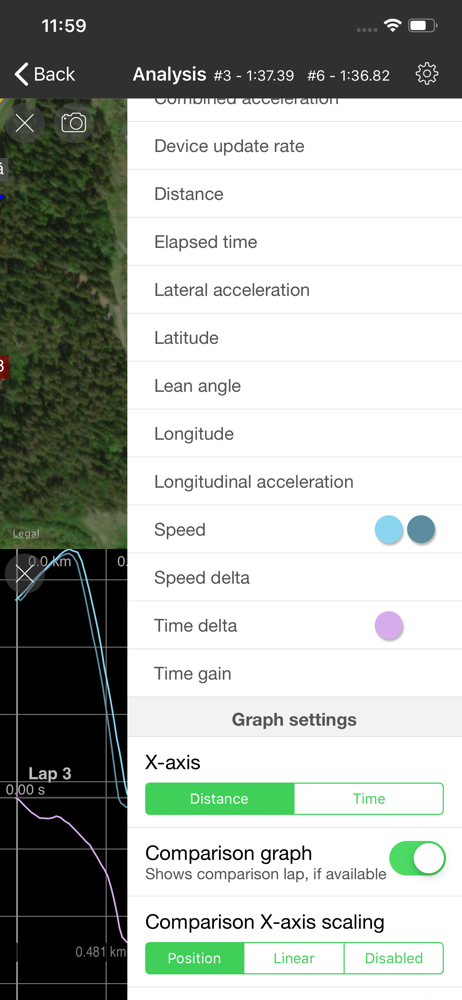
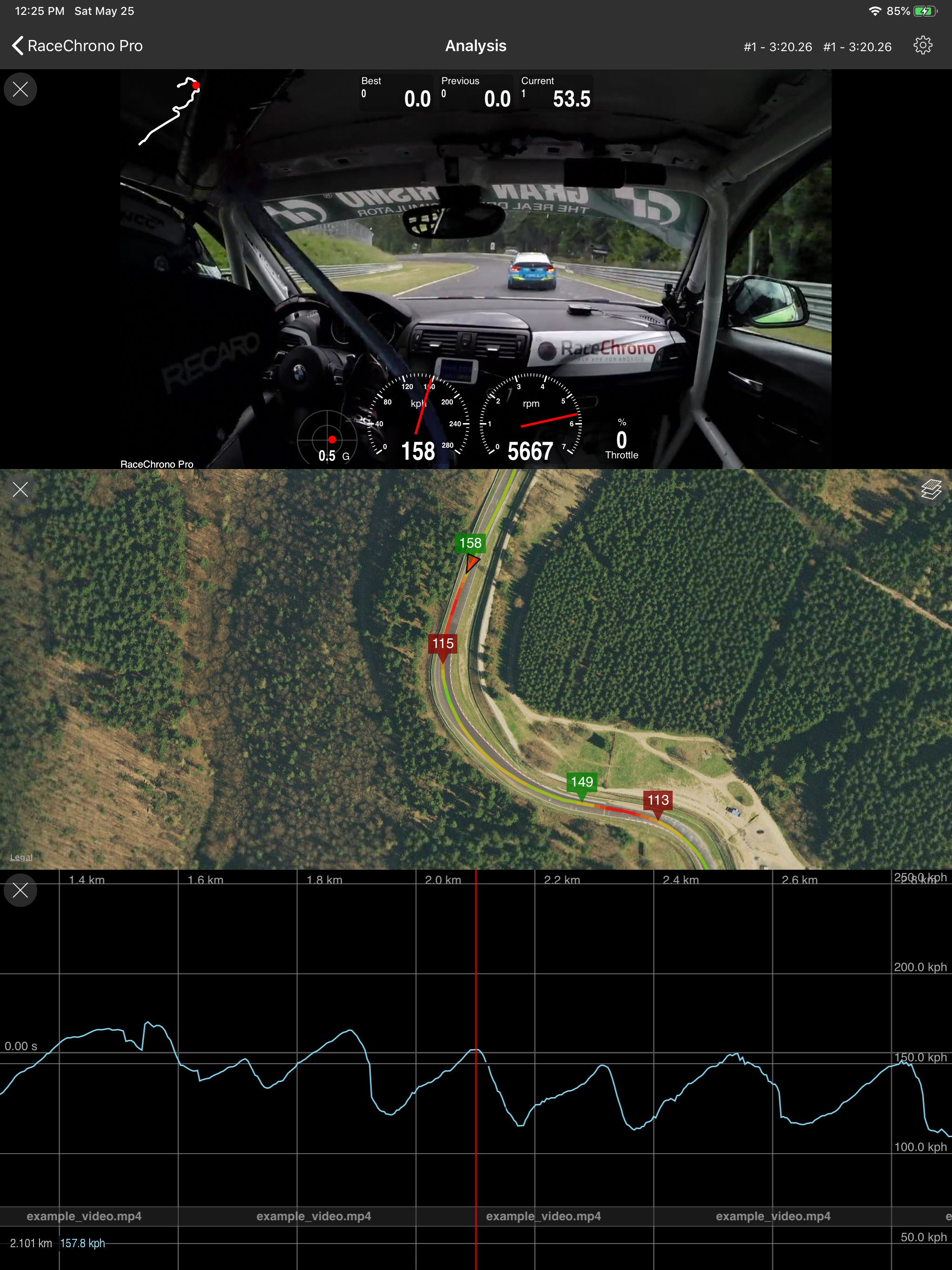
This is the only track data analysis tool I use and I don’t need any others. I use it with my Go Pro Hero 9 and it gives me just about everything I need. Video synced up with track map and speed graphs, sector and lap comparison with your best laps, top/min/avg speed, nice visual overlays My only gripes are that I wish it had the ability to control playback speed so I could watch comparisons closer, and video compression. Since this is only for iPhone/Tablet you’re more space limited and GoPro files are huge, so if I could in app compress them it would help a lot.
As an app developer myself, I understand how important is for independent developers to receive feedback on the app they poured their heart and soul to design, develop and maintain. So here’s a shout out for a job well done! I’ve been using your app for few years now for autocross only events. I average around 30 events per year, which probably puts me in the addicted category. I find the app an invaluable resource when I’m out at an event, as well as after the event. I use it to split the course in multiple sections, then analyze whether different approaches in a particular section work better than others. After the event with my friends and competitors we combine our data to see how each of us drove. One idea would be to come up with an online service that lets us share an event’s map, then have everyone signed up for that event upload their data there. This way we can look up in real time at other people’s data. I know this is a lot more work for you, but it could be a potential recurring revenue stream after you sold the app. One complaint I do have is that for the life of me I cannot figure out how to have the video camera start recording automatically when I’m at the start line, and turn off automatically few seconds (perhaps configurable in the settings) after I pass the finish line. The online FAQ is not very clear on how the video recording is supposed to work. At the moment I’m not using the video recording part of the app, which is really a shame since this would be extremely useful to have.
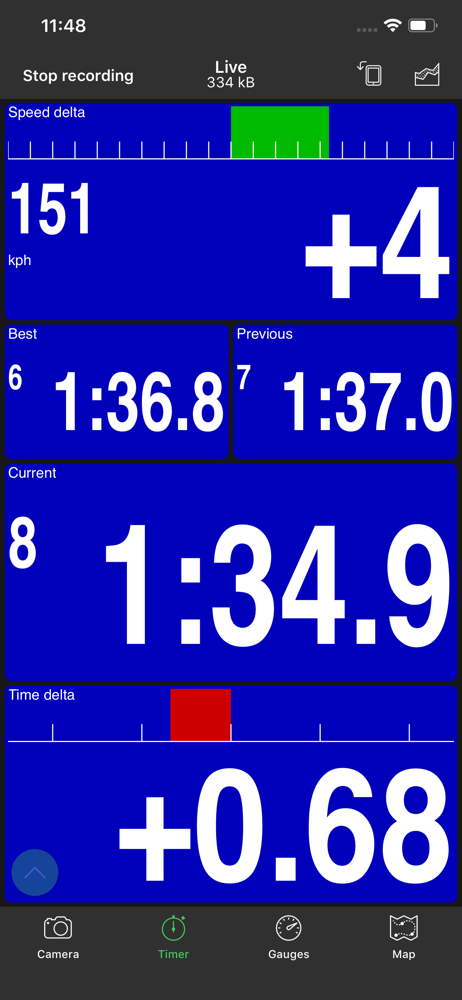
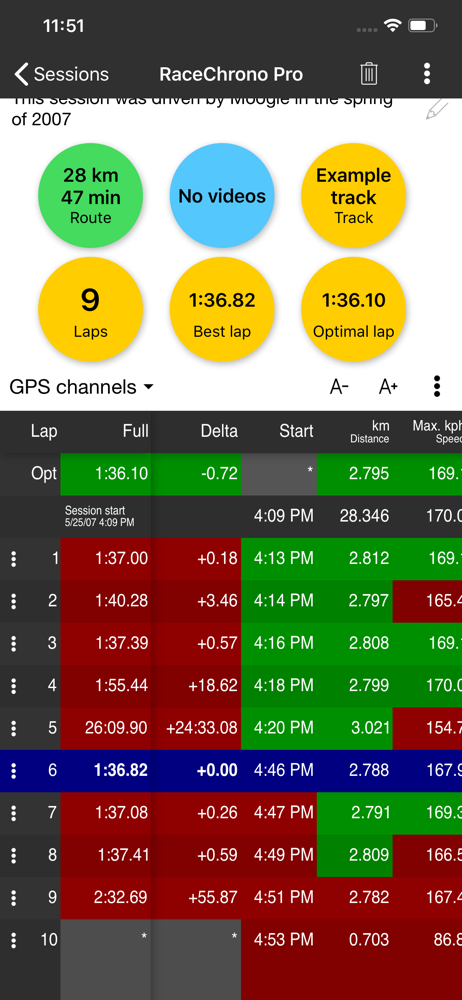
RaceChrono Pro is a versatile lap timer, data logging and data analysis app designed especially for use in motorsports, replacing your traditional lap...


