
Check the acquisition promise
Read the store headline, screenshots and description. What problem is the app promising to solve?
Study the storefront ↗
QSRSoft, Limited Liability Company · iOS
Explore the ad evidence, study the storefront, and build your next acquisition hypothesis.
01 / Creative research
Read the store headline, screenshots and description. What problem is the app promising to solve?
Study the storefront ↗Explore apps with direct store-link matches. Compare their hooks and formats without assuming the same approach works here.
Browse observed advertisers ↗Store rankings and revenue estimates describe market context. They do not establish ad spend, conversions or ROAS.
Review the market context ↗02 / Storefront & product
Study the product story and store experience behind the acquisition funnel.
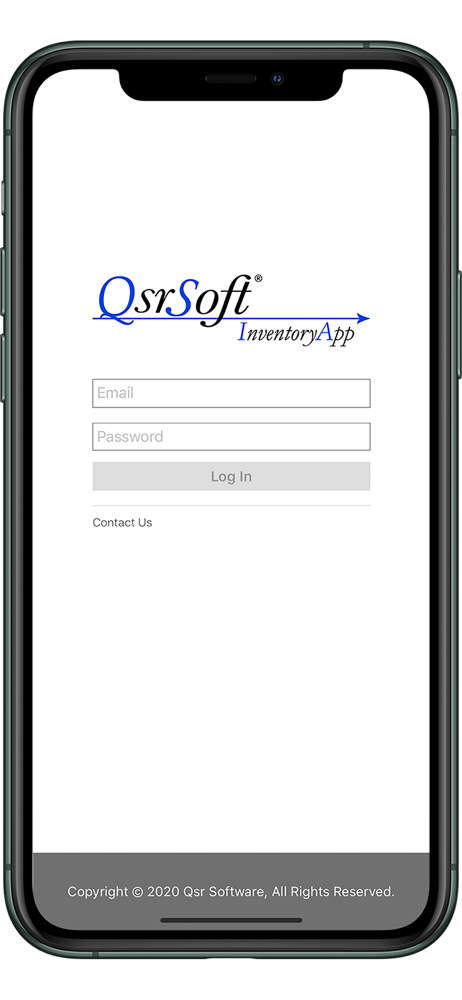

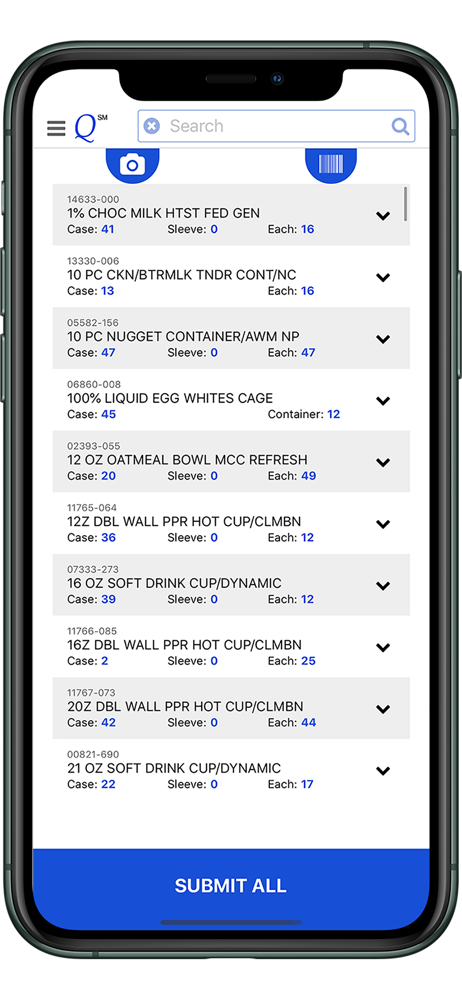

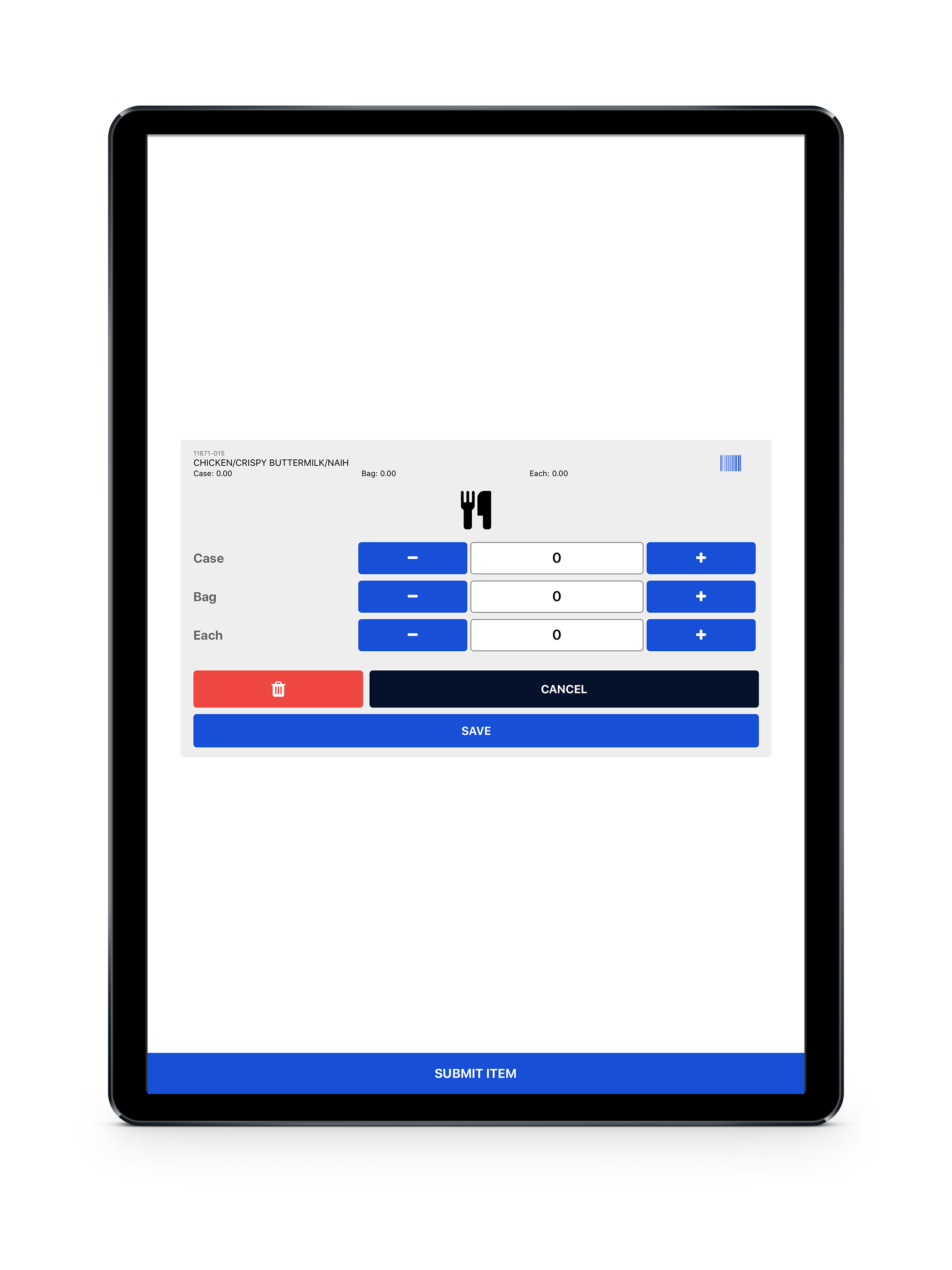
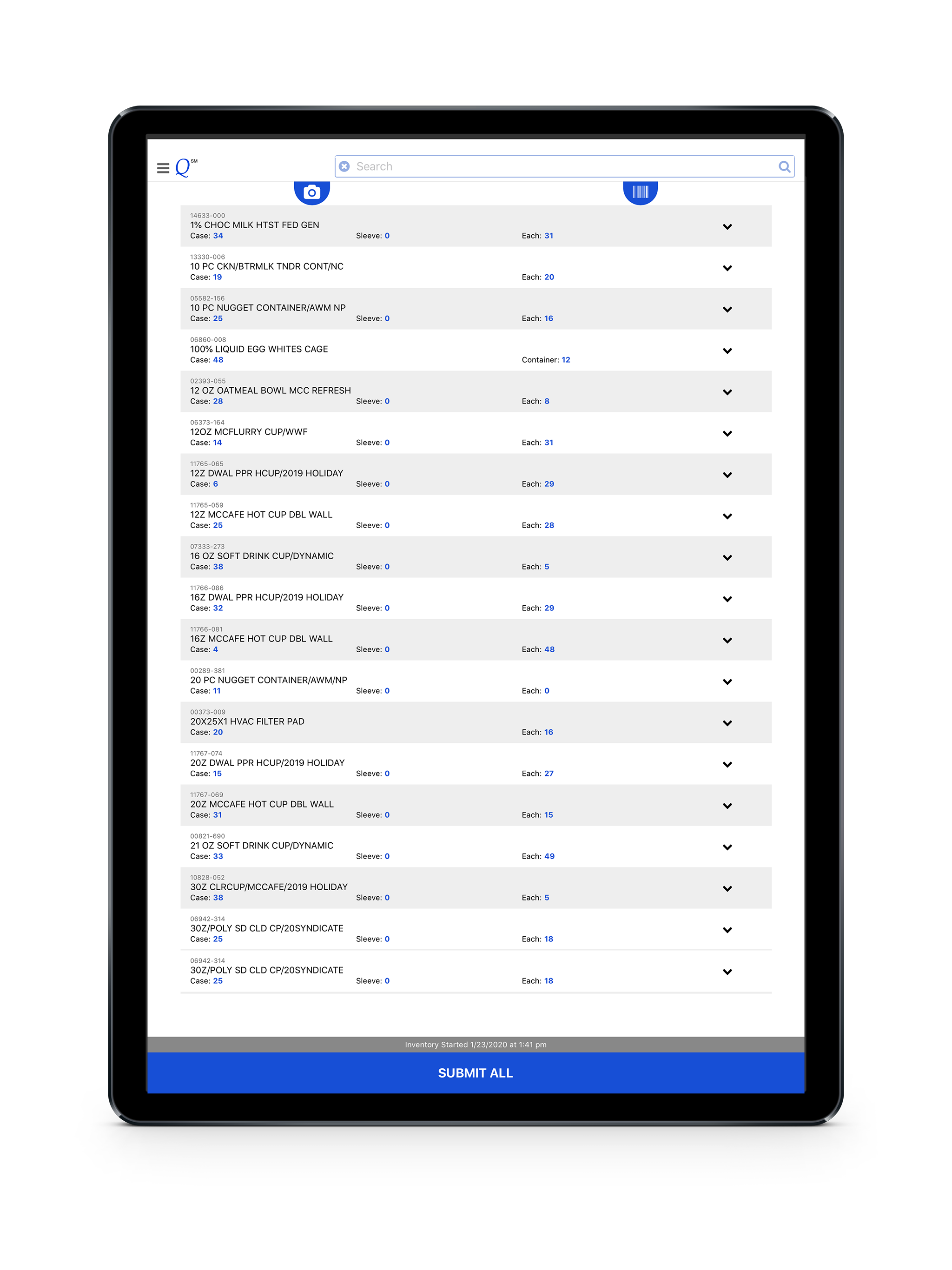
03 / Market context
Keep revenue, downloads and store rankings separate from advertising performance.
I only just recently started using this because I prefer the info recorder, but our broke. There are a couple features that I wish were available. 1) The ability to collapse locations when completing inventory so that once a section has been completed you can make them smaller so it’s easier to scroll through. 2) Every time I have to use the number pad to enter an amount instead of pressing +/- it automatically scrolls back to the top of the list. This means that sometimes I have to press the + button 30 times to avoid having to scroll down to find my place. With just those 2 changes it would make using the app so much easier!
I’ll list the pros and cons of this app. Cons: •App will randomly log you out after awhile, even if you’re in the middle of counting inventory. •The default keyboard is soooo slow. Typing fast is impossible as it’ll start to miss letters. •The camera barcode scanner is unreliable. There’s no feedback on why the barcode isn’t scanning. It should default to a number pad to enter the WRIN when scan was unsuccessful. •The submit inventory button takes up the entirety of the bottom of the screen. Accidentally presses happen to often. Make it smaller or put it at the top of the screen in the header. •there should be a button for the keypad, similar to the camera button. •I can’t sort my past counts by time so if I click save but need to add to it, I have to either scan it or search for it all over again. Pros: •Being able to add to a count by just pressing the arrow keys saves a lot of time. •Being able to completely skip entering it into the computer is nice. •As bad as it is, it is nice being able to scan the barcodes with my camera. Not many pros, but this app has potential. I hope they give the devs the budget to work on it more.
I’ll make this brief and to the pointThe good-Being able to search and add inventory by WRIN or name is convenient.-Being able to put in waste is great especially when store internet is down or spotty.-Not having to sync the computer and info reader is way simpler to get started on your inventory.The things that need improvement.-By far the most important thing that needs fixing, the app needs to have its inventory locally cached or something, it’ll log you out and force you to start over, this has happened to me twice, once at the start which is no big deal, another after two hours of work. This makes me hesitant to adopt this as the main way to log inventory. Also, give me an option to disable auto deleting the inventory after a set time, I don’t need a time limit hanging over my head while working, and it’s set to 2 or 3 hours by default, why?-Not sure if it’s my iOS version but a lot of my icons are just questions marks as if they’re missing icons or something, I figured out how it works with experimentation but come on.-Add a remember me option, I don’t want to have to manually log in every-time.-Let me search by WRINs without hyphens.-Could be just me but when inputting text it will miss some of my inputs because I imagine it’s searching through the database to find matches so it lags and makes me have to slow type to get what I want.-Can we add an option to toggle the flashlight when scanning for barcodes, the camera isn’t as reliable as an infrared light so it needs some helpPlease fix that log out issue as soon as you can I don’t want to be nervous doing inventory hoping to god I don’t open it back up to have it be deleted every time I work. Thank you.
The QSRSoft Inventory App allows inventory to quickly and accurately be taken and submitted. Inventory can be entered manually or scanned via the devi...


