
Check the acquisition promise
Read the store headline, screenshots and description. What problem is the app promising to solve?
Study the storefront ↗
Prosperity Bank · iOS
Explore the ad evidence, study the storefront, and build your next acquisition hypothesis.
01 / Creative research
Read the store headline, screenshots and description. What problem is the app promising to solve?
Study the storefront ↗Explore apps with direct store-link matches. Compare their hooks and formats without assuming the same approach works here.
Browse observed advertisers ↗Store rankings and revenue estimates describe market context. They do not establish ad spend, conversions or ROAS.
Review the market context ↗02 / Storefront & product
Study the product story and store experience behind the acquisition funnel.



03 / Market context
Keep revenue, downloads and store rankings separate from advertising performance.
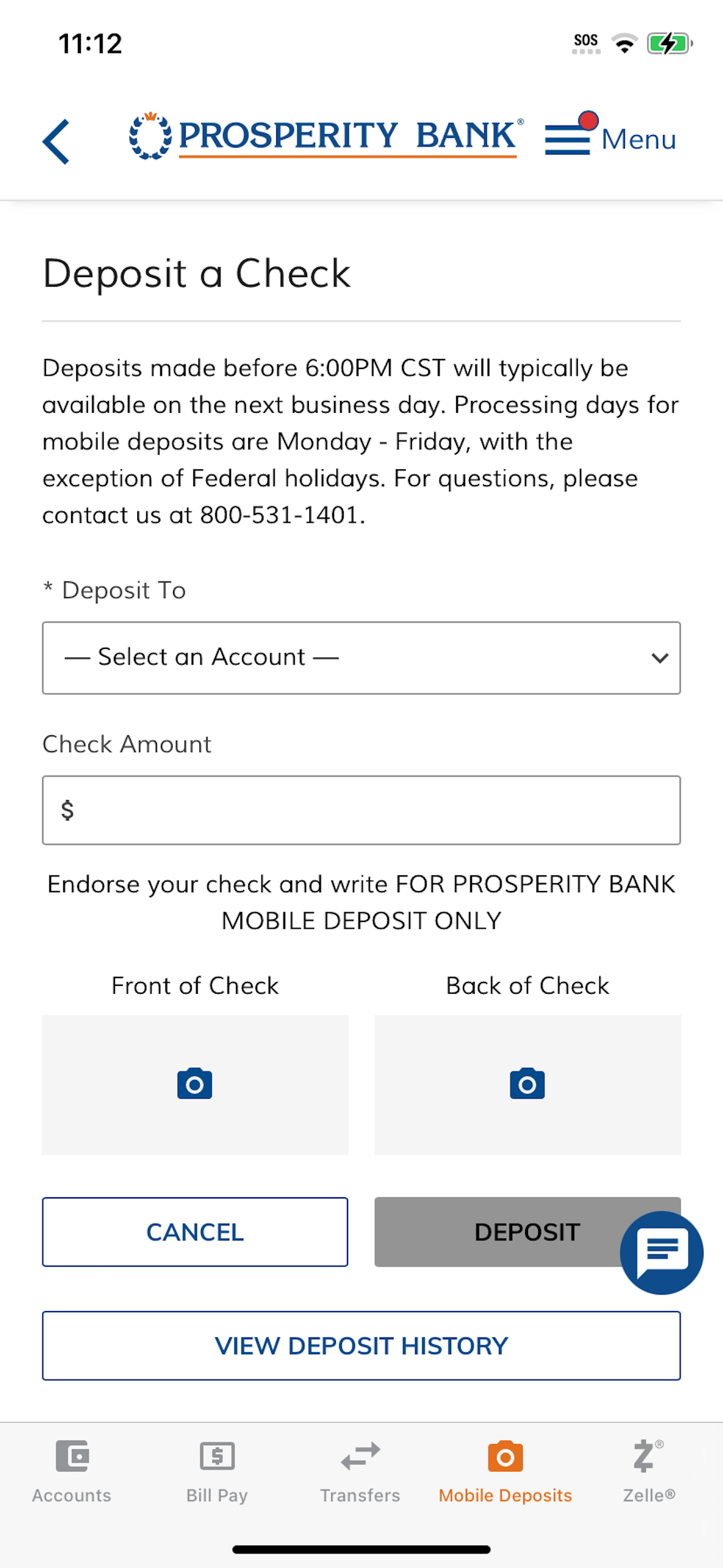
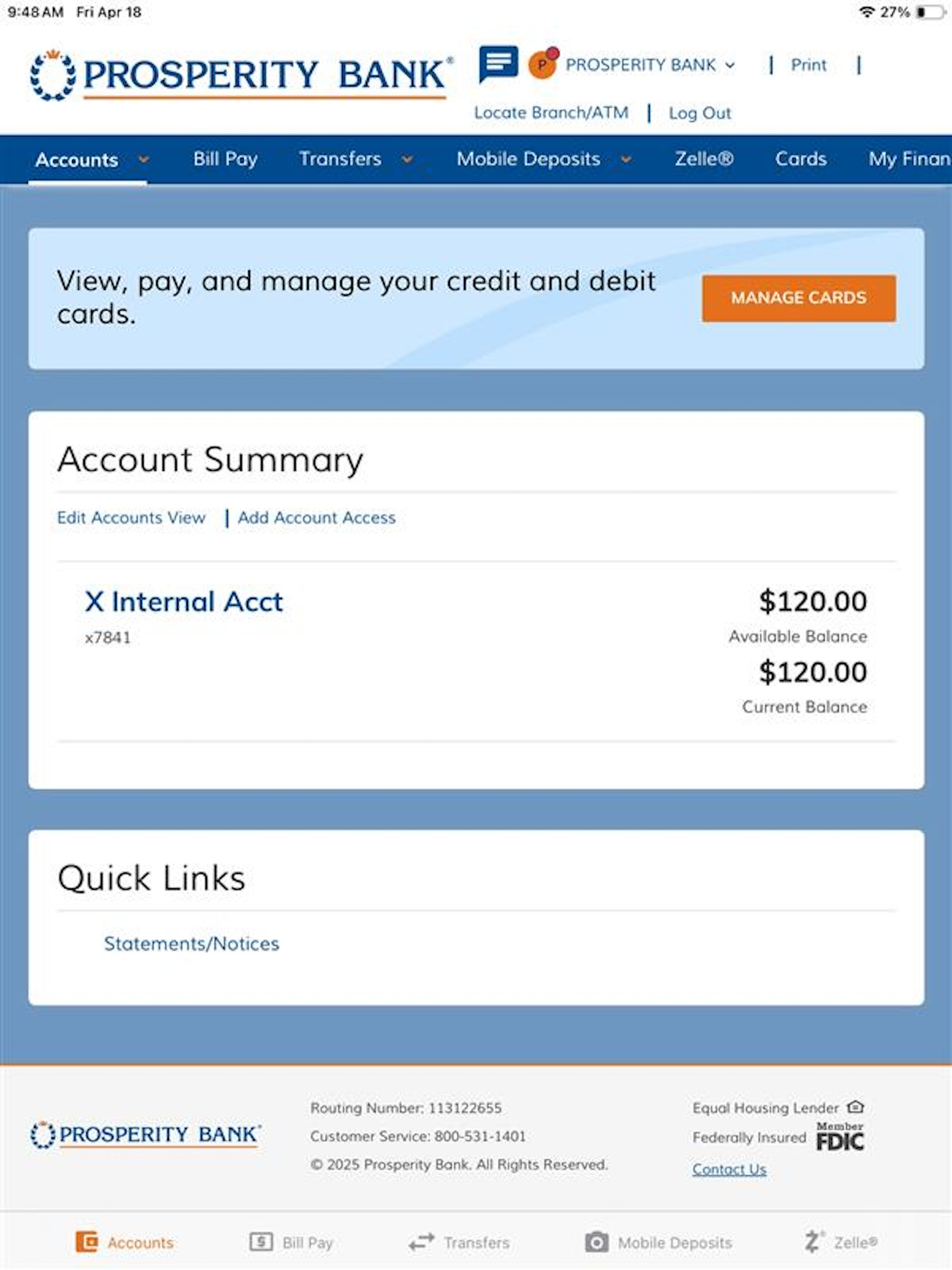
The app looks like it hasn’t been updated in a decade. Granted, I don’t need something “flashy” just to check bank account activity or move money around. But seriously….how hard is it to automatically refresh account data in the summary screen? I see a balance of $100, and I conduct a transaction (not a transfer) for $20. When I look at my account details, I see that $20 transaction, but even after confirmation that it posted to my account (or is pending), returning to the summary screen I still see a balance of $100. There’s no pull-down to refresh function. There’s no refresh button. And obviously it isn’t a live account balance view. In short, this is just one more example (like their archaic “fraud prevention” nonsense) of how Prosperity Bank is a (bad) joke. Someone there needs to learn how to operate in a digital world and develop banking products (including a mobile app) that enables their customers/account holders to conduct their financial affairs without having to jump through hoops. #pathetic
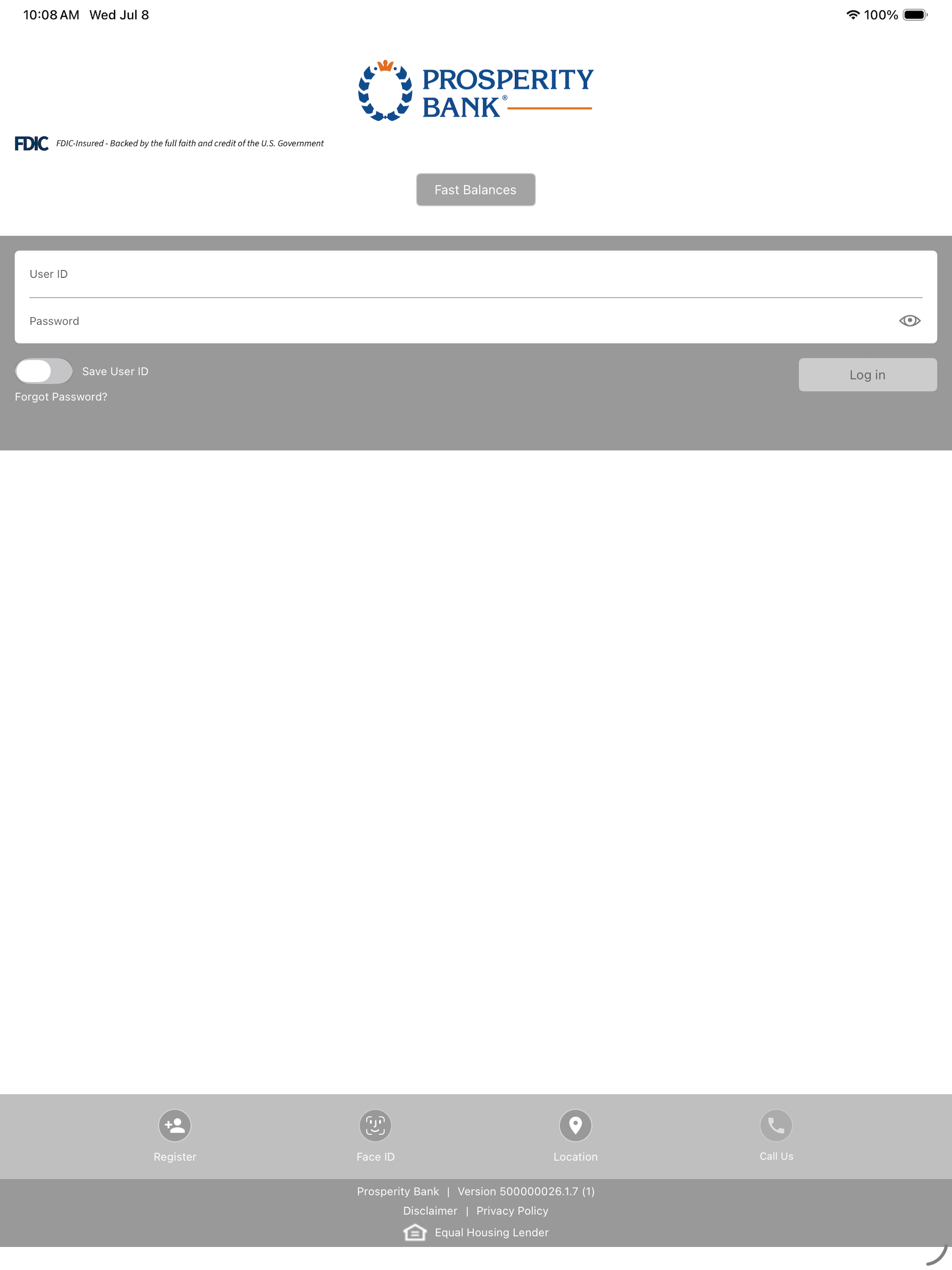
The Prosperity Bank App is extremely poor. For starters, I was transitioned from Legacy to Prosperity. I had a very difficult time signing on to the new app; I was actually locked out of my account. I could not access my funds, make deposits and the like. Hold times when calling into the help line were in excess of 30 minutes. I finally agreed to stay on hold for long enough to speak to a real life human being. She couldn’t help me, so I had to call in the next day. All because I never received a return call from the customer service department. Then, my first mobile deposit was rejected. As a general rule of thumb, banks want you to utilize their technology platforms, as they don’t want to see you at one of their facilities. Unless Prosperity corrects some of its technology challenges, we will have no other choice other than to head for one of the branch locations. I’m sorry for the long review, I figured it would be best for me to answer the questions honestly. By now, I’m sure you’re sorry you asked.
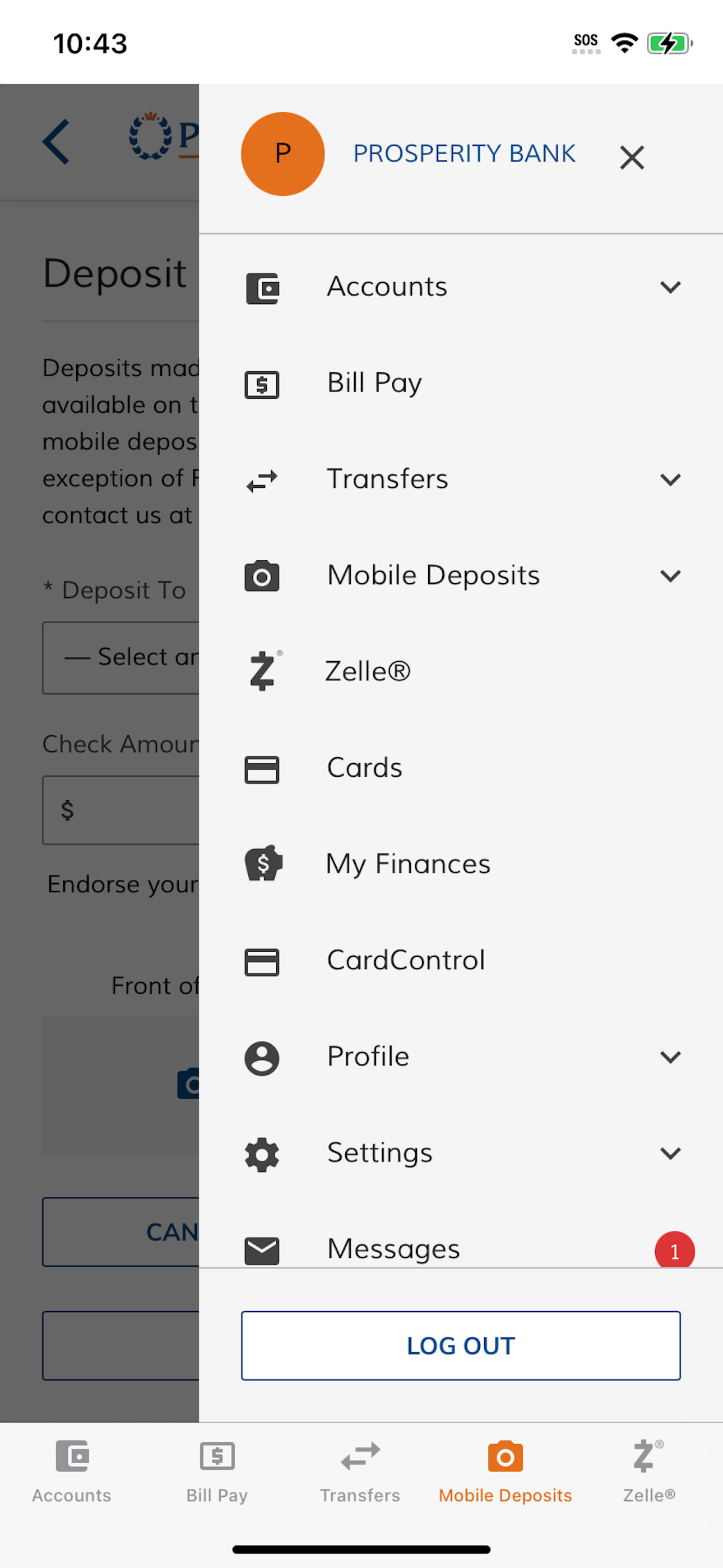
This app is slow, has less functionality, and irritates the crap out of me. With Legacy, I was able (manually logging in or through face recognition) to easily log in, check balances, chat with support, etc. With Prosperity there’s no chat, no way to email a question (although there’s an envelope icon in the top left hand corner - guess it’s decoration? No function.) and 9 out of 10 times I try to log on from the same device, I must receive a security text from the bank. 9 out of 10 times. Same device. With facial recognition. It’s 2020 kids. Granted it’s a crappy year, but snap out of it! At the very least, get up to speed with the other banks! Even Wells Fargo is more responsive! ugh
Bank on the go, anytime, anywhere with the Prosperity Bank mobile app. Available to all Prosperity Bank online banking customers, the Prosperity Bank...


