
Check the acquisition promise
Read the store headline, screenshots and description. What problem is the app promising to solve?
Study the storefront ↗
Savage Interactive Pty Ltd · iOS
Explore the ad evidence, study the storefront, and build your next acquisition hypothesis.
01 / Creative research
Read the store headline, screenshots and description. What problem is the app promising to solve?
Study the storefront ↗Explore apps with direct store-link matches. Compare their hooks and formats without assuming the same approach works here.
Browse observed advertisers ↗Store rankings and revenue estimates describe market context. They do not establish ad spend, conversions or ROAS.
Review the market context ↗02 / Storefront & product
Study the product story and store experience behind the acquisition funnel.



03 / Market context
Keep revenue, downloads and store rankings separate from advertising performance.
1. Dedicated Camera Layer Please add a real camera system with a dedicated camera layer. Currently, to create camera movement, I have to manually move all layers in the scene. If I forget even one layer, it stays in place and breaks the animation. A camera should be a separate object that can be animated independently. 2. Better Group/Stack Design Please redesign groups to look more like Stacks in Procreate. The current gray folder icon is difficult to use because I cannot see what is inside without opening it. It would be much more useful to display thumbnails or preview images, especially when organizing multiple projects such as horizontal and vertical versions of the same video. 3. Mac Version Support Please add support for working on Mac. Drawing and cutting out objects is comfortable on iPad, but animation, camera work, and project organization are much easier with a keyboard, mouse, and larger screen. The ability to continue working on Mac would greatly improve the workflow.
I’ve been using the original procreate app since 2018 and I’ve loved it - it’s easy to navigate (at least in my opinion, which may be biased since I’ve been using it so long), and it has all the features one could need without any “pro” features. The problem I have with dreams is that while it is similar to procreate, there’s features that I find unnecessarily difficult to manage. One example is that when I’m making an animation and I need to use the lasso tool to move something around, it’s incredibly hard to reverse that action thanks to the lasso tool hiding the undo button when being used, meaning that you can’t really undo anything. Another thing I find irritating is that in procreate original you can change the settings of whatever brush it is that you’re using, but this feature seems to have disappeared in dreams. Maybe it’s still there and I just haven’t figured out how to select it, but it’s frustrating that this app seems to lacks the ability to perform functions that its original version performed flawlessly. I still look forward to using dreams, and I hope that maybe eventually either through updates or simply better understanding, I’ll be able to use it to it’s full potential.
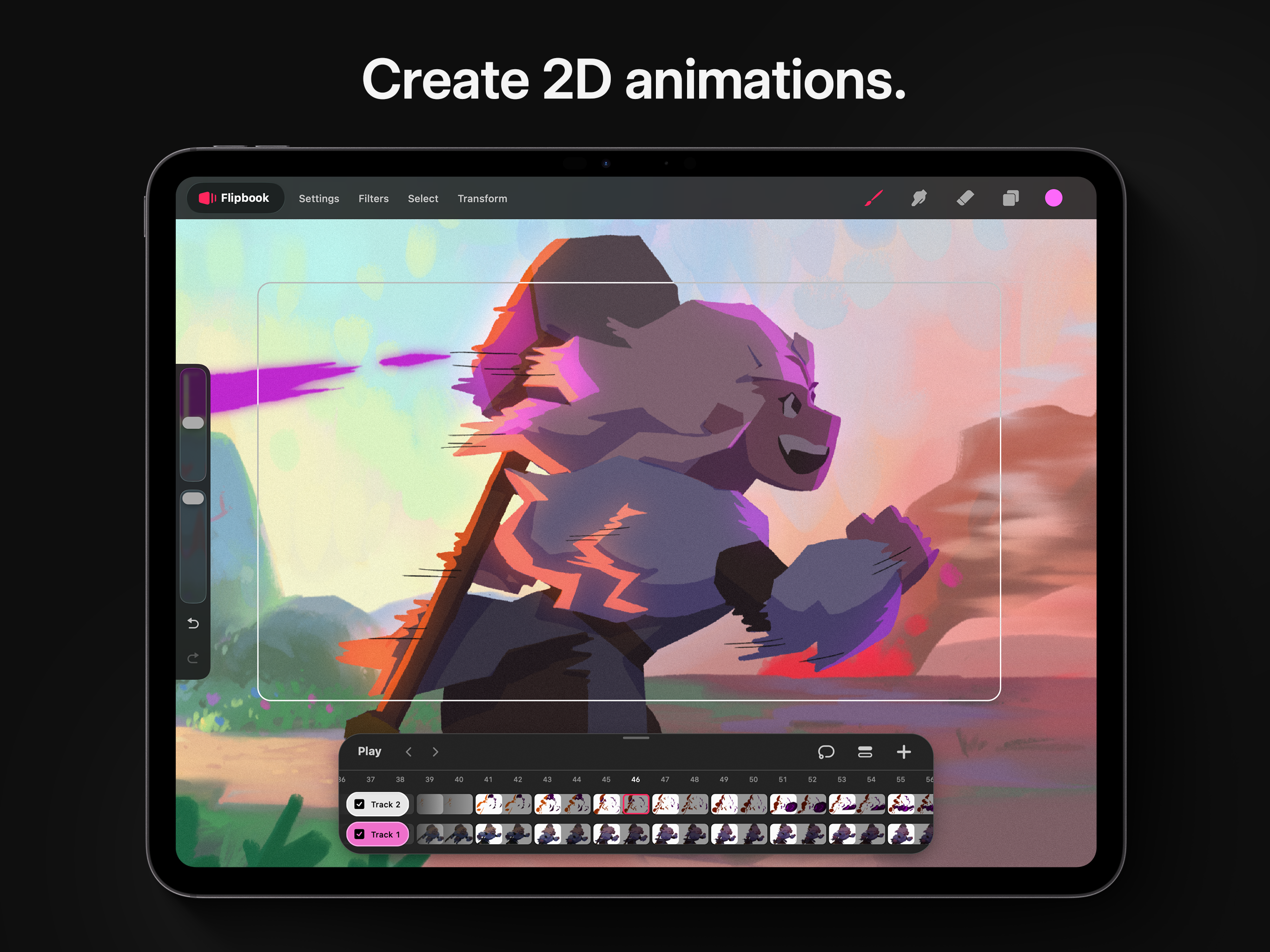
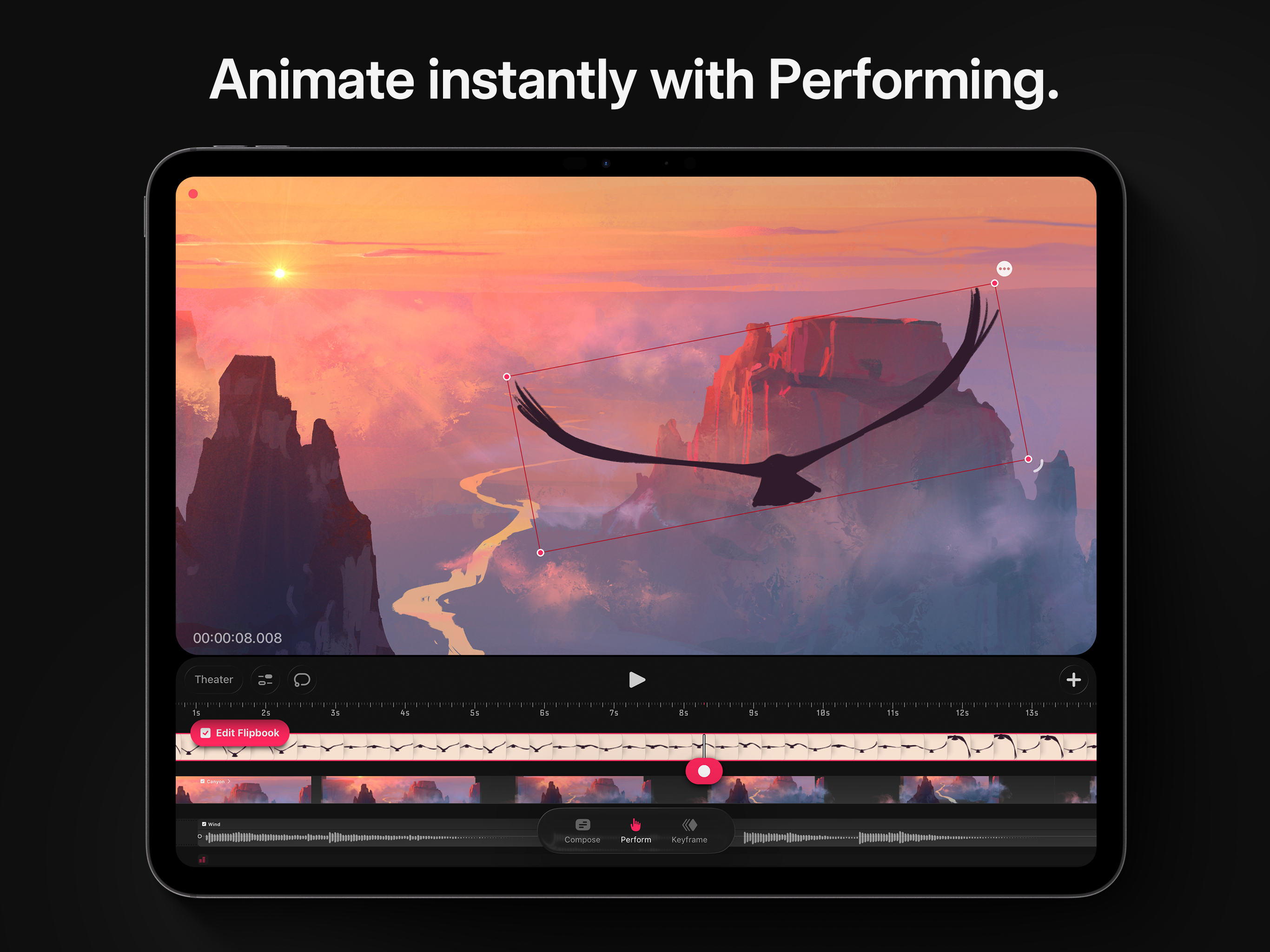
My writing skills aren't good, and English isn’t my first language so I used translation, there might be some awkward parts. It's become more complicated. Before, I could see the tracks, the screen, and the brush library all in one place, but now I have to press more buttons, which is inconvenient. I also think separating the flipbook and tracks was a very unfortunate decision. In fact, I don't understand why they even added the flipbook in the first place. The Drawing section has essentially become just a background section. Even that has become cumbersome to use for changing backgrounds. Why? Because after selecting the Drawing section and drawing, the track becomes very long. If you're creating an animation where the background remains constant from beginning to end, like in the example animations you've created, it might be fine, but if an animator wants to change the background frequently, this feature will be very inconvenient. Despite this, there are definitely some improvements. Adding the Select and Transform buttons was a great improvement. To be honest, and this is just my personal opinion, I think it would have been better if they had only added the Select and Transform features to the previous version. In summary, there are definitely more features than before, but the process of using those features is a bit complicated.
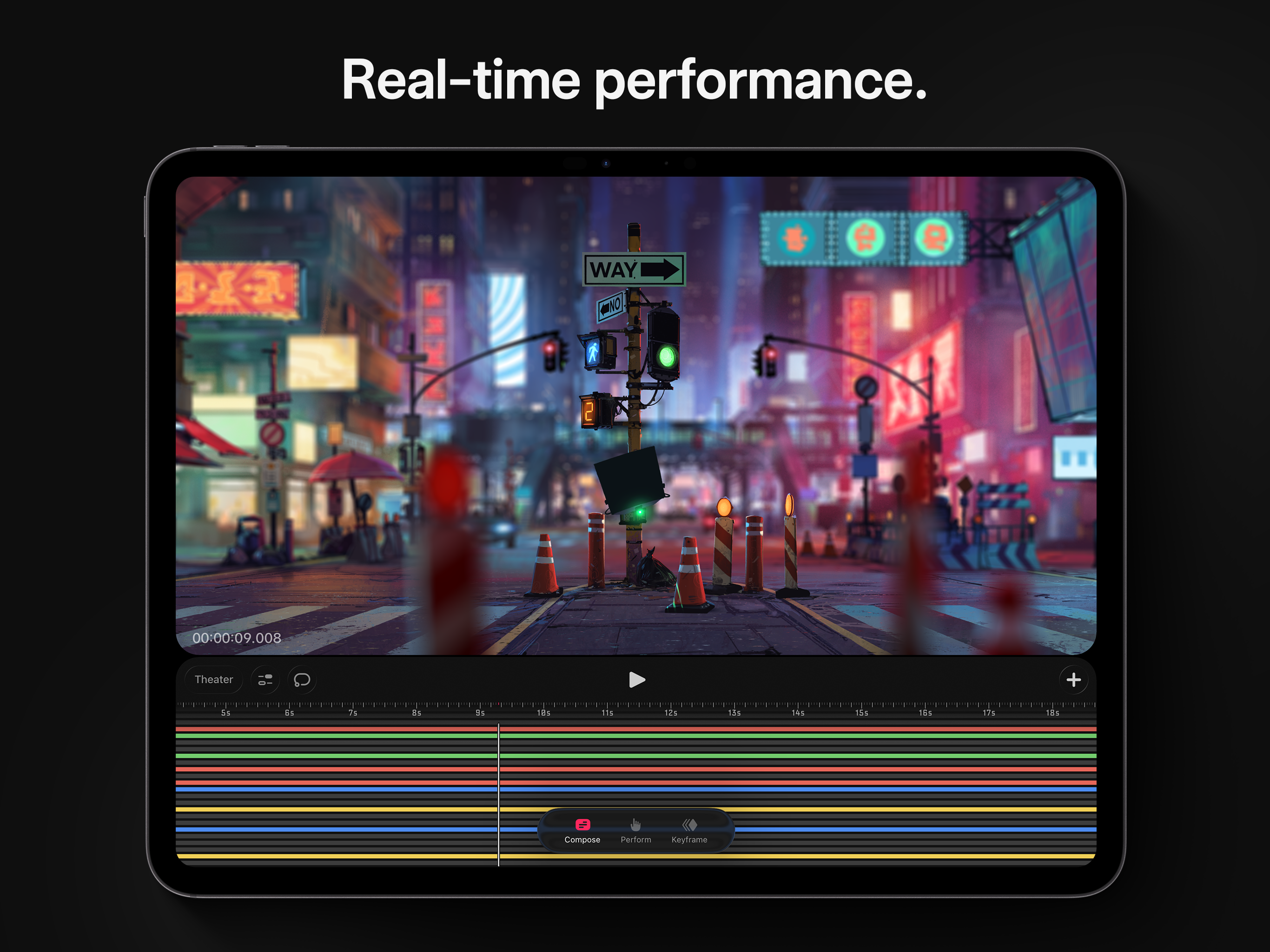
Procreate Dreams is an award-winning animation app, packed with powerful tools that anyone can use. Create rich 2D animations, expressive videos, and...


