
Check the acquisition promise
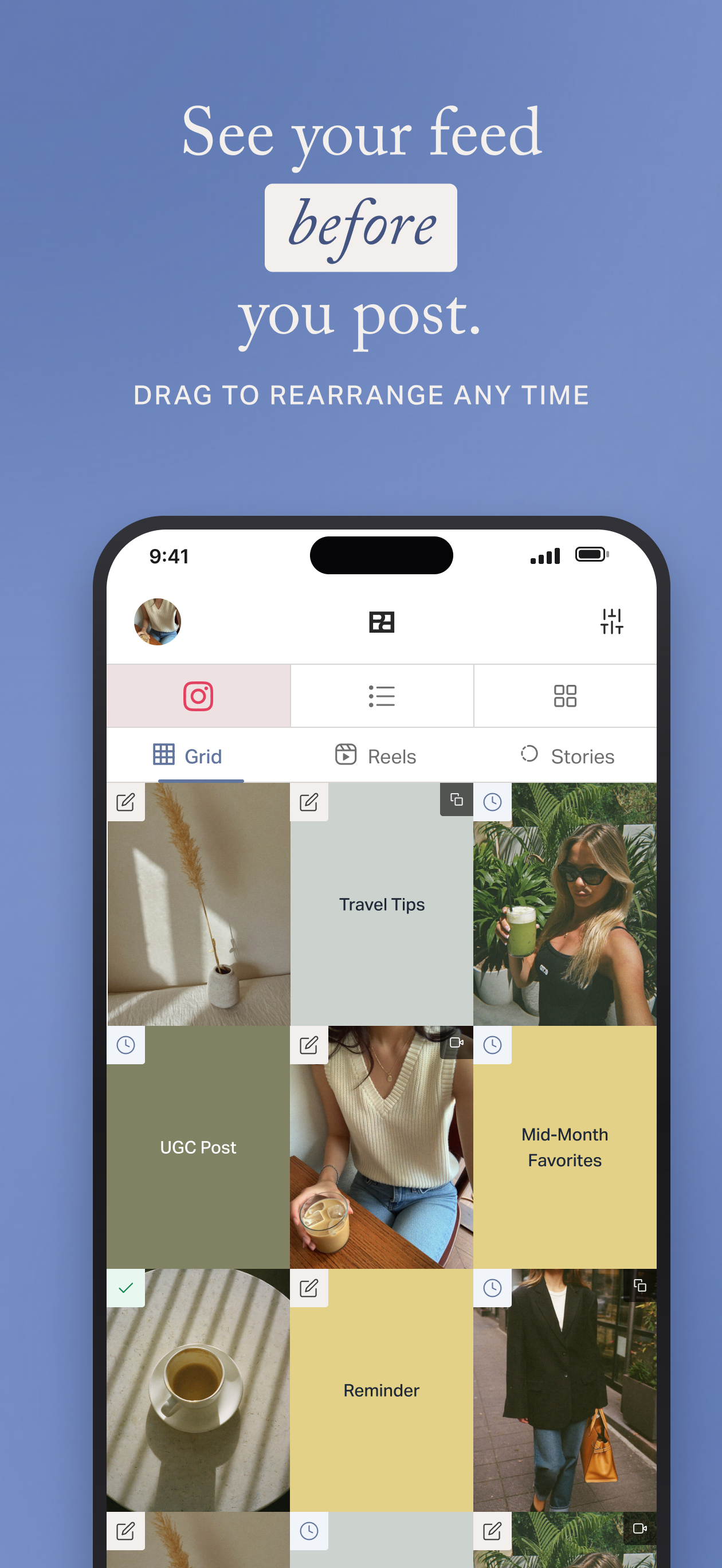
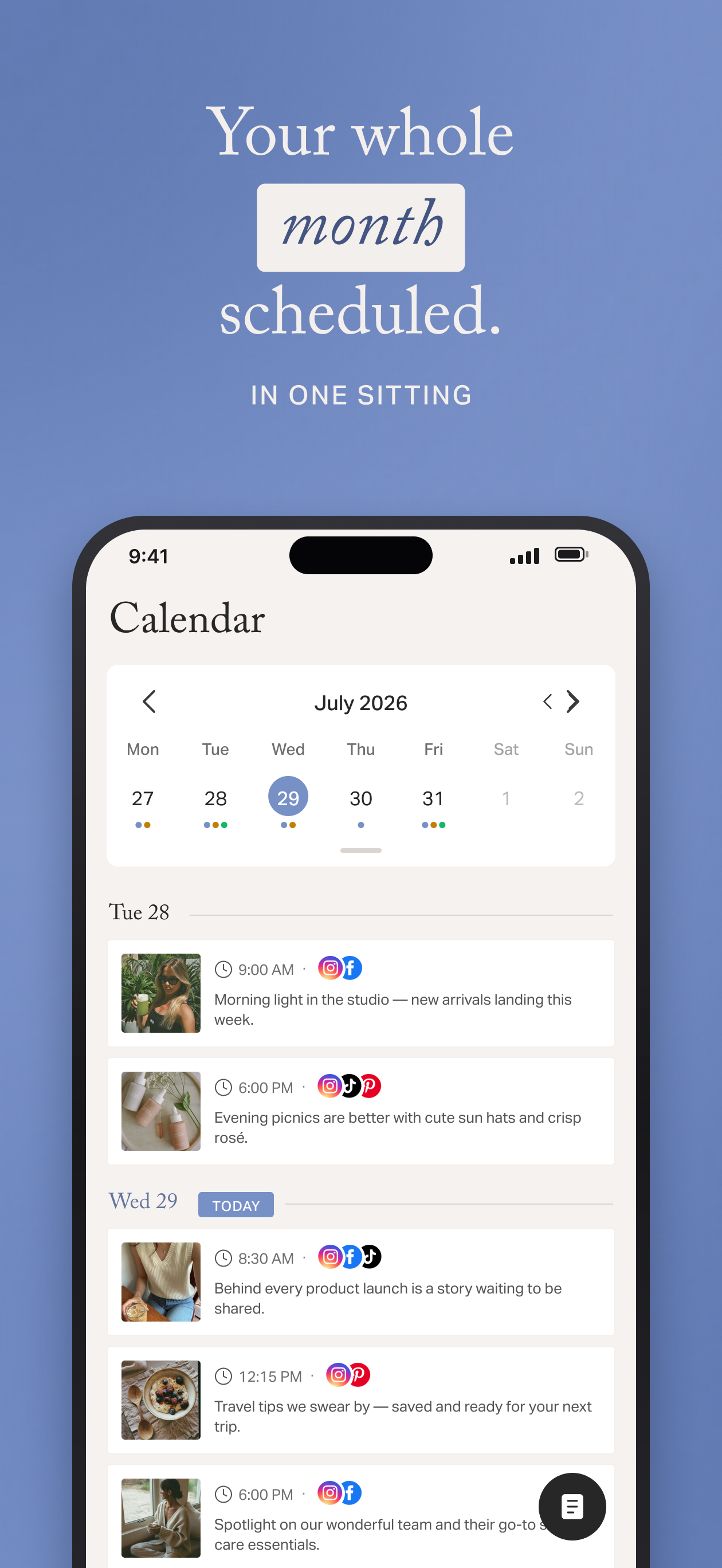
Read the store headline, screenshots and description. What problem is the app promising to solve?
Study the storefront ↗
Planogram, Inc · iOS
Explore the ad evidence, study the storefront, and build your next acquisition hypothesis.
01 / Creative research
Read the store headline, screenshots and description. What problem is the app promising to solve?
Study the storefront ↗Explore apps with direct store-link matches. Compare their hooks and formats without assuming the same approach works here.
Browse observed advertisers ↗Store rankings and revenue estimates describe market context. They do not establish ad spend, conversions or ROAS.
Review the market context ↗02 / Storefront & product
Study the product story and store experience behind the acquisition funnel.




03 / Market context
Keep revenue, downloads and store rankings separate from advertising performance.
I do love this app in theory. However, there are several ways that it could improve. All of which I have submitted to their Helpdesk and none of which have I ever received a response to. I love their hashtag tool, but I wish they had the same option for tagging or at least remembered tags. I work in the wedding industry and have to tag at least 10 other vendors for each post. It would be so helpful!! Also, the drag and drop is just infuriating. I e talked to social media experts with similar feelings. The drag is super slow and pops random things out of place so you start from scratch constantly. I recommended that they have a “bank” of photos on the right with your planned feed on the left. That way you can drag and drop or double click in and out of each box leaving the rest of the grid intact. Rather than slowly dragging a photo down which pops everything else out of place. The two changes would really make it stand out above the rest.
Update: I appreciate that Planoly is always adding new features. Being able to crop images in-app now is a game changer. As others have mentioned, I’d like the option of being able to use the app horizontally with my iPad Pro/ magic keyboard combo. Also been having some buggy issues recently; images aren’t auto posting as scheduled and now I’m unable to access my metrics in the app. Hopefully these things can be resolved soon, I’m a paying user and customer support isn’t the best in normal times, and it’s frustrating to be paying money for an app that isn’t always able to do what I pay it to do. But it’s still the best IG planner I’ve tried. There’s a lot I love about this app; it makes planning my feed so much easier I pay for the pro account and spend $8.99 a month. But often posting images in the 4:5 aspect ratio is not allowed, regardless of whatever app I use to try to use the correct ratio. I’ve reached out to customer support numerous times but have never gotten a satisfactory solution. Sometimes I can upload and auto post images in the 4:5 aspect ratio, sometimes I can’t, good luck figuring out when the app is going to allow it. It’s very frustrating, and with the less-than-helpful support, I don’t know how long I’ll continue paying for an app I can’t always use as described. User beware: when the app is good, it’s very very good, but when it is bad it’s only helpful at best.
What started out as a tool to boost my personal Instagram, is now going to be my “ace in the hole” for when I go back to my job as office manager after maternity leave! I’ve tried other tools that I’ve just not been impressed with, but this was a different story. I’ll admit, the reason I checked this out was only for the option to create and save different hashtag groups. (Which is amazing!) but it’s so much more. As a creative, I’m scatterbrained with a hundred different ideas at once. This lets me save all those, including captions, and lets me organize when I want to post what, exactly when and where! I’ve only tapped into the surface of all it does. It reeled me in right away with its beautiful and easy to use interface. I love that you can schedule posts that are ready to go. (As long as they are perfect squares?) I love that it could grow with you as needed. That you can use it for reposting, add “placeholders” for ideas you want to add but haven’t quite figured out! Lastly, when I had a question, their customer service team went above and beyond to help me out. Which I really appreciate. I will be recommending it to everyone I know who does any kind of social media work!
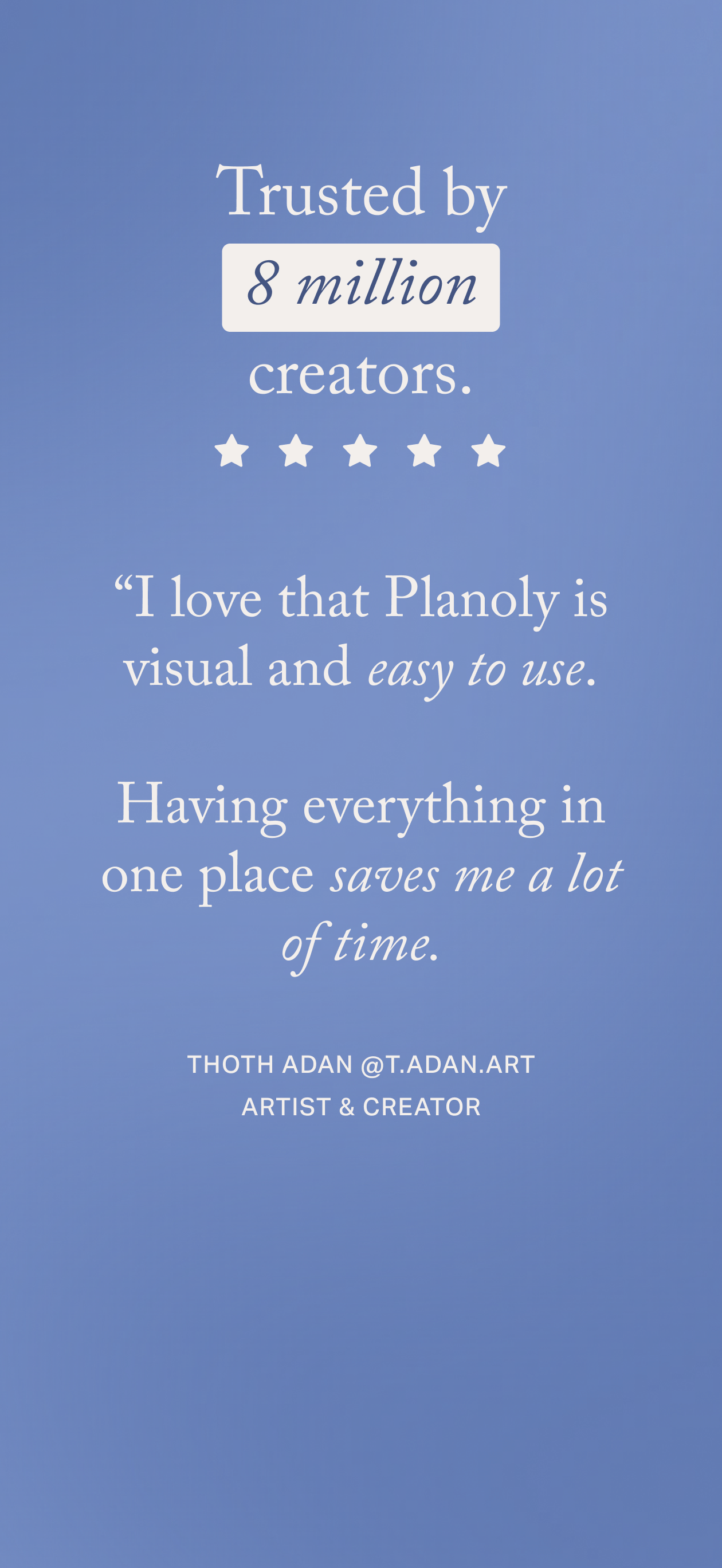
Plan your feed, schedule every post, and let Planoly auto-post for you — across all 8 social channels. Join 8 million creators who run their whole soc...
| Name | Price | Type |
|---|---|---|
| SOLO (Monthly) | $10.99 | Monthly |
| SOLO (Monthly) | $10.99 | Monthly |
| Personal + Content Marketplace (Monthly) | $12.99 | Monthly |
| Starter (Monthly) | $16.00 | Monthly |
| SOLO (Quarterly) | $22.99 | Quarterly |
| SOLO (Quarterly) | $22.99 | Quarterly |
| DUO (Monthly) | $22.99 | Monthly |
| Growth (Monthly) | $28.00 | Monthly |
| DUO (Quarterly) | $48.99 | Quarterly |
| SOLO (Annual) | $119.99 | Yearly |


