
Check the acquisition promise
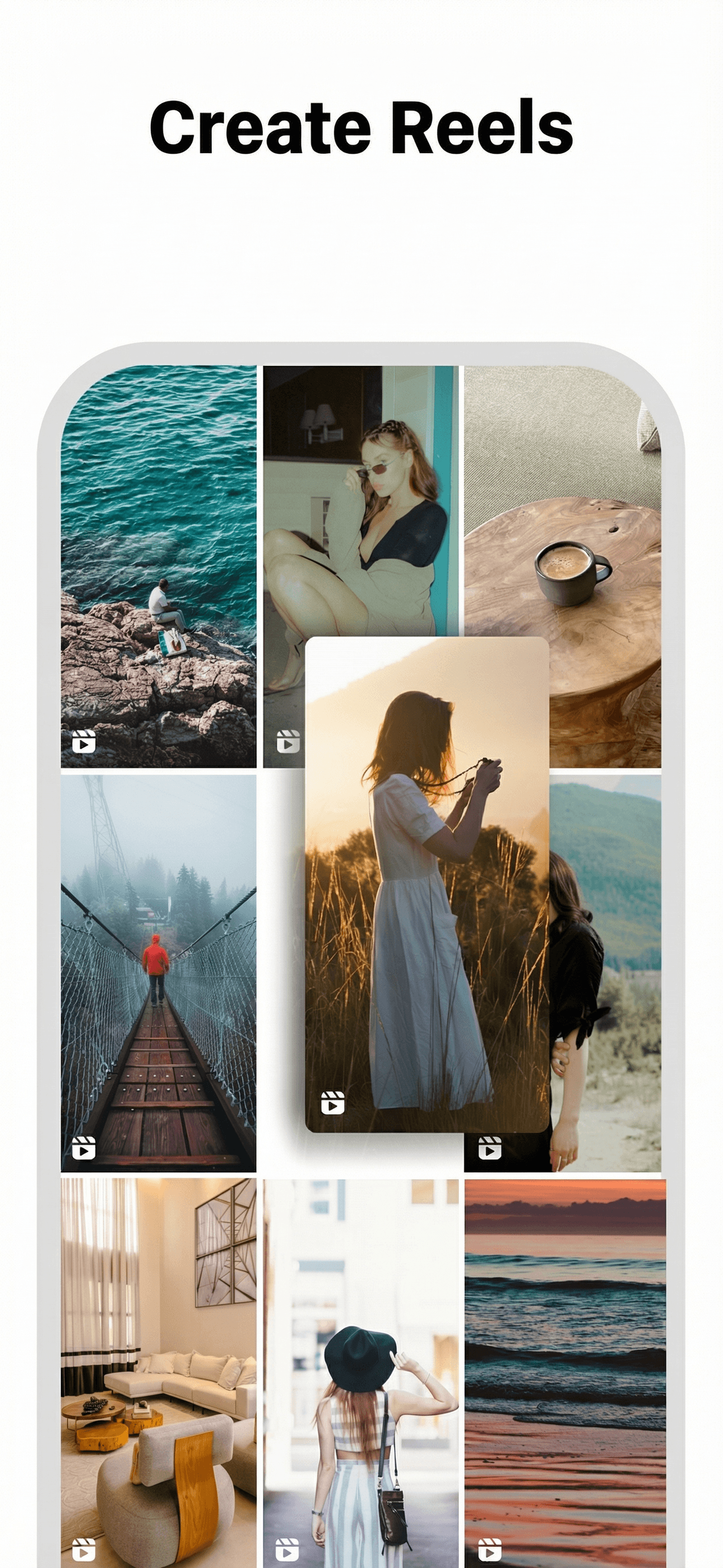
Read the store headline, screenshots and description. What problem is the app promising to solve?
Study the storefront ↗
MWM · iOS
Explore the ad evidence, study the storefront, and build your next acquisition hypothesis.
01 / Creative research
Read the store headline, screenshots and description. What problem is the app promising to solve?
Study the storefront ↗Explore apps with direct store-link matches. Compare their hooks and formats without assuming the same approach works here.
Browse observed advertisers ↗Store rankings and revenue estimates describe market context. They do not establish ad spend, conversions or ROAS.
Review the market context ↗02 / Storefront & product
Study the product story and store experience behind the acquisition funnel.


03 / Market context
Keep revenue, downloads and store rankings separate from advertising performance.
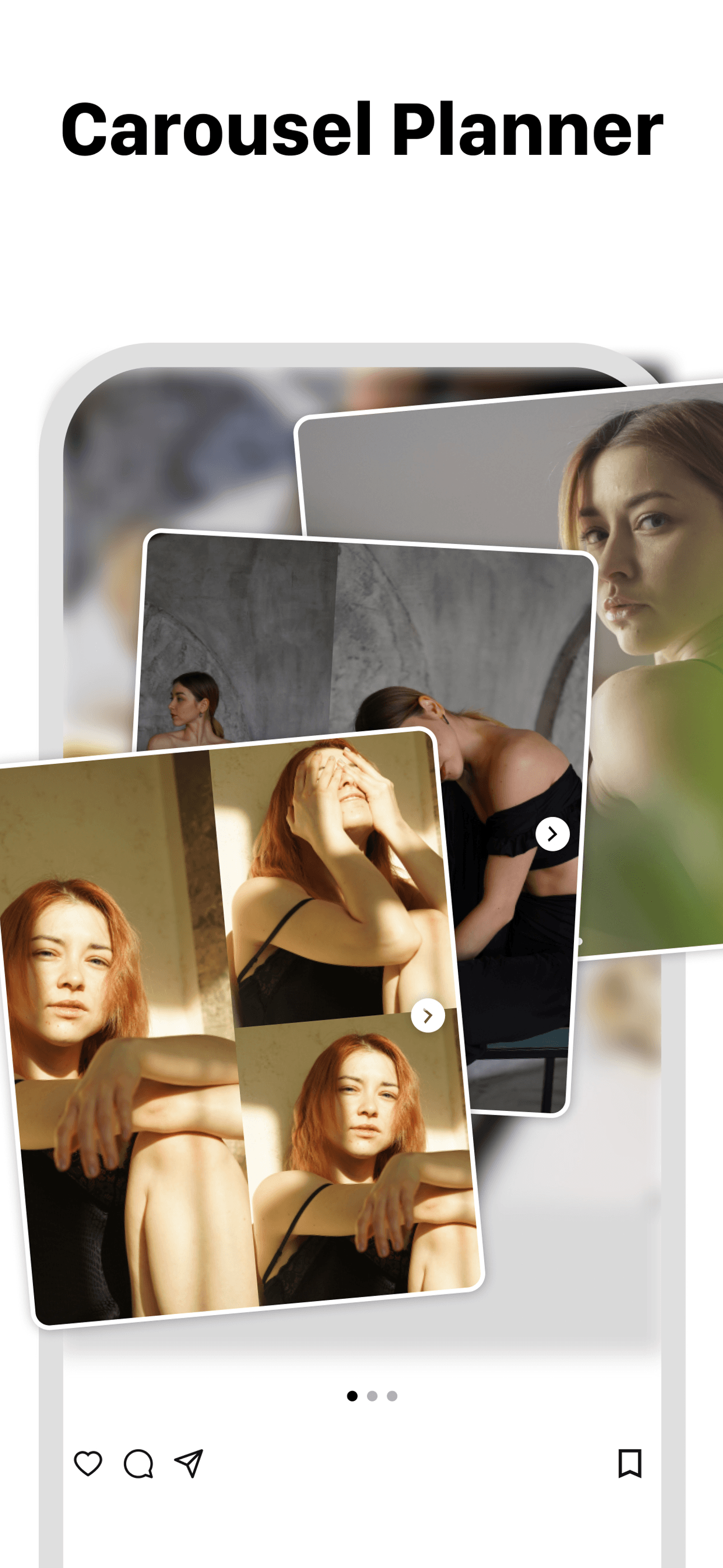
Been loving this app as it is easy to use, simple in design, and so far - I haven’t run into many limitations (like post upload limits, etc). Unfortunately, it lacks a couple features of other planning apps, so I have been using it alongside another. The benefit is that this one does not limit the amount of photos I upload, so I can see how many different photos would look in each slot. In the future it would be great to see a couple improvements to the app: (1) a system for storing hashtag groups that can be easily pasted into captions. (2) a more robust calendar system. The month-view of the calendar only shows dots for posts, but it would be helpful to have more information in each daily square. Otherwise, love the app! Love how simple it is! Would definitely recommend if you’re planning a lot of content, casually planning content every now and then, or even just want a one-off planning app for a few posts.
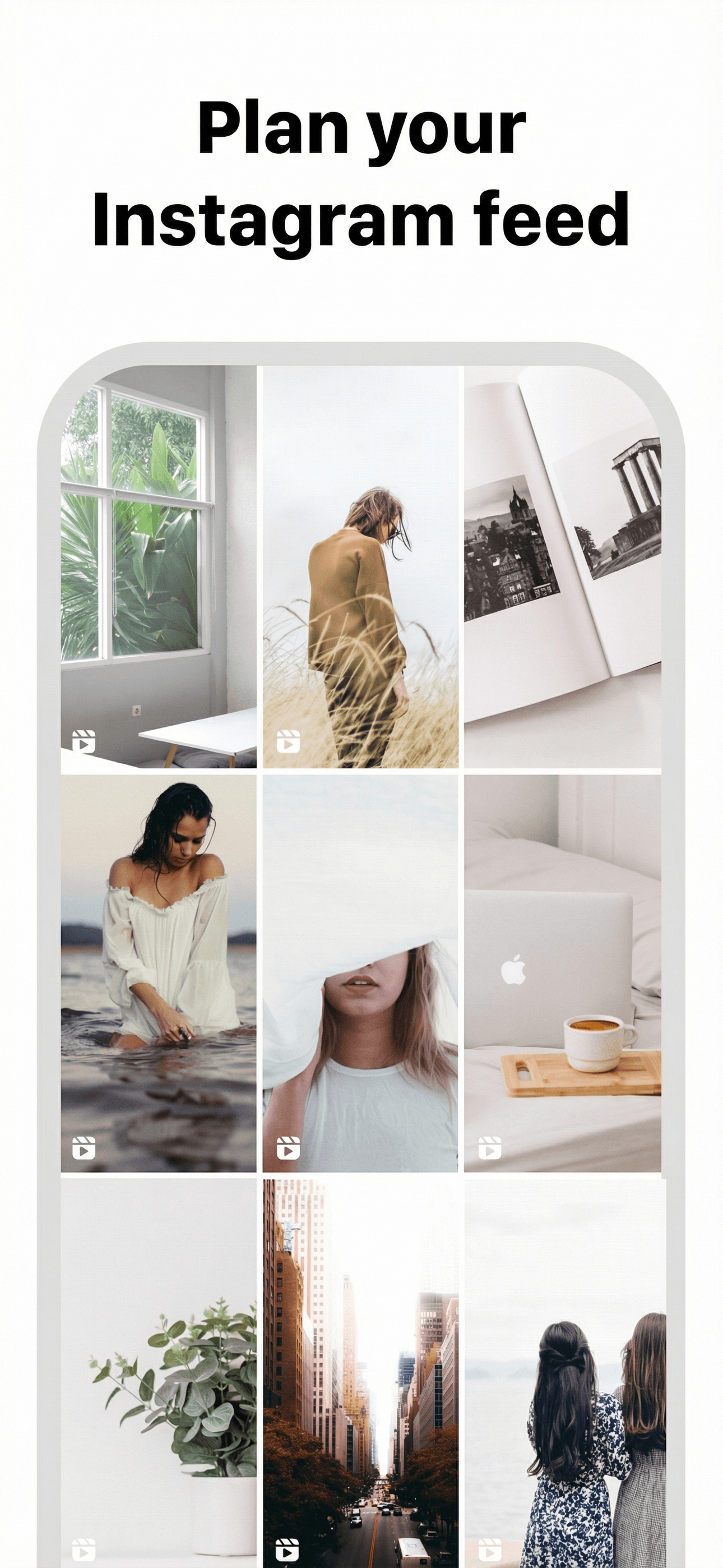
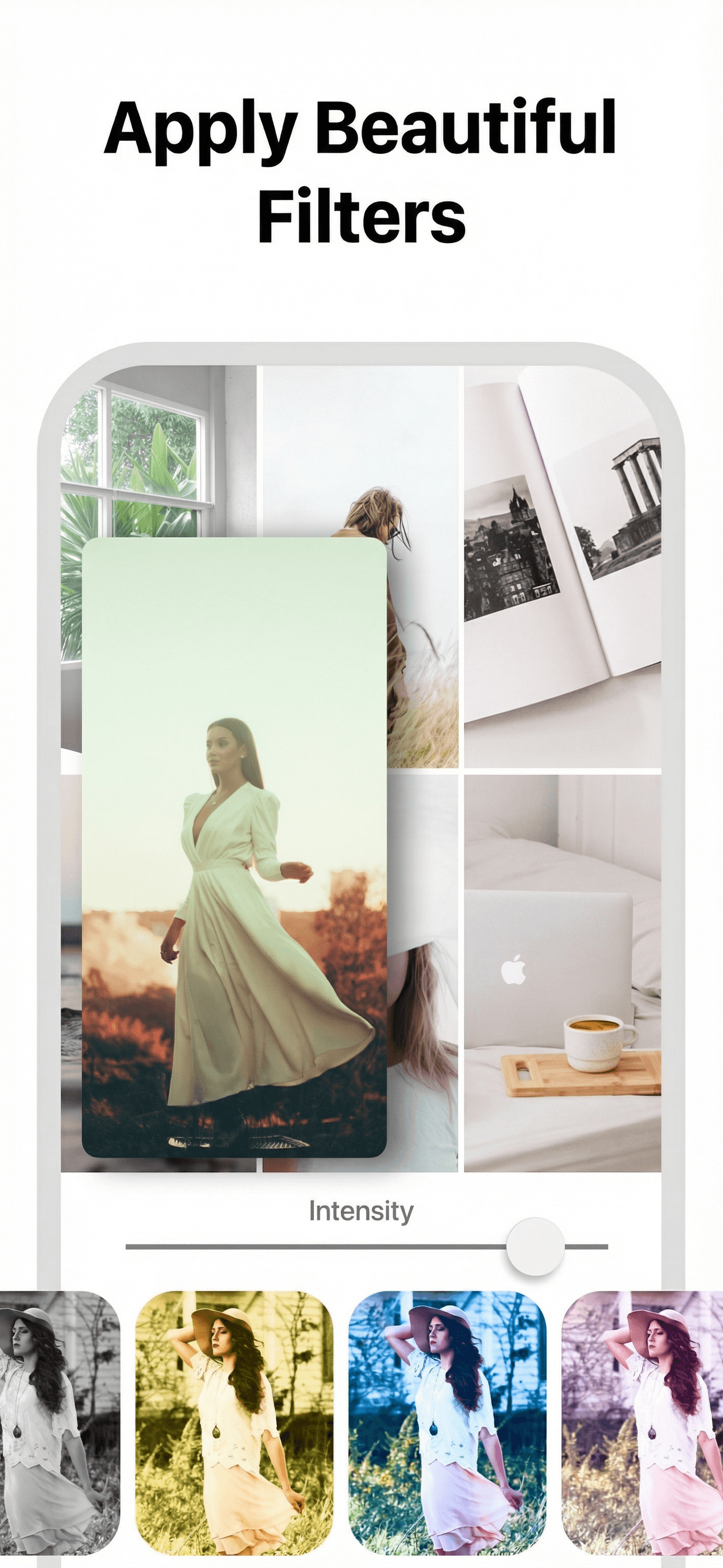
Look no further, this is the app. I wanted a free app where I can view my feed with potential pics, can drag the pics directly to move them around, can do all the photo editing including rotations or camera angle fixes within the app (I hate having to edit pics on Instagram and then using another app to view them), where I can also have unlimited use/post/edits per day and can set up post reminders for a specific time. I know it sounds pretty vanilla but oh my god... So many apps restrict benefits unless you pay, they lack a variety of editing tools and filters, and so many apps have ugly, unintuitive and crowded user interfaces (unusable). And almost all free apps have full screen ad blocks or sponsored ads of some sort. This app is a gem. I am so happy after trying 6-7 apps I finally encountered Feed Preview! It has everything I need (and more) and it is all included in the limited edition for free!! I think this app is just perfect for any individual who is looking for a simple minimalist interface and a solid app for all essential functionality with cool extra features like seeing your publishing calendar.
Stop guessing. Start designing. Craft the perfect Instagram aesthetic with a powerful grid planner that works without ever logging in. Our intuitive...
| Name | Price | Type |
|---|---|---|
| FeedPreview Weekly | $5.99 | Weekly |
| FeedPreview Weekly | $5.99 | Weekly |
| Premium Access (Monthly) | $6.99 | Monthly |
| FeedPreview Weekly | $7.99 | Weekly |
| FeedPreview Weekly | $9.99 | Weekly |
| FeedPreview Yearly | $29.99 | Yearly |
| Premium Access (6 Month) | $29.99 | Semi-Annual |
| FeedPreview Yearly | $39.99 | Yearly |
| FeedPreview Yearly | $39.99 | Yearly |
| Premium Access (Annual) | $49.99 | Yearly |


