Check the acquisition promise
Read the store headline, screenshots and description. What problem is the app promising to solve?
Study the storefront ↗
iSolid apps · iOS
Explore the ad evidence, study the storefront, and build your next acquisition hypothesis.
01 / Creative research
Read the store headline, screenshots and description. What problem is the app promising to solve?
Study the storefront ↗Explore apps with direct store-link matches. Compare their hooks and formats without assuming the same approach works here.
Browse observed advertisers ↗Store rankings and revenue estimates describe market context. They do not establish ad spend, conversions or ROAS.
Review the market context ↗02 / Storefront & product
Study the product story and store experience behind the acquisition funnel.



03 / Market context
Keep revenue, downloads and store rankings separate from advertising performance.
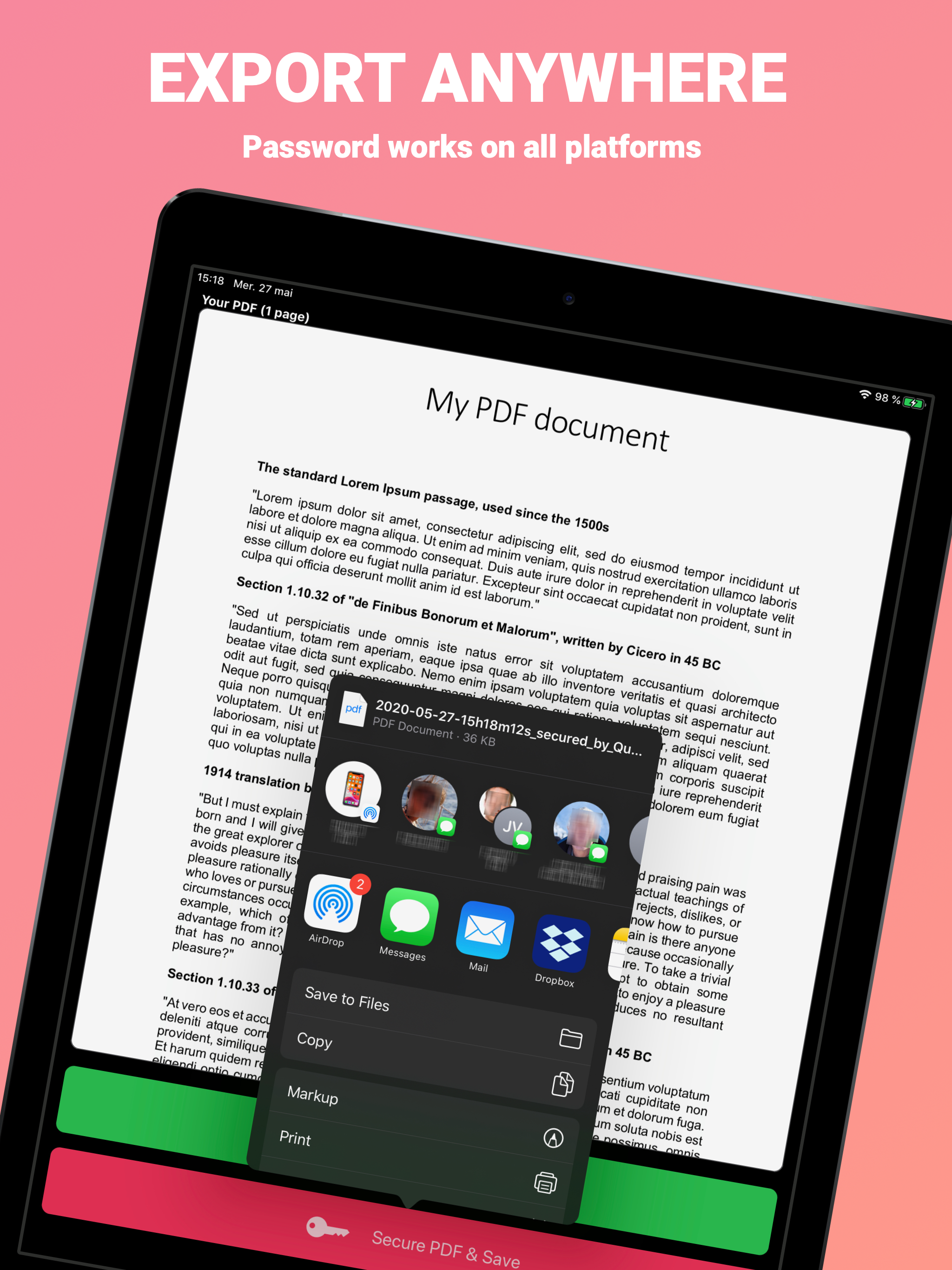
This app is so easy to use. It works great! I love that I can use it on my iPad to secure PDF documents on my OneDrive, that is also available on my Desktop and Laptop. So, the same PDF documents I secure from this app are available across all my devices. And it’s free!!! Thank you sooo much developers of this app. I appreciate you and am so grateful for what you’ve done to help others. This is a true testament of helping your community in this online space.
This is an excellent, very simple to use app which does what it claims. It lacks 2 very important features, in my opinion, which limit its usefulness for my needs. First, it renames the saved PDF by using a small portion of the original file name along with its own application name. I assume this is the authors way of publicizing the app. But it makes it very hard to recognize the original file after it has been renamed. Second, it will only do one PDF at a time. I have 27 PDFs I wish to protect, all of which are named with the first eight characters identically, with descriptions in the subsequent 10 characters. The combination of the first problem identified above, automatic renaming, combined with the second problem of when only handling one file at a time, makes the job of renaming multiple files a huge amount of extra work. I still give this five stars since it does everything it claims. The price is unbeatable! But the limitations really do make the program suffer in real world situations like mine.
I needed an app that would encrypt and password protect PDF documents to be emailed. I downloaded the app because it looked very simple to use (and free is almost always a good day 🙂). I tried it a few times and it was very easy to use; perfect for what I need. I was still concerned about the level of encryption, because I could not find it anywhere in the product description. I was very happy to learn from Johnathan at QuickSecure, they use AES 128 bits encryption as well as password protection.
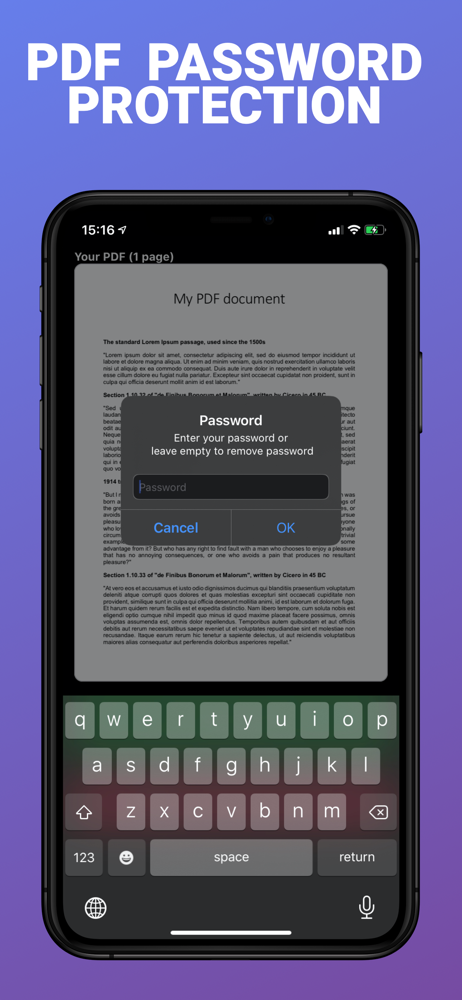
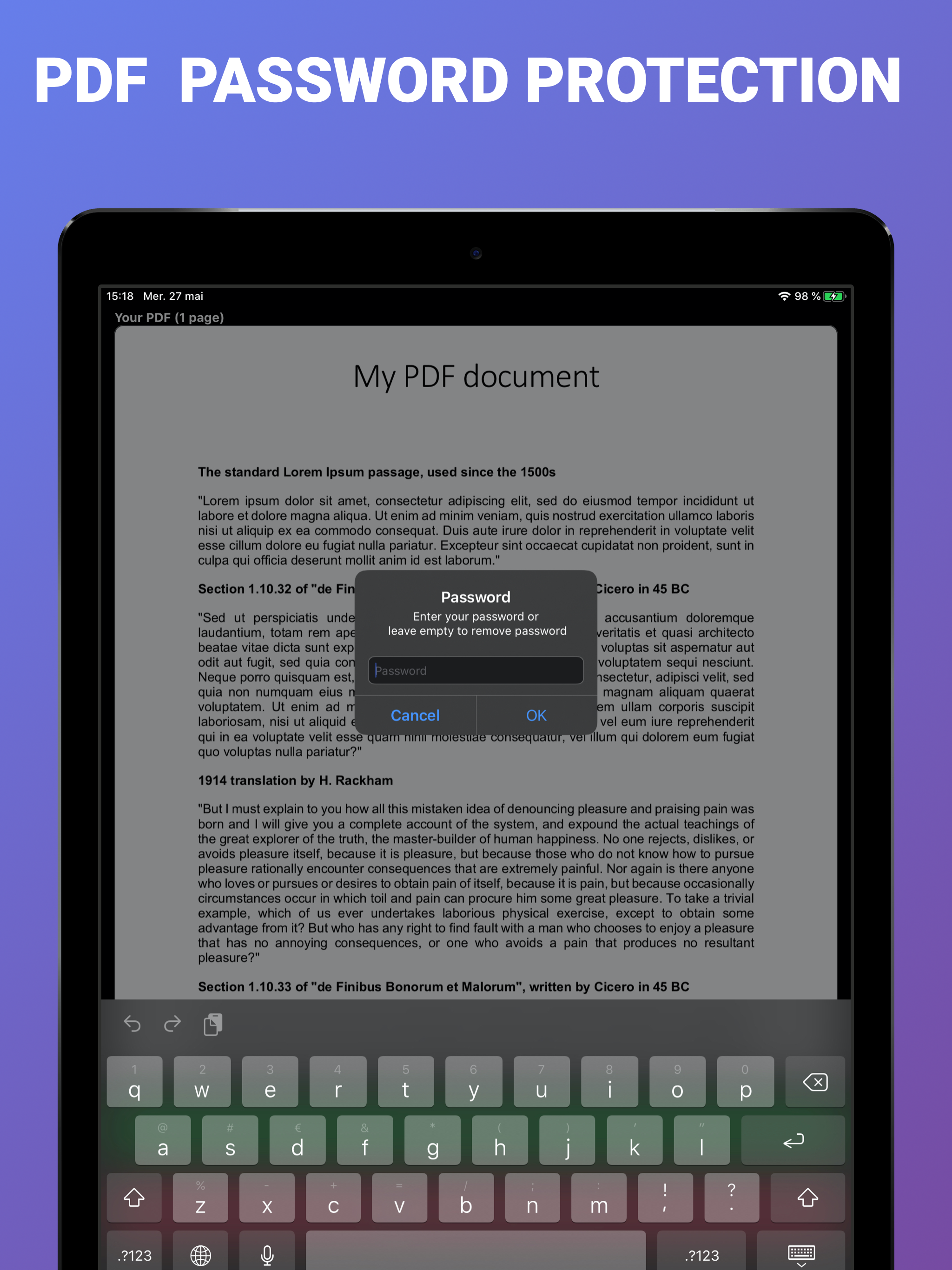
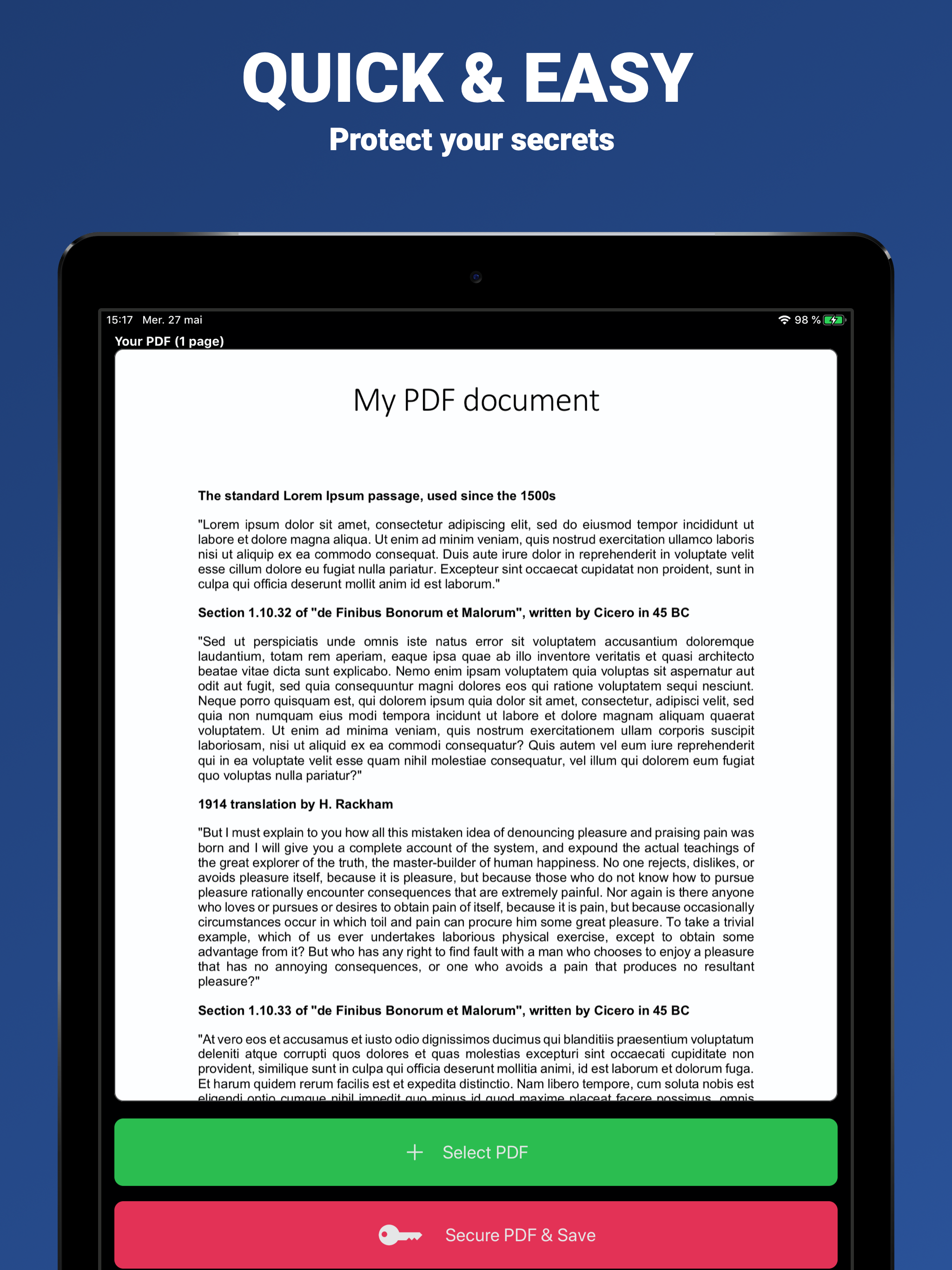
Protect your PDF documents with a password. The PDF won't open without the password. It works on any platform. PDF Secure also allows you to complete...