App Profile: Clean Links - QR Code Reader
Android / Games / Puzzles
Clean Links - QR Code Reader
Installs:
Rating:
0.00
Total Reviews:
0
Top Countries:
DE, CH, AT
< $5k
/mo
< 5k
/mo
Reviews: What People Think About Clean Links - QR Code Reader
IntrovertusMaximus
Rating: 5/5
I stumbled upon this one after reading an online article. It does exactly what it says and nothing else: cleaning links, and automatically copying the cleaned link so you can maximize productivity. You can set it to monitor your clipboard and automatically clean any links that it comes across. Definitely easier, faster, and more convenient than using a website-based link cleaner.
Likwidtek
Rating: 5/5
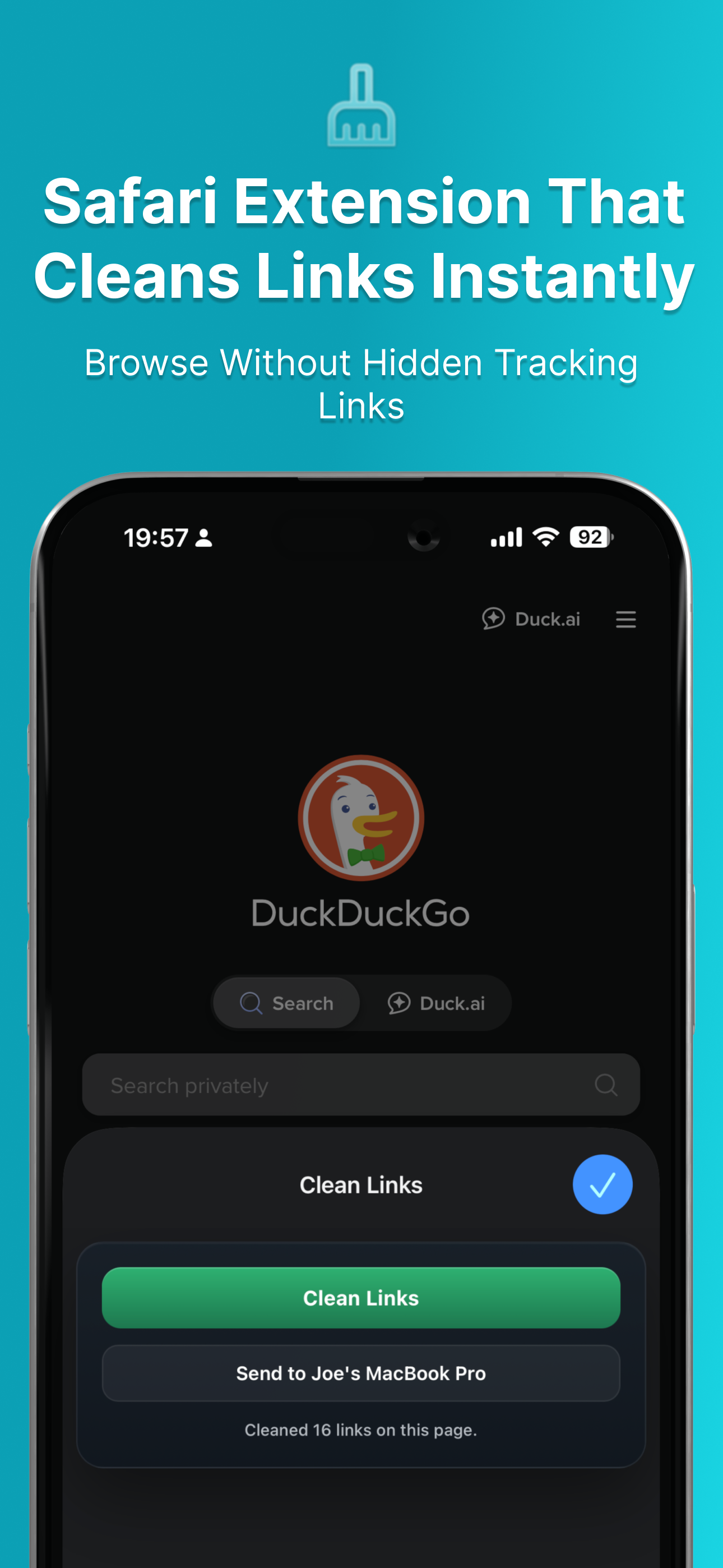
I was looking everywhere for a safari extension that automatically strips out tracking junk from links. I searched and saw this one but it didn’t mention that it has a feature to automatically monitor your clipboard and automatically clean links! This is your killer feature and I would add an image preview for it! Great app!
Joehv
Rating: 5/5
Nice little app to clean and link to send to others. Free but does its job very well. Thanks to the dev
About Clean Links - QR Code Reader
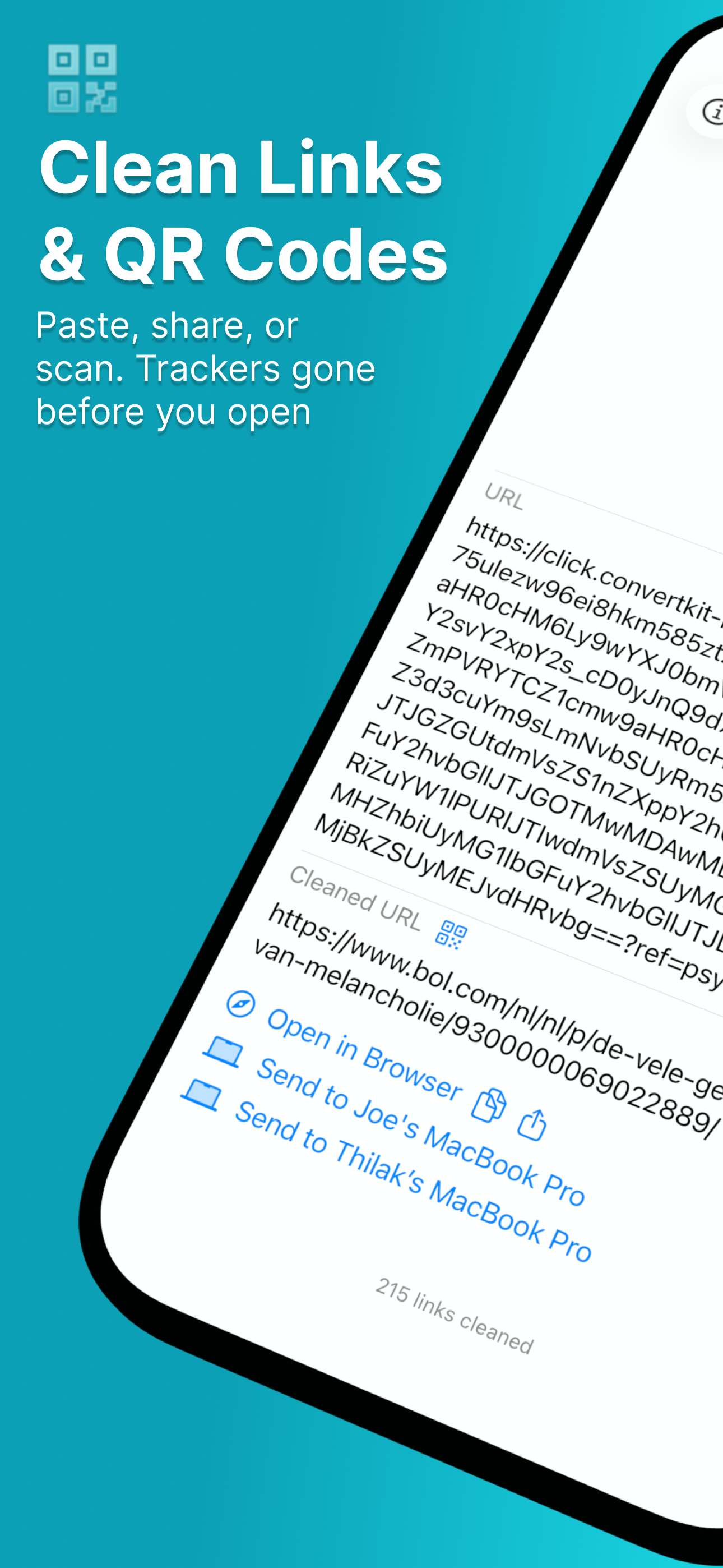
Protect yourself from dangerous QR codes and tracking-filled links. Clean Links reveals what's really behind every QR code and URL before you open them.
QR Code Scanner - See real destinations before clicking dangerous links
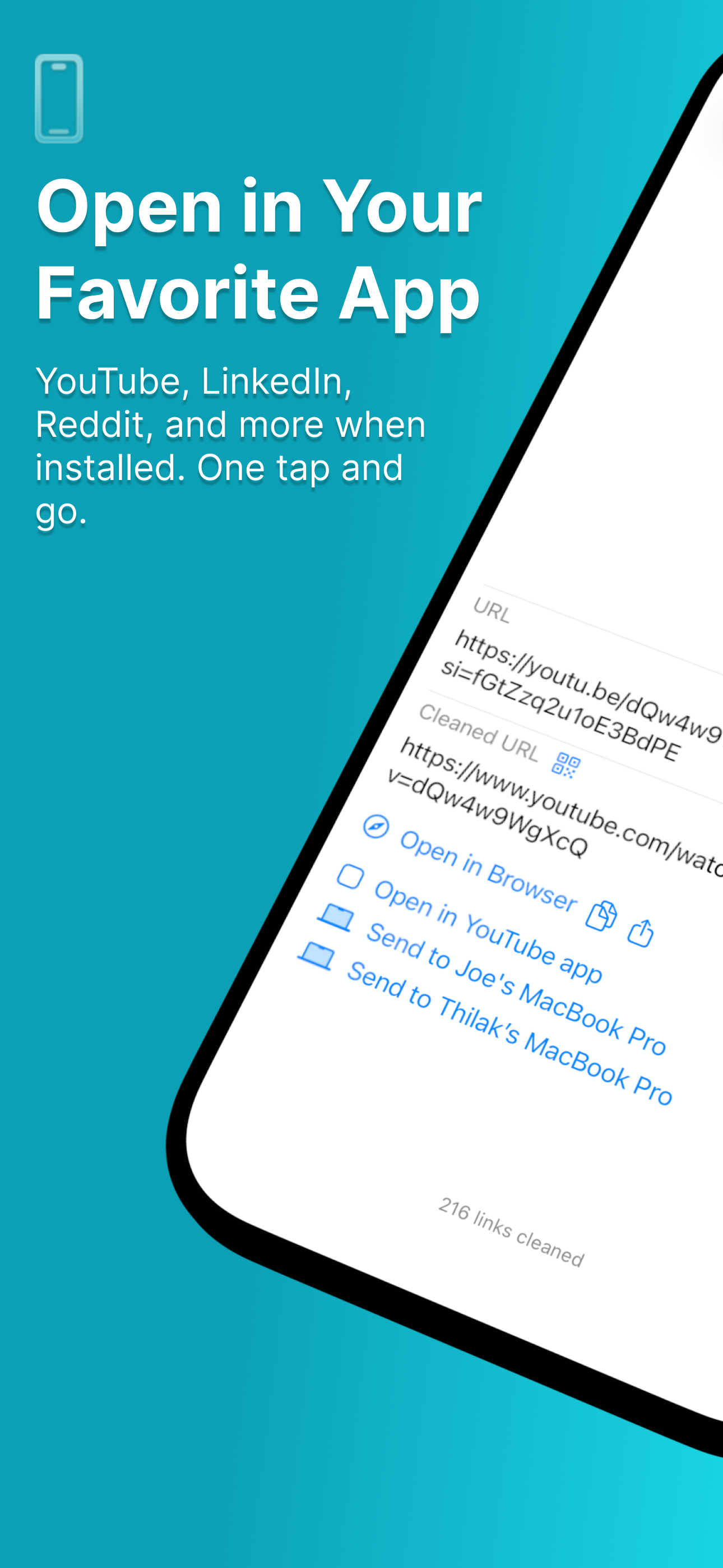
Link Cleaner - Strip tracking parameters from any URL instantly
Phishing Protection - Detect and unmask suspicious shortened links
QR Generator - Create clean, safe QR codes from trusted links
Deep iOS Integration - Share Extension, Control Center access, Siri and Shortcuts support
100% Private - No ads, no tracking, no data collection
Stop quishing attacks. Block advertiser tracking. Take control of your digital privacy with one simple free app.
Trusted by privacy-conscious users, Clean Links works with URLs and QR codes containing tracking parameters from hundreds of social media, shopping, search engines, and other apps and websites.
One more thing: Users can now share cleaned links with their Macs.
Links can be sent even if the receiving device is offline. The link will be sent when the receiving device comes online.
You can also use this feature to trigger shortcuts on your Macs from your iOS devices.
To share links between your devices, your iOS device(s) and Mac(s) must:
1. Have Clean Links installed
2. Have iCloud enabled
3. Be signed into the same Apple account.
■ Link Sharing FAQ
‣ How is it better than AirDrop?
- Works when your Mac is offline
- Works when you are not on the same network as your Mac
- Much faster
- Opens links on your Mac in the background
‣ How is it better than iCloud Tabs?
- Works in any app via share sheets, not just Safari
- Links are opened as tabs in your browser so you cannot miss them
- No need to spend time looking for the link in a long list of links
- Supports any browser on your Mac
- You don't need to keep the tab open on your iOS device for it to be available on your Mac
‣ How is it better than Safari Reading List?
- Links are opened right in your browser so you cannot miss them
- No need to spend time looking for the link in a long list of links
- Supports any browser on your Mac
‣ How is it better than Hyperduck?
- Clean Links is completely free
- Clean Links removes tracking parameters and redirects from links, in addition to sharing links
- Clean Links supports sharing links with multiple Macs
- Clean Links supports sharing links between multiple Macs
‣ Does this app support multiple Macs?
Yes. You can send links to all you Macs, as long as you have Clean Links for macOS installed on them and they're logged into the same Apple account.
‣ Can I exclude one of my Macs from the list?
You can disable receiving links in the macOS app's settings
Download now and protect your privacy.
QR Code Scanner - See real destinations before clicking dangerous links
Link Cleaner - Strip tracking parameters from any URL instantly
Phishing Protection - Detect and unmask suspicious shortened links
QR Generator - Create clean, safe QR codes from trusted links
Deep iOS Integration - Share Extension, Control Center access, Siri and Shortcuts support
100% Private - No ads, no tracking, no data collection
Stop quishing attacks. Block advertiser tracking. Take control of your digital privacy with one simple free app.
Trusted by privacy-conscious users, Clean Links works with URLs and QR codes containing tracking parameters from hundreds of social media, shopping, search engines, and other apps and websites.
One more thing: Users can now share cleaned links with their Macs.
Links can be sent even if the receiving device is offline. The link will be sent when the receiving device comes online.
You can also use this feature to trigger shortcuts on your Macs from your iOS devices.
To share links between your devices, your iOS device(s) and Mac(s) must:
1. Have Clean Links installed
2. Have iCloud enabled
3. Be signed into the same Apple account.
■ Link Sharing FAQ
‣ How is it better than AirDrop?
- Works when your Mac is offline
- Works when you are not on the same network as your Mac
- Much faster
- Opens links on your Mac in the background
‣ How is it better than iCloud Tabs?
- Works in any app via share sheets, not just Safari
- Links are opened as tabs in your browser so you cannot miss them
- No need to spend time looking for the link in a long list of links
- Supports any browser on your Mac
- You don't need to keep the tab open on your iOS device for it to be available on your Mac
‣ How is it better than Safari Reading List?
- Links are opened right in your browser so you cannot miss them
- No need to spend time looking for the link in a long list of links
- Supports any browser on your Mac
‣ How is it better than Hyperduck?
- Clean Links is completely free
- Clean Links removes tracking parameters and redirects from links, in addition to sharing links
- Clean Links supports sharing links with multiple Macs
- Clean Links supports sharing links between multiple Macs
‣ Does this app support multiple Macs?
Yes. You can send links to all you Macs, as long as you have Clean Links for macOS installed on them and they're logged into the same Apple account.
‣ Can I exclude one of my Macs from the list?
You can disable receiving links in the macOS app's settings
Download now and protect your privacy.
File size: 56155136
Launched countries: USAUCACNFRDEGBITJPKRRUDZAOARATAZBHBYBEBRBGCLCOCRHRCYCZDKDOECEGSVFIGHGRGTHKHUINIDIEILKZKEKWLBLTLUMOMYMTMXNLNZNGNOOMPKPAPEPHPLPTQAROSARSSGSKSIZAESLKSECHTWTHTNTRUAAEUYUZVEVNBOKHEELVNIPYGEIQLYMAMZMMYEBJBFCMCGCIJOLAMLSNTZUGZMZW
Minimum OS version: 18.0
Release Date: 1754031600000
Published by Numen Technologies Limited
Website url: https://cleanlinks.app/
Publisher country: