App Profile: Photo Cleanup, Delete: Reclean
Android / Games / Puzzles
Photo Cleanup, Delete: Reclean
Installs:
Rating:
0.00
Total Reviews:
0
Top Countries:
DE, AT, CH
< $5k
/mo
< 5k
/mo
Reviews: What People Think About Photo Cleanup, Delete: Reclean
MissMalachite
Rating: 5/5
This app is not only free, easy to use, efficient, but it’s AD FREE!! I cannot stand other clean-up apps because they make you watch an ad every 30 pictures you delete. It is monotonous and makes the app unusable, in my opinion. So this app being so well-made, being offered for free, and not a single add?! Leaving a review was the least I could do for the wonderful creator of this app. THANK YOU!! I saved 10gb already, and I’m not even close to done. 🤝
Steven9009
Rating: 5/5
I love this app. i’ve been searching forever for something like it that isn’t incredibly expensive. Anyway, the app works well, but it crashes most if not all times I use it. It’s not a big deal but it is a bit annoying.
Corchina
Rating: 4/5
This is such a useful app to clear out photos. I like how you can even sort by size and date to remove old or large files.
Suggestion for improvements:
- Screen recordings should be separated from screenshots. They're currently lumped together in the screenshot category.
When selecting screenshots to remove, I deleted some screen recordings but didn't know it because there was no indicator that it was a different format. Even a little icon indicating that it's a video vs image would be helpful.
About Photo Cleanup, Delete: Reclean
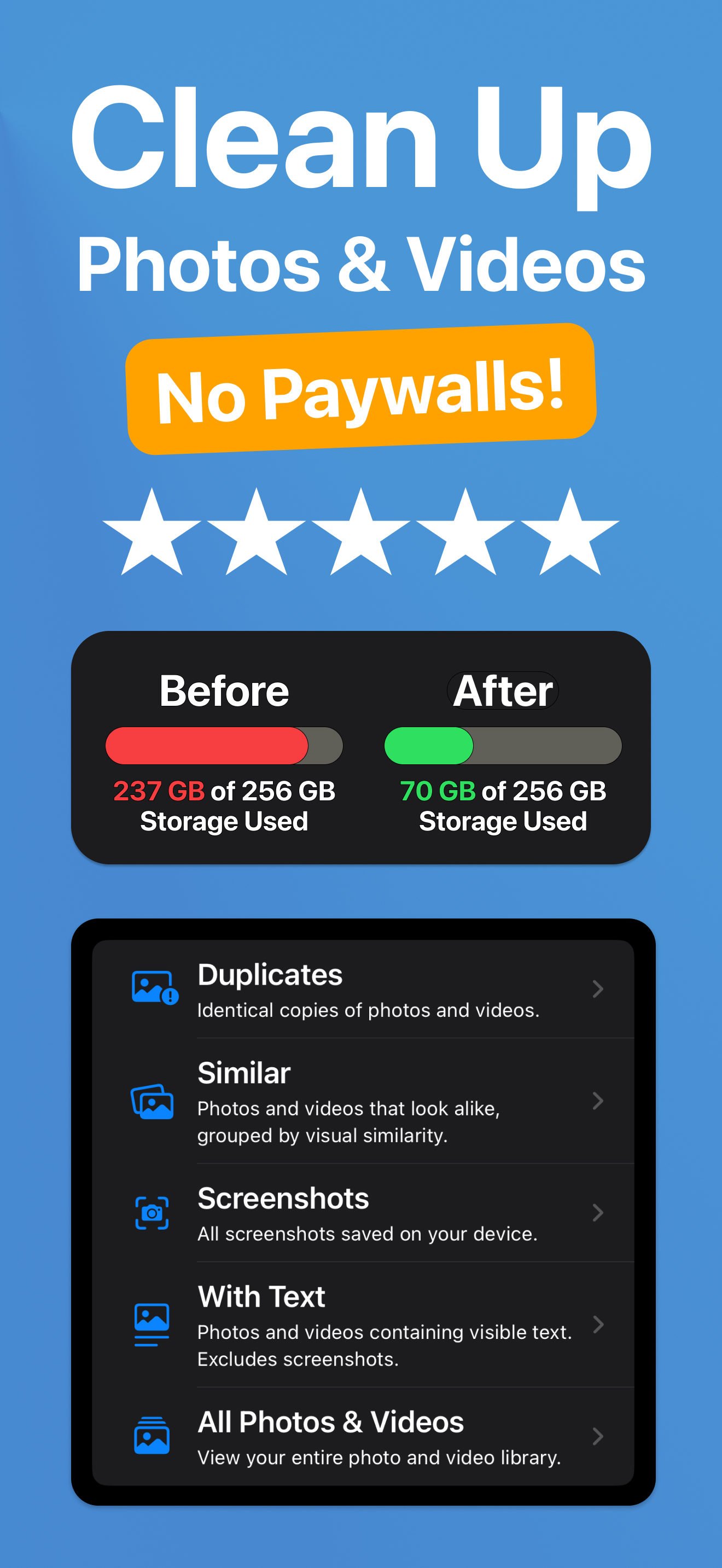
Photo Cleanup, Delete: Reclean — the fastest 100% free way to reclaim precious storage, organize your camera roll, and keep your iPhone running at its best.
■ FEATURES
- Instant Duplicate Remover — detect exact copies in a tap and delete them to free space immediately.
- Smart Similar‑Shot Finder — group look‑alike selfies, burst photos, and near‑identical videos so you keep the best and trash the rest.
- Screenshot Filter — round up receipts, tickets, and temporary notes for quick clean‑out.
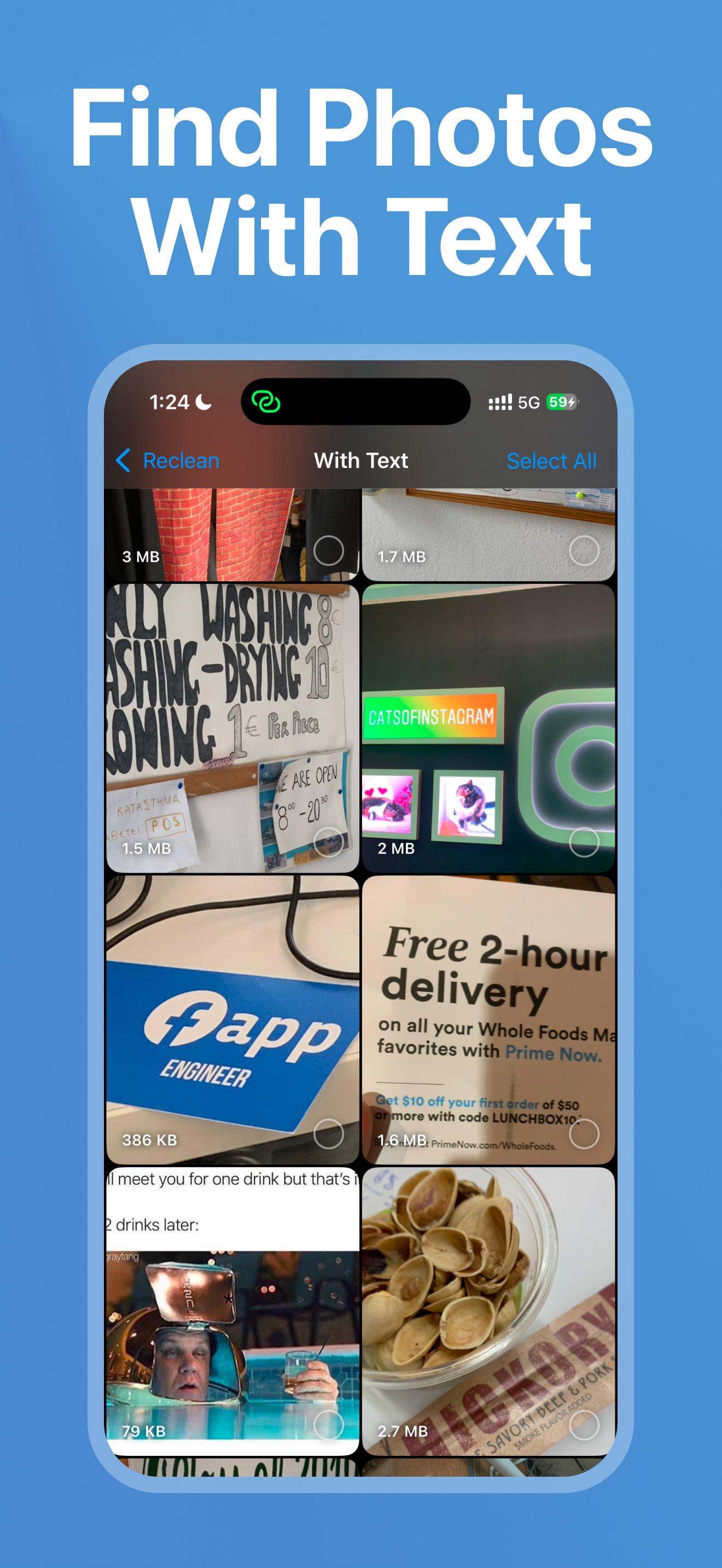
- Text‑in‑Image Filter — pinpoint photos & videos that contain words (whiteboards, slides, docs) for easy review.
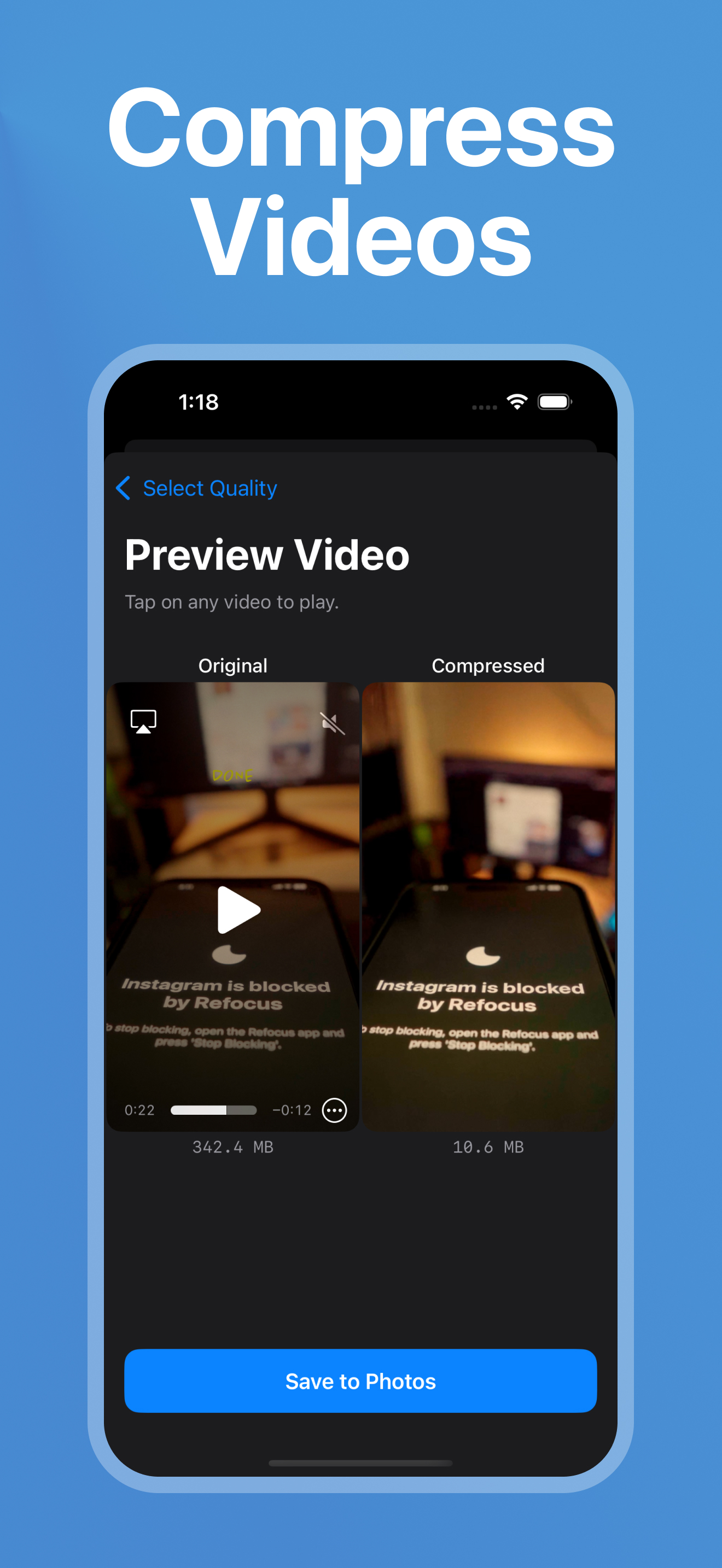
- Largest‑File Sorter — list photos & videos by size (biggest first) to win back gigabytes in minutes.
- 100% On‑Device — nothing ever leaves your phone; your memories stay private.
■ HOW IT WORKS
1. Open Reclean and grant access to your photo library.
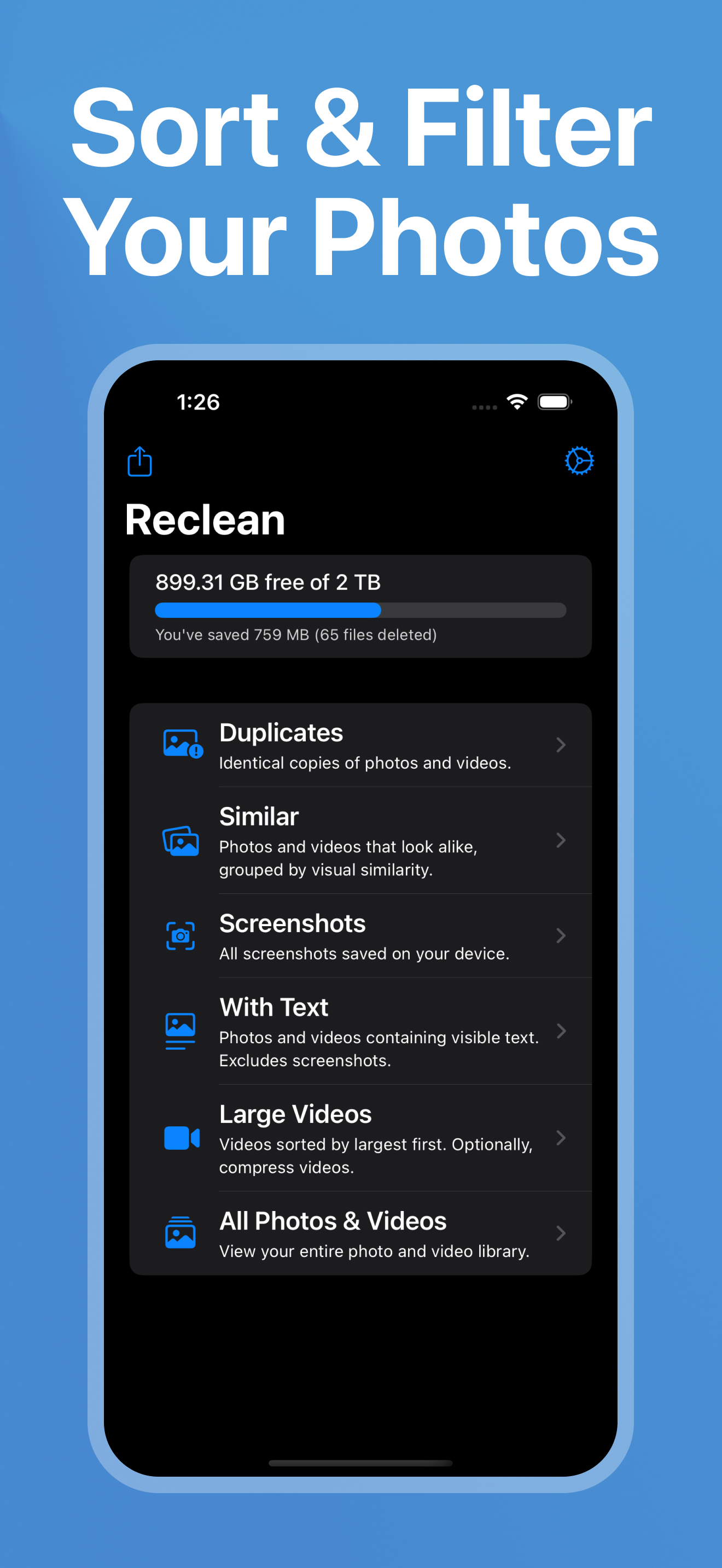
2. Choose a mode — Duplicates, Similar, Screenshots, Text, or Large Videos.
3. Review, select, and delete. Deleted items land in the system “Recently Deleted” album, giving you 30 days to restore if you change your mind.
■ PERFECT FOR
- Shutter‑happy photographers who shoot hundreds of frames.
- Parents & travelers with endless kid videos and holiday snaps.
- Students & professionals who hoard screenshots and slide decks.
- Anyone who keeps seeing “iPhone Storage Almost Full.”
■ BENEFITS YOU’LL NOTICE TODAY
- Free up room for new 4K videos, apps, and iOS updates.
- Speed up iCloud backups and photo syncing.
- Enjoy a tidy, stress‑free camera roll you can actually browse.
- Keep your device faster and more responsive by clearing disk‑hogging files.
■ LIGHTWEIGHT. POWERFUL. NO‑NONSENSE.
- No photo uploads — all analysis happens offline, safeguarding your privacy. Also, no sign up required!
- No clutter — a clean, simple interface designed for speed.
---
Love staying productive? Visit www.refocusapp.co to discover our screen‑time‑blocking companion app, Refocus.
---
Terms of Use:
- https://photocleaner.notion.site/terms-of-use
■ FEATURES
- Instant Duplicate Remover — detect exact copies in a tap and delete them to free space immediately.
- Smart Similar‑Shot Finder — group look‑alike selfies, burst photos, and near‑identical videos so you keep the best and trash the rest.
- Screenshot Filter — round up receipts, tickets, and temporary notes for quick clean‑out.
- Text‑in‑Image Filter — pinpoint photos & videos that contain words (whiteboards, slides, docs) for easy review.
- Largest‑File Sorter — list photos & videos by size (biggest first) to win back gigabytes in minutes.
- 100% On‑Device — nothing ever leaves your phone; your memories stay private.
■ HOW IT WORKS
1. Open Reclean and grant access to your photo library.
2. Choose a mode — Duplicates, Similar, Screenshots, Text, or Large Videos.
3. Review, select, and delete. Deleted items land in the system “Recently Deleted” album, giving you 30 days to restore if you change your mind.
■ PERFECT FOR
- Shutter‑happy photographers who shoot hundreds of frames.
- Parents & travelers with endless kid videos and holiday snaps.
- Students & professionals who hoard screenshots and slide decks.
- Anyone who keeps seeing “iPhone Storage Almost Full.”
■ BENEFITS YOU’LL NOTICE TODAY
- Free up room for new 4K videos, apps, and iOS updates.
- Speed up iCloud backups and photo syncing.
- Enjoy a tidy, stress‑free camera roll you can actually browse.
- Keep your device faster and more responsive by clearing disk‑hogging files.
■ LIGHTWEIGHT. POWERFUL. NO‑NONSENSE.
- No photo uploads — all analysis happens offline, safeguarding your privacy. Also, no sign up required!
- No clutter — a clean, simple interface designed for speed.
---
Love staying productive? Visit www.refocusapp.co to discover our screen‑time‑blocking companion app, Refocus.
---
Terms of Use:
- https://photocleaner.notion.site/terms-of-use
File size: 8654848
Launched countries: USAUCACNFRDEGBITJPKRRUDZAOARATAZBHBBBYBEBMBRBGCLCOCRHRCYCZDKDOECEGSVFIGHGRGTHKHUINIDIEILKZKEKWLBLTLUMOMGMYMTMXNLNZNGNOOMPKPAPEPHPLPTQAROSARSSGSKSIZAESLKSECHTWTHTNTRUAAEUYUZVEVNBOKHEELVNIPYAFGEIQLYMAMZMMYEBJBFCMCGCIJOLAMLSNTZUGZMZW
Minimum OS version: 18.0
Release Date: 1748847600000
Published by Labi, LLC
Website url:
Publisher country: US