
Check the acquisition promise
Read the store headline, screenshots and description. What problem is the app promising to solve?
Study the storefront ↗
OnPoint Community Credit Union · iOS
Explore the ad evidence, study the storefront, and build your next acquisition hypothesis.
01 / Creative research
Read the store headline, screenshots and description. What problem is the app promising to solve?
Study the storefront ↗Explore apps with direct store-link matches. Compare their hooks and formats without assuming the same approach works here.
Browse observed advertisers ↗Store rankings and revenue estimates describe market context. They do not establish ad spend, conversions or ROAS.
Review the market context ↗02 / Storefront & product
Study the product story and store experience behind the acquisition funnel.




03 / Market context
Keep revenue, downloads and store rankings separate from advertising performance.
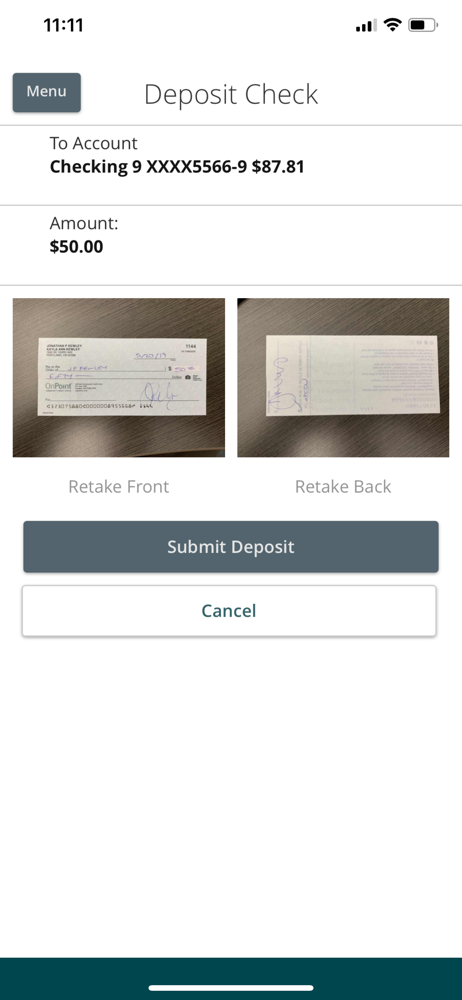
It would be great if there was an option to change default settings for mobile deposit. The first time I used it was a rarely used category of child support, into my personal account. Now every time I deposit a check via the mobile option, which is often, it is automatically categorized as “child support”. This happens in my business account as well even though I never put “child support” checks in that account. It’s annoying to have to change it every time. At least let me default to “mobile deposit” or “uncategorized”. I’ve discussed this issue with tellers and managers since the inception of mobile deposit. Please change the coding for this. Thank you. The default on the mobile bill pay app is tricky too because it automatically defaults to my business payroll account and this account is never used to pay bills. I’ve been caught with insufficient funds several times for thinking the the mobile would default to the account I use for that specific bill. Otherwise, the app is fantastic. I like the security of OnPoint CU very much. The app is easy to use.
Excellent overall online ease of use. Straight forward with broad and thorough integration of my various OnPoint, online accounts and other bank ledgers transferring smoothly from my multiple checking accounts I have withOnPoint and transfer to QuickBooks for reconciliations and accounting ledger category organization. Some features are a little hard to find initially, but they work well once identified. Your customer service on the phone is also very helpful excellent and you’re always able to help rectify any concerns I have. The waiting time on hold is never more then 5 minutes. Thank you for providing a great and easy to use excellent mobile deposit feature that works well for mobile deposits and saves more time and makes my life more efficient! The categories that are auto generated for each of the checks is often not correct and it seems like certain categories aren’t specific enough. I think there is no set up in the options to add any new category you want.
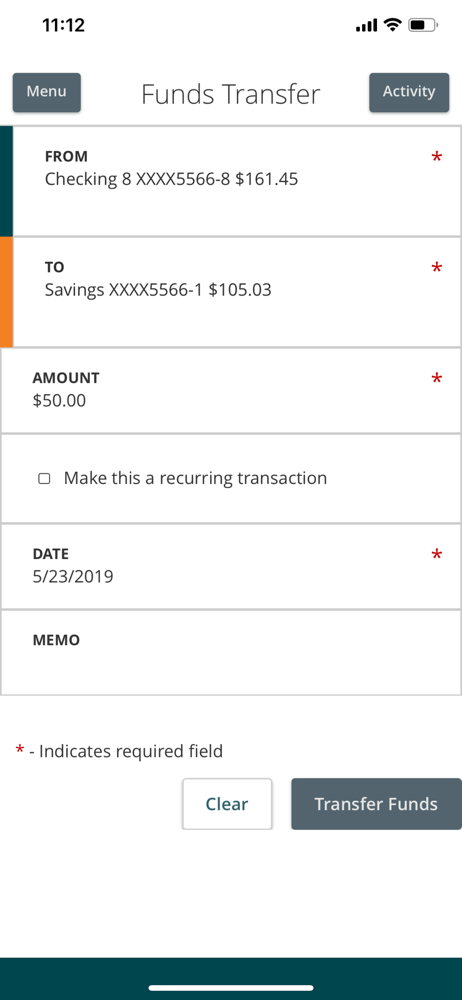
The app is great for mostly everything you need to do. Check accounts, make transfers, deposit, make payments on other accounts or loans. I would like to see a couple more options. On other banking apps I have been able to preview certain account balances without logging in, like how much my credit cards has on it for example, and I really liked that feature. One thing that has really irritated me about this app- not sure if it was a glitch or what but it doesn’t always update with the current balance of accounts. I have one account where I use it as a weekly allowance as part of my budgeting, so I check it all the time and it didn’t update once for 4 days. Thinking I still has money in the account I kept spending and it over drafted me! Even after that happened it still didn’t update until I logged onto a computer THEN it updated on my phone. Besides that I think it’s great
One app for all members - Securely and safely check balances, transfer funds, view transactions and more anywhere, anytime. With OnPoint Mobile you...


