Check the acquisition promise
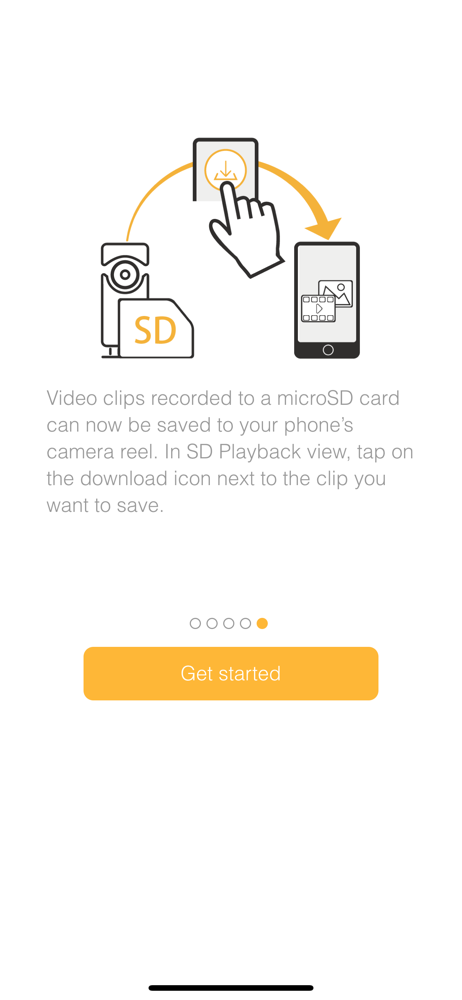
Read the store headline, screenshots and description. What problem is the app promising to solve?
Study the storefront ↗
D-Link Corporation · iOS
Explore the ad evidence, study the storefront, and build your next acquisition hypothesis.
01 / Creative research
Read the store headline, screenshots and description. What problem is the app promising to solve?
Study the storefront ↗Explore apps with direct store-link matches. Compare their hooks and formats without assuming the same approach works here.
Browse observed advertisers ↗Store rankings and revenue estimates describe market context. They do not establish ad spend, conversions or ROAS.
Review the market context ↗02 / Storefront & product
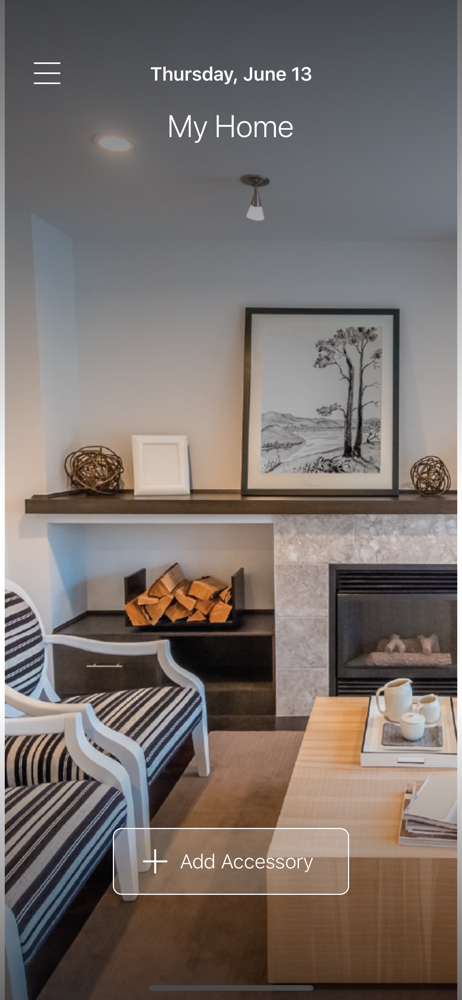
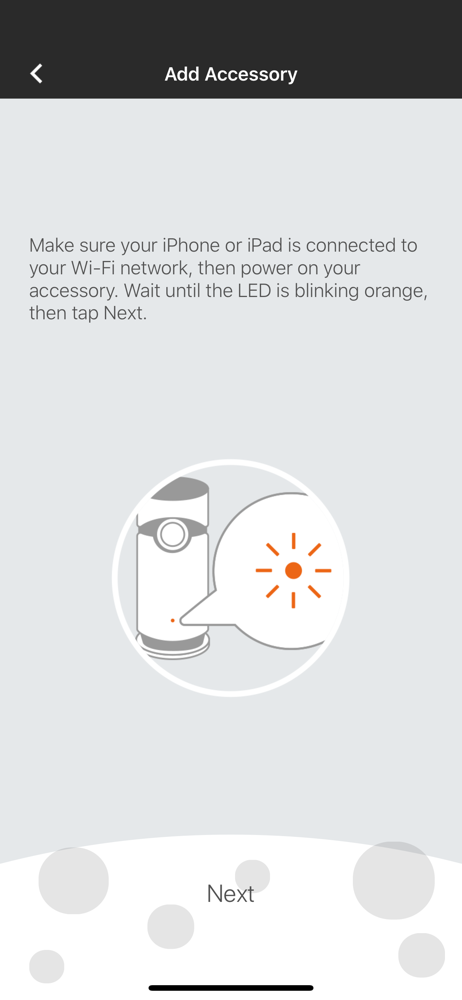
Study the product story and store experience behind the acquisition funnel.
03 / Market context
Keep revenue, downloads and store rankings separate from advertising performance.
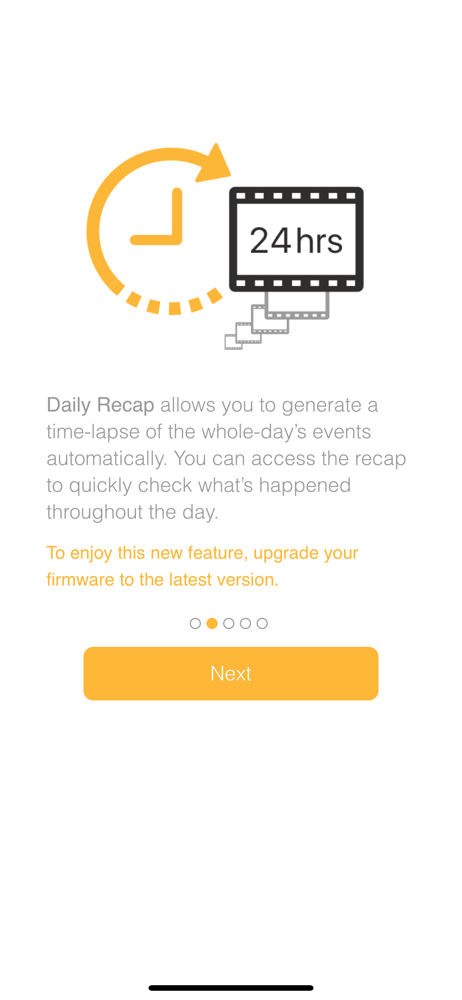
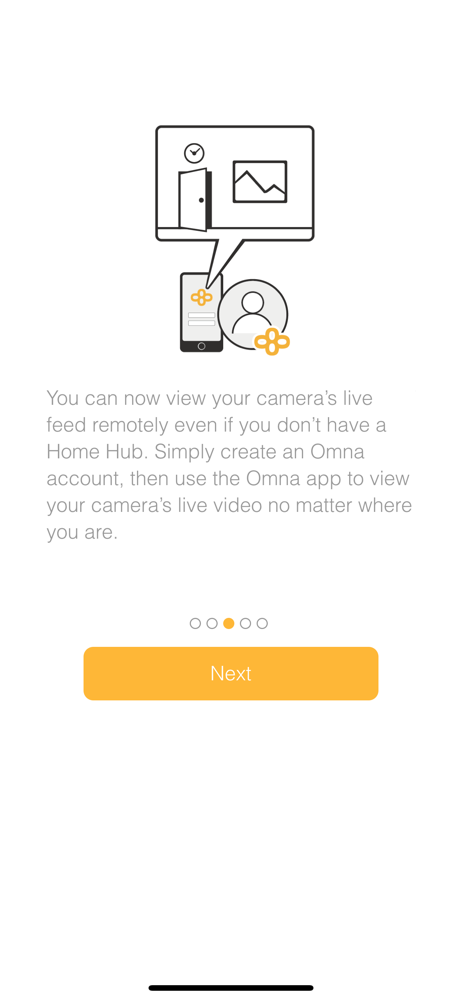
I love the camera, it works great in the home app and also in OMNA app for viewing. However features in this Omna app need polishing, specifically the recorded playback features. The daily recap feature is awesome, but only after the 10+ minutes it take for it to put itself together and finally play for me. There needs to be an option for these daily recaps to automatically create themselves everyday and save itself to the micro SD card. That way we can just stream it instead of rendering it every time we tap the thumbnail for that day. I just used it, and after watching I went back to the screen to choose a day, went back to the same day I just did, and then it started the long process again.... why? Just fix that and this will be an amazing feature. Also I run into a bug where it says only two people can be viewing at the same time something like that, but literally no one is viewing it only me. And I know because I’ve tested it with the people who have access to it.
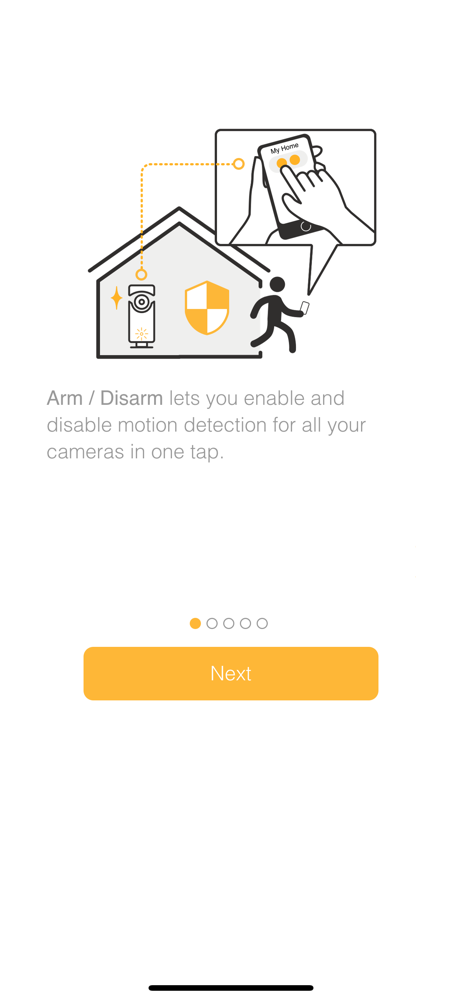
I purchased a OMNA Camera over a month ago to supplement my current nest cams and to be my first foray into HomeKit cameras, lets just say they’re not off to a good start. The recent software update did bring improvements such as the day review and automatic updates, but the camera’s are still buggy. I inherited 2 more cameras from a friend recently and I found that all 3 of these cameras all use the same network name leading to some difficulties setting up. Also I found when viewing both from the app then switching immediately over to the integrated home app, one of the Cramer’s crashes every time requiring a hard power reset. The app isn’t bad getting around in but it takes WAY too many clicks on the GUI to get to any recordings from the cameras: see Nest or even the super smooth interface from Apples own Time Machine on MacOSX! Another big hit is the inability to provide notifications only when you are not at home. Sure the new app has a button to press for away, but this all needs to be automated: also see Nest. I hope the updates to both the firmware for the cameras and features for the apps continue to be released by D-link, as well as HomeKit capability improvements from Apple. I feel like it’s a solid product but needs support!
The current motion detection at night when using night view is a disaster. I choose detection areas and sensitivity level, and it even detect when a bug or visible dust fly by the camera and record lots of random clips with no use. All I need to to detect person or other objects! Need an update with better machine learning and adaption. And a better way to view all my random bug or dust clips in the app. Scrolling through hundreds of useless clips just to find one useful clip at the last is a waste of time. Please fix these problems. Thank you.
You are always home with the Omna 180 Cam HD, which gives you a 180-degree view of your home in crisp 1080p Full HD. Omna brings a new perspective to...