
Check the acquisition promise
Read the store headline, screenshots and description. What problem is the app promising to solve?
Study the storefront ↗
Flexibits Inc. · iOS
Explore the ad evidence, study the storefront, and build your next acquisition hypothesis.
01 / Creative research
Read the store headline, screenshots and description. What problem is the app promising to solve?
Study the storefront ↗Explore apps with direct store-link matches. Compare their hooks and formats without assuming the same approach works here.
Browse observed advertisers ↗Store rankings and revenue estimates describe market context. They do not establish ad spend, conversions or ROAS.
Review the market context ↗02 / Storefront & product
Study the product story and store experience behind the acquisition funnel.


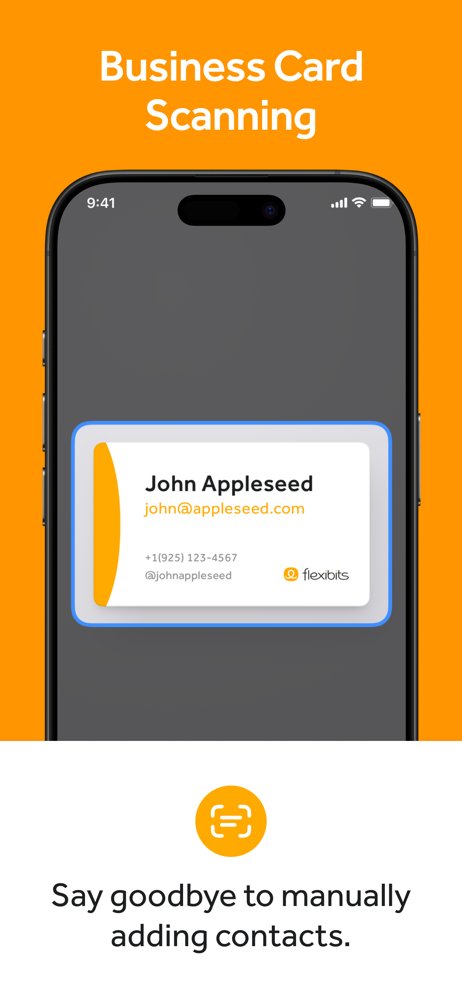
03 / Market context
Keep revenue, downloads and store rankings separate from advertising performance.
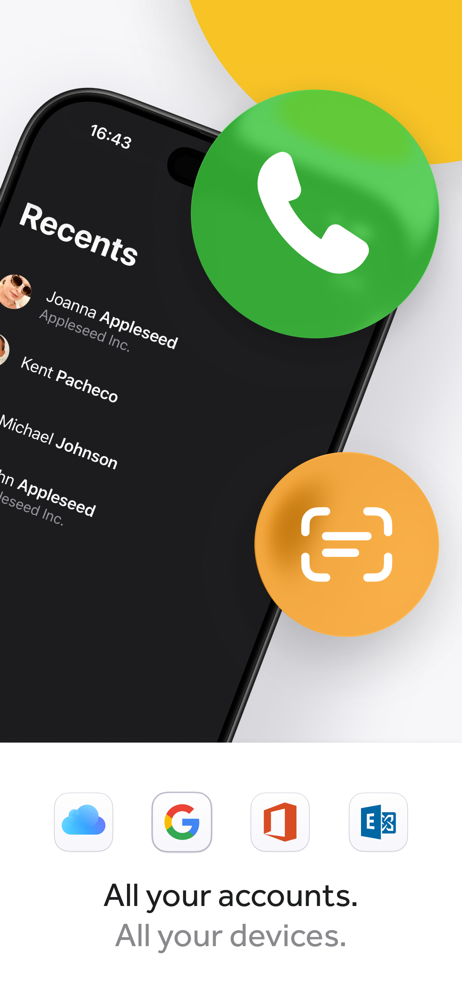
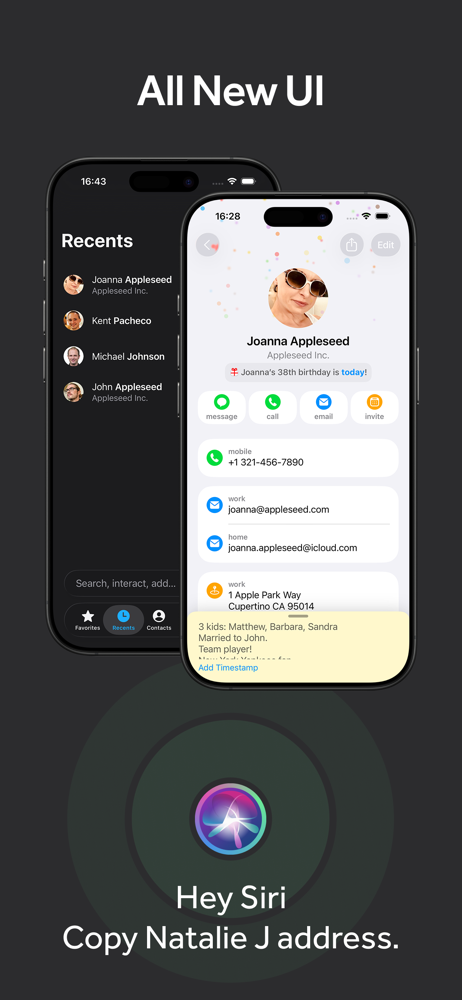
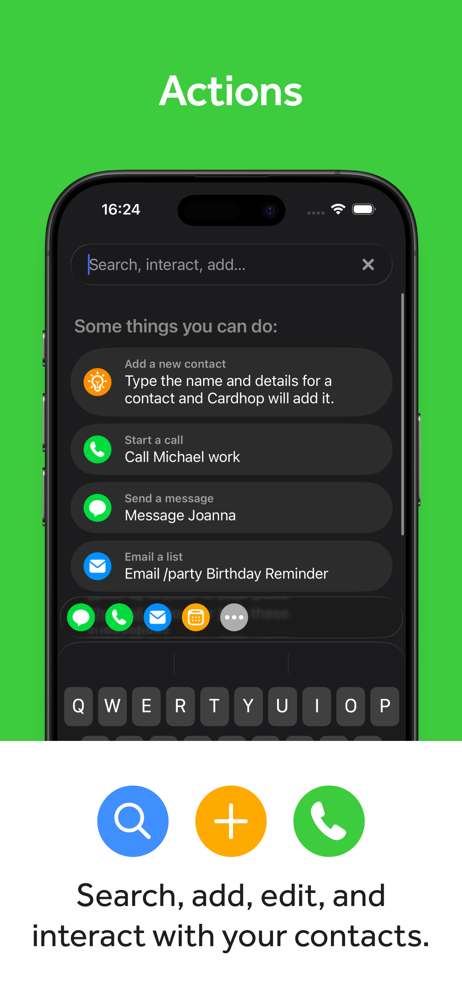
CardHop is an excellent app for those wanting to stay in touch with friends and family and need a way to remember whom they reached out to when. I use the search feature as my command center for all calls, messages, emails and even WhatsApp messages. I then go into the RECENT tab and get a chronological list of everyone I reached out to. One tap on their name and it lets me add a time stamped note about the call or email. Best yet. These notes about your contacts get synced into your contacts app and to iCloud for those who sync to the cloud. This is unlike CRM apps like Cloze or Keap where the phone logs or notes you write are only stored on their app’s servers. CarrHop helps me remember who I spoke to, when, and what the topic was about. This is a terrific app for those who stay in touch with many friends and family and feel a CRM is an overkill. I use CardHop multiple times a day and love it! Five stars from me.
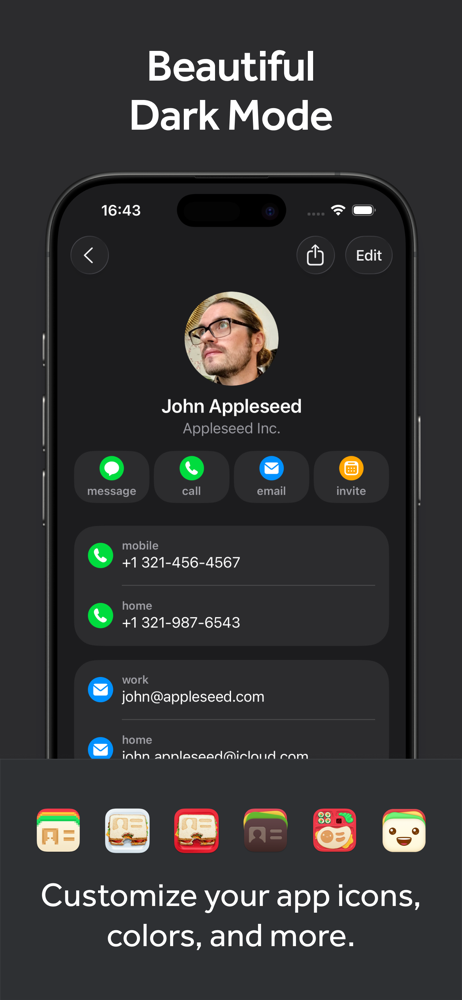
I originally purchased the app to support the development because the developer makes truly amazing apps. Didn’t think I would find much use case out of it but then I used the natural language parser to add birthdays to contacts and fell in love. Love the dark mode of the app, the swipe on the contact to trigger an action as well as the action bar. But, there’s one thing this app lacks in which I would have expected from an paid app that’s geared around contacts. Multi-Select of contacts. Wanted to create a group of contacts and select multiple contacts to be moved into that group only to find that I have to tap and hold on each contact, choose group then select that group. Say what? So I tried to tinker around with the x-callback URL’s and the Shortcuts app to see if I can have it move multiple contacts into a group using the natural language parsing. Nope, couldn’t figure that out and the help page documents the x-callback URL’s but lacks examples on how they can be used. Of course that’s for advanced users but examples can allow novice users to learn. So I literally had to download a FREE contact grouping app that literally took me 4 seconds to move over 100 contacts to a specific group. Free app I say. But hey, as I initially said, my purchase was more so to support the developers but now that I’ve gotten my contacts grouped how I want, this will now become my default way of accessing my contact list vs the phone app. Would love to see the recents tab become dynamic based on contact groups. If I have one group visible, then recents display based on that grouping. Switch to another group being visible, then recents displays based on that grouping.
This app is pretty and works really good, but this is not for someone like myself who understands and uses the 3D Touch function heavily on iPhone. The reason I say this, is because while the app provides with different and new ways to work with your contacts, it does not provide with a way to work more efficiently with your contacts than the stock Phone and Contacts app. If you are user of 3D Touch, you will understand that a single tap on your favorite shortcut menu when you 3D touch the phone app will dial the number immediately instead of presenting you with a pop up message to cancel or call the number for that contact like Cardhop does instead. This is just one example. Another example is the fact that in the native Phone app, you are able to save your favorite contacts and assigned a specific action when you tap on a contact. In other words, you can save a contact in your favorites, so that you would just tap on it and make a Whatsapp call, or video call, or FaceTime call audio or video, or just message that contact. There are other functions this app lacks that the iPhone has with its stock Phone and Contacts app provides to save you time. I will be asking for a refund from Apple. This I believe is the first time I will ask for a refund for any app I have ever paid for in my 7 years of being an App Store customer.
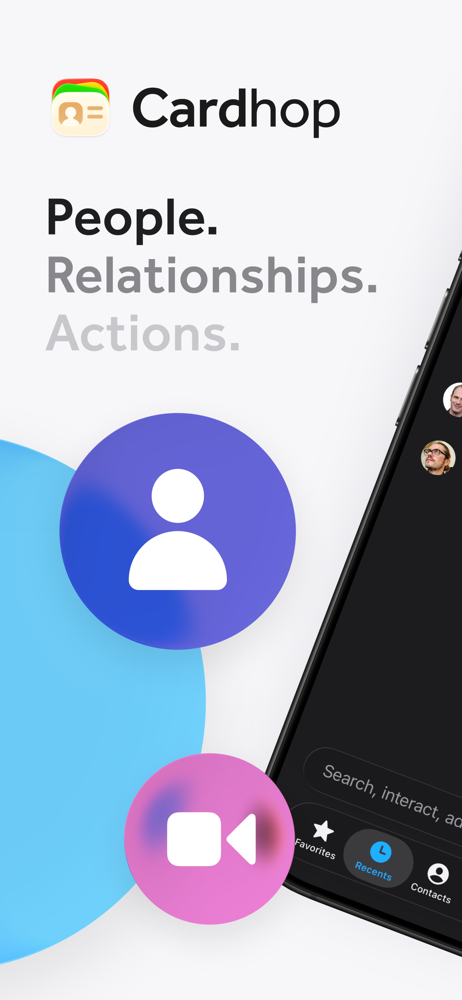
Until now, managing and interacting with your contacts has been a real frustration. Cardhop’s magical parsing engine is incredibly intuitive, letting...
| Name | Price | Type |
|---|---|---|
| Flexibits Premium (Monthly) | $6.99 | Monthly |
| Premium for Families (Monthly) | $10.49 | Monthly |
| Flexibits Premium (Yearly) | $56.99 | Yearly |
| Premium for Families (Yearly) | $89.99 | Yearly |


