Check the acquisition promise
Read the store headline, screenshots and description. What problem is the app promising to solve?
Study the storefront ↗
煦慧 蒙 · iOS
Explore the ad evidence, study the storefront, and build your next acquisition hypothesis.
01 / Creative research
Read the store headline, screenshots and description. What problem is the app promising to solve?
Study the storefront ↗Explore apps with direct store-link matches. Compare their hooks and formats without assuming the same approach works here.
Browse observed advertisers ↗Store rankings and revenue estimates describe market context. They do not establish ad spend, conversions or ROAS.
Review the market context ↗02 / Storefront & product
Study the product story and store experience behind the acquisition funnel.




03 / Market context
Keep revenue, downloads and store rankings separate from advertising performance.
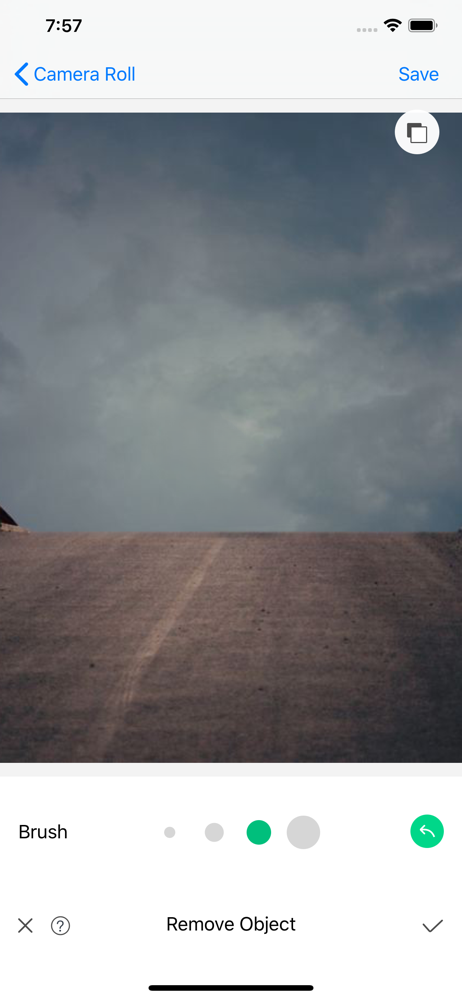
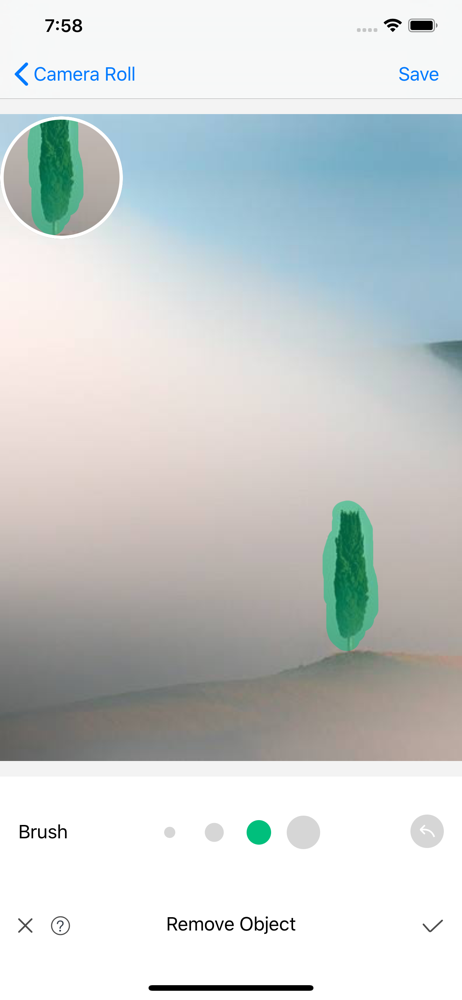
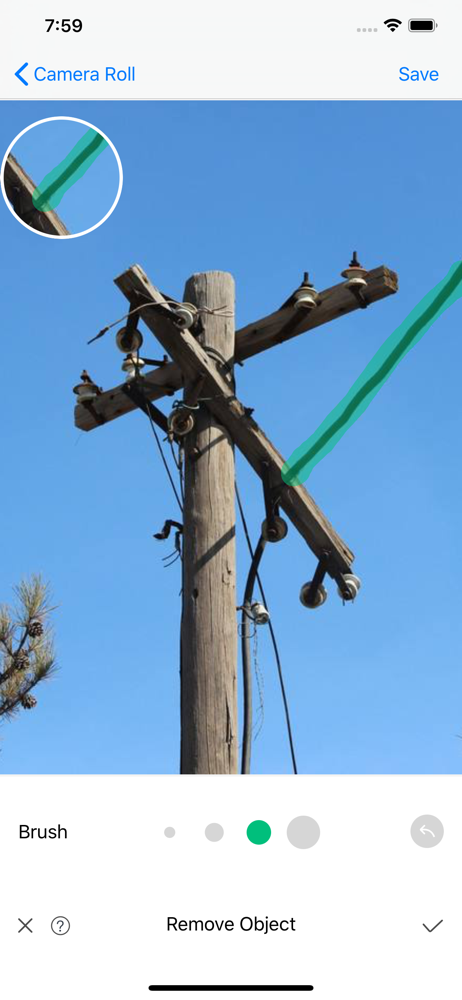
I am very impressed with the handful of pics that had lines I wanted removed (especially a utility wire that blocked a rainbow pic! LOL). I would (and have) definitely recommend this app! However, I was far less impressed with the removal of objects. I can only suspect that it had to do with the object being removed vs. the background of that object- the area where the object was becomes a pixelated/blurry area using the background coloring. (If it would help Dev I can send two before/after examples.) What may also help users, and something I did not find anywhere, would be a simple infograph and/or ‘How To’ available, especially considering I seem to have reset some edits b/c I didn’t know the action/function that applied to an icon within the app.
don’t waste ur $ on this subpar app. it’s extremely slow processing removal of background—left my device processing 12 minutes! and even after 12 minutes the result was horrible: post-procesing the app just multiples parts of the image and fills in the background—which is NOT what i wanted! the app also allows for only one pass with the penc to scrub out parts of the image u don’t want—then it launches into a looooong processing spin. it would be better to allow multiple passes with the eraser pen to get everything all at once instead of little bits here and there and constantly waiting forever to process the erasion—with really horrible effect after waiting for so long. ultimately, save ur hard-earned $ and do not buy this app. it is seriously NOT recommended+i have removed it from my device.
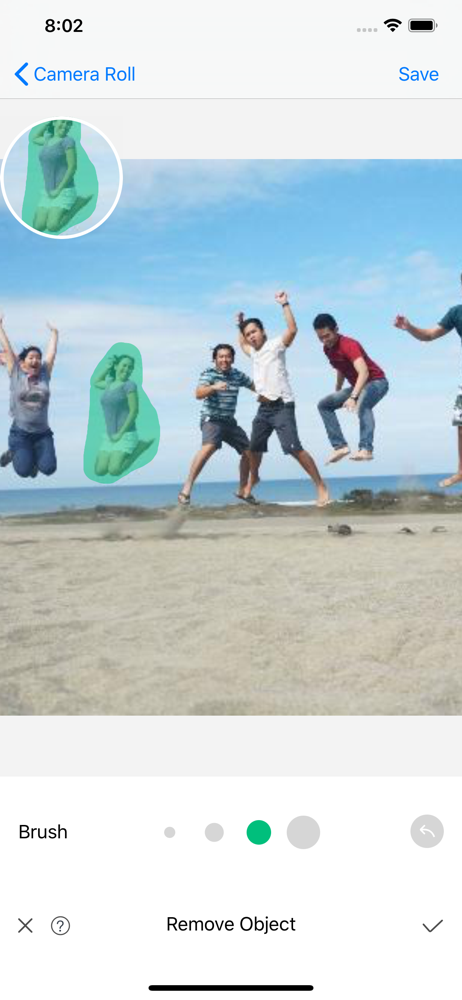
This app is very easy to use and powerful. I was looking for some tools that can remove someone from the background, and it turns out that this app did an amazing job! The UI is clean and informative, the unwanted parts can be easily removed and fit in the background pretty well. It deserves a straight 5/5 star accounting for its performance and friendly UI! I’d recommend it for anyone who needs remove awkward objects from their pictures.
Featured by Apple on App Store over 62 countries and regions, including United States, Canada and South Korea. Object Removal is a professional app th...