
Check the acquisition promise
Read the store headline, screenshots and description. What problem is the app promising to solve?
Study the storefront ↗
Image Mechanics · iOS
Explore the ad evidence, study the storefront, and build your next acquisition hypothesis.
01 / Creative research
Read the store headline, screenshots and description. What problem is the app promising to solve?
Study the storefront ↗Explore apps with direct store-link matches. Compare their hooks and formats without assuming the same approach works here.
Browse observed advertisers ↗Store rankings and revenue estimates describe market context. They do not establish ad spend, conversions or ROAS.
Review the market context ↗02 / Storefront & product
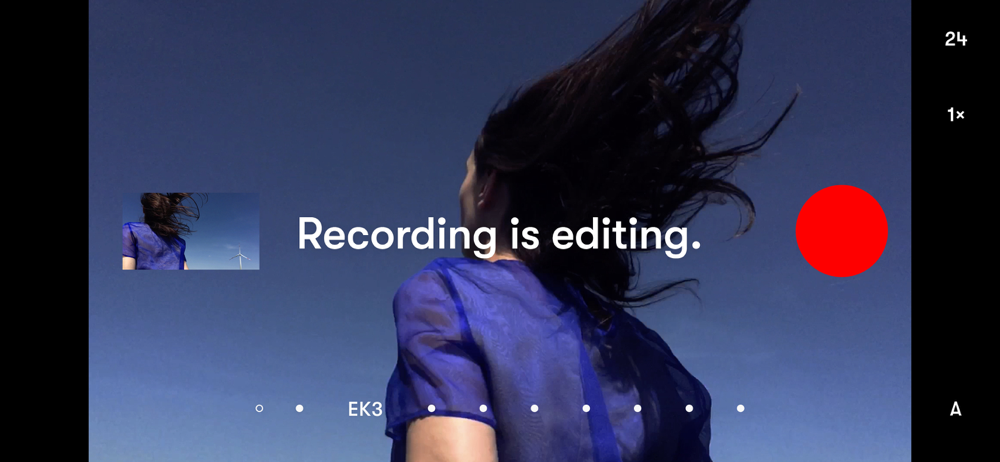
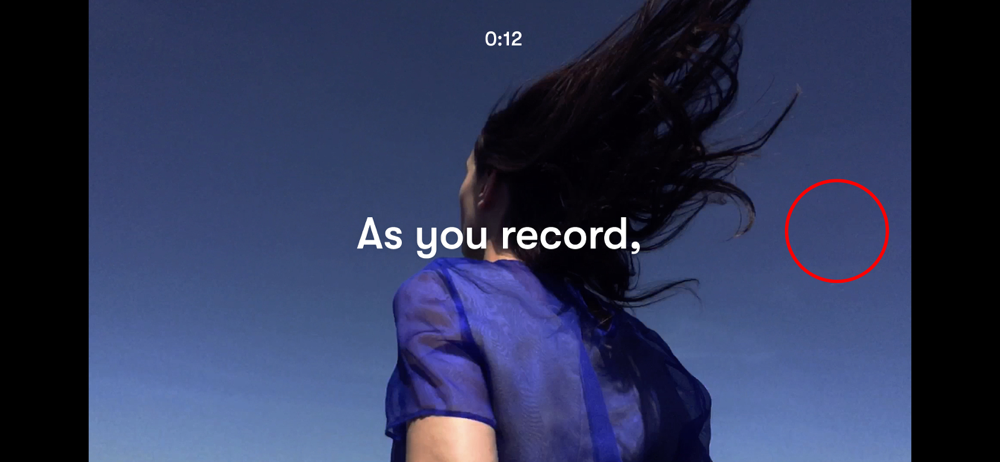
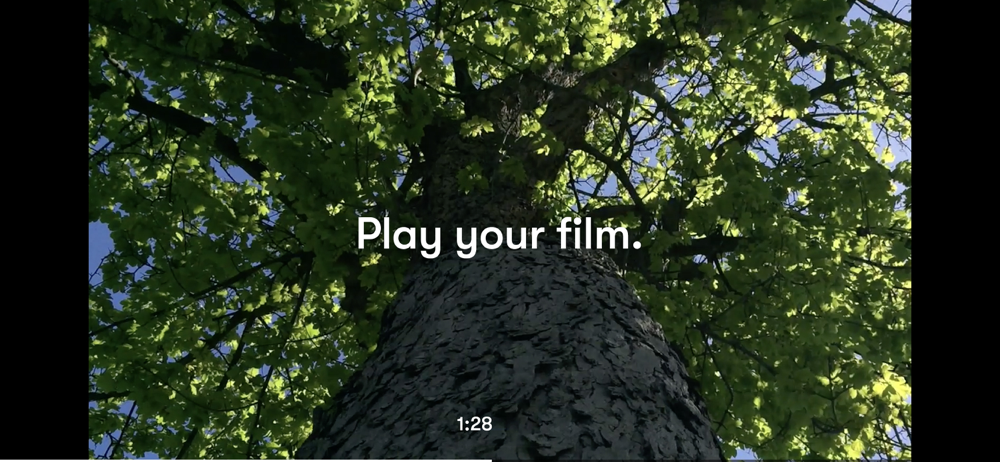
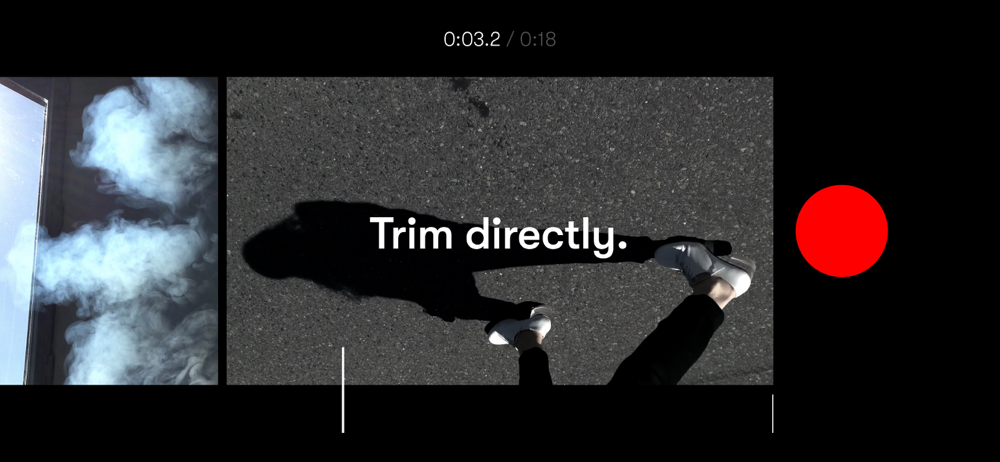
Study the product story and store experience behind the acquisition funnel.



03 / Market context
Keep revenue, downloads and store rankings separate from advertising performance.
I’ve been using this app for several years, for the editing format and the other main reason is the quality of the video with the live lut overlay. Even back when I had an iPhone 8, I noticed that this app takes very good advantage of the camera hardware, squeezing out detail and quality that I found hard to obtain, even with other apps. The live overlay is also extremely high quality. I guess that summarizes what I like about this app. it’s simple. it doesn’t do a lot. but what it does, it does in extremely great detail as far as the image quality goes. anyway. I figured I’d leave a review since I’ve been using it for so long now. I’m surprised that this app didn’t become more popular tbh, but then again, I don’t think that was ever really the main goal for this one. I think it’s awesome. Cheers.
As with any new program, Nizo challenges you to learn non-linear editing as if you were cutting frames. After a few takes, you can seamlessly begin to understand the program. It comes with a set of presets and ability to add audio to different “frames of takes”. Of course, it’s not without faults. It’s not perfect but there is ton of room for it to grow. Once they update and add more transitions, color grading abilities and other feature that desktop applications have, it’ll be a wonderful tool for young filmmakers who have a smart phone; to be able to Starr shooting ideas they have.
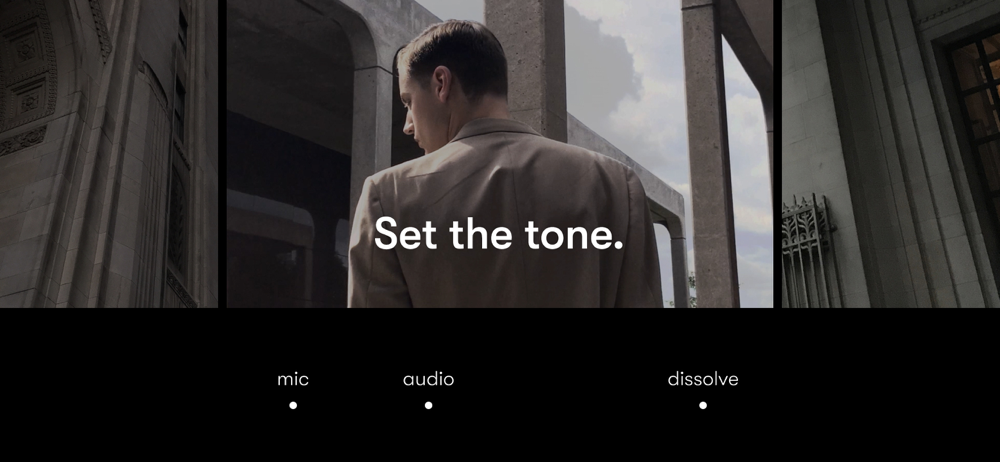
Nizo rethinks filmmaking to spectacular results. The interface embraces gestures, is super clean and works beautifully. You navigate your timeline within one space, tapping to open and swiping to close modes. Simple, fast and intuitive. Clips are massive, which is a huge advantage as you can visually see your narrative at a glance, video playback is the best you’ll see, and the manual camera controls are superb. I’d like to see more control at a clip level - currently Nizo opts for a simple mic, audio, transition for the entire movie. However Nizo is more than powerful enough to create a compelling film, as seen with the incredible films created with the app.
Record. It’s already a film. Press record and stay with the moment. The work disappears. The moment stays. RECORD Each moment becomes part of one fi...


