
Check the acquisition promise
Read the store headline, screenshots and description. What problem is the app promising to solve?
Study the storefront ↗
Ron Elemans · iOS
Explore the ad evidence, study the storefront, and build your next acquisition hypothesis.
01 / Creative research
Read the store headline, screenshots and description. What problem is the app promising to solve?
Study the storefront ↗Explore apps with direct store-link matches. Compare their hooks and formats without assuming the same approach works here.
Browse observed advertisers ↗Store rankings and revenue estimates describe market context. They do not establish ad spend, conversions or ROAS.
Review the market context ↗02 / Storefront & product
Study the product story and store experience behind the acquisition funnel.
03 / Market context
Keep revenue, downloads and store rankings separate from advertising performance.
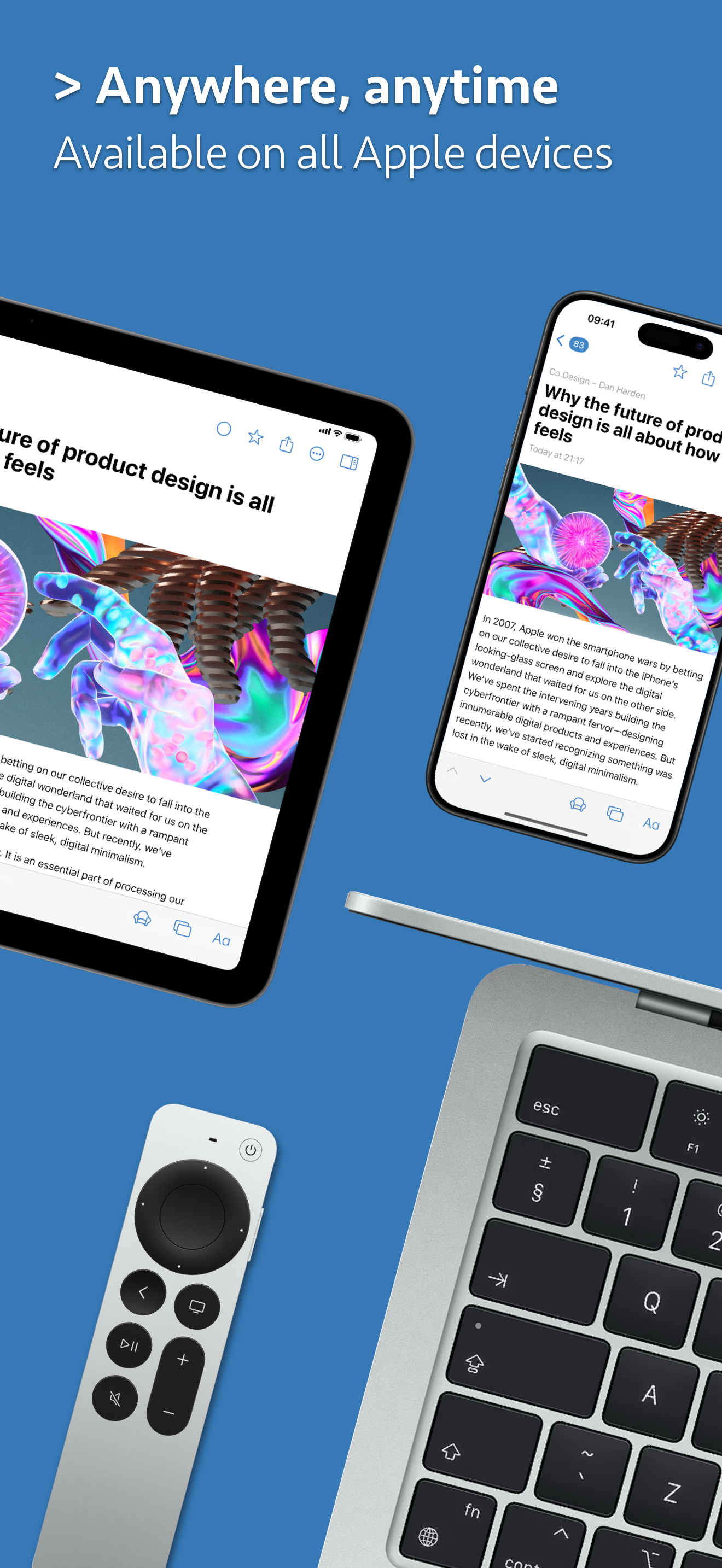
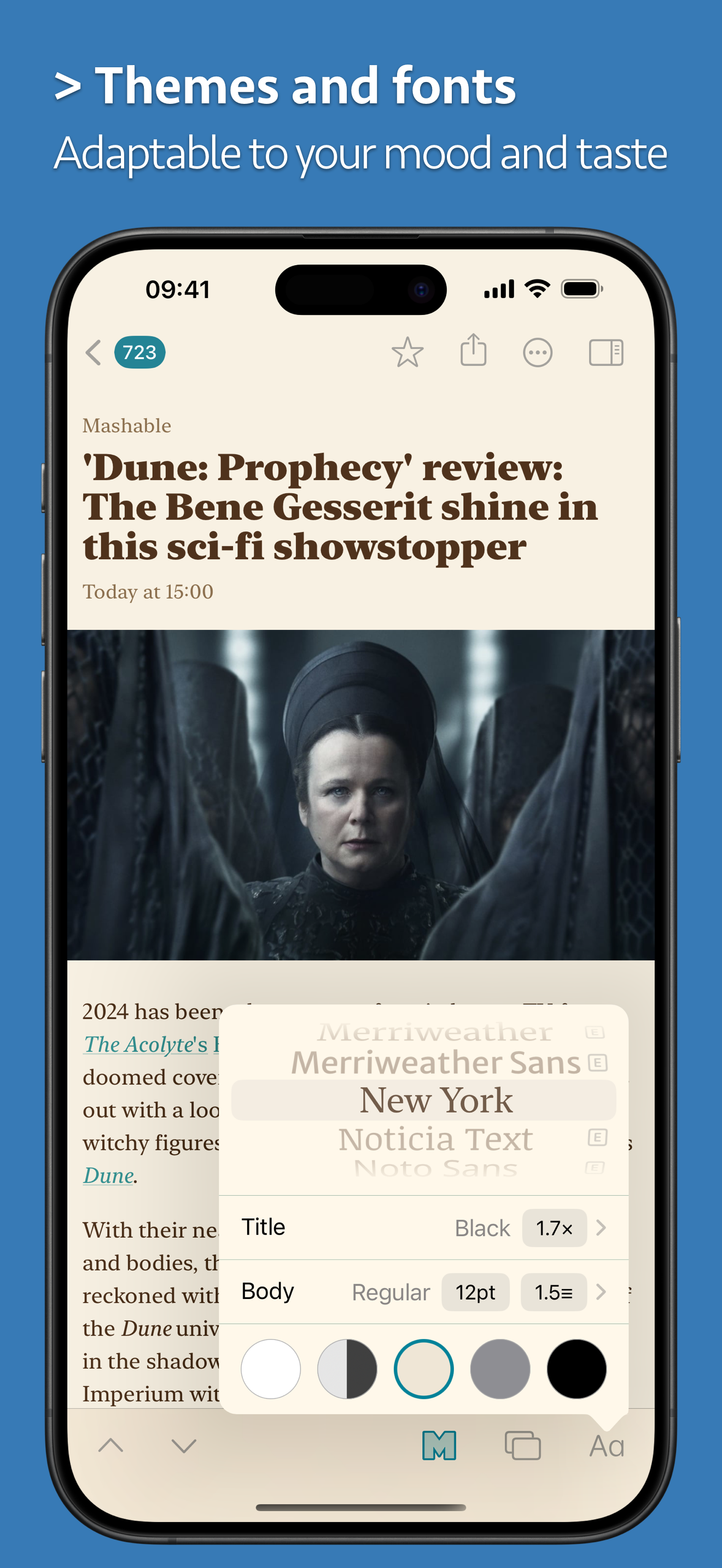
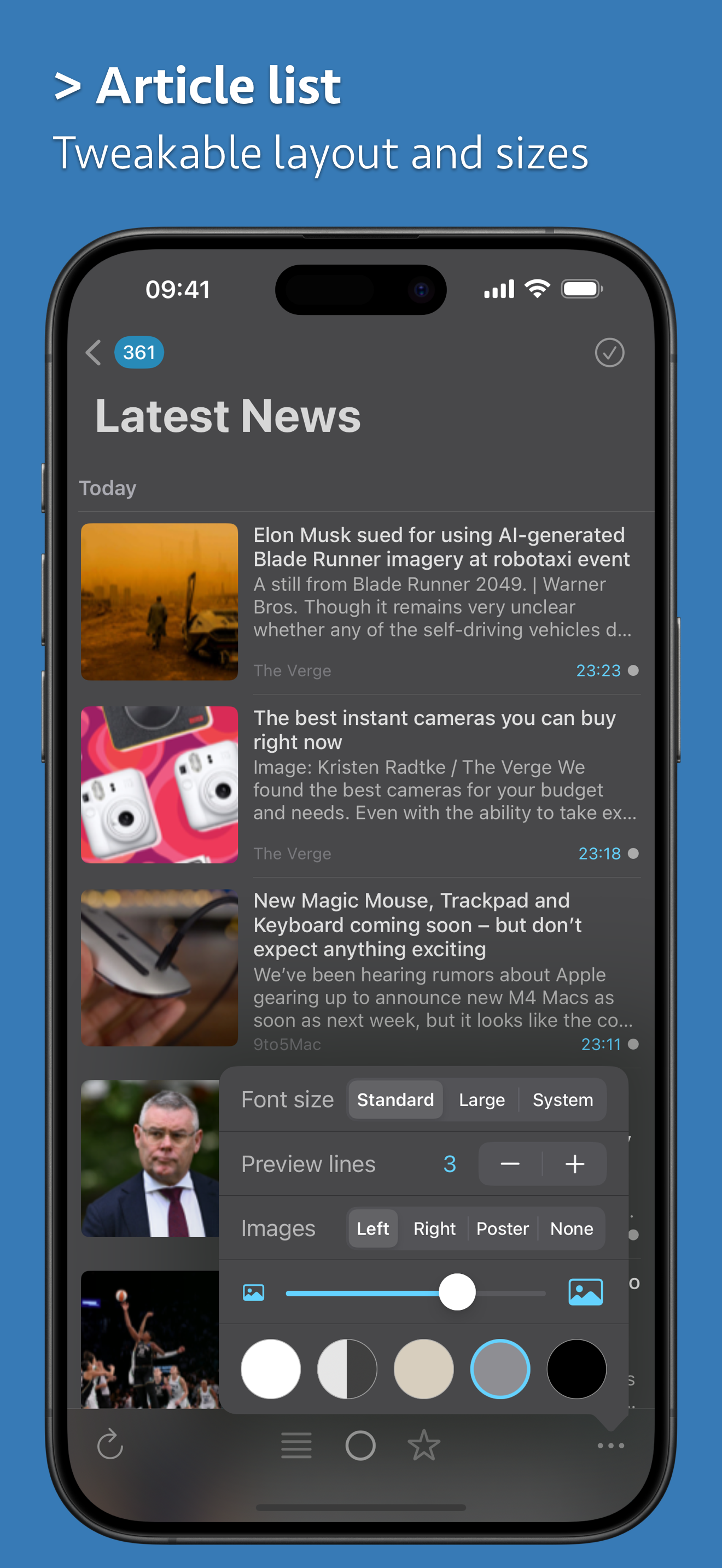
This is a highly customizable and useful RSS app. Syncing works well across devices. It would be nice to have a few more theme color options, and also to be able to specify which themes to use when the system is on light or dark mode (currently the switching is rather limited between a subset of themes). There are also a few UI peculiarities: The back button has different text depending on the name of the currently active folder/feed: “News Explorer” with an arrow when the name is long, “Back” and an arrow when it’s medium length, and just a back arrow when the name is long. It would be nice if it were just consistently a back arrow. It would be helpful to be able to set the margin for articles as well. It’s also somewhat distracting when loading articles from a feed that is set to use a Reader mode because it shows the RSS content briefly while loading. Some sort of loading animation or a blank screen would be less distracting while the Reader view is loading in such cases. I’d appreciate an option to show the Mark as Read button. In the lower left/right of the article list (at least on iPhone). Overall it’s a really great RSS app, and I’m glad to have found it.
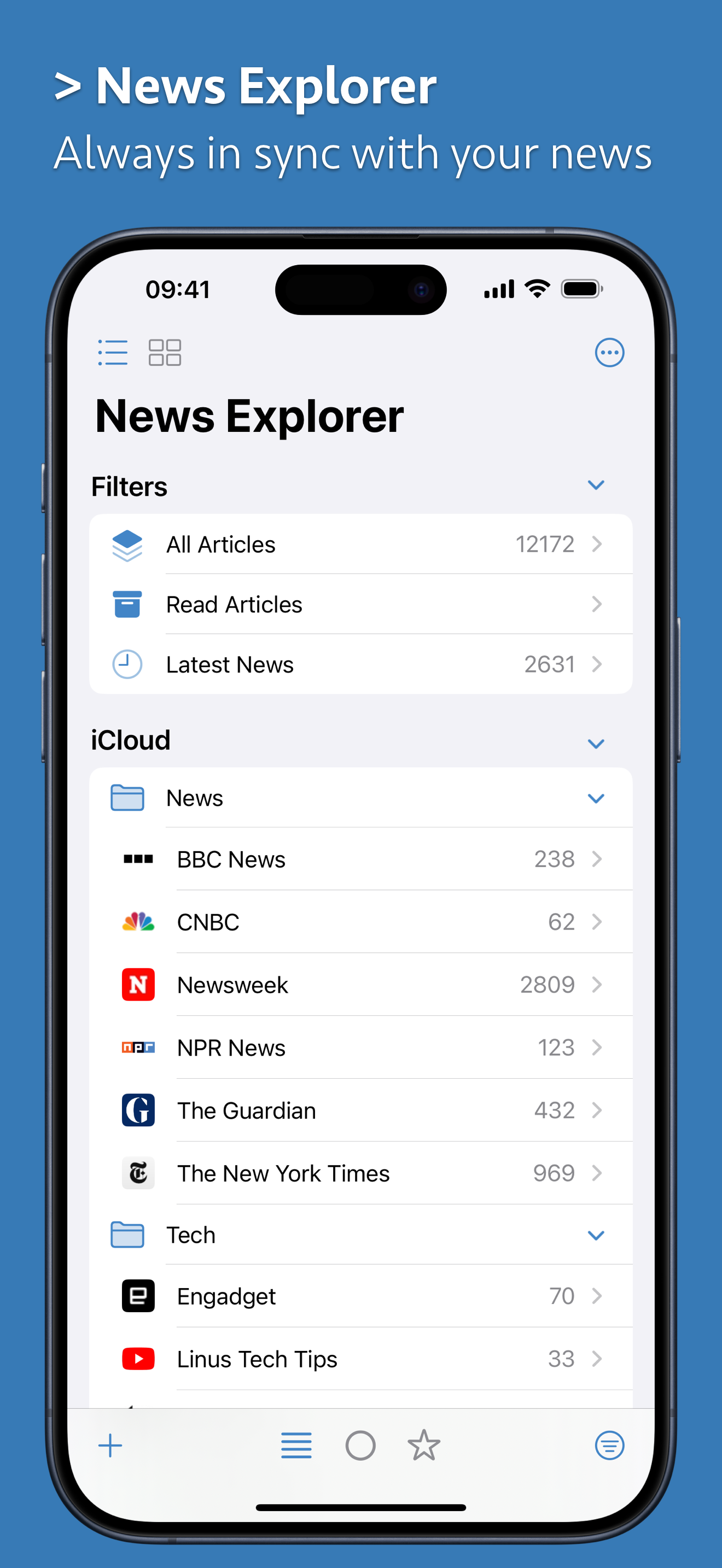
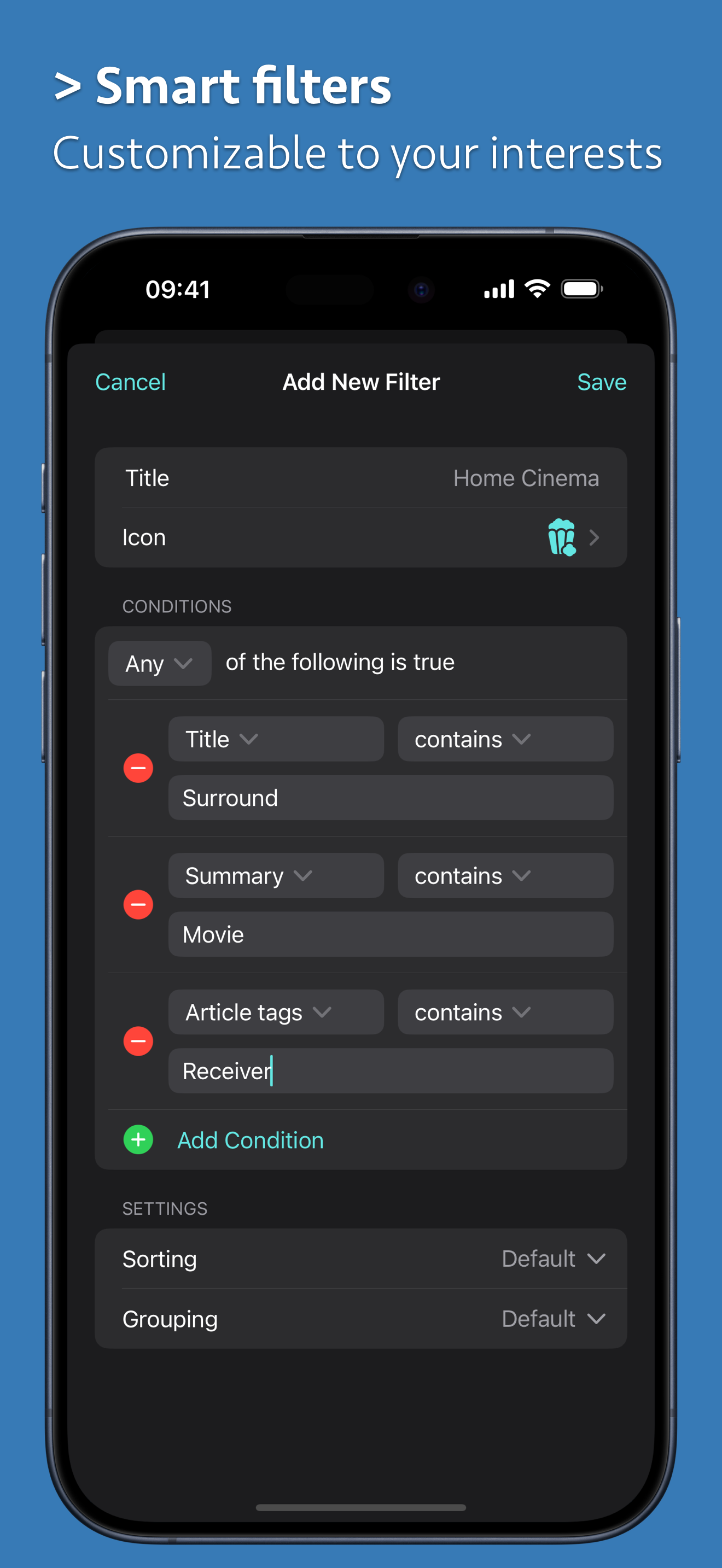
Big pros: 1. Everything is just smooth, clean, and works so well. 2. Keyboard functionality on Mac is handy. 3. The appearance customization is excellent. Menu bar, dock icon, notifications, thumbnails, lines of text, spacing, etc is all so great. 3. The timeline view is handy for certain use cases, like viewing news broadly or browsing movie releases. Features I'd request for the future (to keep up with other reader apps and the personal knowledge management trend): 1. Custom read/unread keep dates for different folders. 2. Subfolders, please!!! You'd be a pioneer for RSS readers. 3. Bionic reading. 4. PDF import. 5. Highlights/annotations, with a smart folder of all highlighted articles. 6. The ability to copy all highlights or sync them to note apps like Obsidian. 7. Rules/filtering, like including or excluding specific keywords. 8. Newsletter functionality, like an auto-generated email to be able to send newsletters to the app. 9. Text to speech audio that works during phone lock. Auto-jumps to next post. 10. Tagging, such as manually setting them when adding the RSS. 11. Reading progress for abandoned articles. Maybe in the post preview or in their own top folder/section, with the percentage that is complete for the post. Thanks again for everything in the app so far, it's a pleasure to use!
I downloaded this app because I’m an RSS junkie and I’m tired of paying for and aggregator service (not to mention I’m ready to go back to having my OPML list being private). I’ve used most of the apps but Reeder requires an aggregator for syncing devices and NetNewsWire doesn’t do local syncing (yet) so iCloud sync was very attractive and it does work well. My complaint is with the UI, specifically how the app hides the UI in the article view. I’ve had more than one occasion where the UI disappears in the article view and nothing I do will make it reappear leaving me to scroll article by article. The back button should be persistent and there should be an option to skip to the next article in article view without having to scroll all the way through the article. Finally the way the app handles inline comment boxes is very frustrating-talking specifically about Slashdot here-you either scroll the comments or close the app entirely if you swipe in the wrong place. Don’t get me wrong, this app is better than most but still needs refinement. You may find you like it but I’m going back to NNW to wait for iCloud sync. UPDATE: Responding to the developer, yes, I understand how it should work. What I’m saying is that it doesn’t work that way consistently. When I finally gave up it was because I could not make the UI appear AT ALL. Every time I opened the app it would open in article view with no UI to go anywhere else. This even persisted after force quitting the app. If I have to reinstall the app just to make it work the way it should, I might as well reinstall an app without this kind of issue. FWIW, I didn’t have this problem on my iPad. Really puzzling to me: swiping from article to article is a thing, so why not a swipe to get back to the articles list? It’s a pretty common “go back” gesture in lots of apps.
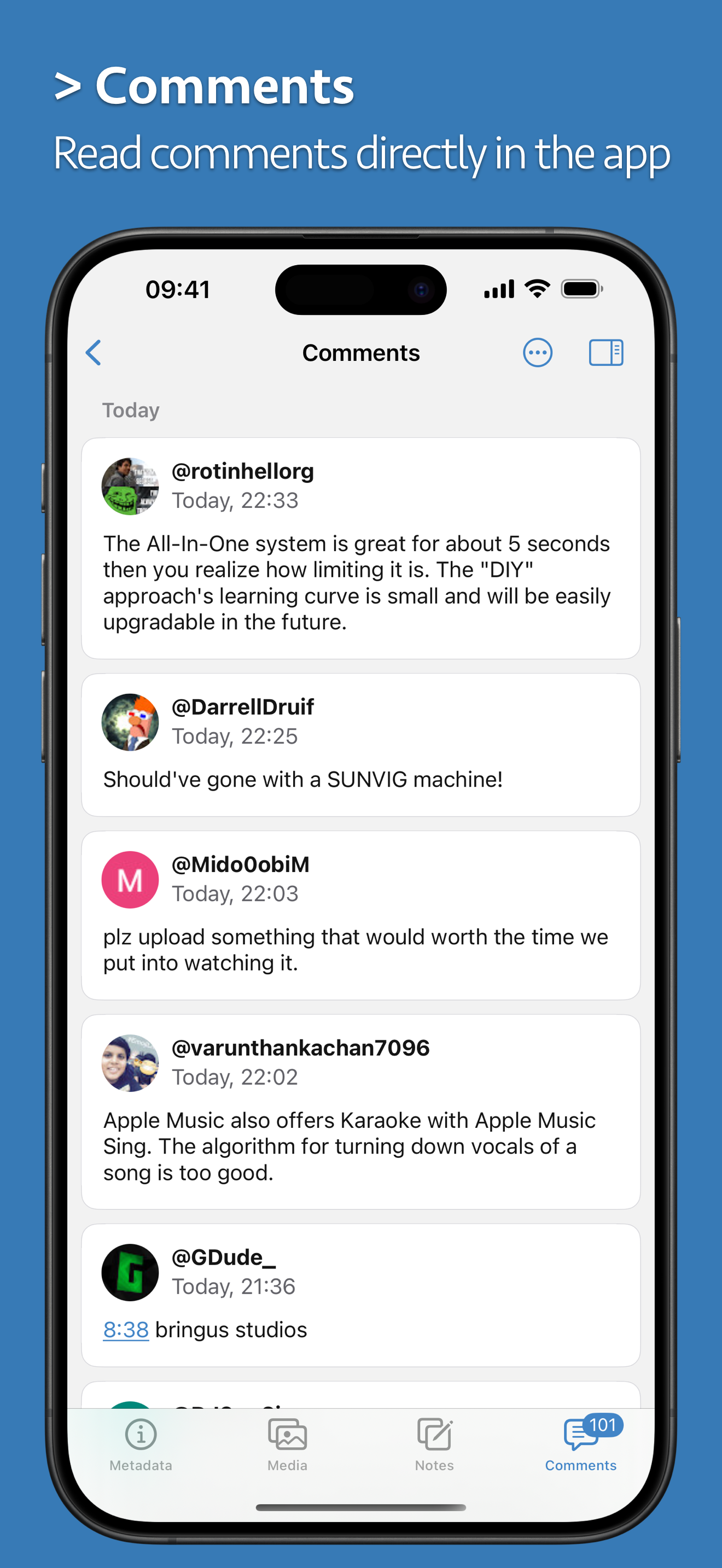
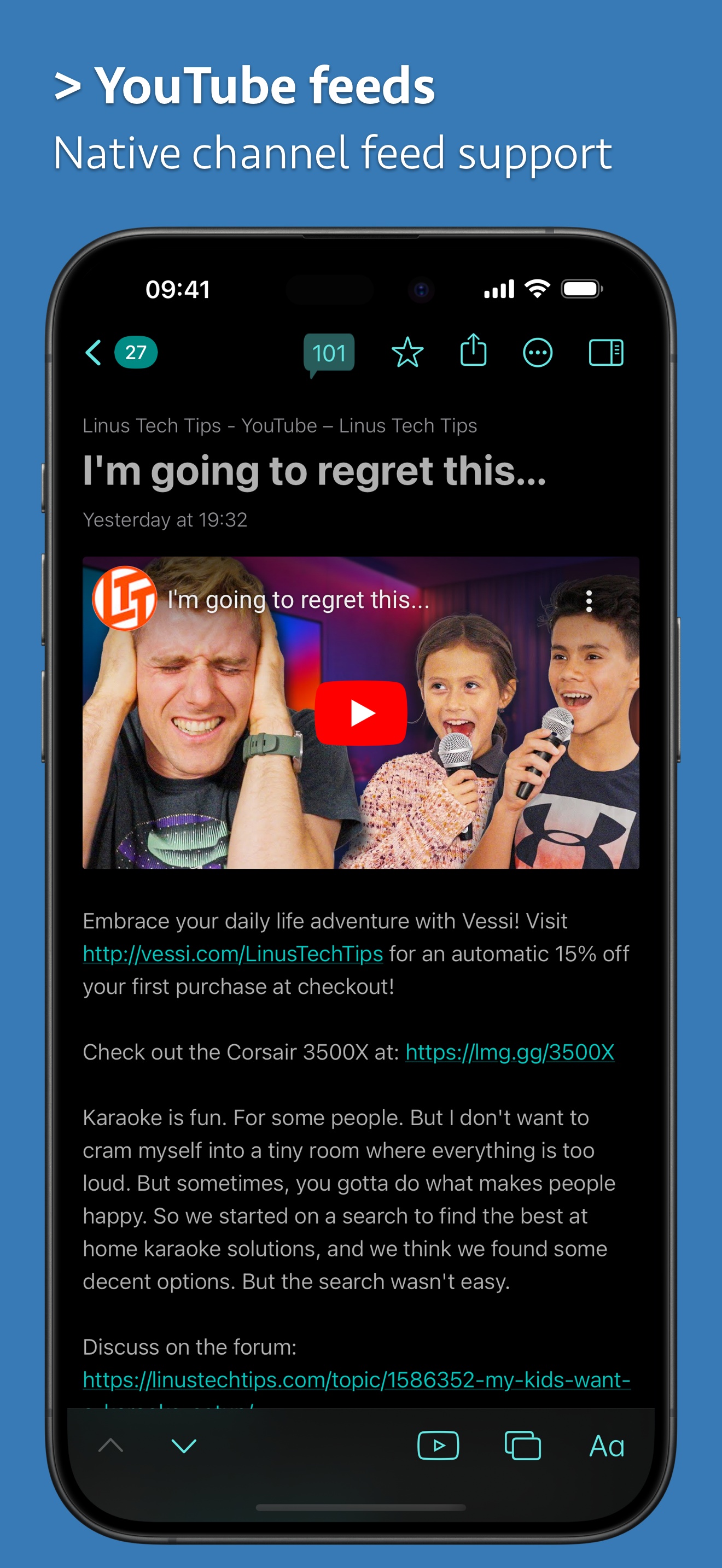
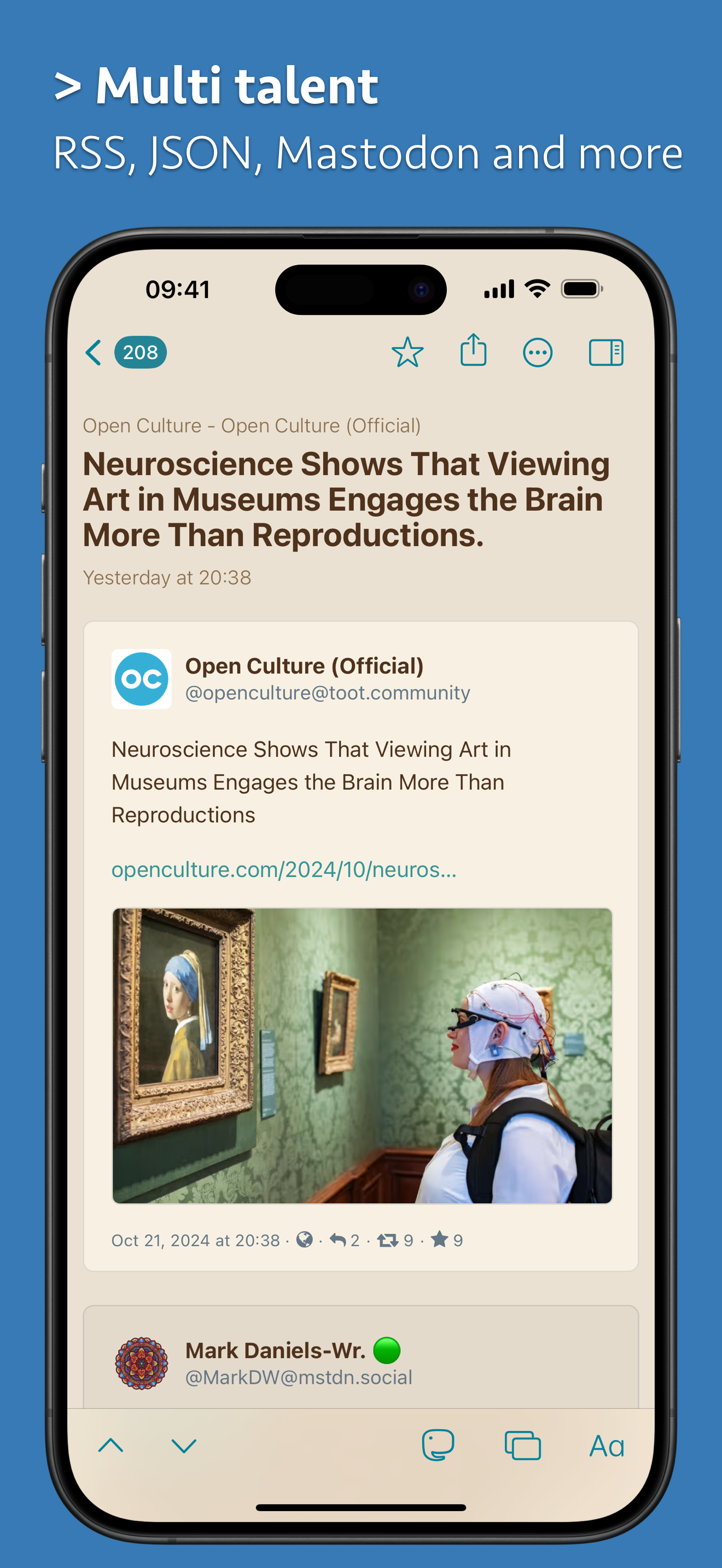
News Explorer is a full-featured yet easy-to-use RSS, JSON, Atom, Reddit, YouTube, Podcast, Bluesky and Mastodon news reader with iCloud synchronizati...


