Check the acquisition promise
Read the store headline, screenshots and description. What problem is the app promising to solve?
Study the storefront ↗
MyScript · iOS
Explore the ad evidence, study the storefront, and build your next acquisition hypothesis.
01 / Creative research
Read the store headline, screenshots and description. What problem is the app promising to solve?
Study the storefront ↗Explore apps with direct store-link matches. Compare their hooks and formats without assuming the same approach works here.
Browse observed advertisers ↗Store rankings and revenue estimates describe market context. They do not establish ad spend, conversions or ROAS.
Review the market context ↗02 / Storefront & product
Study the product story and store experience behind the acquisition funnel.
03 / Market context
Keep revenue, downloads and store rankings separate from advertising performance.
I love my Apple Pencil and would use hand writing exclusively if I could. I use my MacBook Pro when I can sit and type seriously. I also have the Apple Smart Keyboard and several Bluetooth keyboards. They never seem to be around when I have a story idea, not to mention typewriting is good for somethings but hand writing is therapeutic. I want to grab my Apple Pencil and just write. It’s better now that Apple has improved the notes app to serve exactly this purpose but while I have every notebook app in the store but while Apps for drawing are plentiful I’m still searching for hand writing on a list making app or on a calendar. If one exists i haven’t found it. Enter Nebo script. You literally can hand write in any app. It’s not as good as writing directly on the page. (I hate writing in that small bottom section) but that’s not Nebo’s fault. Enable offers a solution that no one else has come up with. It works beautifully and and two more apps Accept hand writing, it’s the best solution around. I highly recommend it and can’t imagine anyone not having a use for it if they own an Apple Pencil.
When I first started using this I found it awkward, I didn’t like the feel of it using the Apple pen, it was too often incorrect when it converted my handwriting and I stopped using it for a time. I returned to it recently and it seems much more accurate now which saves me a lot of time. The only reason I didn’t give it a 5 star is because I’d like more feedback from the pen—using the Apple stylus /pen feels slippery on the display and I tend to write much sloppier than using a pen with the weight, heft and tip size of my choice—it would be nice to have some feel of drag across the “paper” is what I think I’m trying to say. However, I definitely recommend this program to those in a profession where taking notes on a keyboard is too distracting, rude or otherwise less optimal—Stylus allows a much more natural way of writing and interacting at the same time. I’d say good for journalists, interviewers, therapists, doctors...
In theory, this is a great alternate keyboard. In practice, there are still a few bugs the developers need to fix. The cursor has a tendency to randomly jump to a different place in the line or a different line altogether, and I can confidently say that it is not because I am touching the screen. I rest my hand of a square of felt to prevent interference when I am writing. Annoying bug number two: It reads the first marks I make in a new paragraph so quickly that it frequently converts it to text before I am done with the letter and ends up being the wrong letter as a result, and I usually have to try several times or switch to a regular keyboard to get a quotation mark at the beginning of a paragraph. I would also like it to have a customizable dictionary and better symbol recognition. It has a tendency to turn 2s into Zs, and I would very much like to be able to use em dashes. Overall, I like the keyboard enough to keep using it, but I hope to see improvements in future updates.
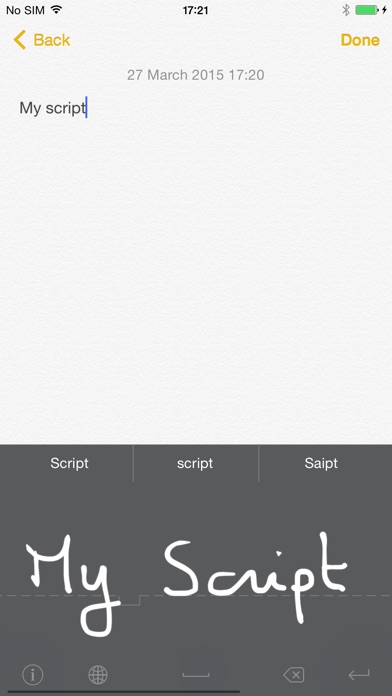
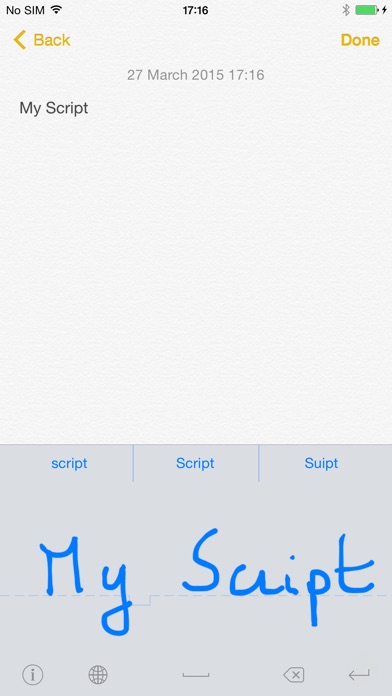
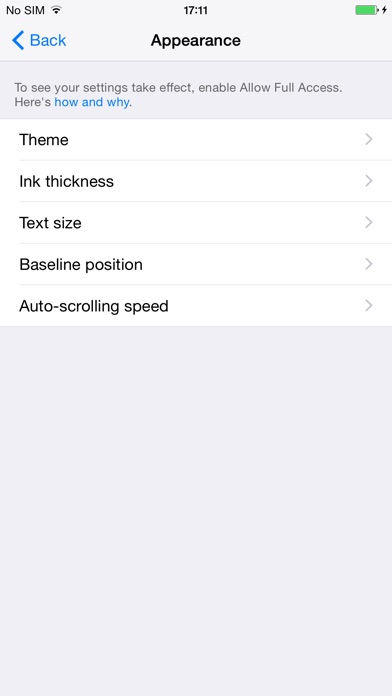
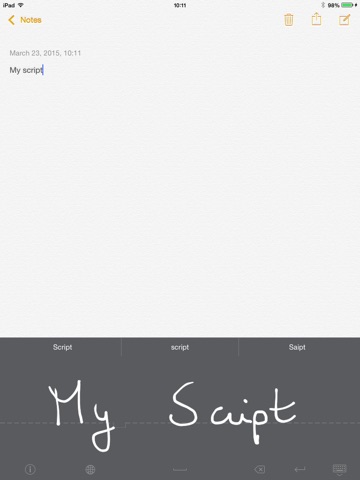
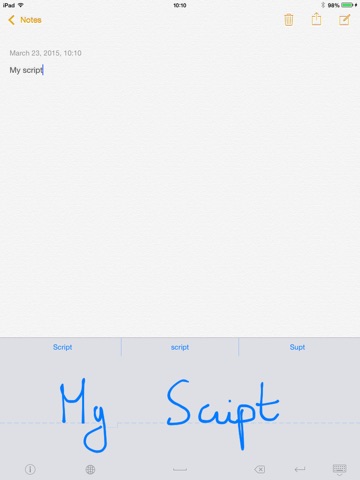
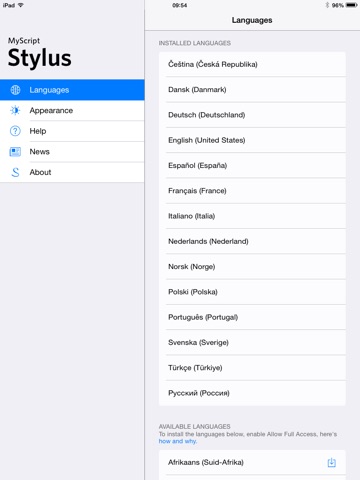
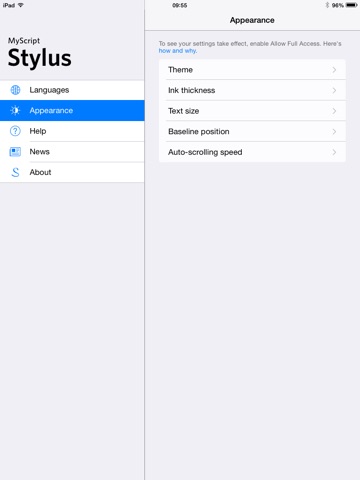
Designed for iPhone, iPod and iPad, MyScript Stylus provides a handwriting alternative to onscreen and physical keyboards. The auto scrolling input pa...