Check the acquisition promise
Read the store headline, screenshots and description. What problem is the app promising to solve?
Study the storefront ↗
MyScript · iOS
Explore the ad evidence, study the storefront, and build your next acquisition hypothesis.
01 / Creative research
Read the store headline, screenshots and description. What problem is the app promising to solve?
Study the storefront ↗Explore apps with direct store-link matches. Compare their hooks and formats without assuming the same approach works here.
Browse observed advertisers ↗Store rankings and revenue estimates describe market context. They do not establish ad spend, conversions or ROAS.
Review the market context ↗02 / Storefront & product
Study the product story and store experience behind the acquisition funnel.



03 / Market context
Keep revenue, downloads and store rankings separate from advertising performance.
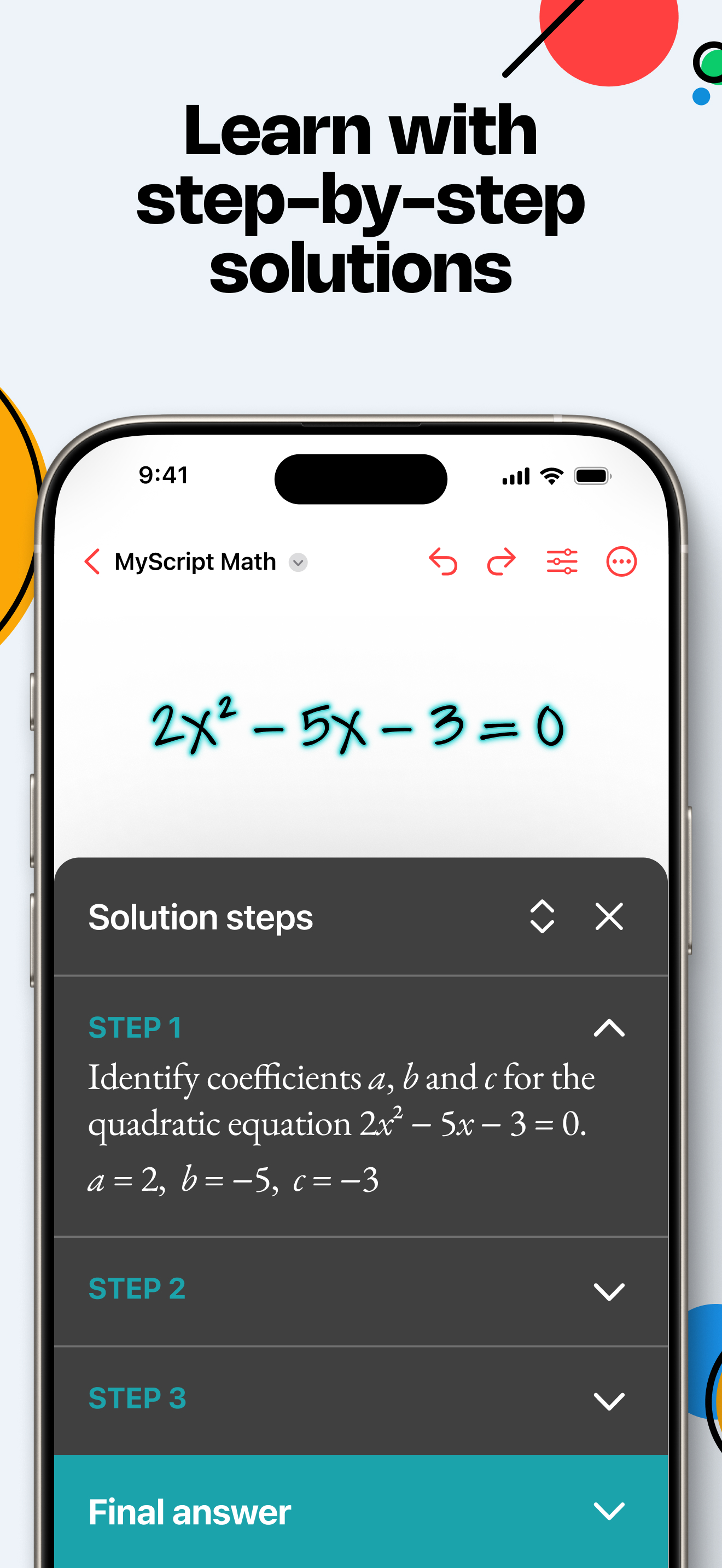
This app is pretty good! It has ZERO ads and it’s very simple to use. I like the helpful step by step explanation s with complex topics. It would be even better if this app gave the option to customize more colors and give features like rulers, the ability to insert photos, dark mode, and possibly a keyboard with fonts to choose from. Overall, this app works great and I enjoy using it.
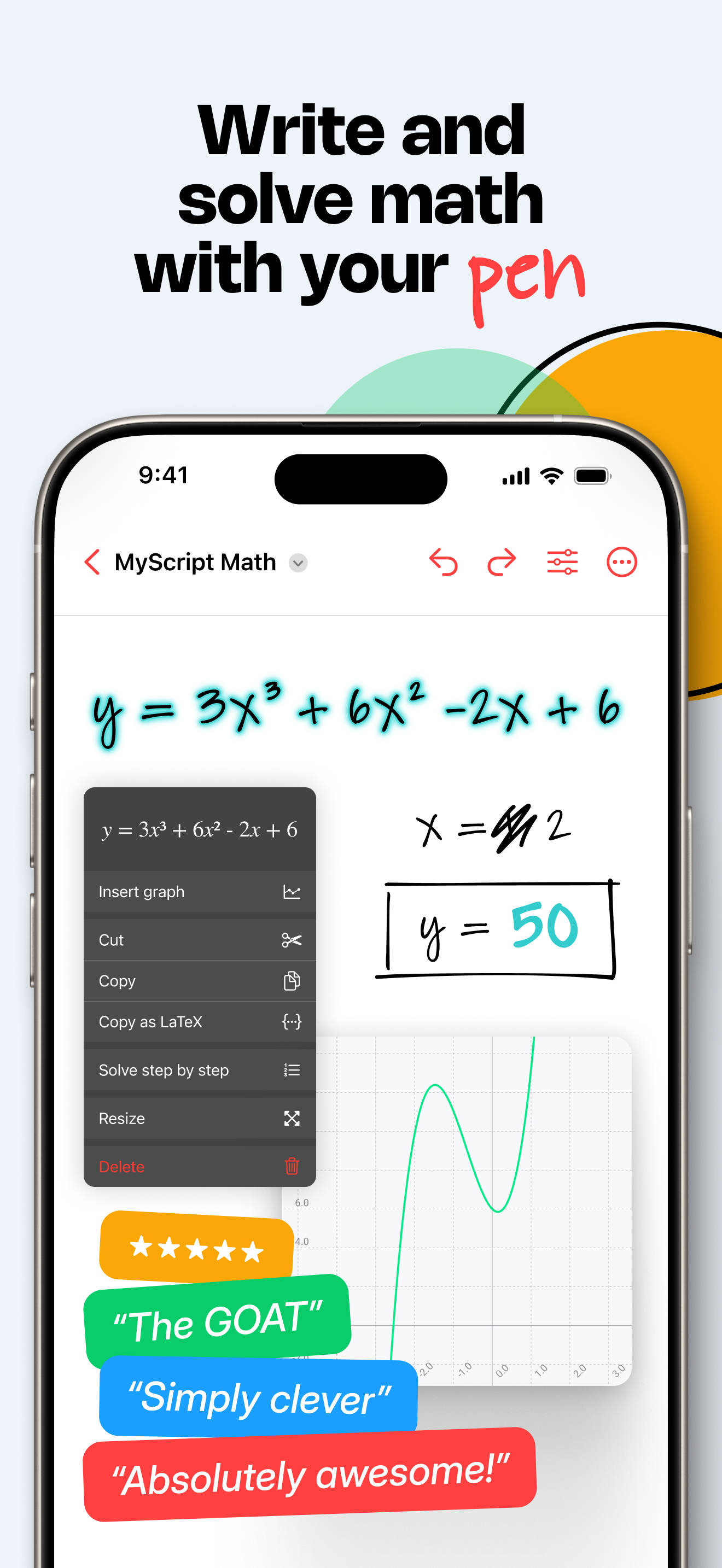
I’m a student, and I’ve tried a lot of math apps, but this is the first one that really feels like doing math the way I want to do it: by writing. The handwriting recognition is incredibly good, and the direct solving on the canvas feels almost like magic. What completely sold me is the step-by-step feature, because it doesn’t just give an answer — it helps me understand how the solution is built. My only complaint is that graphing is still limited to one curve at a time. I really hope the developers add multi-curve support soon.
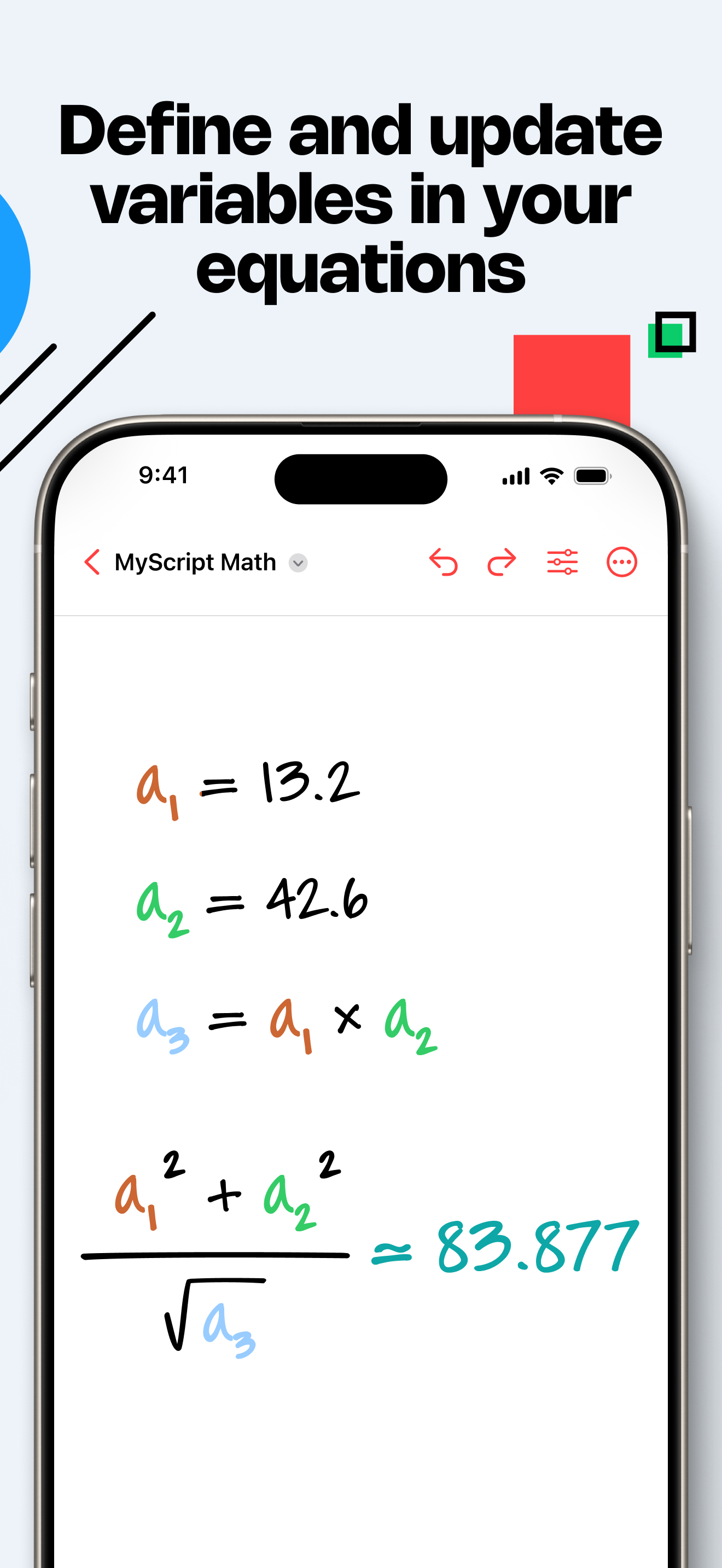
This app seems like a better alternative to Apple’s calculator notes, but it is slow to recognize variables and cannot interpret units, let alone convert them. For engineering calculations, this makes it almost useless. It also does not recognize double tap on the Apple Pencil to switch to an eraser (Would be great to have an option to customize the double tap to change colors, line weight, etc.) For how much it costs, it’s better than some of the alternatives I’ve tried, but it would be so much better if it could recognize and convert units like MathCad. I’ll try it for the 7 day trial to see if I’m missing something, but right now it’s pretty bare-bones in terms of usefulness.
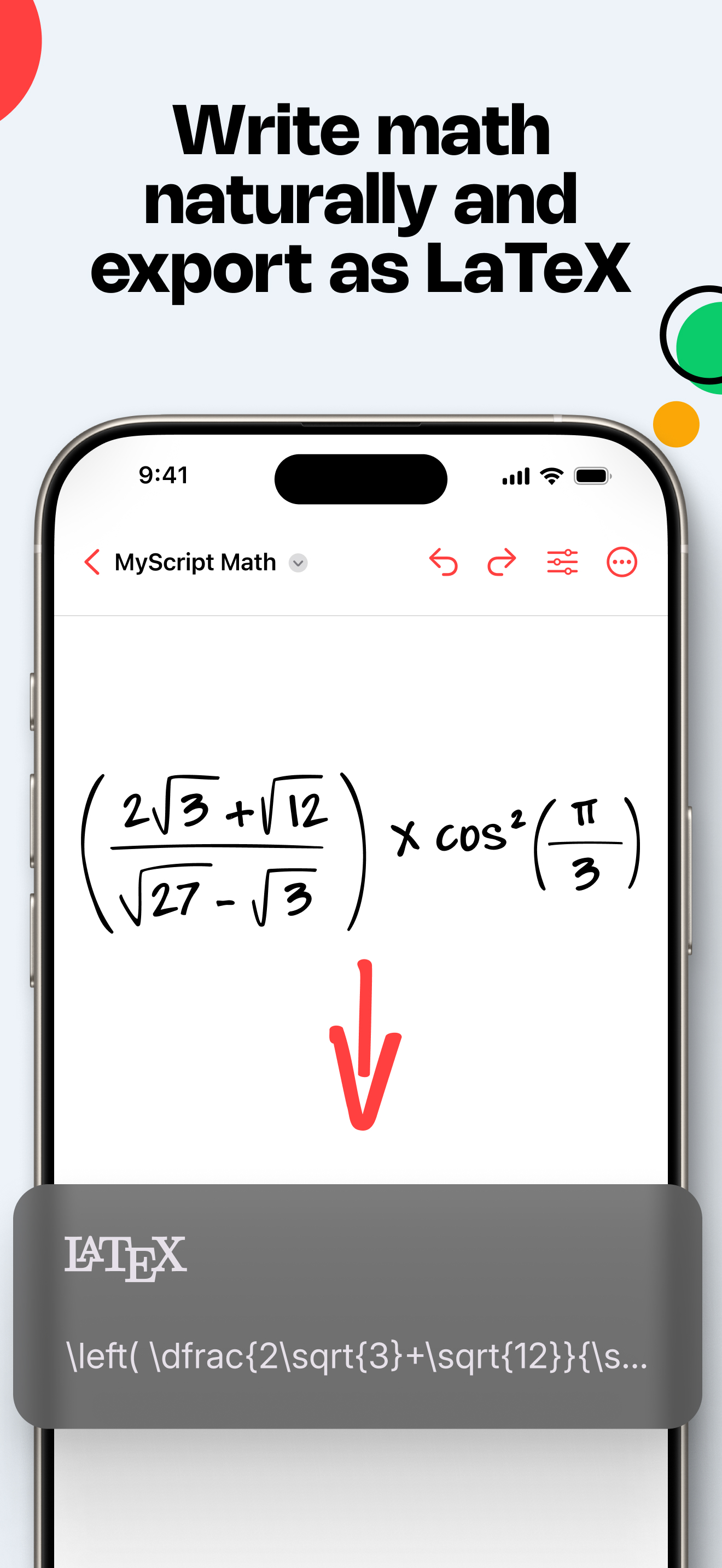
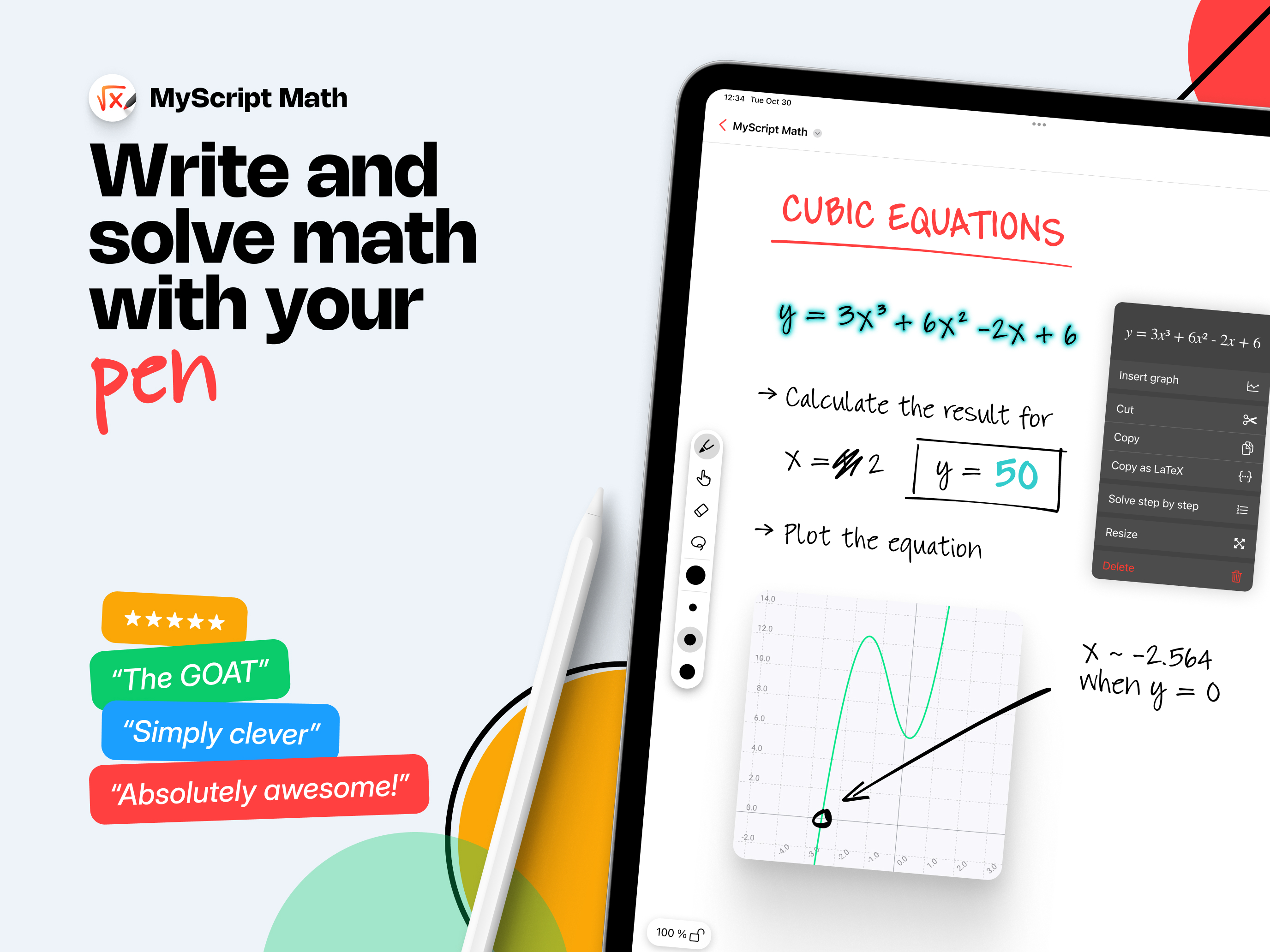
Meet MyScript Math, your handwriting graphing calculator. Write and solve math, plot functions, use variables, edit with a scratch — and get AI-powere...